
tomatophp / filament-withdrawals

Manage your wallet withdrawals in FilamentPHP
Fund package maintenance!
Requires
- php: ^8.2
- filament/filament: ^5.0
- filament/spatie-laravel-media-library-plugin: ^5.0
- spatie/laravel-translatable: ^6.0
- tomatophp/console-helpers: ^1.1
- tomatophp/filament-icons: ^5.0
- tomatophp/filament-translation-component: ^5.0
- tomatophp/filament-wallet: ^5.0
Requires (Dev)
- larastan/larastan: ^3.0
- laravel/pint: ^1.24
- nunomaduro/collision: ^8.6
- orchestra/testbench: ^10.0|^11.0
- pestphp/pest: ^4.0|^5.0
- pestphp/pest-plugin-laravel: ^4.0|^5.0
- pestphp/pest-plugin-livewire: ^4.0|^5.0
- phpstan/extension-installer: ^1.4
Suggests
None
Provides
None
Conflicts
None
Replaces
None
README
Filament Withdrawals

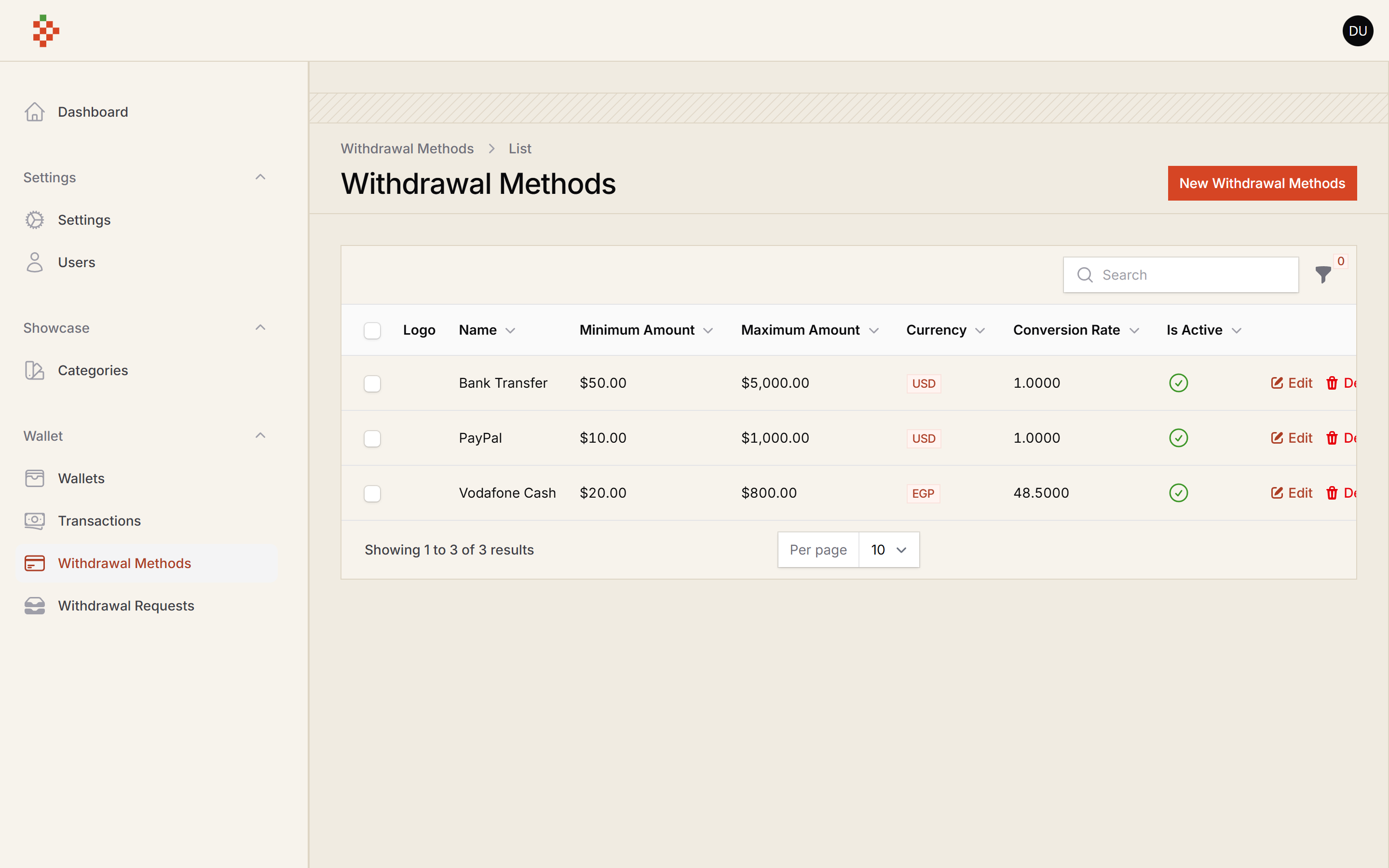
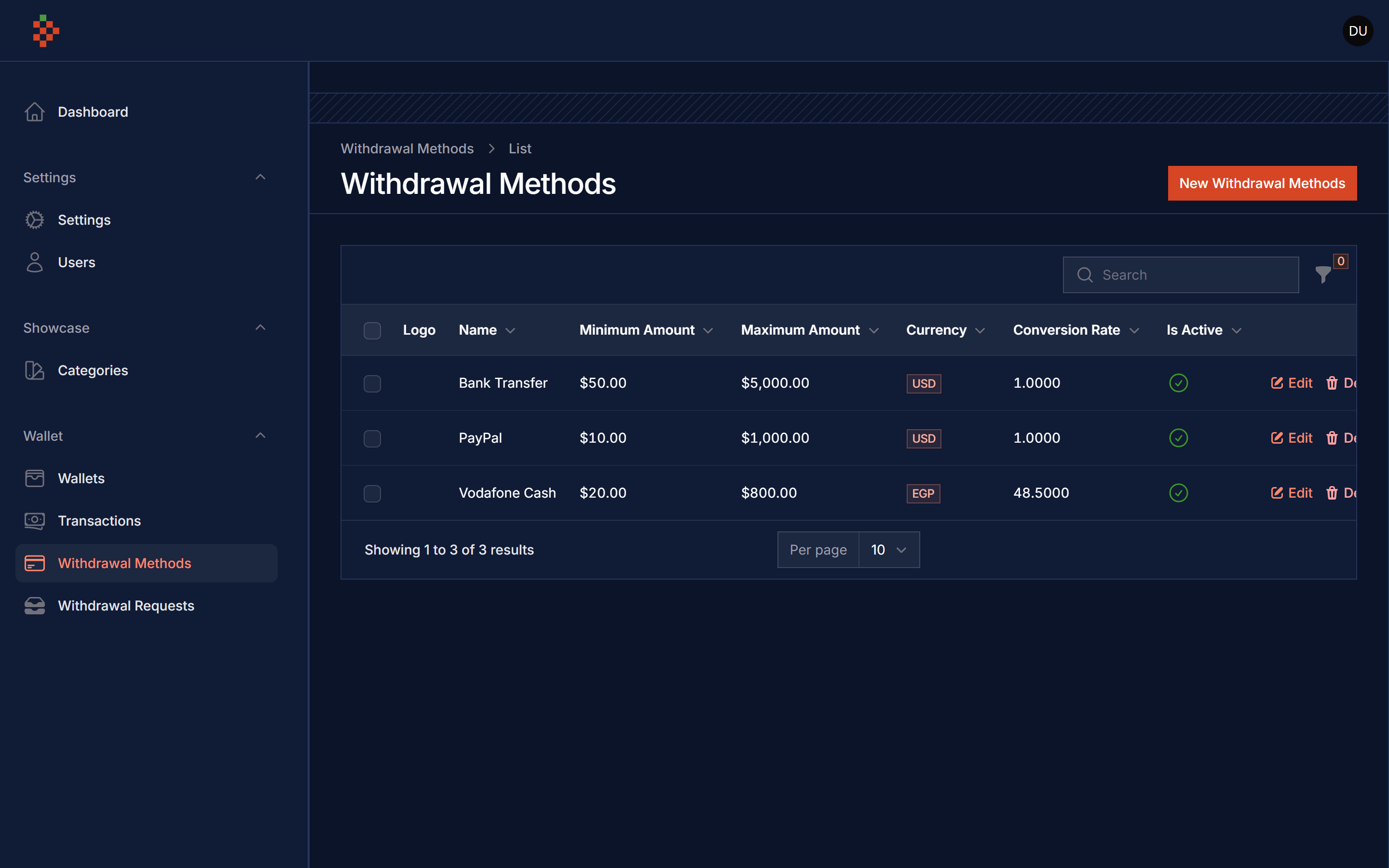
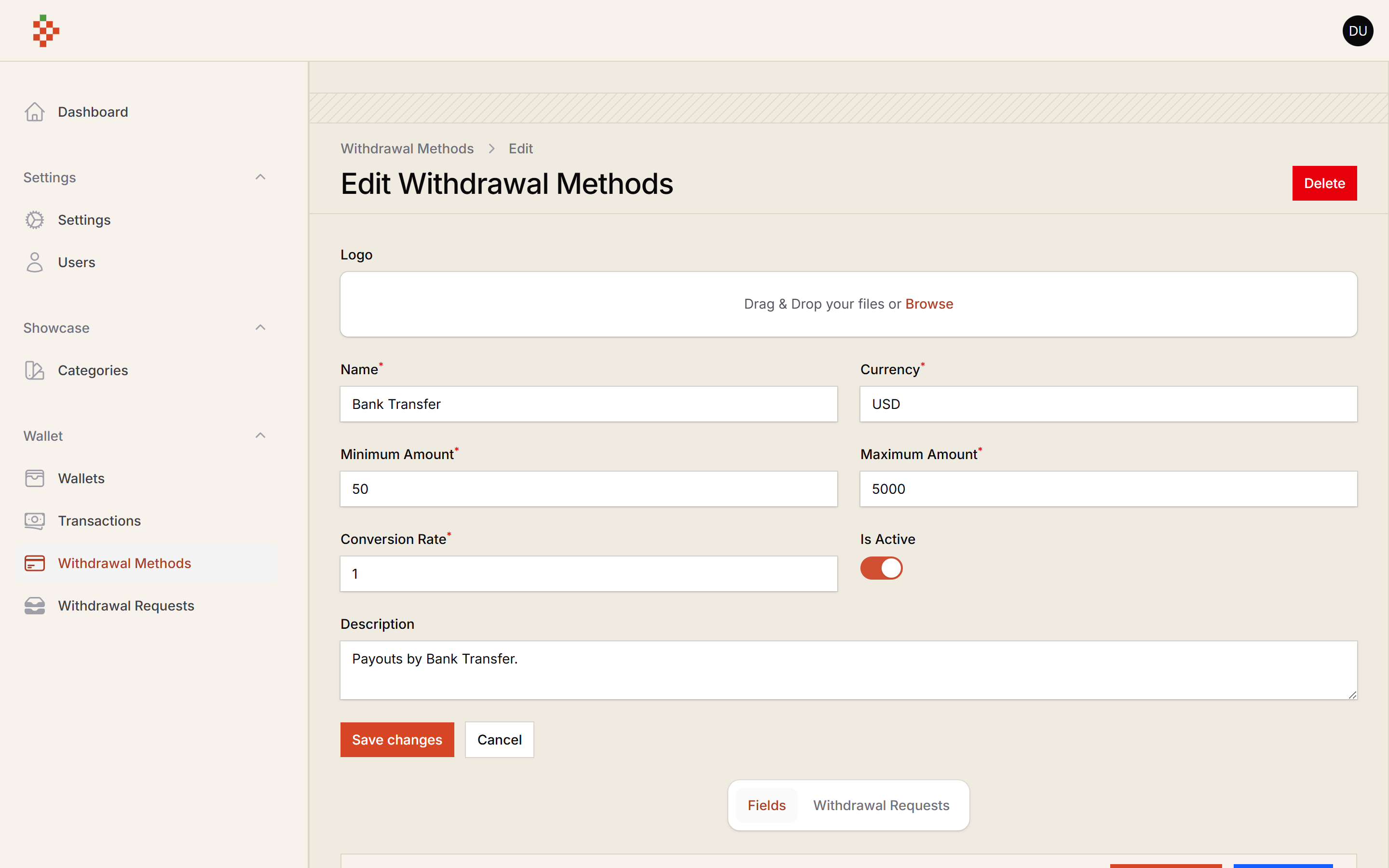
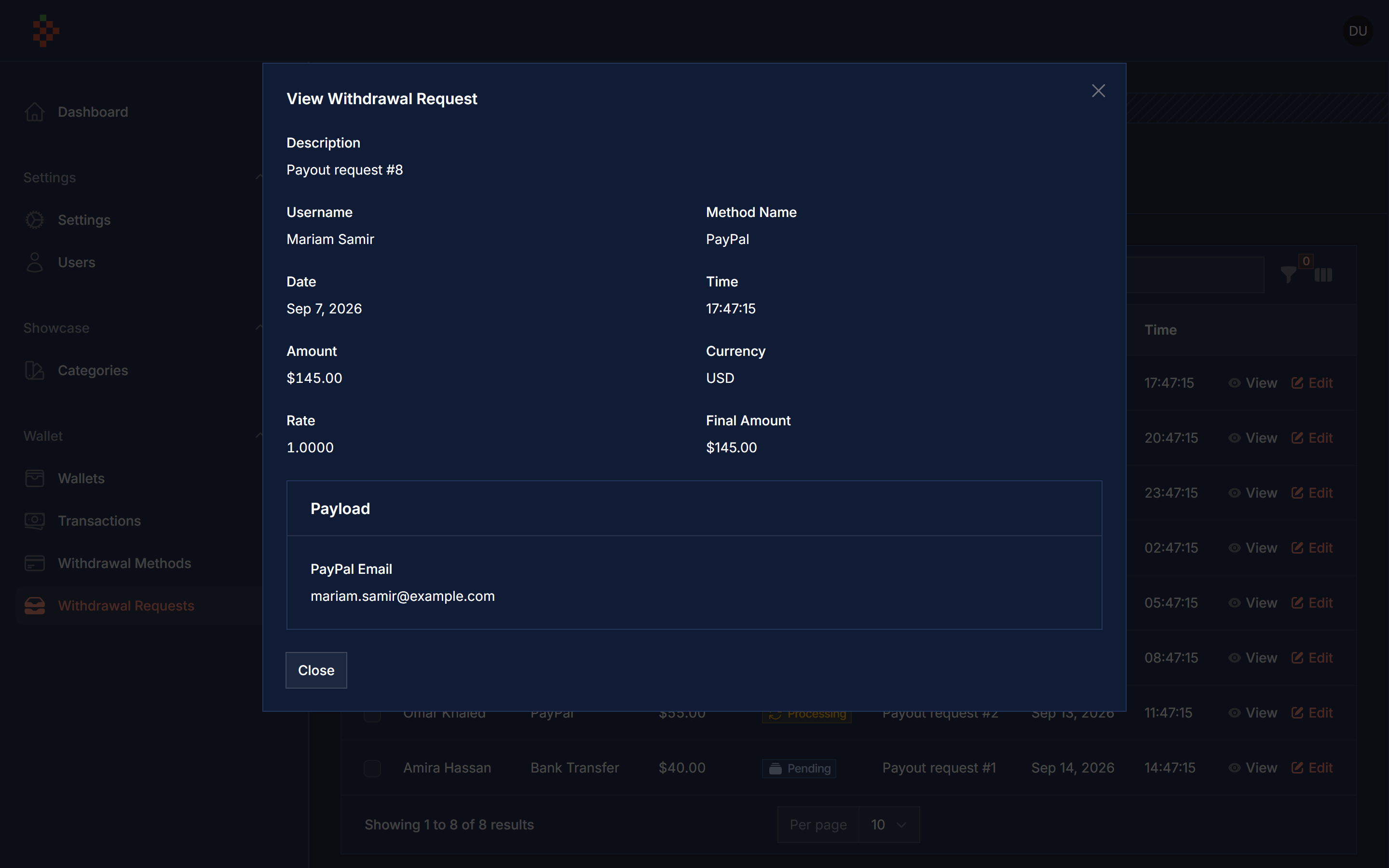
Manage wallet withdrawals in FilamentPHP: withdrawal methods with their own dynamic request forms, and a withdrawal requests inbox to process, complete (withdraw from the wallet) or cancel requests.
Screenshots
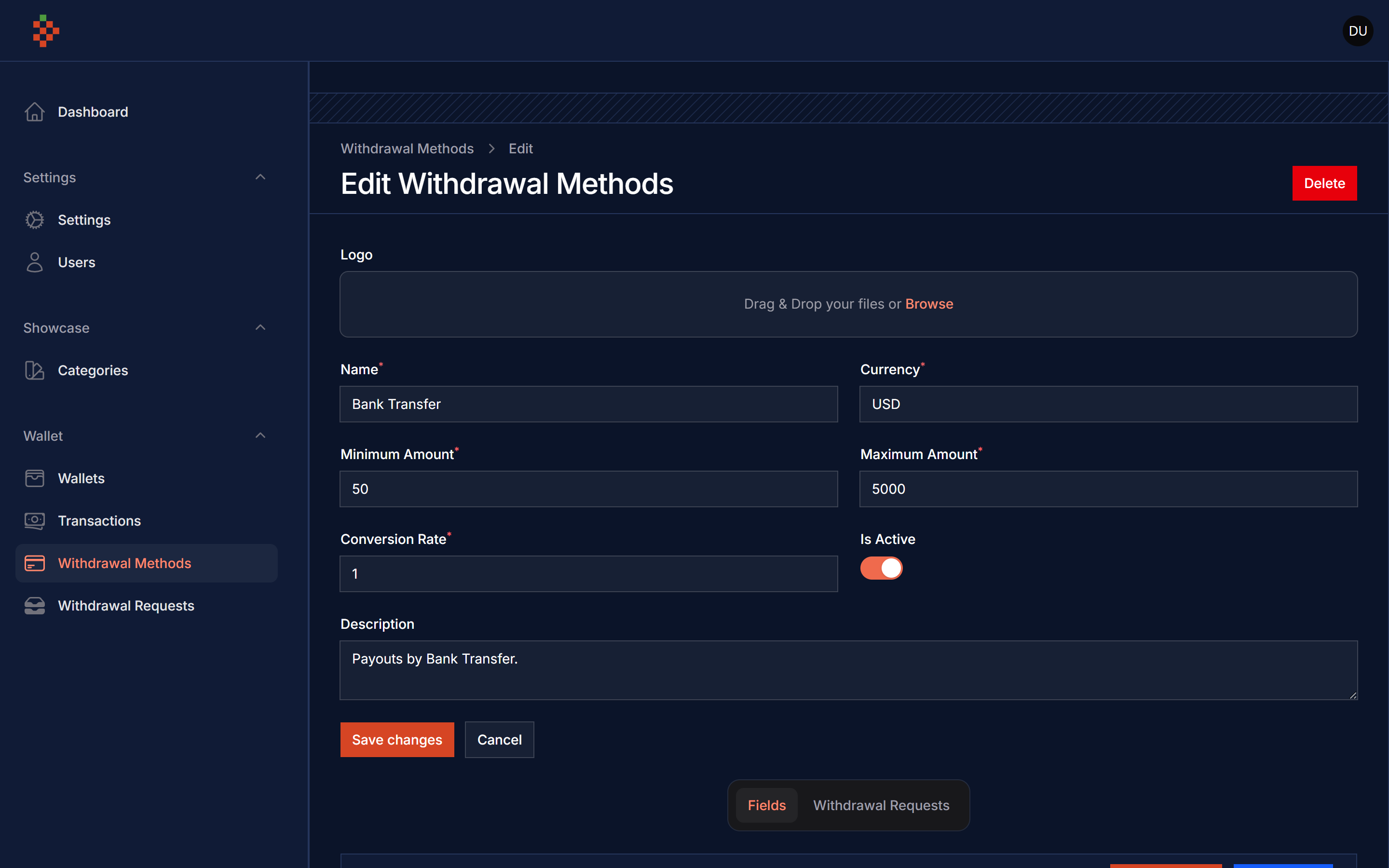
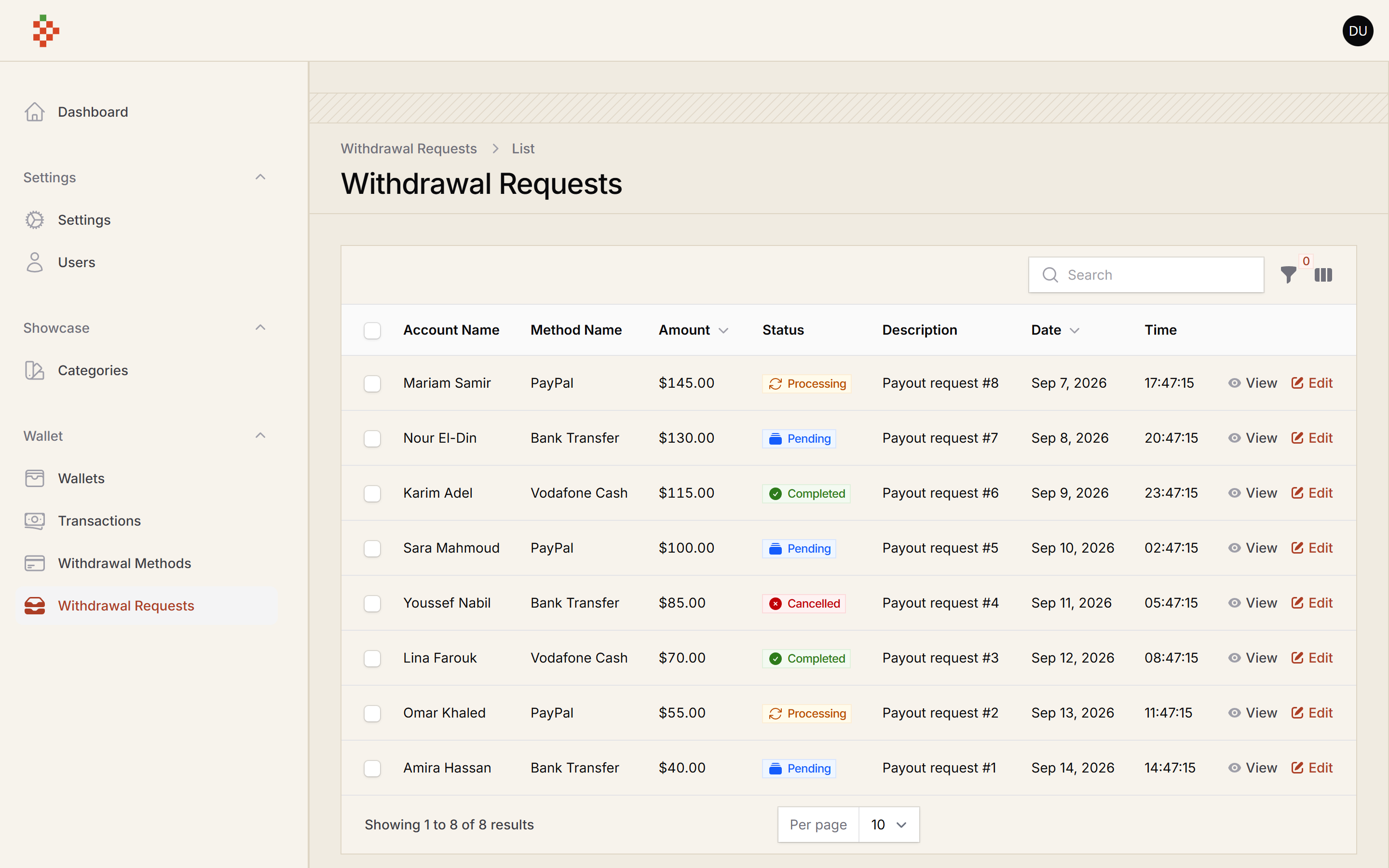
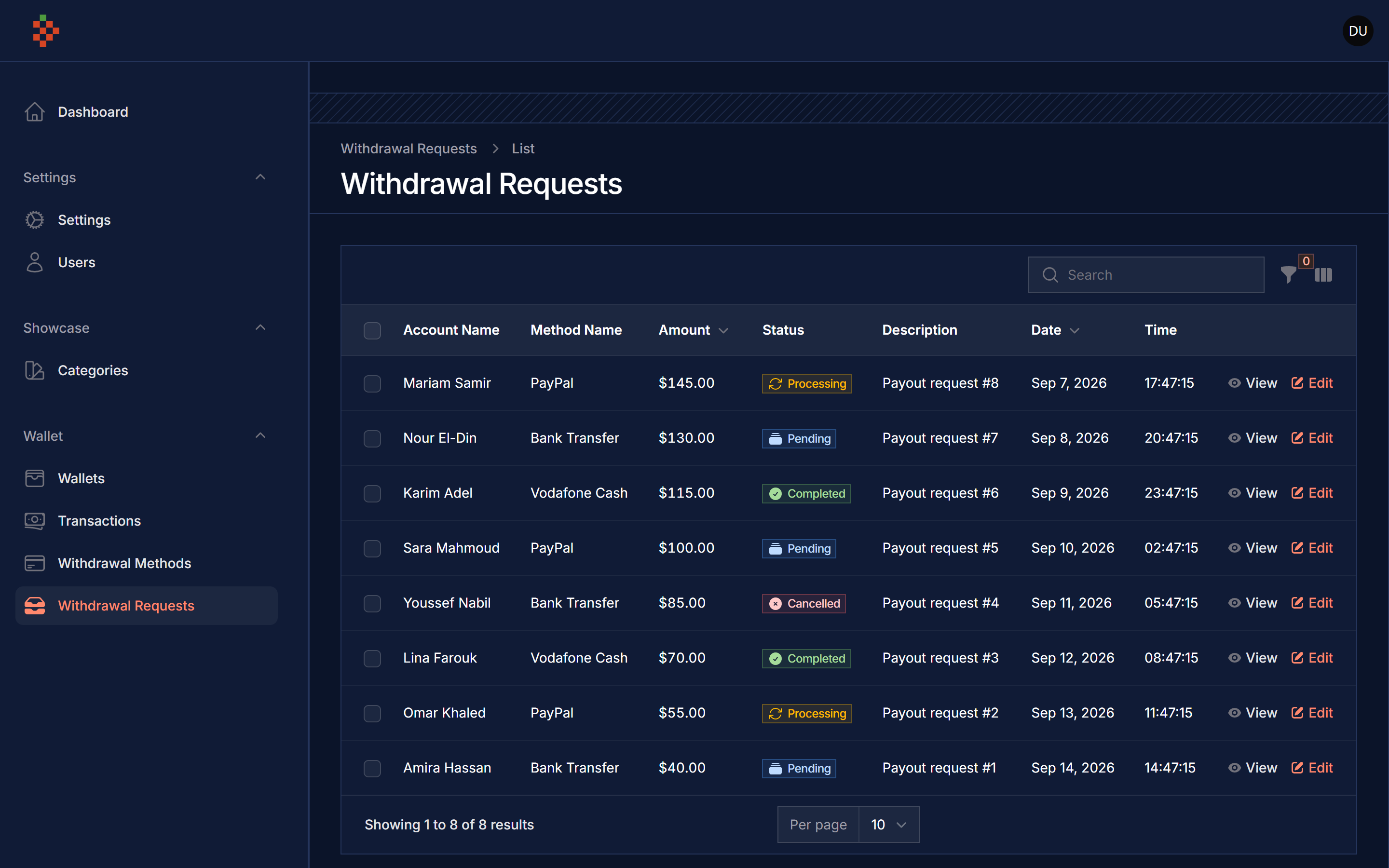
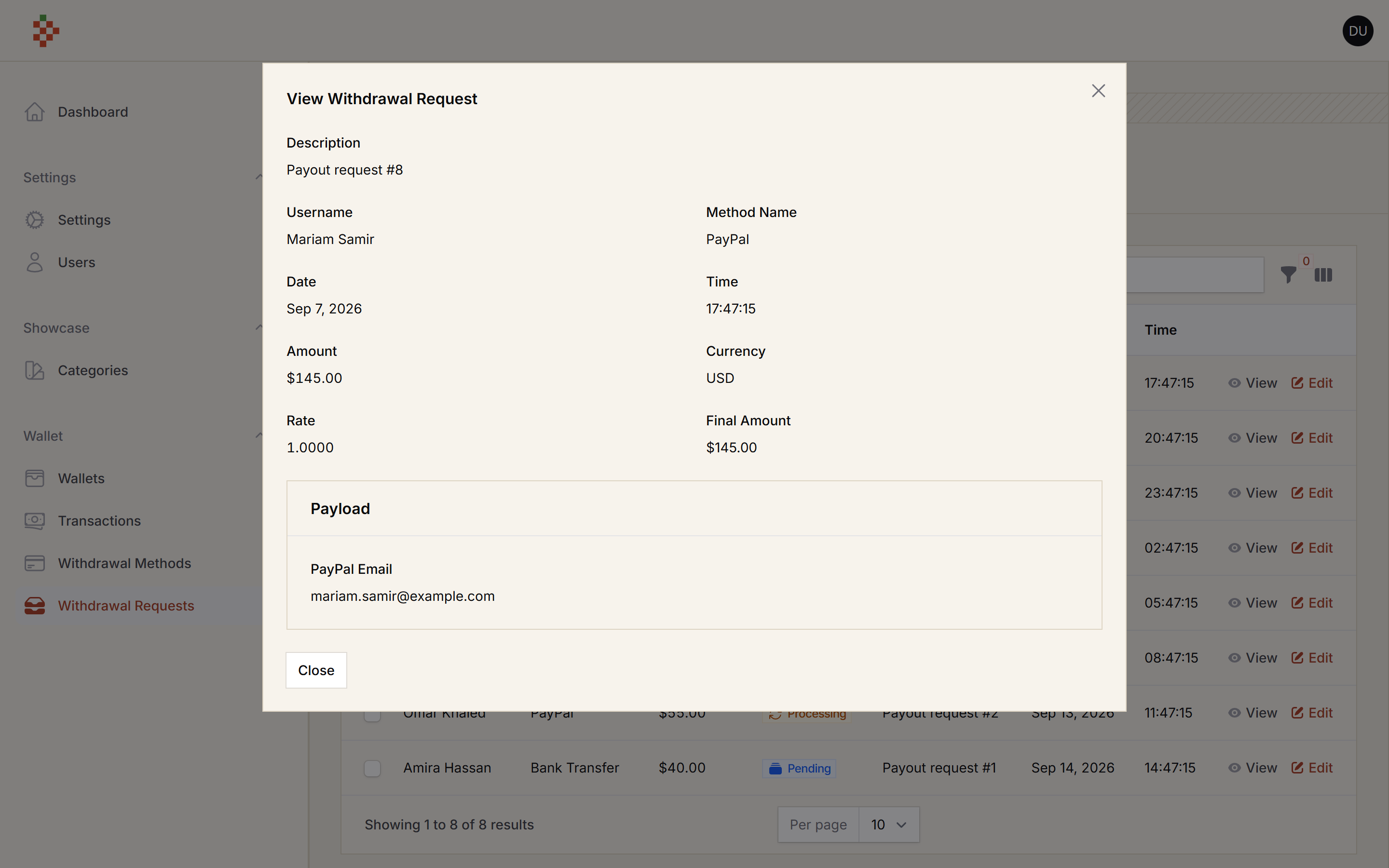
Compatibility
| Package | Filament | Laravel | PHP |
|---|---|---|---|
| 5.x | 5.x | 12.x / 13.x | 8.3+ |
| 4.x | 4.x | 11.x / 12.x | 8.2+ |
Requirements
Withdrawals are paid out of Filament Wallet balances, so the model that requests a withdrawal
(your User, or an Account when you use Filament Accounts) needs a wallet:
use Bavix\Wallet\Interfaces\Wallet;
use Bavix\Wallet\Traits\HasWalletFloat;

class User extends Authenticatable implements Wallet
{
    use HasWalletFloat;
}
Installation
composer require tomatophp/filament-withdrawals
after install your package please run this command (it runs the pending wallet and withdrawals migrations)
php artisan filament-withdrawals:install
if your app does not have the Spatie media library media table yet, publish and run its migration first
php artisan vendor:publish --provider="Spatie\MediaLibrary\MediaLibraryServiceProvider" --tag="medialibrary-migrations"
php artisan migrate
finally register the plugin on /app/Providers/Filament/AdminPanelProvider.php
->plugin(\TomatoPHP\FilamentWithdrawals\FilamentWithdrawalsPlugin::make())
you will usually register the wallet plugin too, to see the balances and transactions
->plugin(\TomatoPHP\FilamentWallet\FilamentWalletPlugin::make())
Config
php artisan vendor:publish --tag="filament-withdrawals-config"
return [
    // Currency used to format amounts on the withdrawal screens.
    'currency' => env('FILAMENT_WITHDRAWALS_CURRENCY', 'USD'),

    // Default owner model for requests created by the model factory.
    'user_model' => \App\Models\User::class,

    // Optional accounts guard (tomatophp/filament-accounts). When a user is signed in on this guard,
    // form-builder requests are created for that account; otherwise the default guard's user is used.
    'accounts' => [
        'guard' => 'accounts',
    ],
];
Relation Fields (allowlist)
A select field of a withdrawal method can load its options from a model ("Is Relation" in the field editor). For security, only the models (or relationship names) and columns listed in config/filament-withdrawals.php can be used:
'relations' => [
    \App\Models\Bank::class => ['name'],
    \App\Models\Country::class => ['name', 'code'],
],
- the allowlist is empty by default, so relation fields render without options until you list them;
- the field editor only offers the allowlisted models and columns, and validates the choice on the server;
- hidden attributes of a model (
password,remember_token, anything in$hidden) are never shown, even when listed; - a model or column that is not listed is never queried.
Upgrading from 5.0.0: if your withdrawal methods use relation fields, add their model and column to
relations, otherwise those fields show no options.
Add Form Field Type
you can add more fields to the form builder by use this method on your provider. Registering a type with an existing name replaces it.
use Filament\Forms\Components\CodeEditor;
use TomatoPHP\FilamentWithdrawals\Services\FilamentWithdrawalFormFields;
use TomatoPHP\FilamentWithdrawals\Services\Contracts\WithdrawalFormFieldType;

FilamentWithdrawalFormFields::register([
    WithdrawalFormFieldType::make('code')
        ->className(CodeEditor::class)
        ->color('warning')
        ->icon('heroicon-s-code-bracket-square')
        ->label('Code Editor'),
]);
Use Your Form Builder
after create your withdrawal method you can use its form by id like this
use TomatoPHP\FilamentWithdrawals\Services\FilamentWithdrawalFormBuilder;

FilamentWithdrawalFormBuilder::make(1)->build(); // Filament form components, always ending with the `amount` field
Submit a Withdrawal Request
use TomatoPHP\FilamentWithdrawals\Services\FilamentWithdrawalFormBuilder;

FilamentWithdrawalFormBuilder::make(1)->send($data); // returns the WithdrawalRequest, or null with a notification
the request is created for the signed-in user after checking the method limits, the wallet balance and that no other request is pending.
Publish Assets
you can publish languages file by use this command
php artisan vendor:publish --tag="filament-withdrawals-lang"
you can publish migrations file by use this command
php artisan vendor:publish --tag="filament-withdrawals-migrations"
Testing
composer test
Other Filament Packages
Checkout our Awesome TomatoPHP