
tomatophp / filament-tenancy

Tenancy multi-database integration for FilamentPHP
Fund package maintenance!
Requires
- php: ^8.2
- filament/filament: ^5.0
- stancl/tenancy: ^3.9
- tomatophp/console-helpers: ^1.1
Requires (Dev)
- larastan/larastan: ^3.0
- laravel/pint: ^1.24
- laravel/socialite: ^5.20
- orchestra/testbench: ^10.0|^11.0
- pestphp/pest: ^4.0|^5.0
- pestphp/pest-plugin-laravel: ^4.0|^5.0
- pestphp/pest-plugin-livewire: ^4.0|^5.0
Suggests
- laravel/socialite: Needed for the optional social sign up routes in routes/web.php
Provides
None
Conflicts
None
Replaces
None
This package is auto-updated.
Last update: 2026-10-15 17:00:53 UTC
README
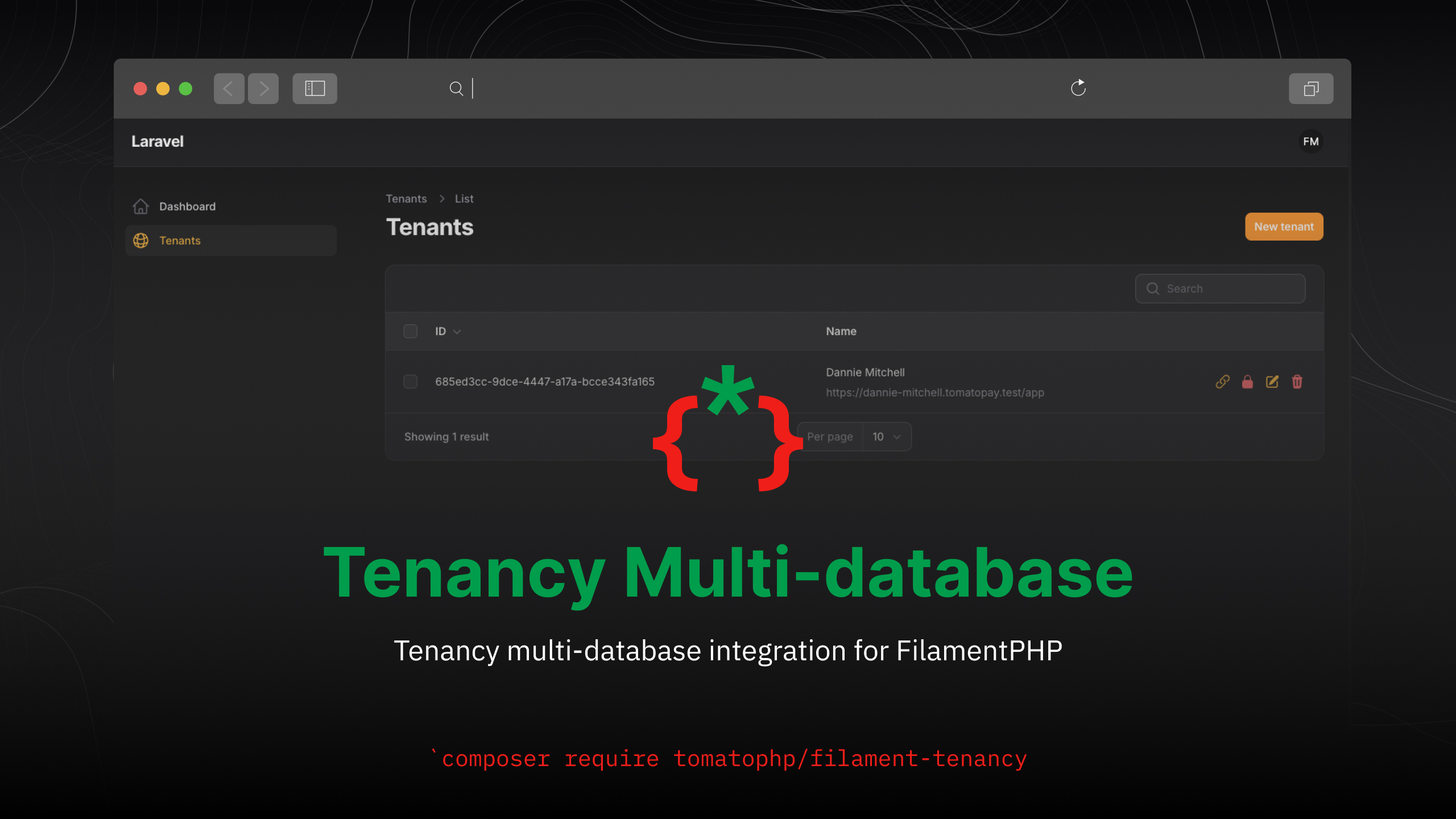
Filament Tenancy
Tenancy multi-database integration for FilamentPHP
Warning
We have a known problem with route:cache if you find a problem with multi-database connection from your tenant side you may face this problem just use php artisan route:clear and it will be fixed.
⭐ If this package saves you time, star it and browse 60+ more Filament plugins at tomatophp.com/en/plugins.
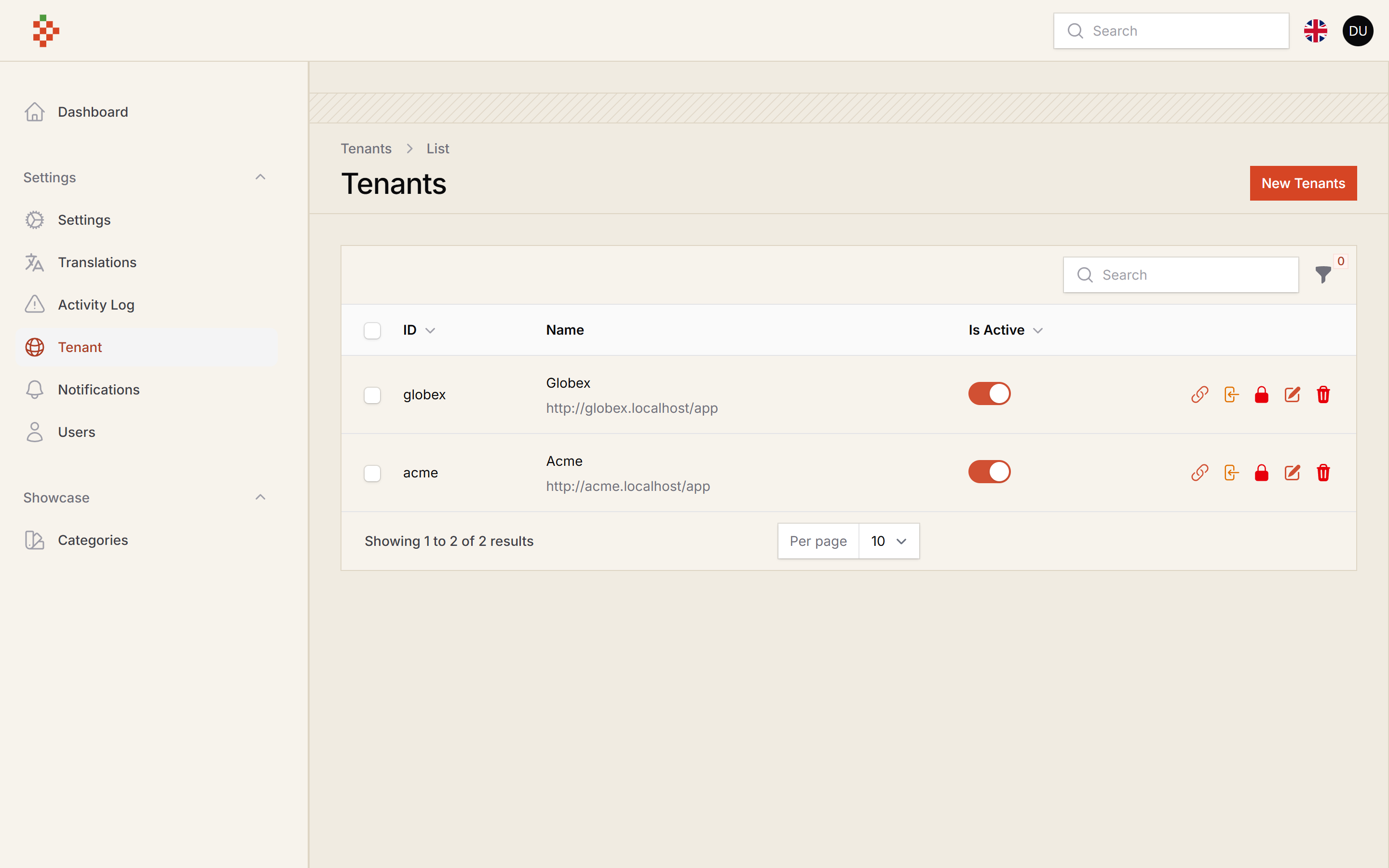
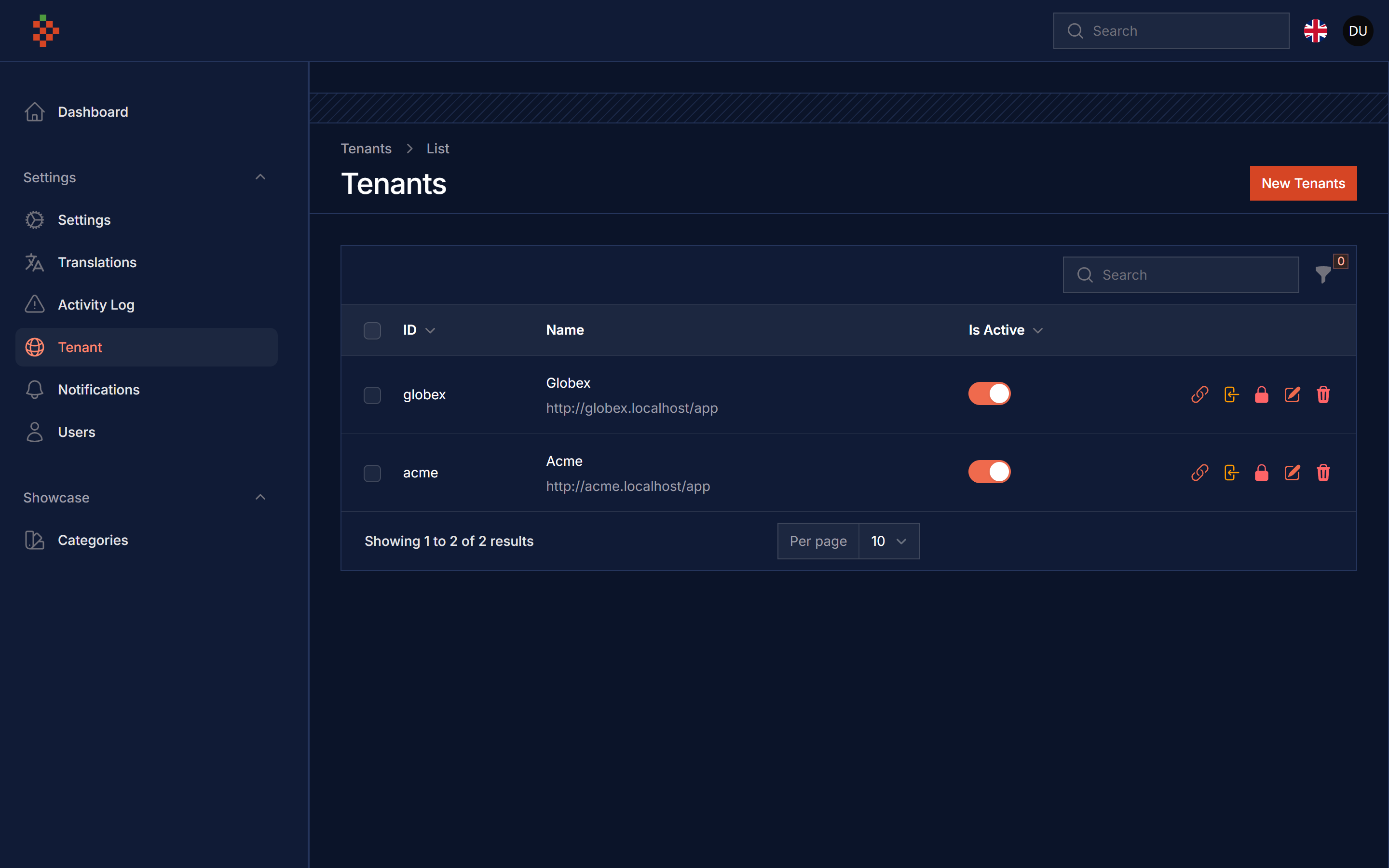
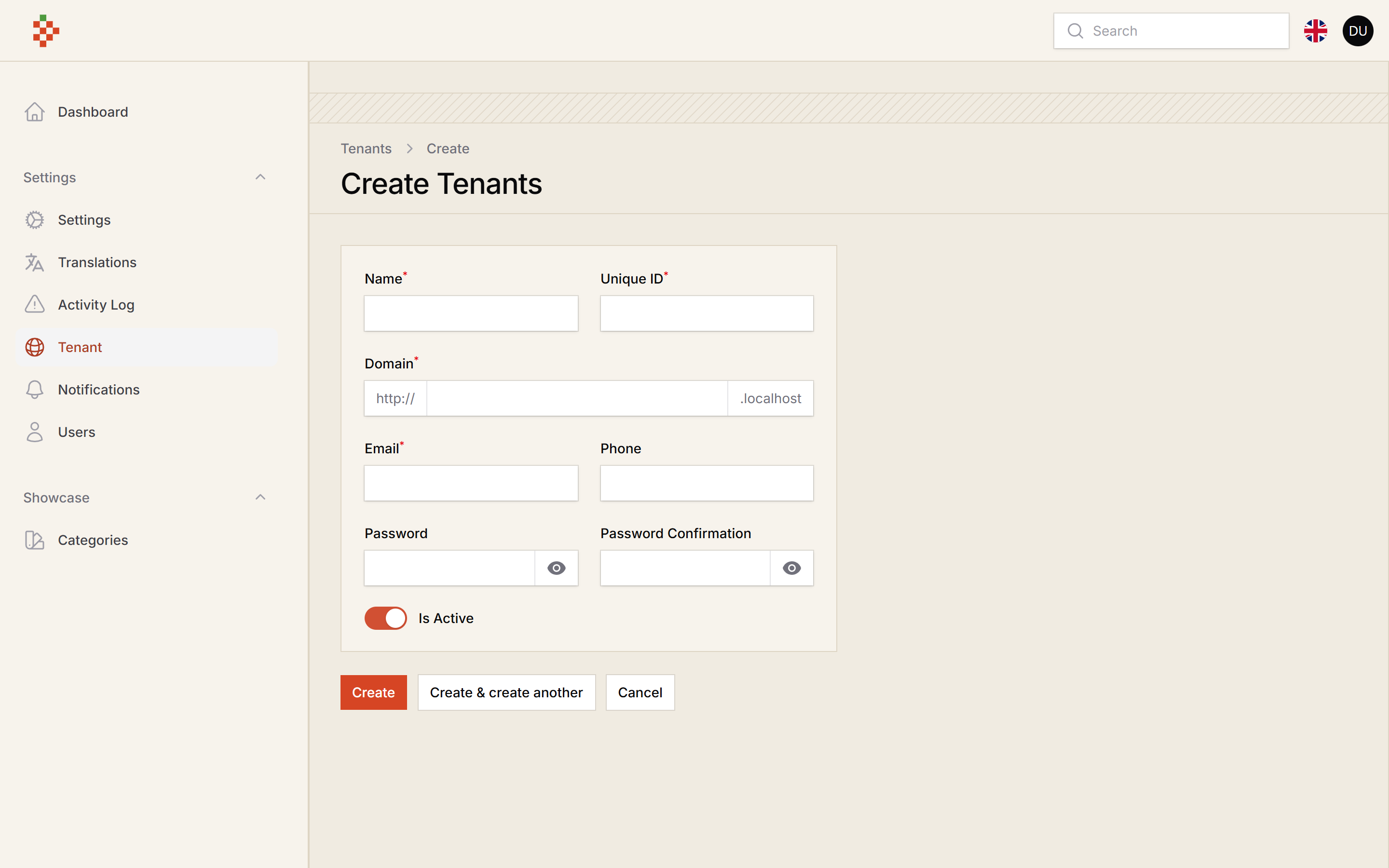
Screenshots
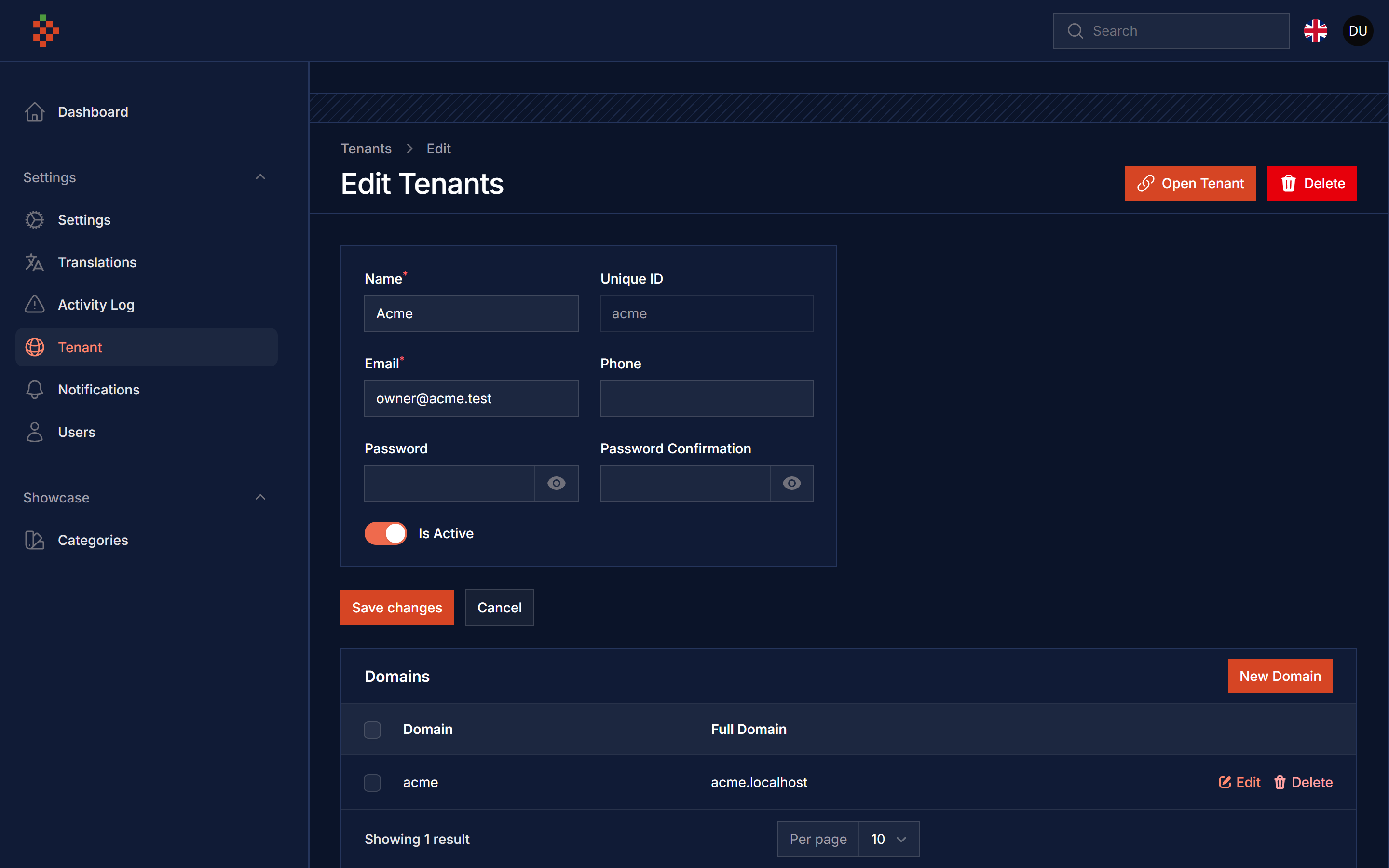
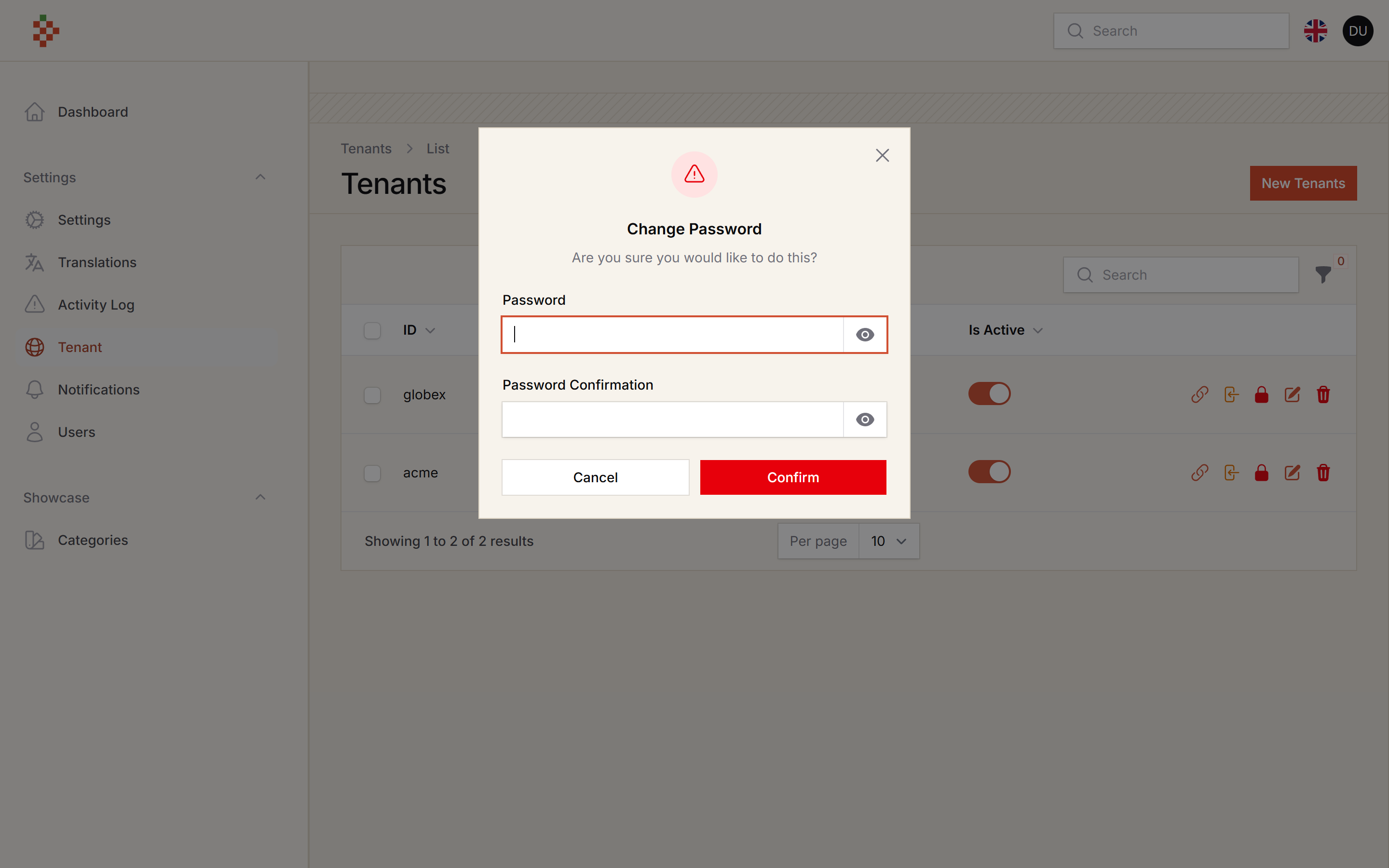
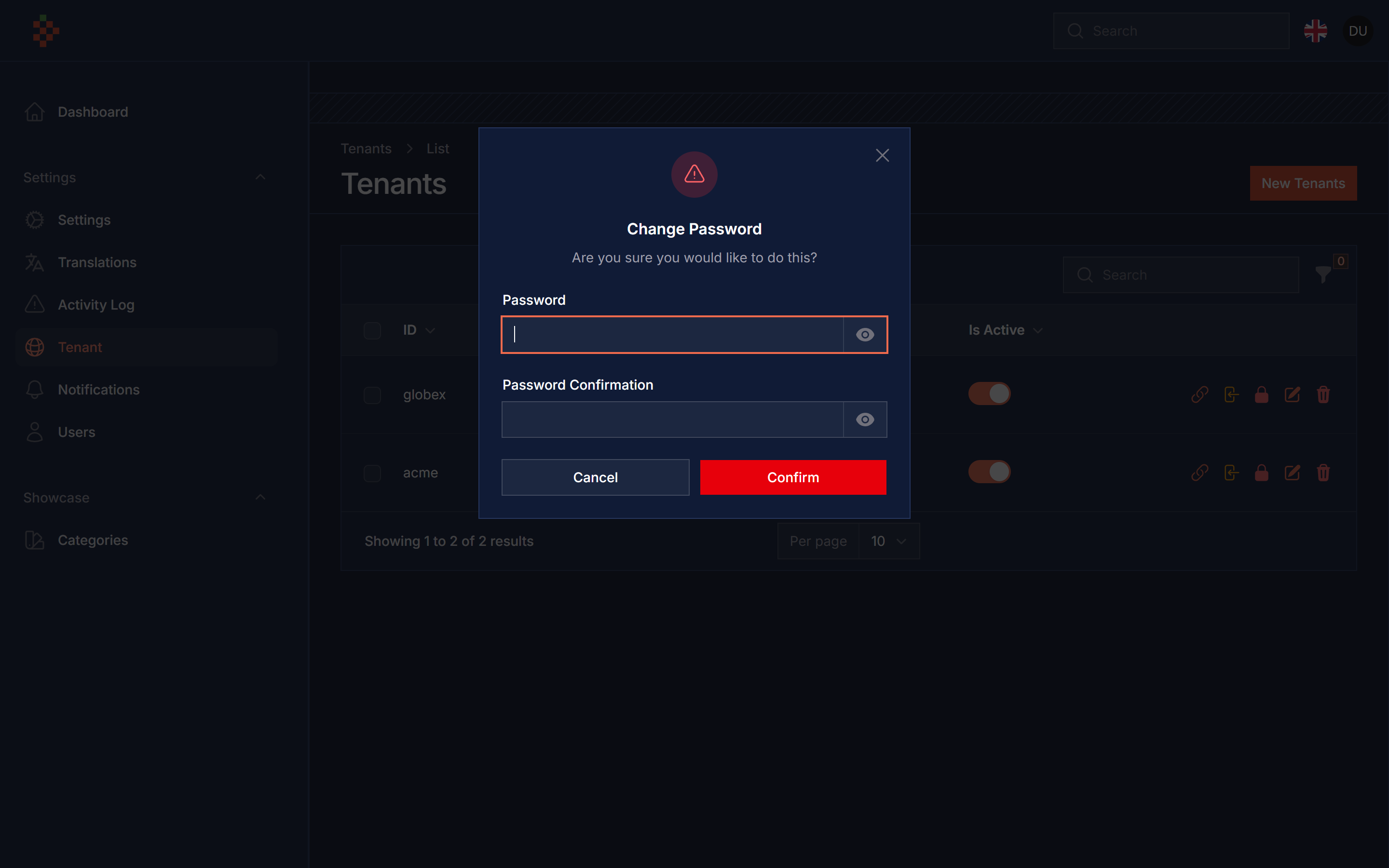
Features
- Multi Database
- Create Tenant Resource
- Sync Tenant Resource
- Password Change
- Tenant Impersonate
- Share Tenant Data
- Custom Theme For Tenant
- Livewire Component For Register New Tenant
Version Compatibility
| Plugin | Filament | Laravel | PHP |
|---|---|---|---|
1.x (v3 branch) |
3.x | 10.x | 11.x | 8.1+ |
| 5.x | 5.x | 12.x | 13.x | 8.2+ |
Installation
composer require tomatophp/filament-tenancy
after install your package please run this command
php artisan filament-tenancy:install
in your .env add this
CENTRAL_DOMAIN=tomatophp.test
where tomatophp.test is your central domain, and make sure you add a root user or a user have a permission to create database, then in your main central panel add this plugin
use TomatoPHP\FilamentTenancy\FilamentTenancyPlugin;

->plugin(FilamentTenancyPlugin::make()->panel('app'))
now you need to create a panel for tenancy app
php artisan filament:panel
and make the name same as ->panel('app'), in your tenancy app panel add this plugin
use TomatoPHP\FilamentTenancy\FilamentTenancyAppPlugin;

->plugin(FilamentTenancyAppPlugin::make())
tenant databases are resolved by stancl/tenancy from config/tenancy.php (published by the install command), so you do not need an extra database connection. In multi-database mode the database user must be allowed to create databases.
Note
Upgrading from 1.x: the dynamic connection in config/database.php is no longer used, you can remove it.
new tenant databases are created and migrated with the migrations in database/migrations/tenant. To seed them, set a tenant seeder in config/tenancy.php (your application DatabaseSeeder is not run inside tenants)
'seeder_parameters' => [
    '--class' => \Database\Seeders\TenantSeeder::class,
    '--force' => true,
],
on your bootstrap\app.php add this middleware
use Stancl\Tenancy\Middleware\InitializeTenancyByDomain;
use Stancl\Tenancy\Middleware\InitializeTenancyBySubdomain;

->withMiddleware(function (Middleware $middleware) {
    $middleware->group('universal', [
        InitializeTenancyByDomain::class,
        InitializeTenancyBySubdomain::class,
    ]);
})
Allow Impersonate
you can allow impersonate to tanent panel with 1 click by use this method on your plugin
use TomatoPHP\FilamentTenancy\FilamentTenancyPlugin;

->plugin(
    FilamentTenancyPlugin::make()
        ->panel('app')
        ->allowImpersonate()
)
Publish Assets
you can publish config file by use this command
php artisan vendor:publish --tag="filament-tenancy-config"
you can publish views file by use this command
php artisan vendor:publish --tag="filament-tenancy-views"
you can publish languages file by use this command
php artisan vendor:publish --tag="filament-tenancy-lang"
you can publish migrations file by use this command
php artisan vendor:publish --tag="filament-tenancy-migrations"
Other Filament Packages
Checkout our Awesome TomatoPHP
More open source from the same author
- TomatoPHP: 60+ open-source FilamentPHP plugins for Laravel
- Laravilt: Laravel admin panels rendered with Inertia on Vue 3 or React 19
- ToGO: the Laravel-style workflow for Go + React apps, with a plugin marketplace
- Zekra: long-term memory for AI agents over MCP
Built by Fady Mondy.