
tomatophp / filament-settings-hub

Manage your Filament app settings with GUI and helpers
Package info
github.com/tomatophp/filament-settings-hub
pkg:composer/tomatophp/filament-settings-hub
Fund package maintenance!
Requires
- php: ^8.2
- filament/filament: ^5.0
- filament/spatie-laravel-settings-plugin: ^5.0
- spatie/laravel-sitemap: ^7.3
- tomatophp/console-helpers: ^1.1
Requires (Dev)
- larastan/larastan: ^3.0
- laravel/pint: ^1.24
- nunomaduro/collision: ^8.6
- orchestra/testbench: ^10.0|^11.0
- pestphp/pest: ^4.0|^5.0
- pestphp/pest-plugin-arch: ^4.0|^5.0
- pestphp/pest-plugin-laravel: ^4.0|^5.0
- pestphp/pest-plugin-livewire: ^4.0|^5.0
- pestphp/pest-plugin-type-coverage: ^4.0|^5.0
- phpstan/extension-installer: ^1.4
- phpstan/phpstan-deprecation-rules: ^2.0
- phpstan/phpstan-phpunit: ^2.0
Suggests
None
Provides
None
Conflicts
None
Replaces
None
README
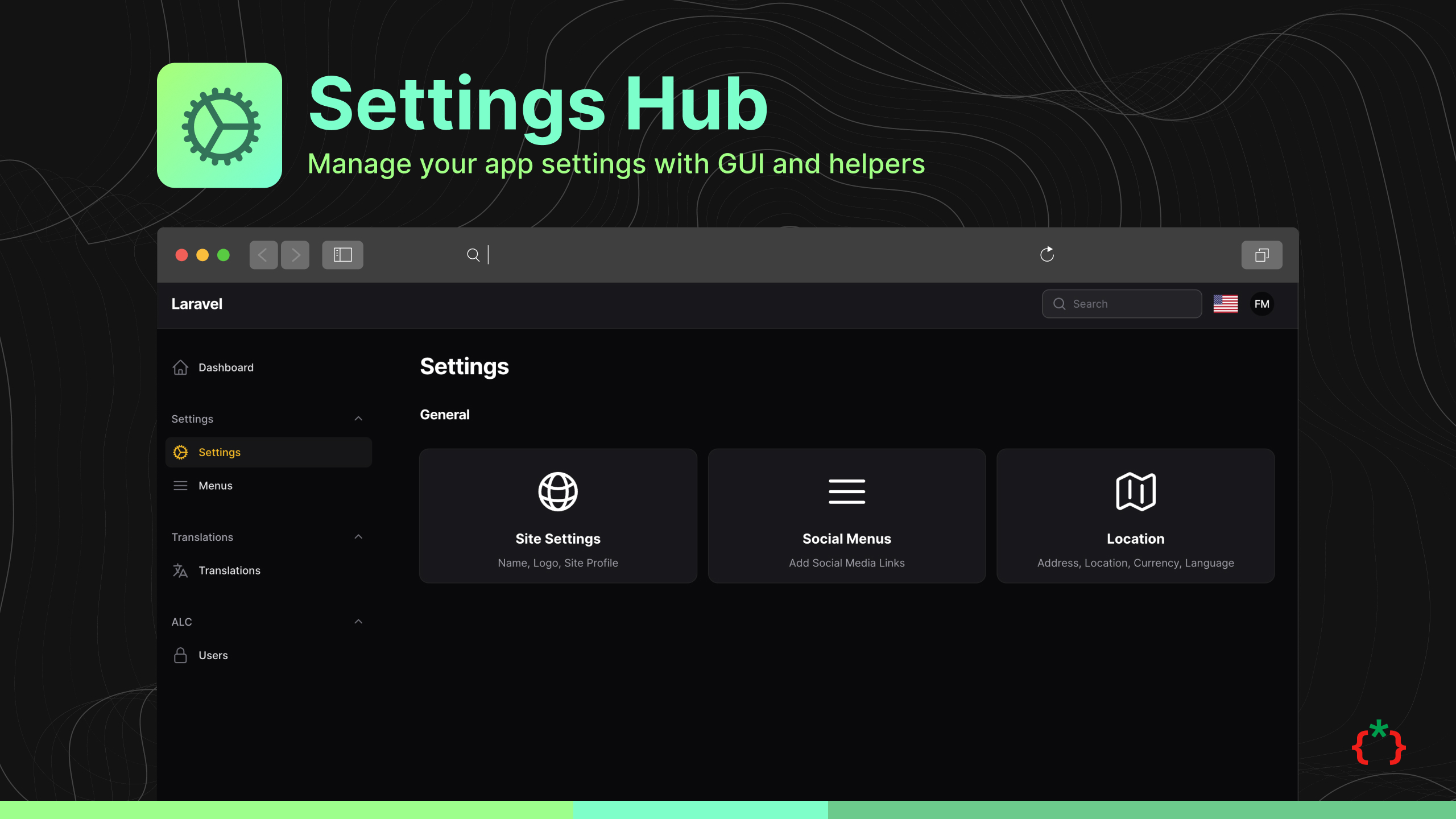
Filament Settings Hub


Manage your Filament app settings with GUI and helpers
⭐ If this package saves you time, star it and browse 60+ more Filament plugins at tomatophp.com/en/plugins.
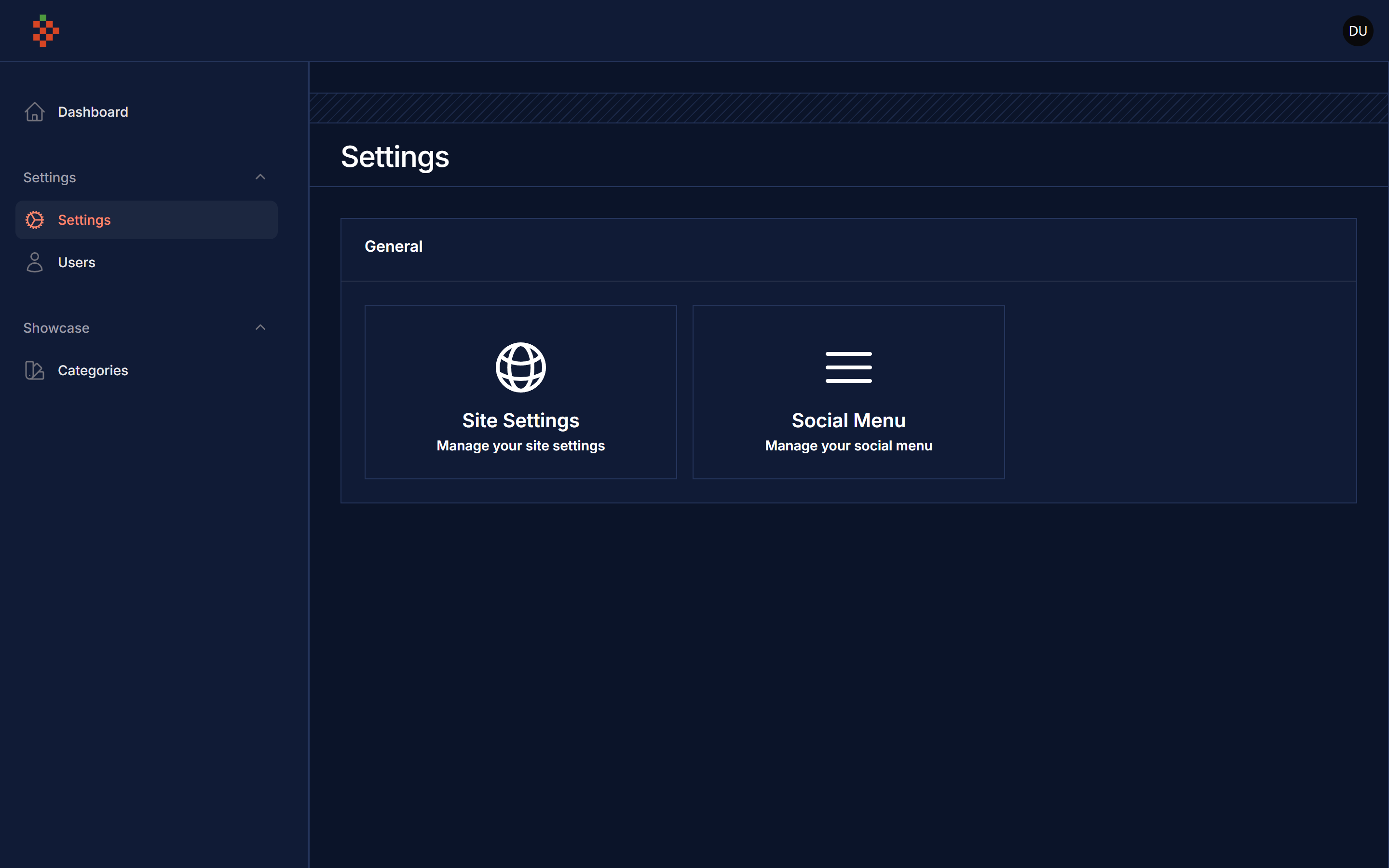
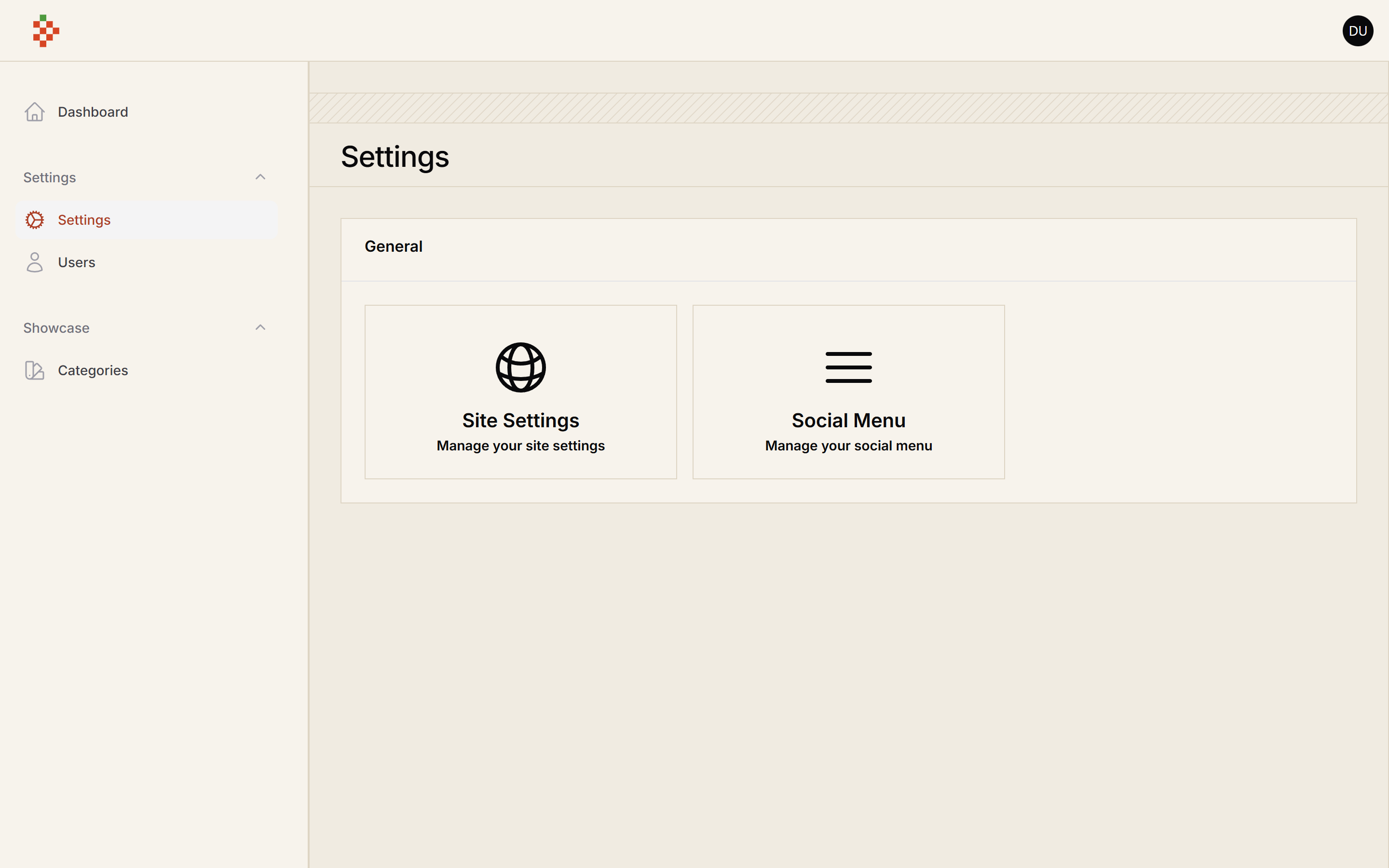
Screenshots
Try it live on demo.tomatophp.com.


Version Compatibility
| Package | Filament | Laravel | PHP |
|---|---|---|---|
| 5.x | 5.x | 12.x / 13.x | 8.2+ |
| 4.x | 4.x | 11.x / 12.x | 8.2+ |
| 2.x | 3.x | 10.x / 11.x | 8.1+ |
Installation
composer require tomatophp/filament-settings-hub
after publish and migrate settings table please run this command
php artisan filament-settings-hub:install
finally register the plugin on /app/Providers/Filament/AdminPanelProvider.php
->plugin(
    \TomatoPHP\FilamentSettingsHub\FilamentSettingsHubPlugin::make()
        ->allowSiteSettings()
        ->allowSocialMenuSettings()
        ->allowColorSettings() // optional, see below
)
Color settings
allowColorSettings() adds a page to store your site's primary, secondary and tertiary colors. It is off by default
because it uses its own site_colors settings group: php artisan filament-settings-hub:install publishes that settings
migration (running the command again never duplicates migrations), then run php artisan migrate.
Read the values anywhere with setting('site_primary_color'), setting('site_secondary_color') and setting('site_tertiary_color').
Usage
you can use this package by use this helper function
setting($key, 'default value');
to register new setting to the hub page you can use Facade class on your provider like this
use TomatoPHP\FilamentSettingsHub\Facades\FilamentSettingsHub;
use TomatoPHP\FilamentSettingsHub\Services\Contracts\SettingHold;

FilamentSettingsHub::register([
    SettingHold::make()
        ->order(2)
        ->label('Site Settings') // to translate label just use direct translation path like `messages.text.name`
        ->icon('heroicon-o-globe-alt')
        ->route('filament.admin.pages.site-settings') // use page / route
        ->page(\TomatoPHP\FilamentSettingsHub\Pages\SiteSettings::class) // use page / route
        ->description('Name, Logo, Site Profile') // to translate label just use direct translation path like `messages.text.name`
        ->group('General') // to translate label just use direct translation path like `messages.text.name`,
]);
and now you can see your settings on the setting hub page.
Allow Shield
to allow filament-shield for the settings please install it and config it first then you can use this method
->plugin(
    \TomatoPHP\FilamentSettingsHub\FilamentSettingsHubPlugin::make()
        ->allowShield()
)
to make a secure setting page just use this trait
use TomatoPHP\FilamentSettingsHub\Traits\UseShield;
Change Upload File System for Logo / Profile
on your config filament-settings-hub.php you can change the file system for the logo / profile
'upload' => [
    'disk' => 's3',
    'path' => 'settings',
],
Publish Assets
you can publish config file by use this command
php artisan vendor:publish --tag="filament-settings-hub-config"
you can publish views file by use this command
php artisan vendor:publish --tag="filament-settings-hub-views"
you can publish languages file by use this command
php artisan vendor:publish --tag="filament-settings-hub-lang"
you can publish migrations file by use this command
php artisan vendor:publish --tag="filament-settings-hub-migrations"
Testing
if you like to run PEST testing just use this command
composer test
Code Style
if you like to fix the code style just use this command
composer format
PHPStan
if you like to check the code by PHPStan just use this command
composer analyse
Other Filament Packages
Checkout our Awesome TomatoPHP
More open source from the same author
- TomatoPHP: 60+ open-source FilamentPHP plugins for Laravel
- Laravilt: Laravel admin panels rendered with Inertia on Vue 3 or React 19
- ToGO: the Laravel-style workflow for Go + React apps, with a plugin marketplace
- Zekra: long-term memory for AI agents over MCP
Built by Fady Mondy.