
tomatophp / filament-saas-panel

Ready to use SaaS panel with integration of Filament Accounts Builder and JetStream teams
Fund package maintenance!
Requires
- php: ^8.2
- filament/filament: ^5.0
- filament/spatie-laravel-media-library-plugin: ^5.0
- laravel/jetstream: ^5.0
- laravel/sanctum: ^4.0
- tomatophp/console-helpers: ^1.1
Requires (Dev)
- larastan/larastan: ^3.0
- laravel/pint: ^1.24
- nunomaduro/collision: ^8.6
- orchestra/testbench: ^10.0|^11.0
- pestphp/pest: ^4.0|^5.0
- pestphp/pest-plugin-arch: ^4.0|^5.0
- pestphp/pest-plugin-laravel: ^4.0|^5.0
- pestphp/pest-plugin-livewire: ^4.0|^5.0
- pestphp/pest-plugin-type-coverage: ^4.0|^5.0
- phpstan/extension-installer: ^1.4
- phpstan/phpstan-deprecation-rules: ^2.0
- phpstan/phpstan-phpunit: ^2.0
Suggests
None
Provides
None
Conflicts
None
Replaces
None
This package is auto-updated.
Last update: 2026-10-15 17:10:04 UTC
README
Filament SaaS Panel


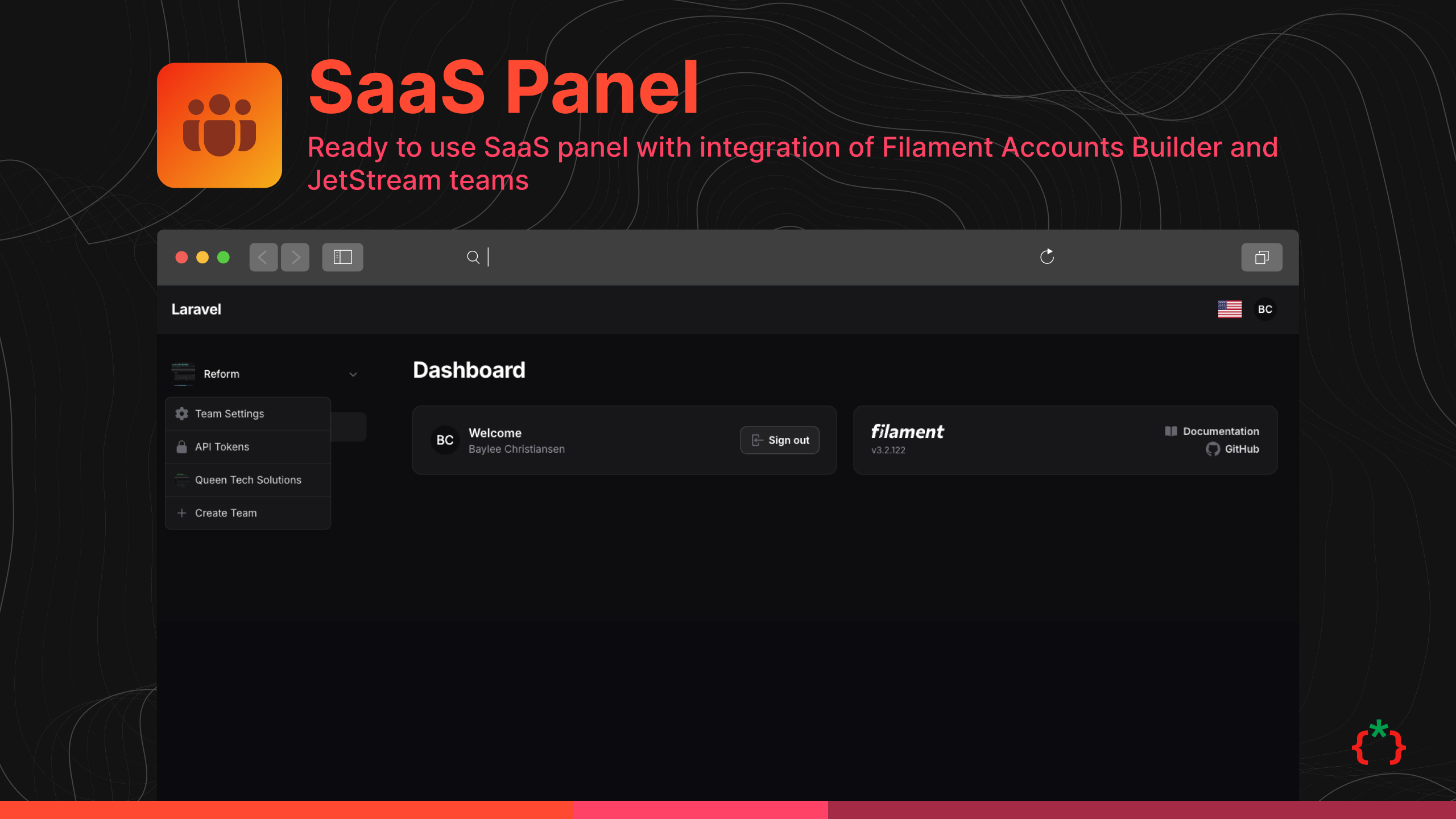
Ready to use SaaS panel for your customers with Jetstream teams: registration with OTP, team management and invitations, profile, browser sessions and API tokens. Works with your own User model (Filament Accounts is optional).
Features
- Login Page
- Register with OTP
- Login Check if Account Active or Blocked
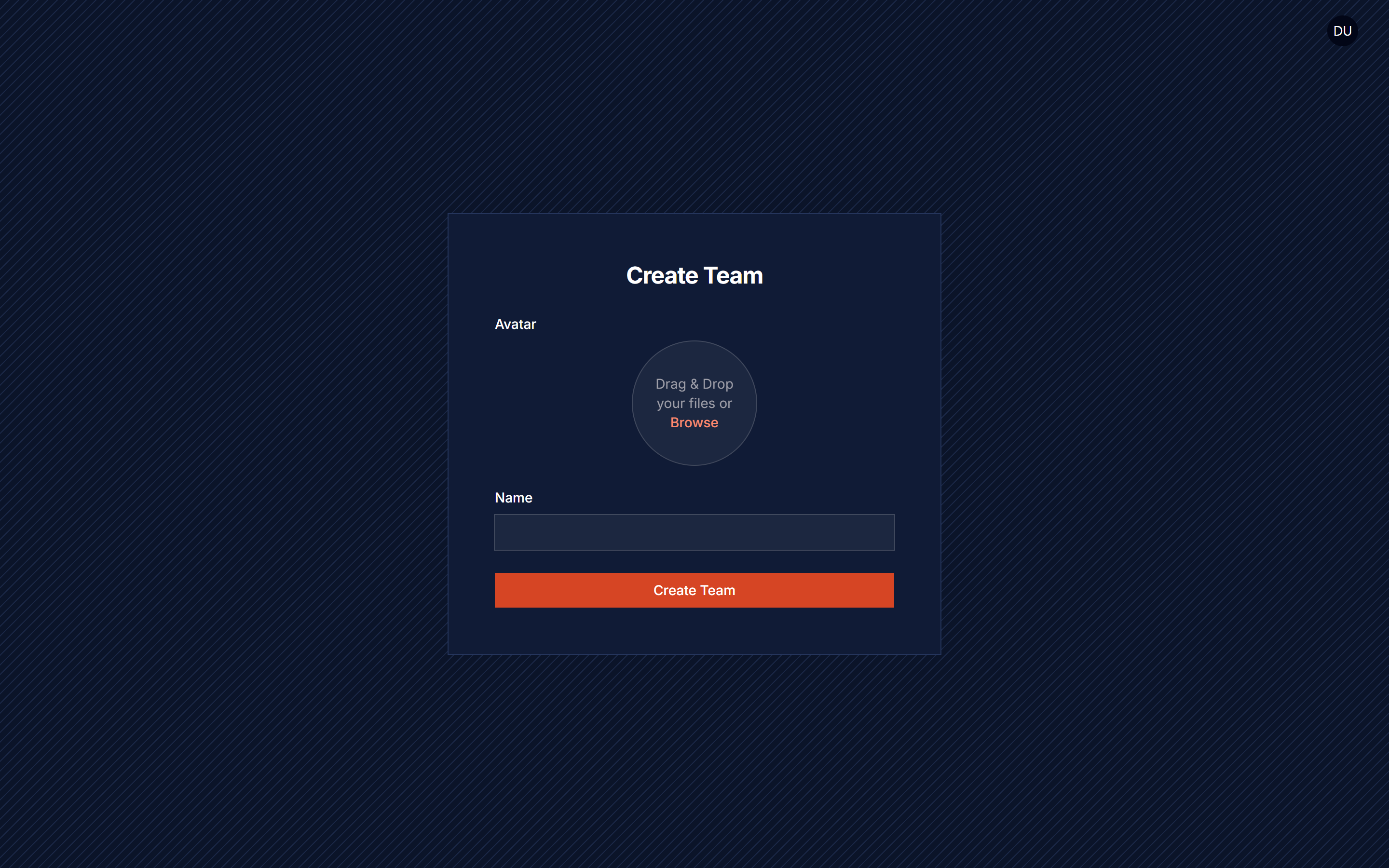
- Create Team Page
- Edit Team Page
- Team Members List
- Team Invitation
- Delete Team
- Edit Profile
- Change Profile Password
- Browser Session Manager
- Delete Account
- API Tokens
- Team Resource
- Integration With Filament Social Login
- Integration With Filament Two Factory Authentication
- Integration With Wave Themes/Plugins
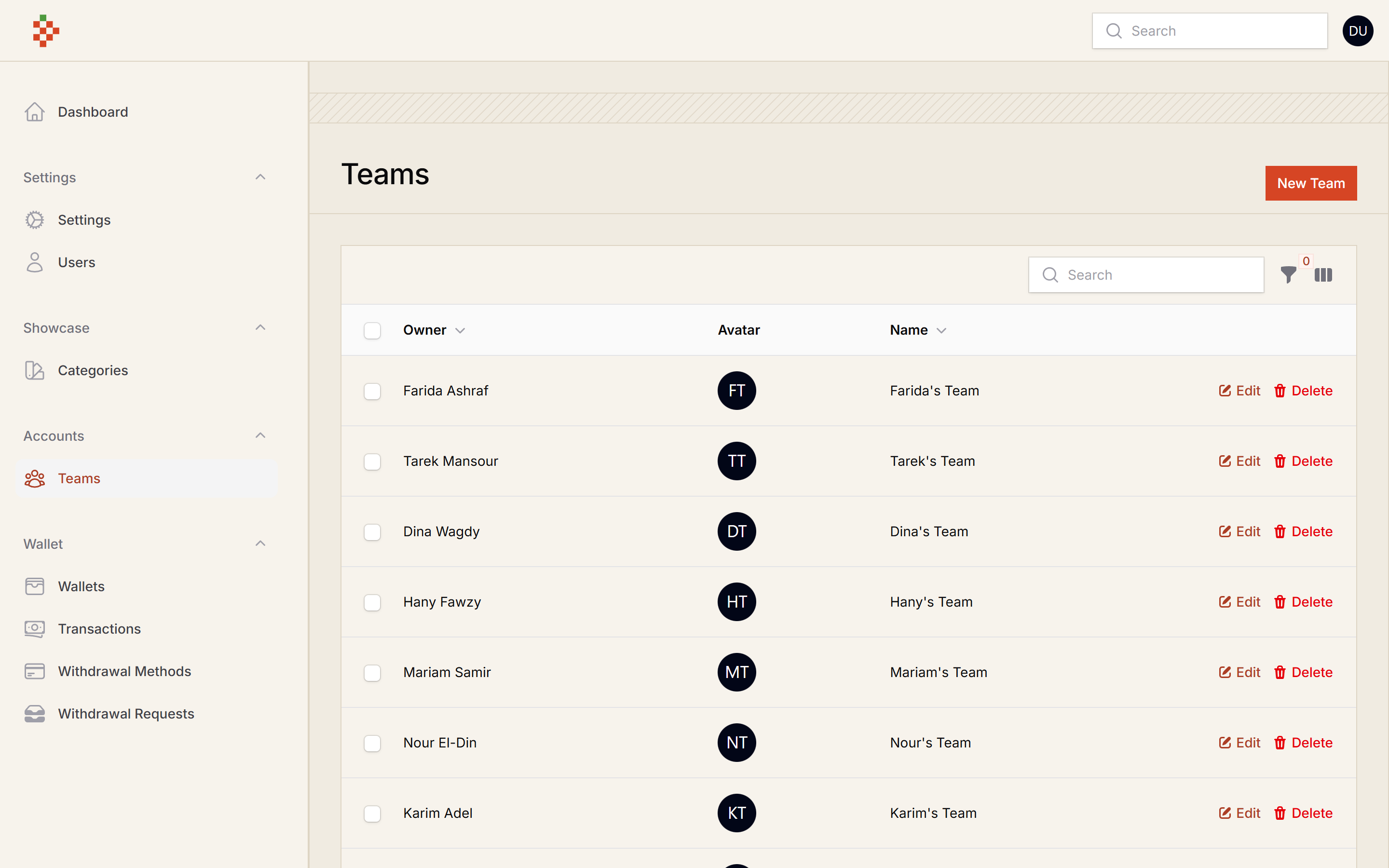
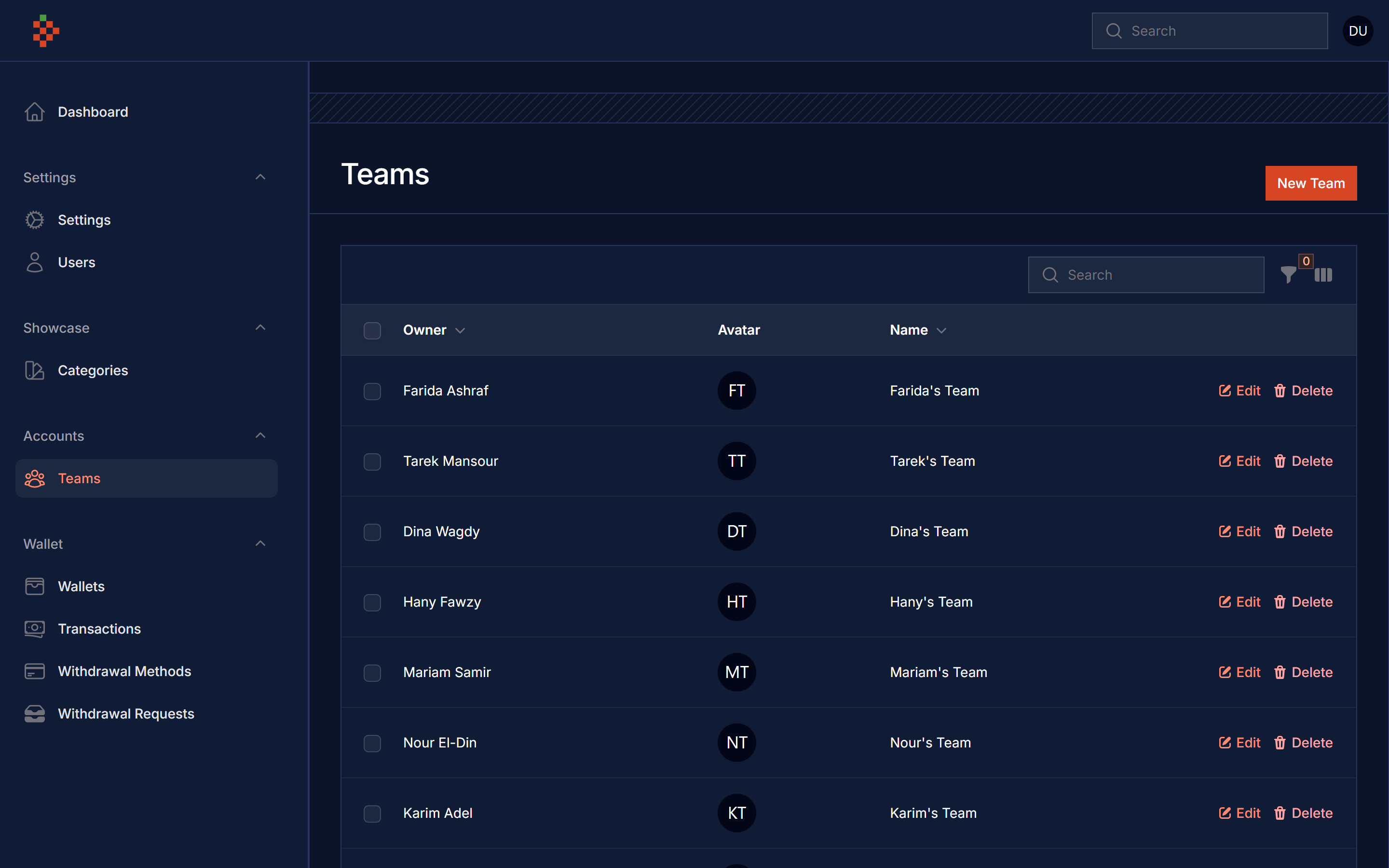
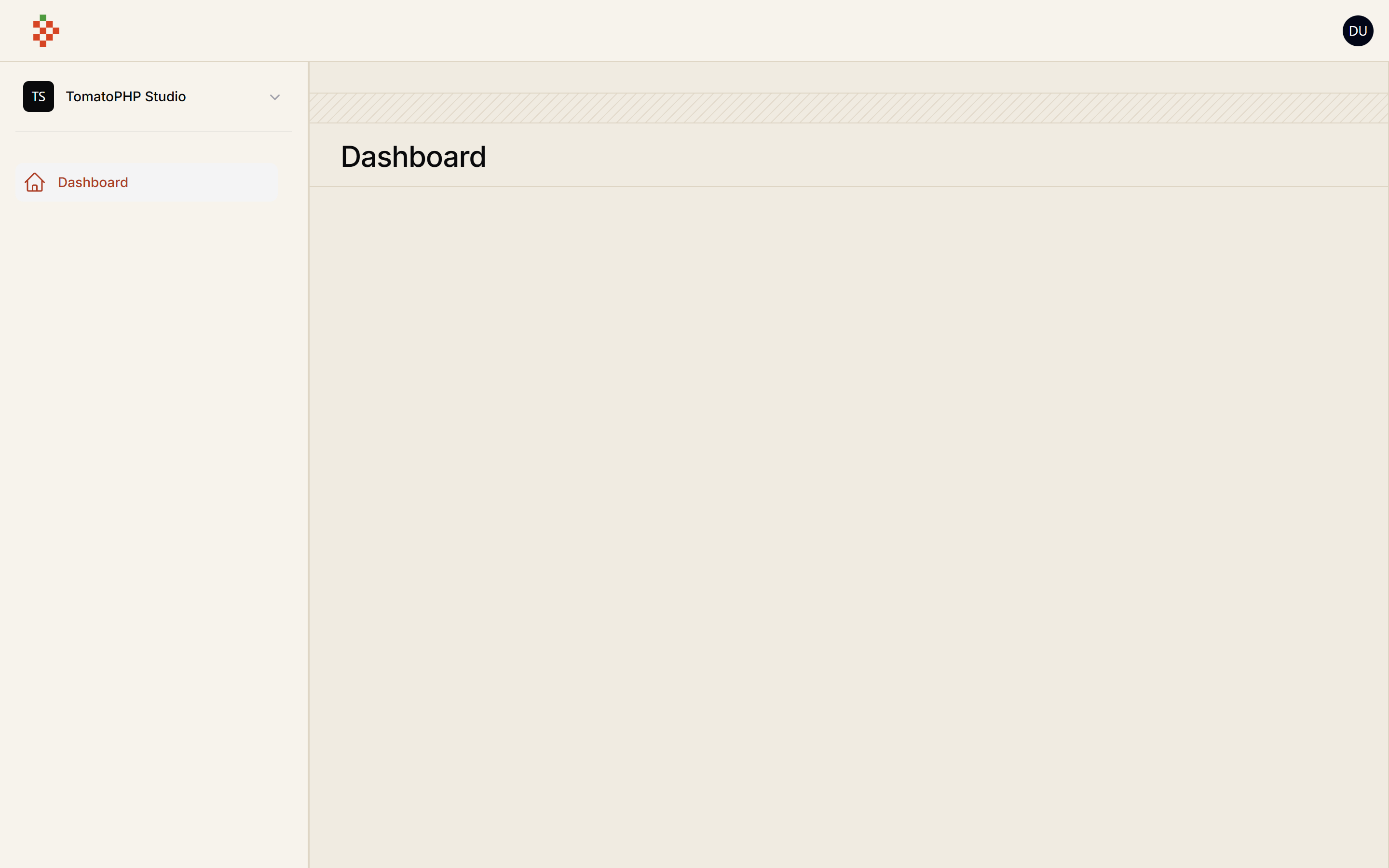
Screenshots
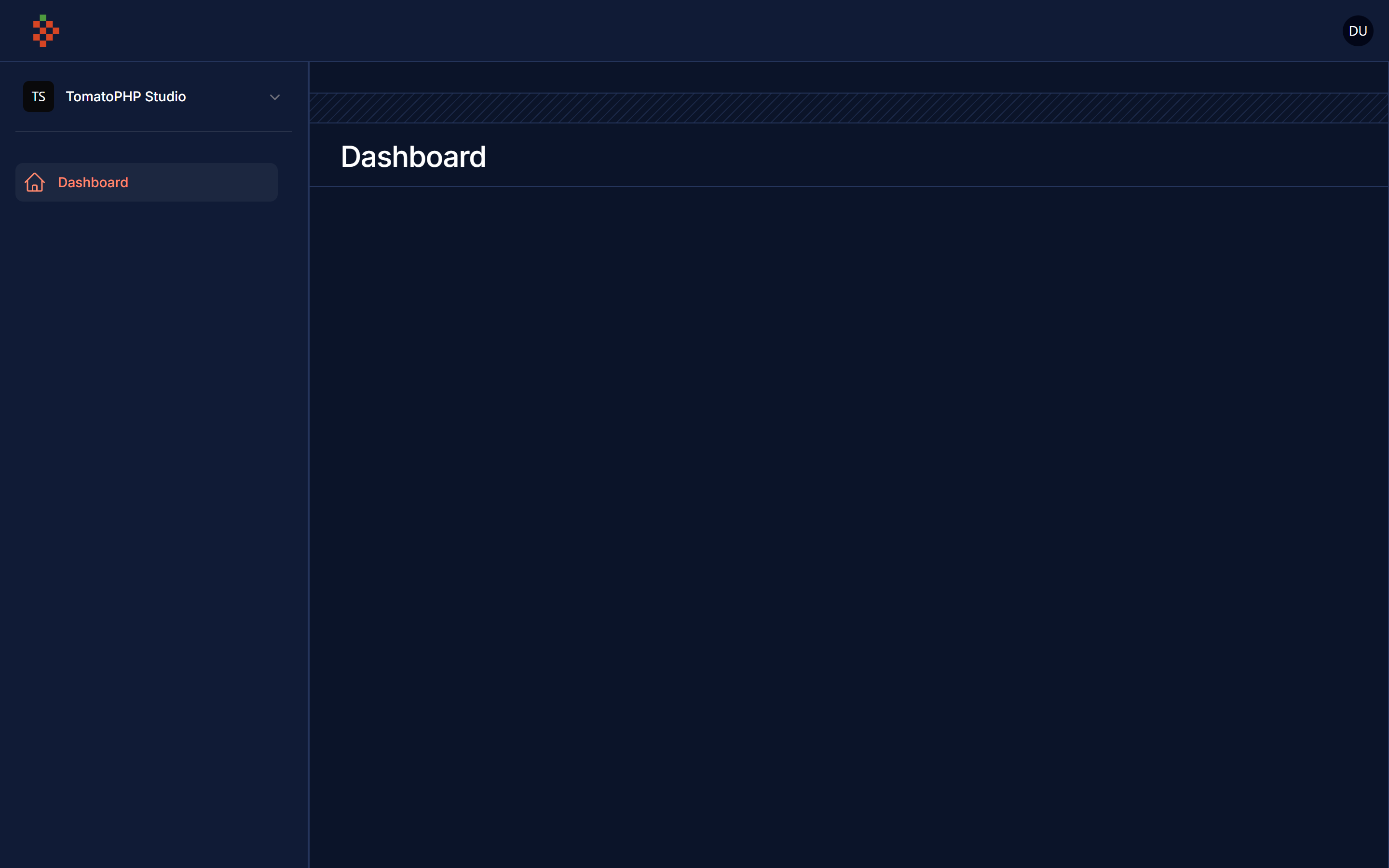
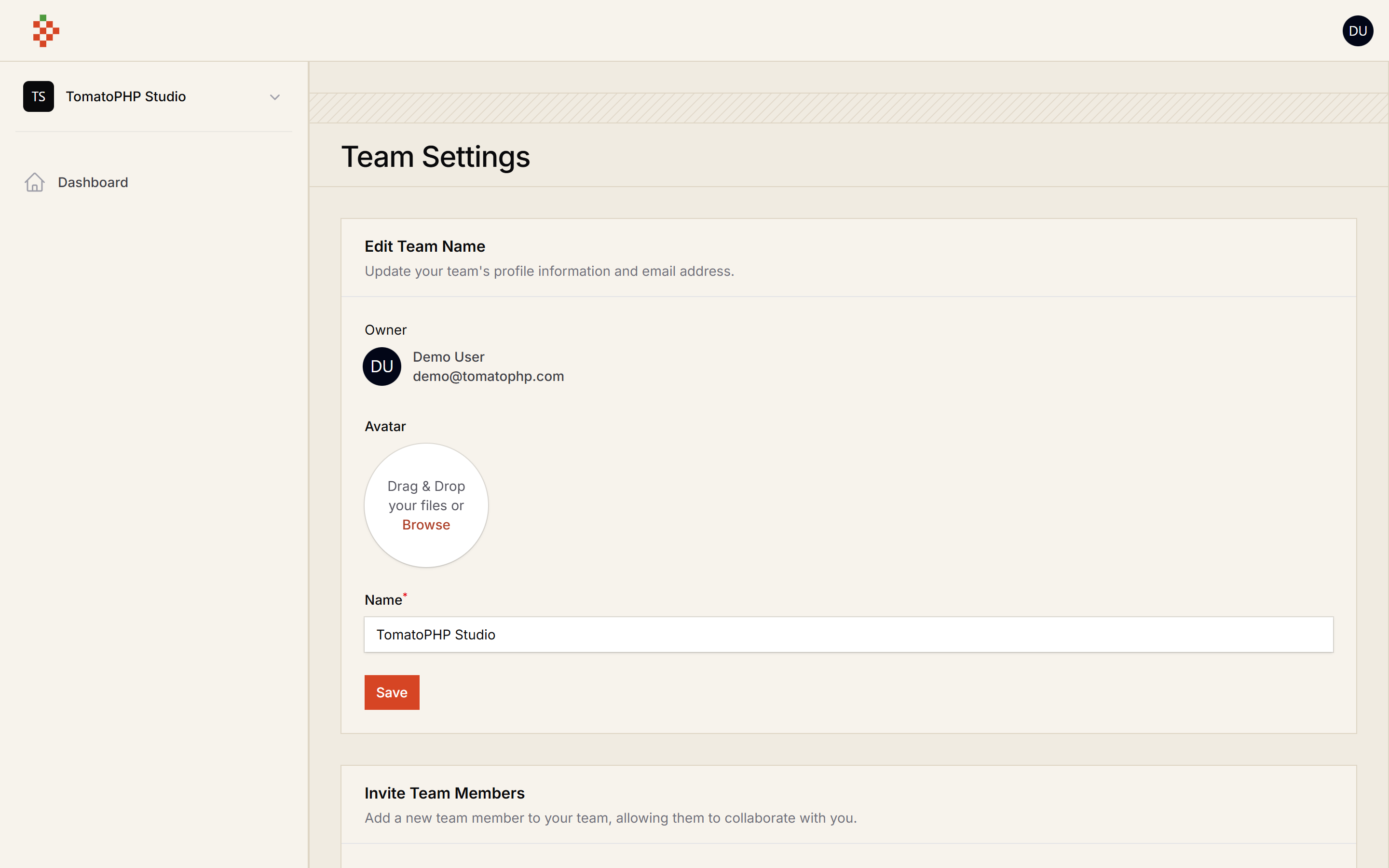
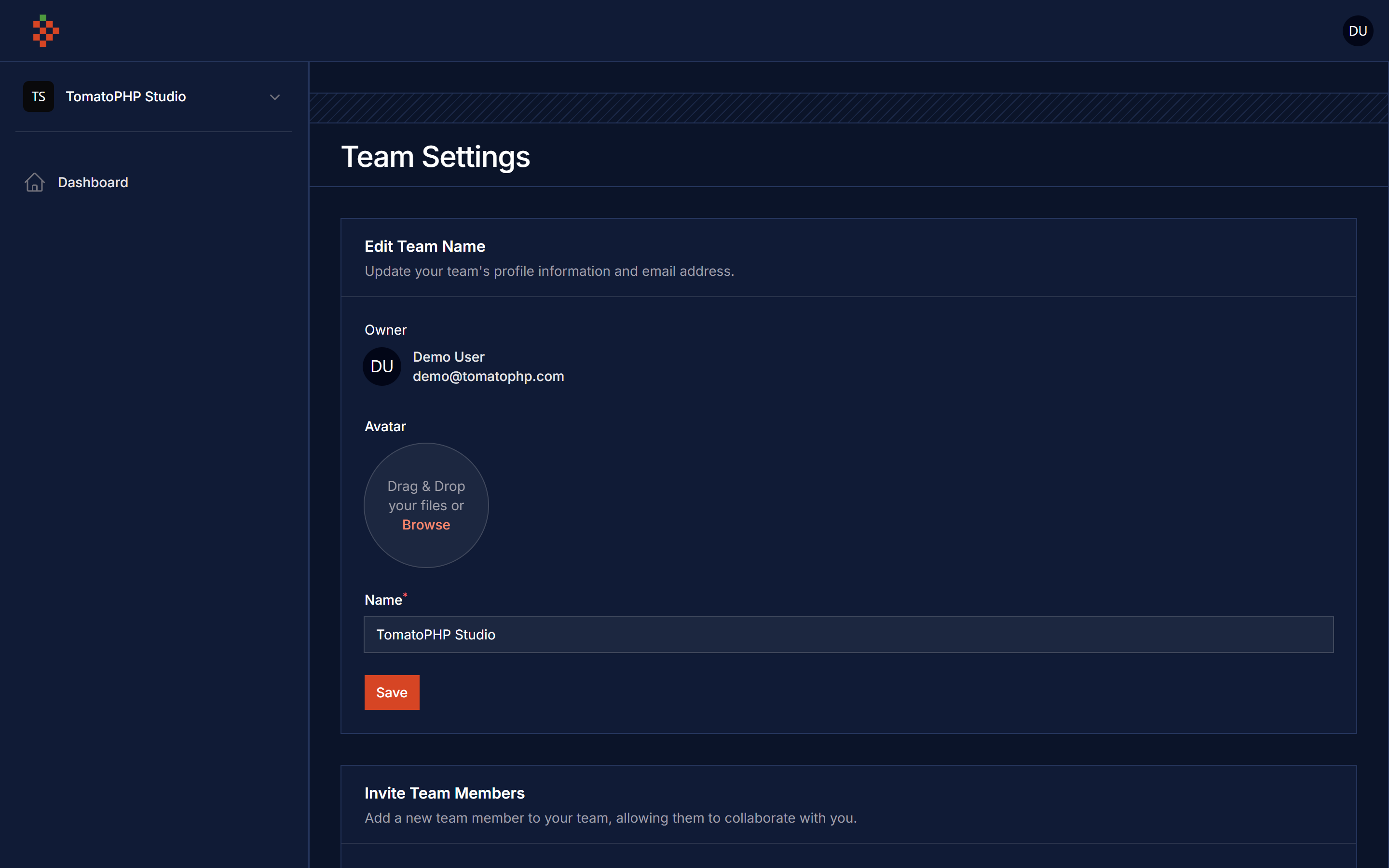
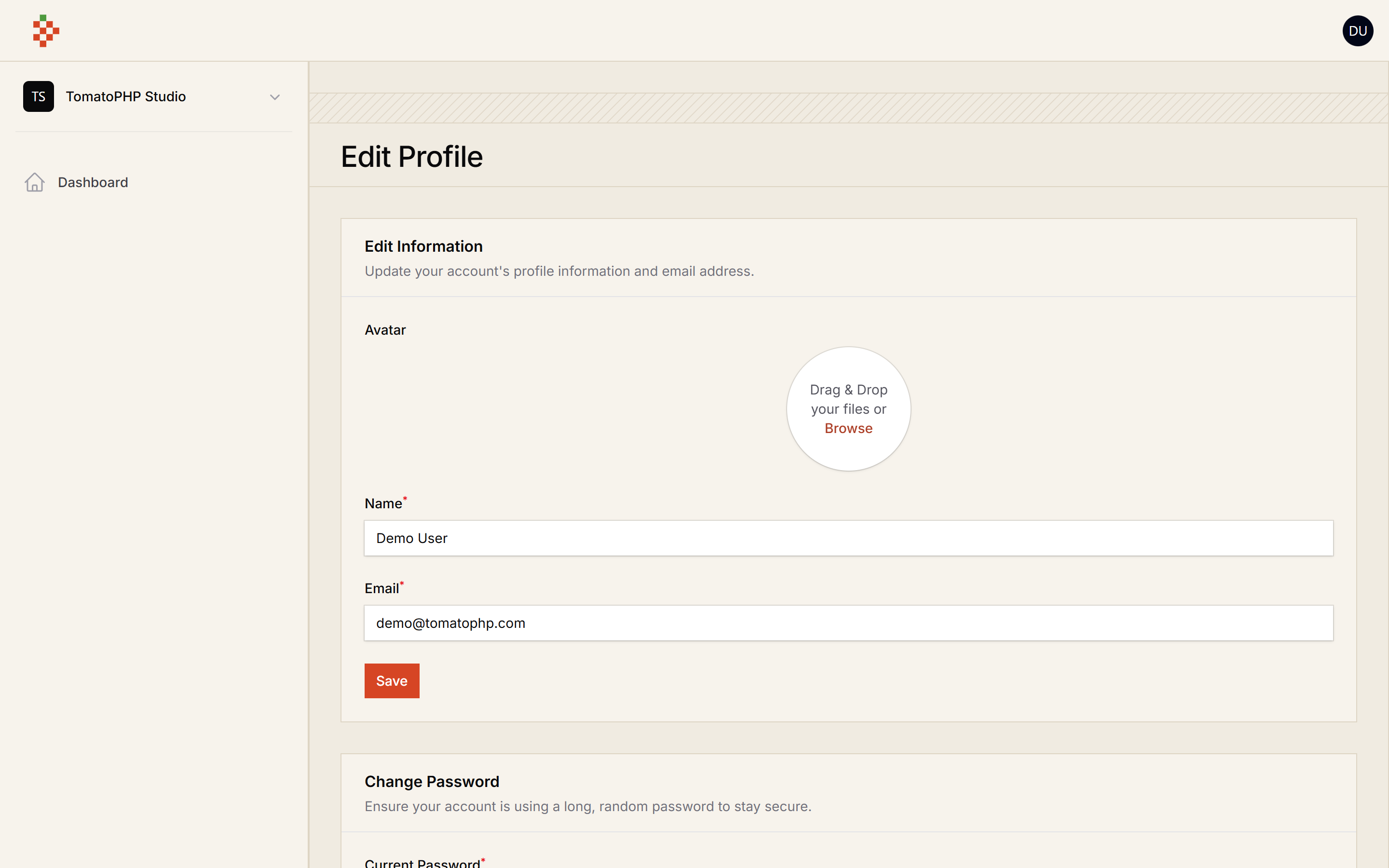
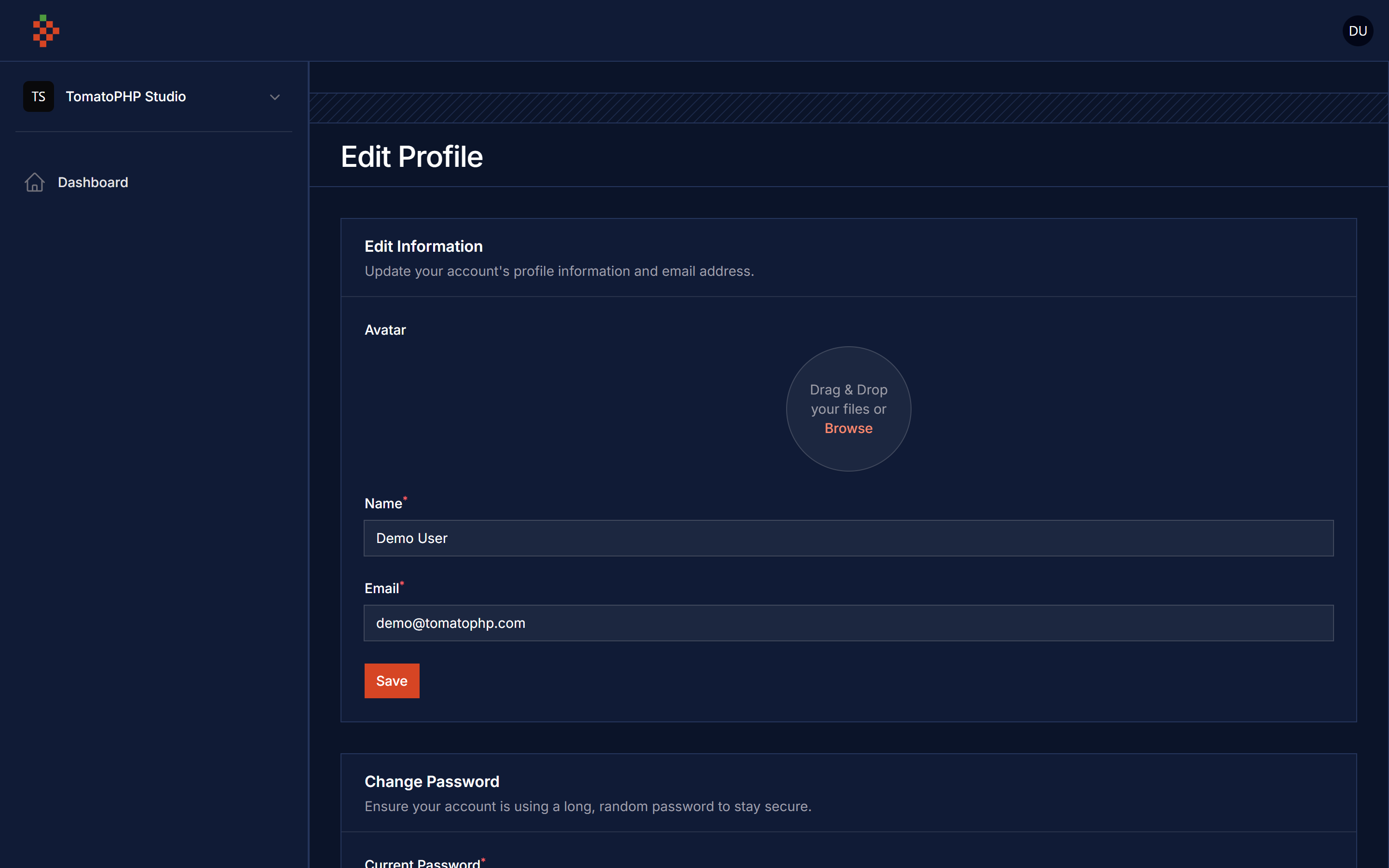
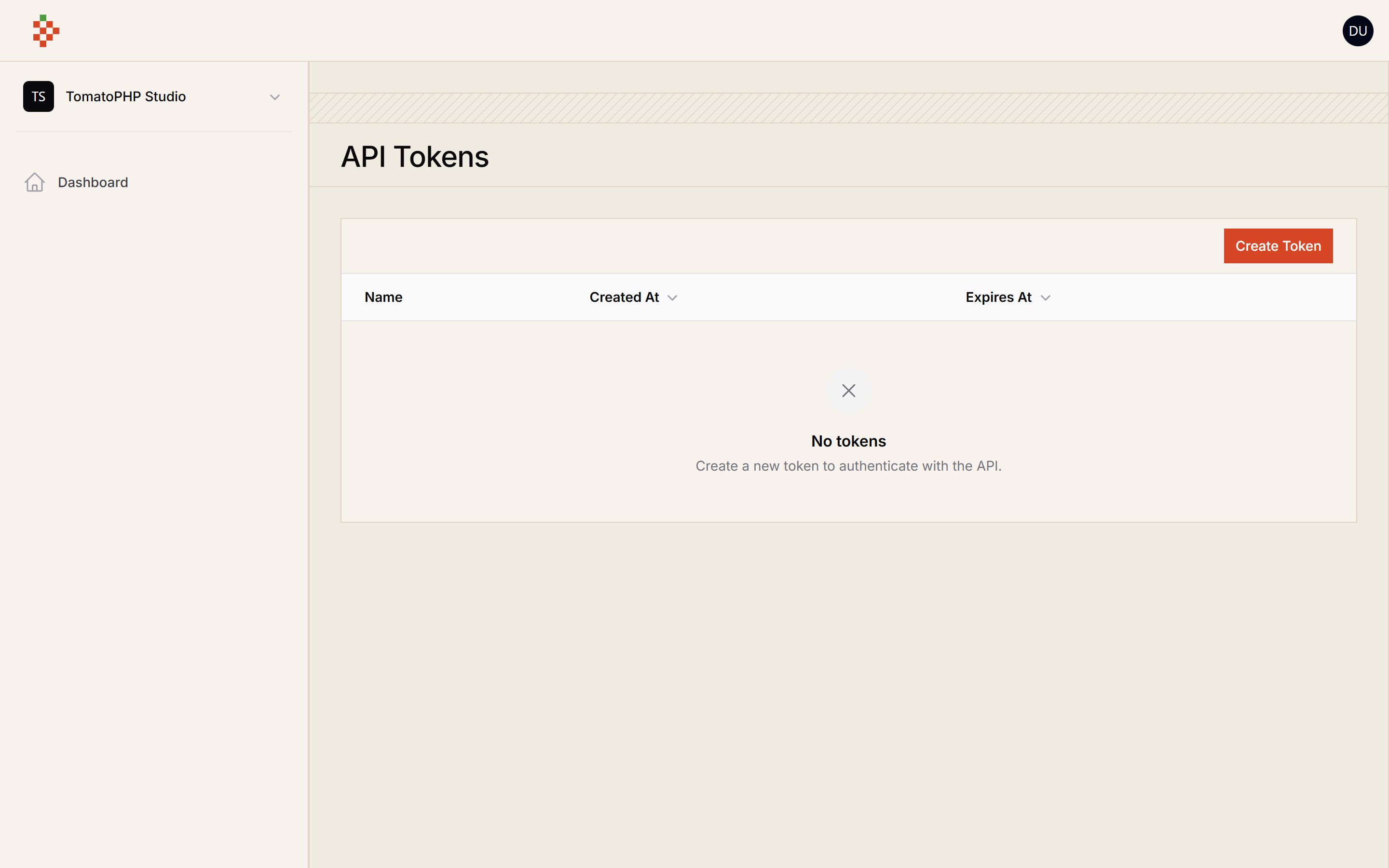
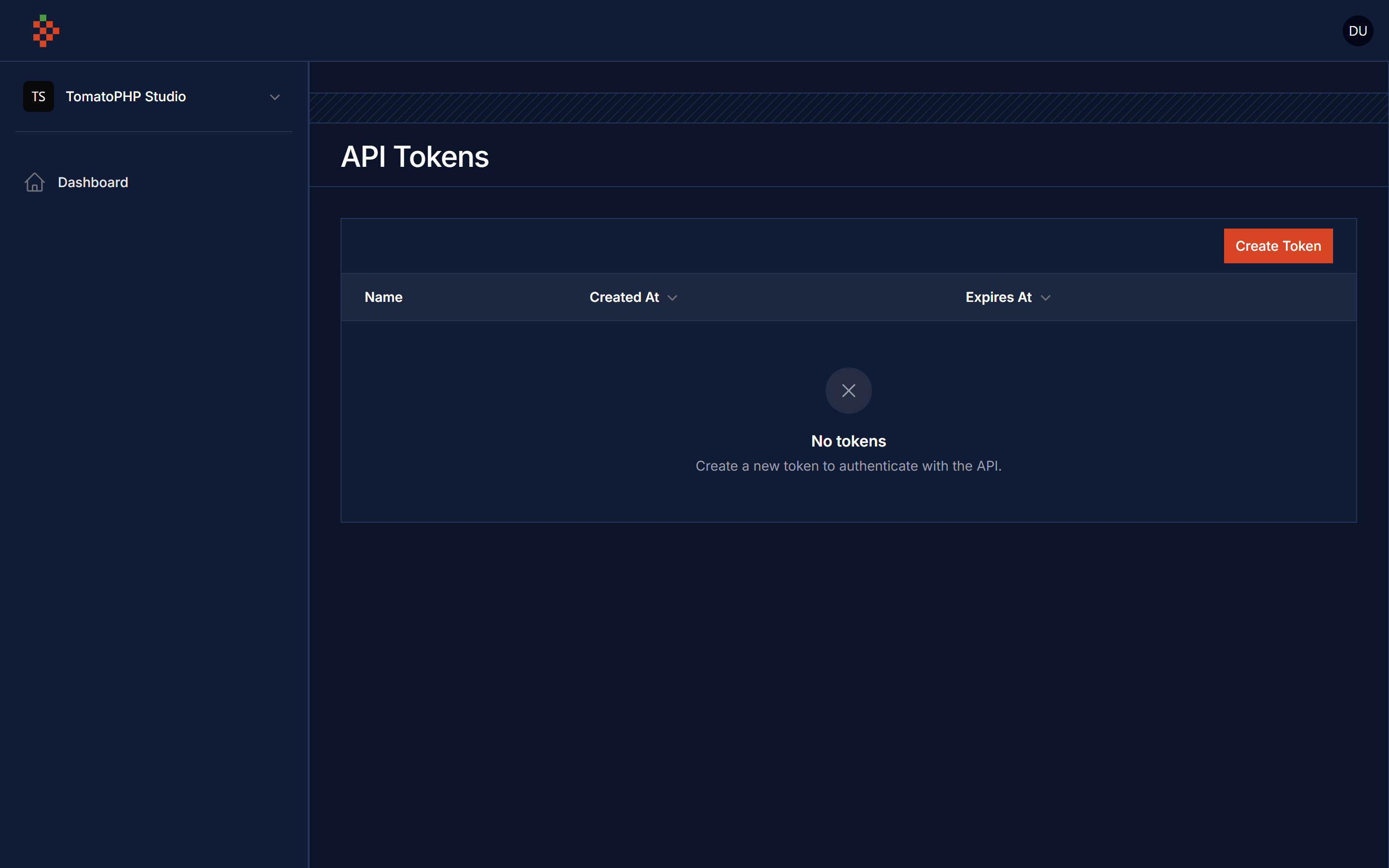
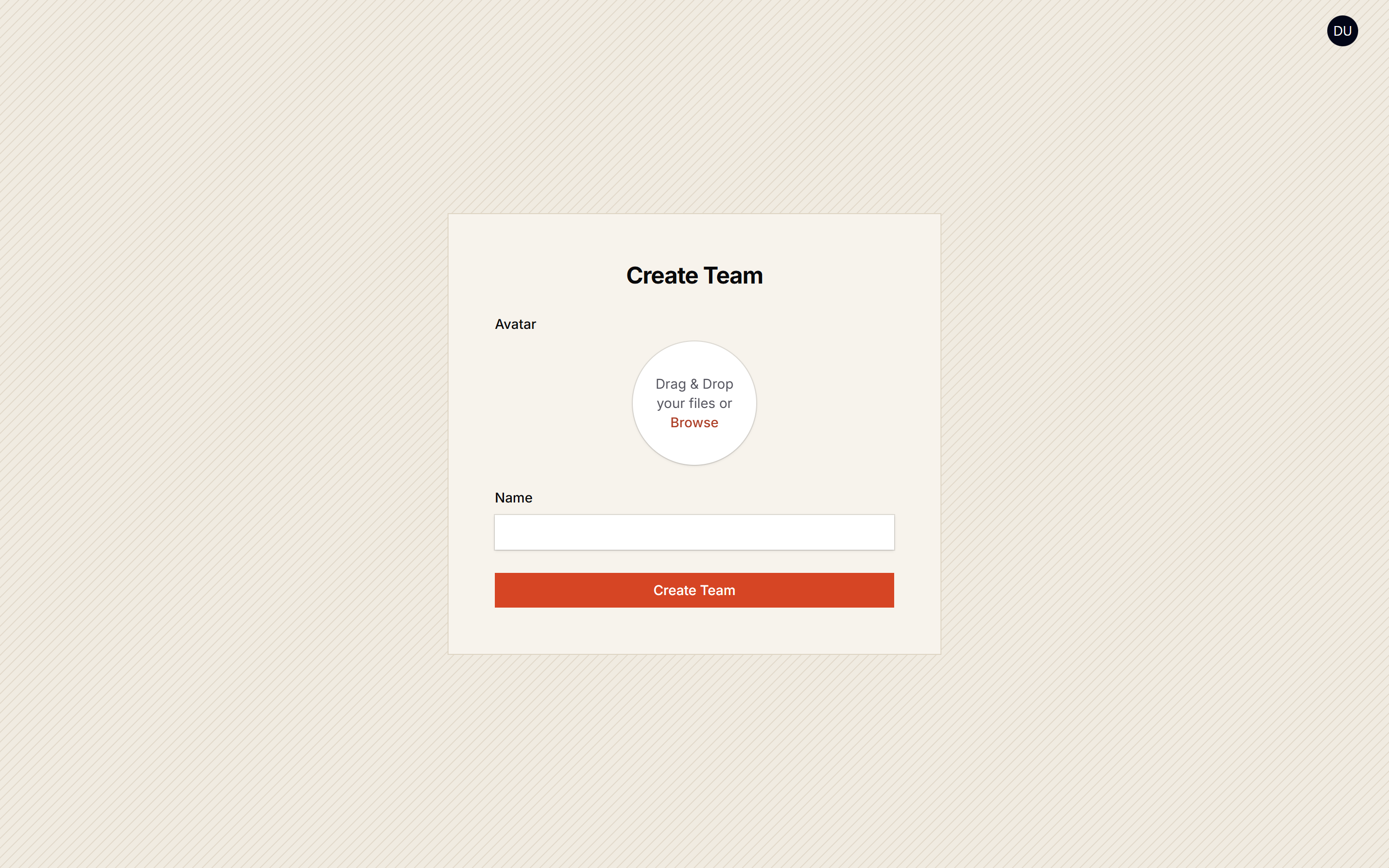
Compatibility
| Package | Filament | Laravel | PHP |
|---|---|---|---|
| 5.x | 5.x | 12.x / 13.x | 8.3+ |
| 4.x | 4.x | 11.x / 12.x | 8.2+ |
Team Invitation Links
Invitation links (team-invitations.accept and team-invitations.cancel) are signed URLs. Opening the link only shows a confirmation page; accepting or cancelling is a POST to the same signed URL.
- Only the invited user (the logged in user's email matches the invitation email, case-insensitive) can accept an invitation.
- Only the invited user, the team owner, a team admin or a user allowed by the
removeTeamMemberpolicy ability can cancel an invitation. - Anyone else gets a
403.
Upgrade note: unsigned links (for example old /users/team-invitations/{id}/accept links stored in database notifications) no longer work and return 403. Ask the team admin to resend the invitation from the team page. If you link to these routes from your own code, generate the URL with URL::signedRoute('team-invitations.accept', ['invitation' => $invitation->id]).
Requirements
The SaaS panel is built on Laravel Jetstream teams and Laravel Sanctum. Both are installed with the package; you do not need to run php artisan jetstream:install.
Filament Accounts is not required. By default the panel works with your App\Models\User on the users table and the web guard; if your users live somewhere else (for example a Filament Accounts accounts table and guard) change user_model, user_table, team_id_column and auth_guard in the config (see Config).
Before installing, make sure your app has:
- a Filament panel for your customers, separate from your admin panel
php artisan filament:panel app
- the Spatie media library
mediatable (team and profile avatars). The package creates it when it is missing, so do not publish the media library migration again afterwards (a secondcreate_media_tablemigration fails withtable media already existson a fresh database). If you want to publish it yourself, do it before installing this package:
php artisan vendor:publish --provider="Spatie\MediaLibrary\MediaLibraryServiceProvider" --tag="medialibrary-migrations"
- the
sessionstable when you use the browser sessions manager (SESSION_DRIVER=database, the Laravel default)
Installation
composer require tomatophp/filament-saas-panel
publish the team migrations (teams, team_user, team_invitations and the current_team_id / profile_photo_path columns on your user table). They use the configured user table, users by default, and skip tables and columns that already exist, so they are safe on an app that already has Jetstream teams.
php artisan vendor:publish --tag="filament-saas-teams-migrations"
publish the team models to app/Models (Team, TeamInvitation, Membership)
php artisan vendor:publish --tag="filament-saas-teams-models"
then run the install command, it runs the migrations (team tables, Sanctum personal_access_tokens, OTP columns)
php artisan filament-saas-panel:install
now prepare your user model: add the InteractsWithTenant trait (Jetstream teams, Sanctum tokens, profile photo, media) and the Filament contracts
use Filament\Models\Contracts\FilamentUser;
use Filament\Models\Contracts\HasAvatar;
use Filament\Models\Contracts\HasTenants;
use Spatie\MediaLibrary\HasMedia;
use TomatoPHP\FilamentSaasPanel\Traits\InteractsWithTenant;

class User extends Authenticatable implements FilamentUser, HasAvatar, HasMedia, HasTenants
{
    use InteractsWithTenant;
}
InteractsWithTenant::canAccessPanel() allows every panel; override it in your model to keep customers out of your admin panel.
finally register the plugin on /app/Providers/Filament/AppPanelProvider.php
->plugin(
    \TomatoPHP\FilamentSaasPanel\FilamentSaasPanelPlugin::make()
        ->editTeam()
        ->deleteTeam()
        ->showTeamMembers()
        ->teamInvitation()
        ->allowTenants()
        ->checkAccountStatusInLogin()
        ->APITokenManager()
        ->editProfile()
        ->editPassword()
        ->browserSessionManager()
        ->deleteAccount()
        ->editProfileMenu()
        ->registration()
        ->useOTPActivation()
)
on your admin panel provider if you like to have Team resource and features register this
->plugin(
    \TomatoPHP\FilamentSaasPanel\FilamentSaasTeamsPlugin::make()
)
Upgrading from 1.x / 4.x: the panel no longer needs Filament Accounts. If you saw
Route [filament.admin.resources.accounts.index] not definedorno such table: accounts, publish the config and pointuser_model/user_tableat the model and table you really use.
Config
php artisan vendor:publish --tag="filament-saas-panel-config"
'auth_guard' => 'web',
'user_model' => \App\Models\User::class,
'user_table' => 'users',
'team_model' => \App\Models\Team::class,
'team_id_column' => 'user_id',
'team_invitation_model' => \App\Models\TeamInvitation::class,
'membership_model' => \App\Models\Membership::class,
Change Panel ID
if you like to change the panel name on your config just change id and name on config/filament-saas-panel.php
return [
    "id" => "user"
];
you can publish it from this command
php artisan vendor:publish --tag="filament-saas-panel-config"
Custom Pages
you can change any page you want on the panel using the config like this
'pages' => [
    'teams' => [
        'create' => \TomatoPHP\FilamentSaasPanel\Filament\Pages\CreateTeam::class,
        'edit' => \TomatoPHP\FilamentSaasPanel\Filament\Pages\EditTeam::class,
    ],
    'profile' => [
        'edit' => \TomatoPHP\FilamentSaasPanel\Filament\Pages\EditProfile::class,
    ],
    'auth' => [
        'login' => \TomatoPHP\FilamentSaasPanel\Filament\Pages\Auth\LoginAccount::class,
        'register' => \TomatoPHP\FilamentSaasPanel\Filament\Pages\Auth\RegisterAccount::class,
        'register-without-otp' => \TomatoPHP\FilamentSaasPanel\Filament\Pages\Auth\RegisterAccountWithoutOTP::class,
    ],
],
Publish Assets
you can publish config file by use this command
php artisan vendor:publish --tag="filament-saas-panel-config"
you can publish views file by use this command
php artisan vendor:publish --tag="filament-saas-panel-views"
you can publish languages file by use this command
php artisan vendor:publish --tag="filament-saas-panel-lang"
you can publish migrations file by use this command
php artisan vendor:publish --tag="filament-saas-panel-migrations"
Testing
if you like to run PEST testing just use this command
composer test
Code Style
if you like to fix the code style just use this command
composer format
PHPStan
if you like to check the code by PHPStan just use this command
composer analyse
Other Filament Packages
Checkout our Awesome TomatoPHP