
tomatophp / filament-payments

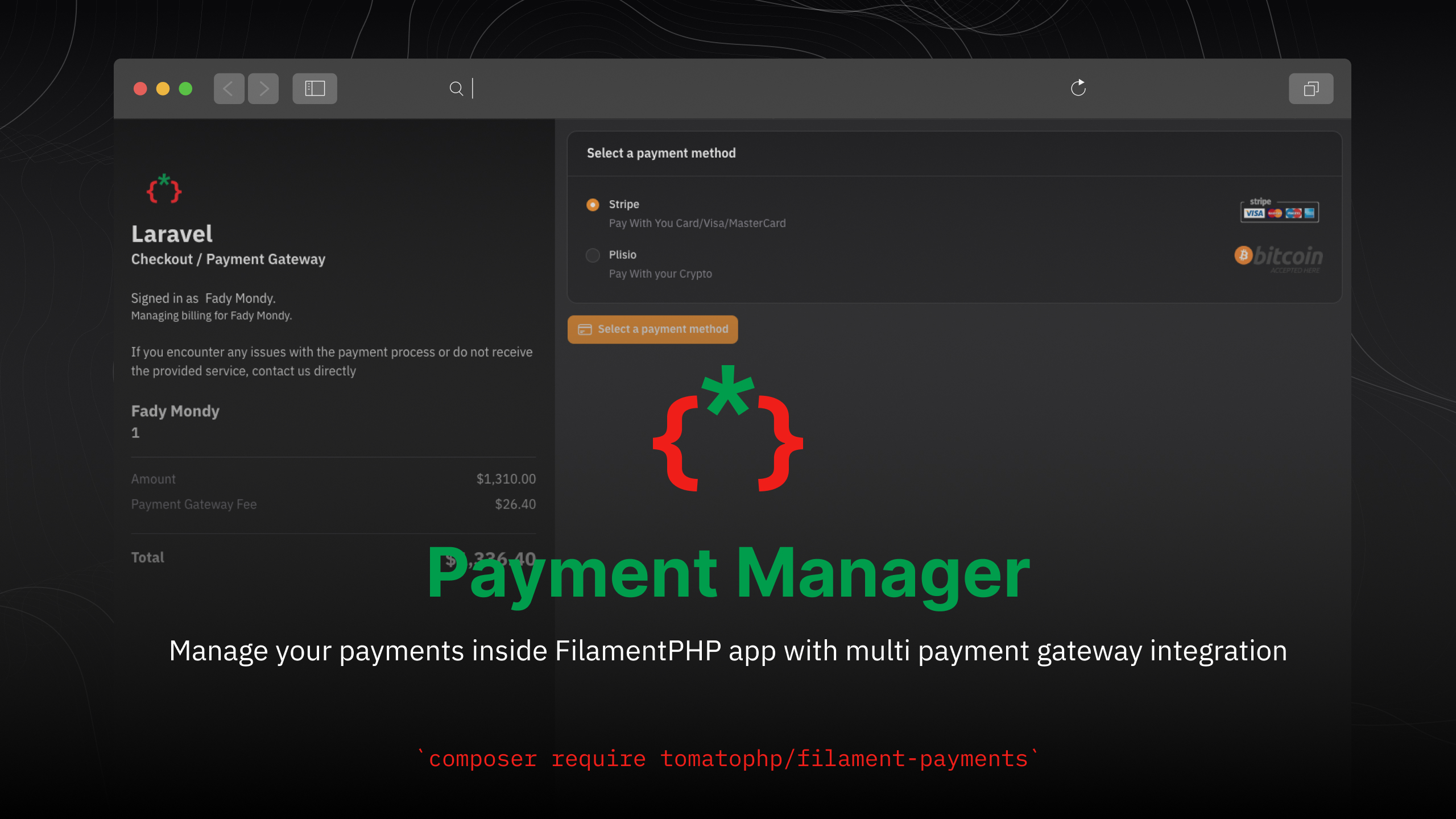
Manage your payments inside FilamentPHP app with multi payment gateway integration
Fund package maintenance!
Requires
- php: ^8.2
- cryptomus/api-php-sdk: ^1.0
- filament/filament: ^5.0
- filament/spatie-laravel-media-library-plugin: ^5.0
- myfatoorah/library: ^2.2
- paypal/paypal-checkout-sdk: ^1.0
- plisio/plisio-sdk-laravel: ^1.0
- stripe/stripe-php: ^16.5
- tomatophp/console-helpers: ^1.1
- tomatophp/filament-translation-component: ^5.0
Requires (Dev)
- larastan/larastan: ^3.0
- laravel/pint: ^1.24
- nunomaduro/collision: ^8.6
- orchestra/testbench: ^10.0|^11.0
- pestphp/pest: ^4.0|^5.0
- pestphp/pest-plugin-arch: ^4.0|^5.0
- pestphp/pest-plugin-laravel: ^4.0|^5.0
- pestphp/pest-plugin-livewire: ^4.0|^5.0
- pestphp/pest-plugin-type-coverage: ^4.0|^5.0
- phpstan/extension-installer: ^1.4
- phpstan/phpstan-deprecation-rules: ^2.0
- phpstan/phpstan-phpunit: ^2.0
Suggests
None
Provides
None
Conflicts
None
Replaces
None
This package is auto-updated.
Last update: 2026-10-15 17:10:03 UTC
README
Filament Payment Manager
Manage your payments inside FilamentPHP app with multi payment gateway integration
Screenshots
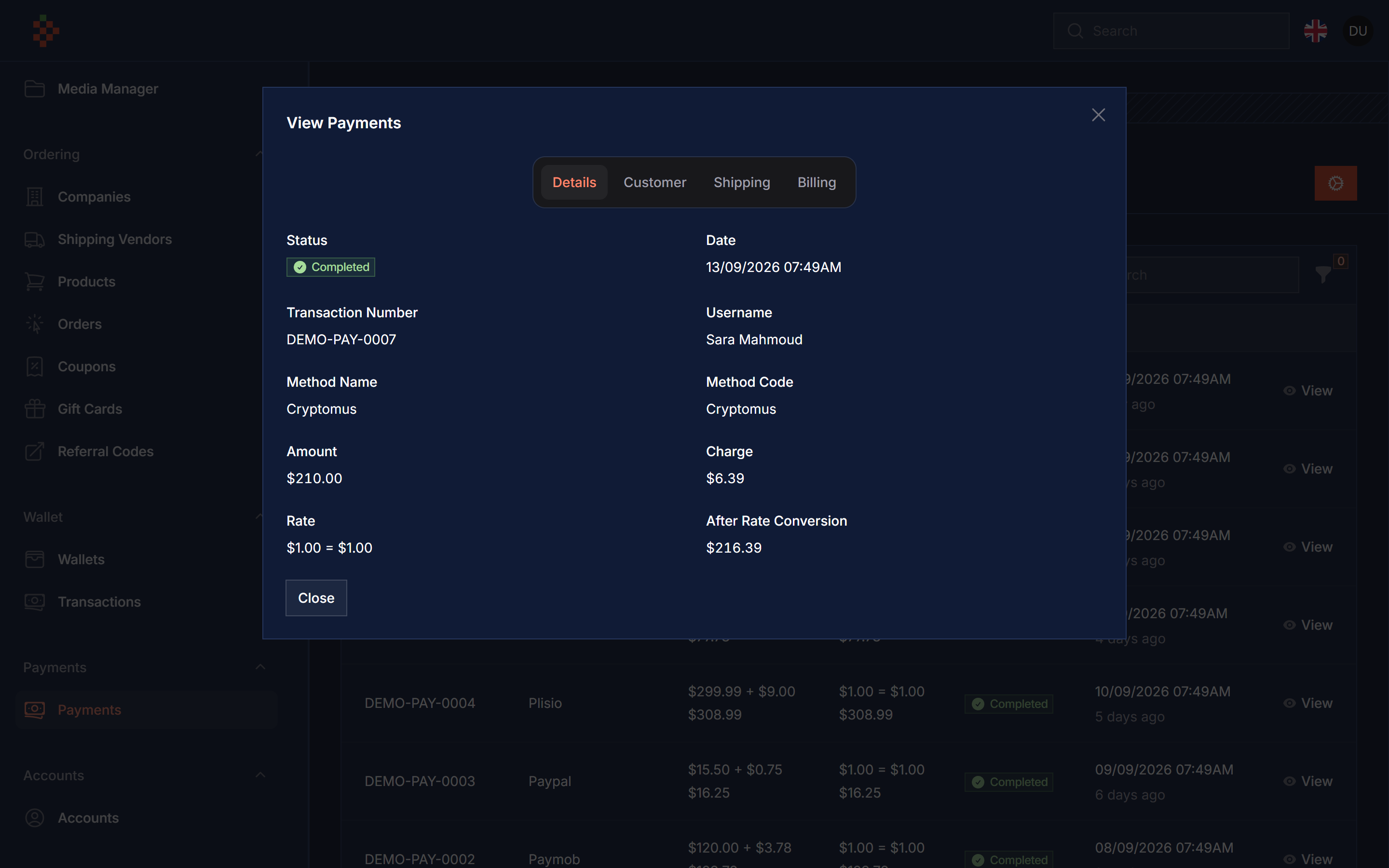
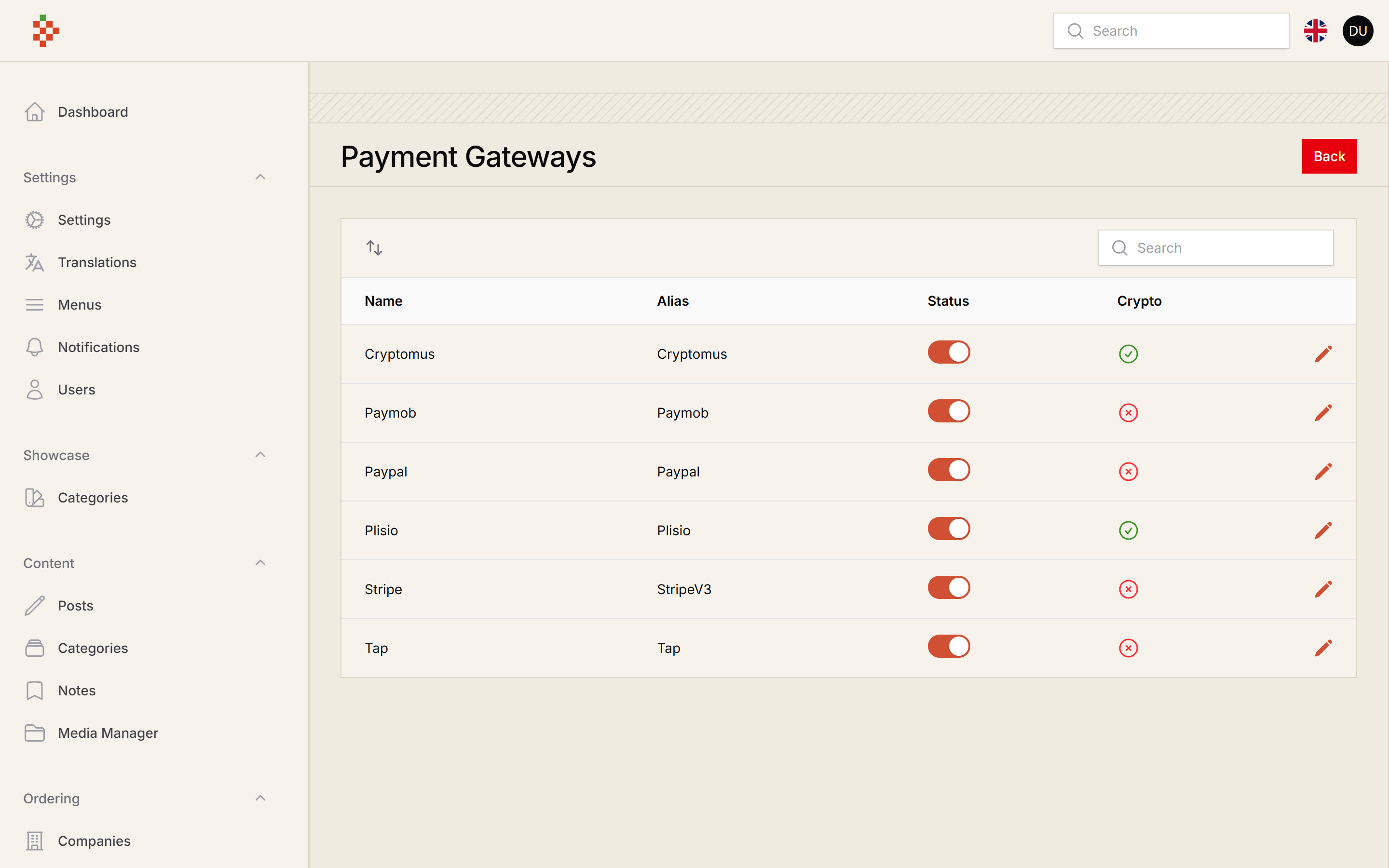
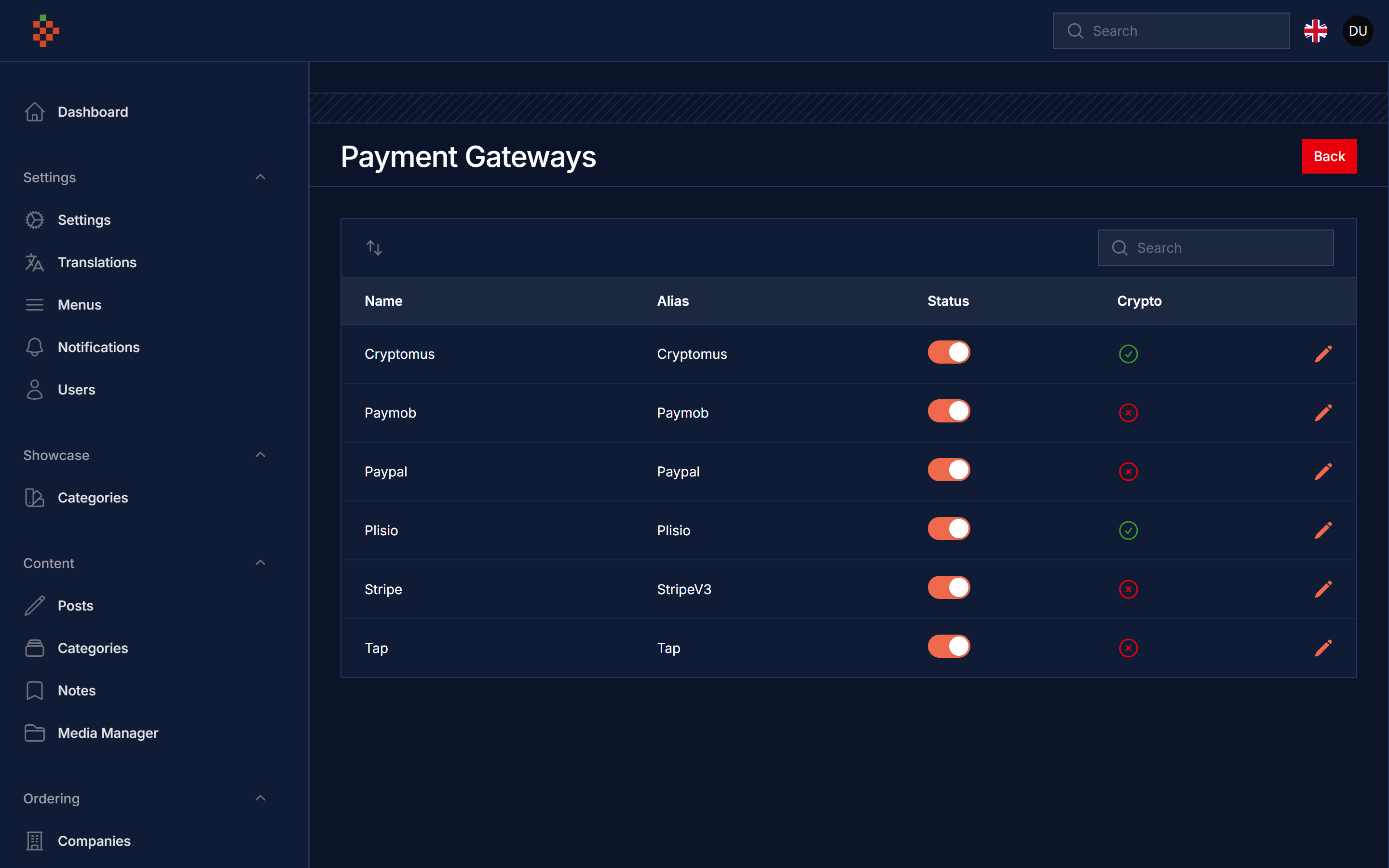
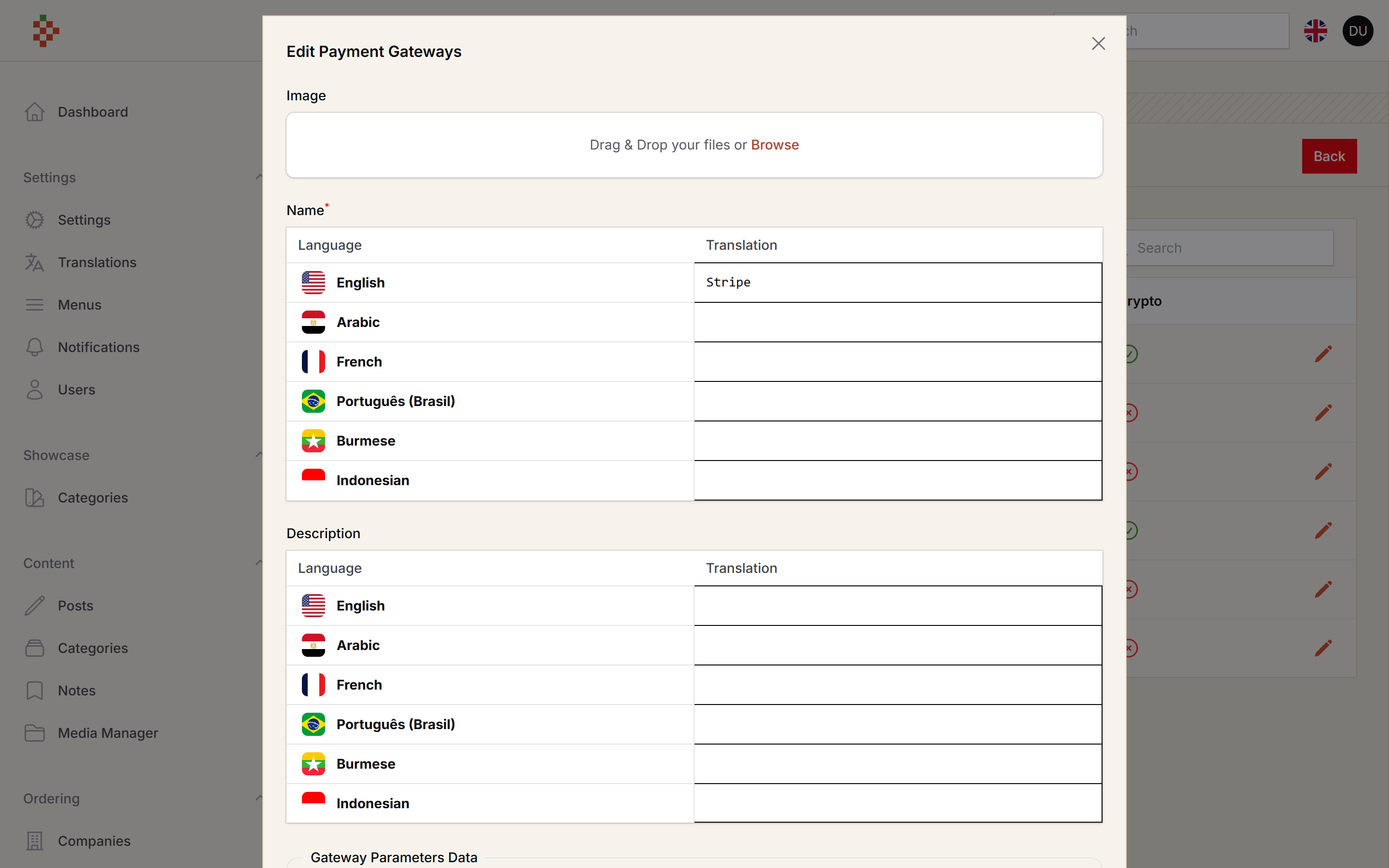
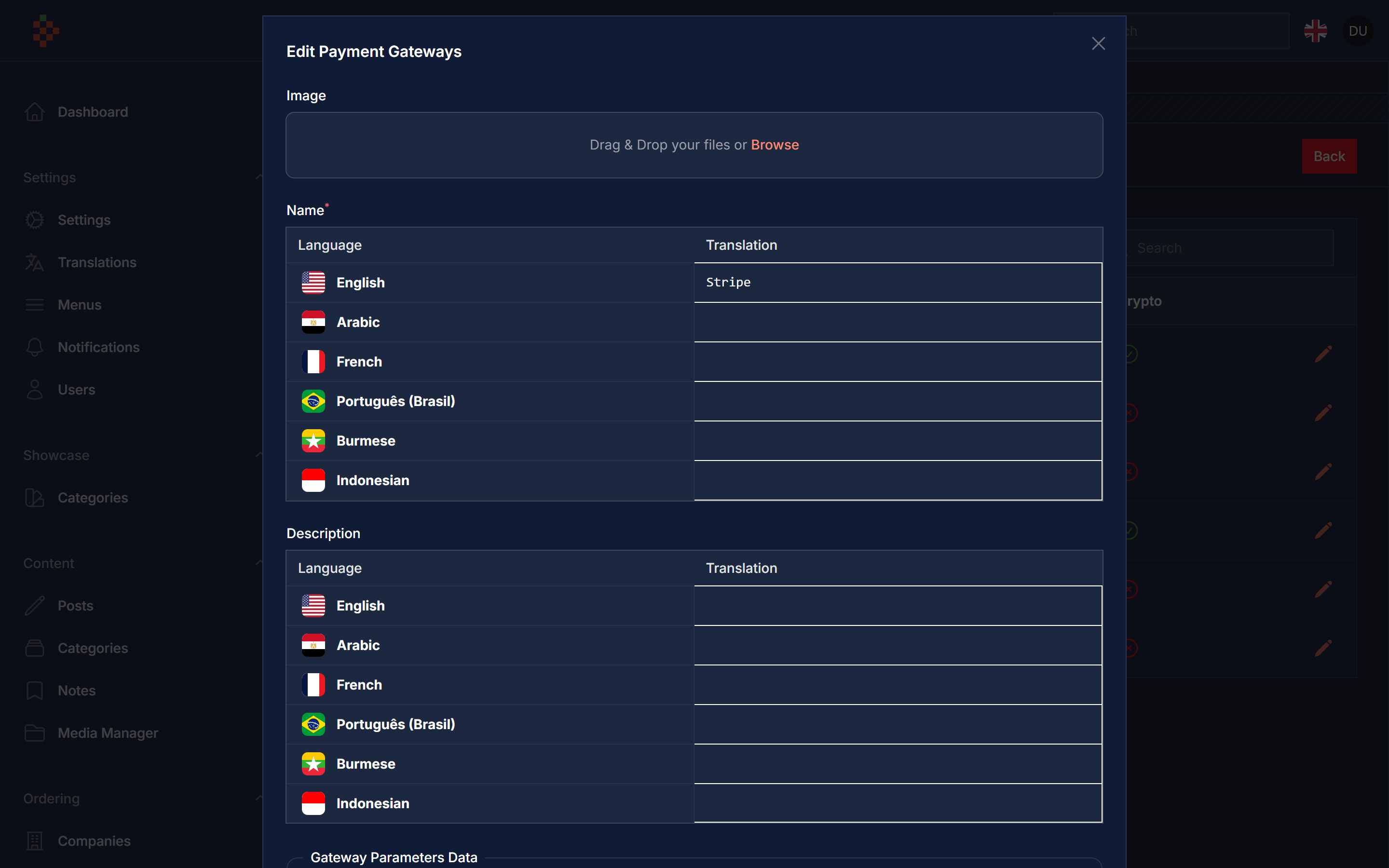
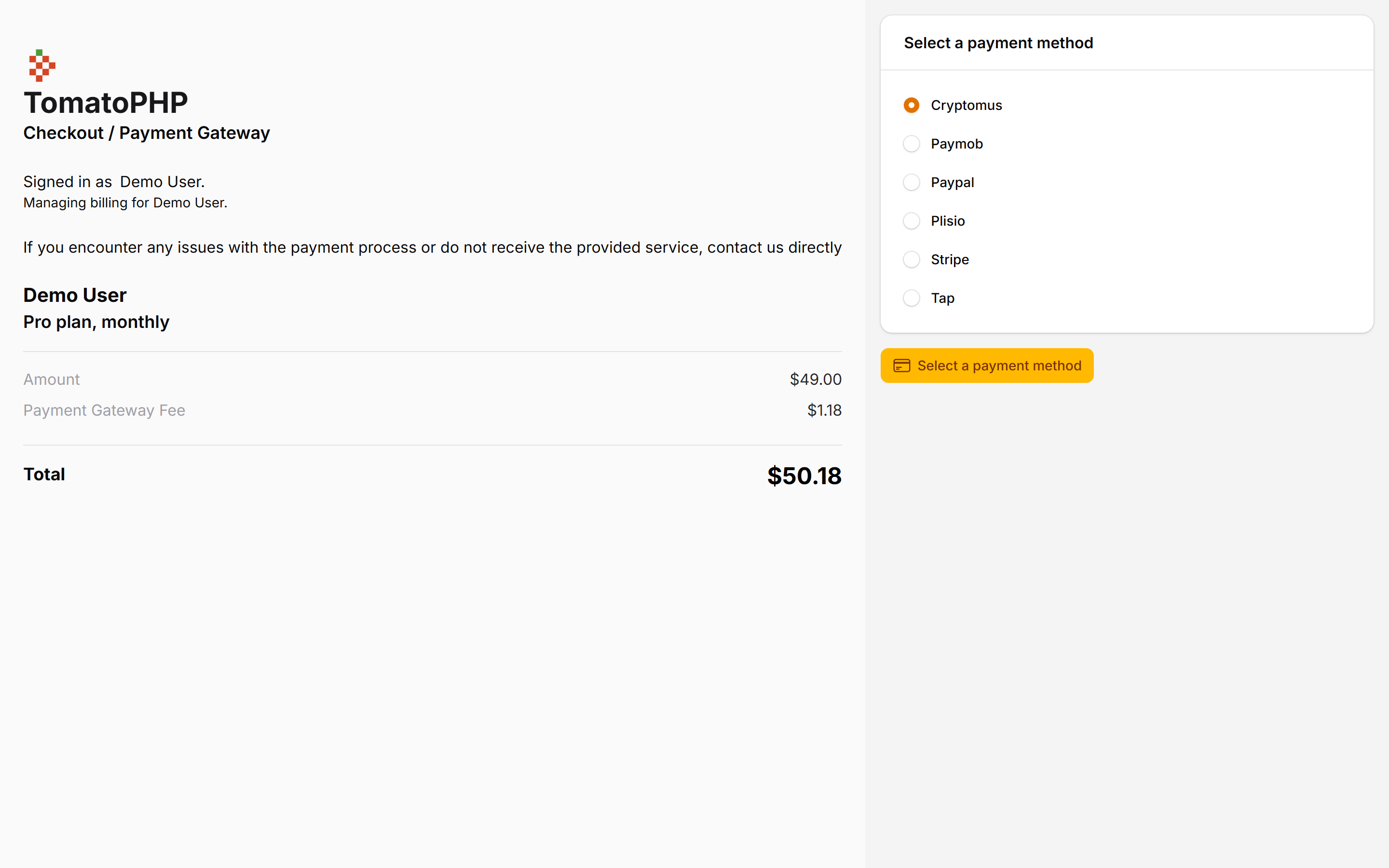
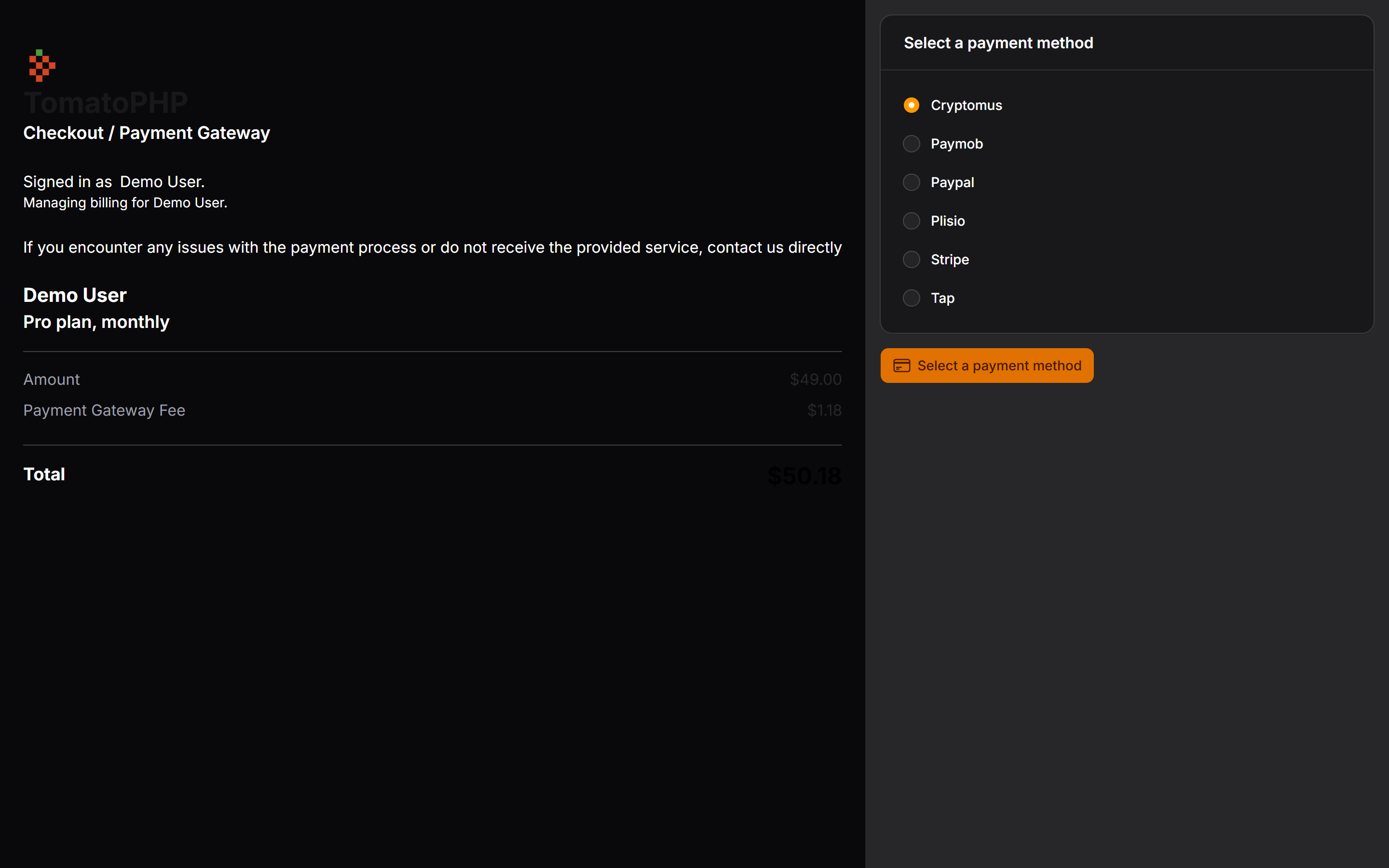
Features
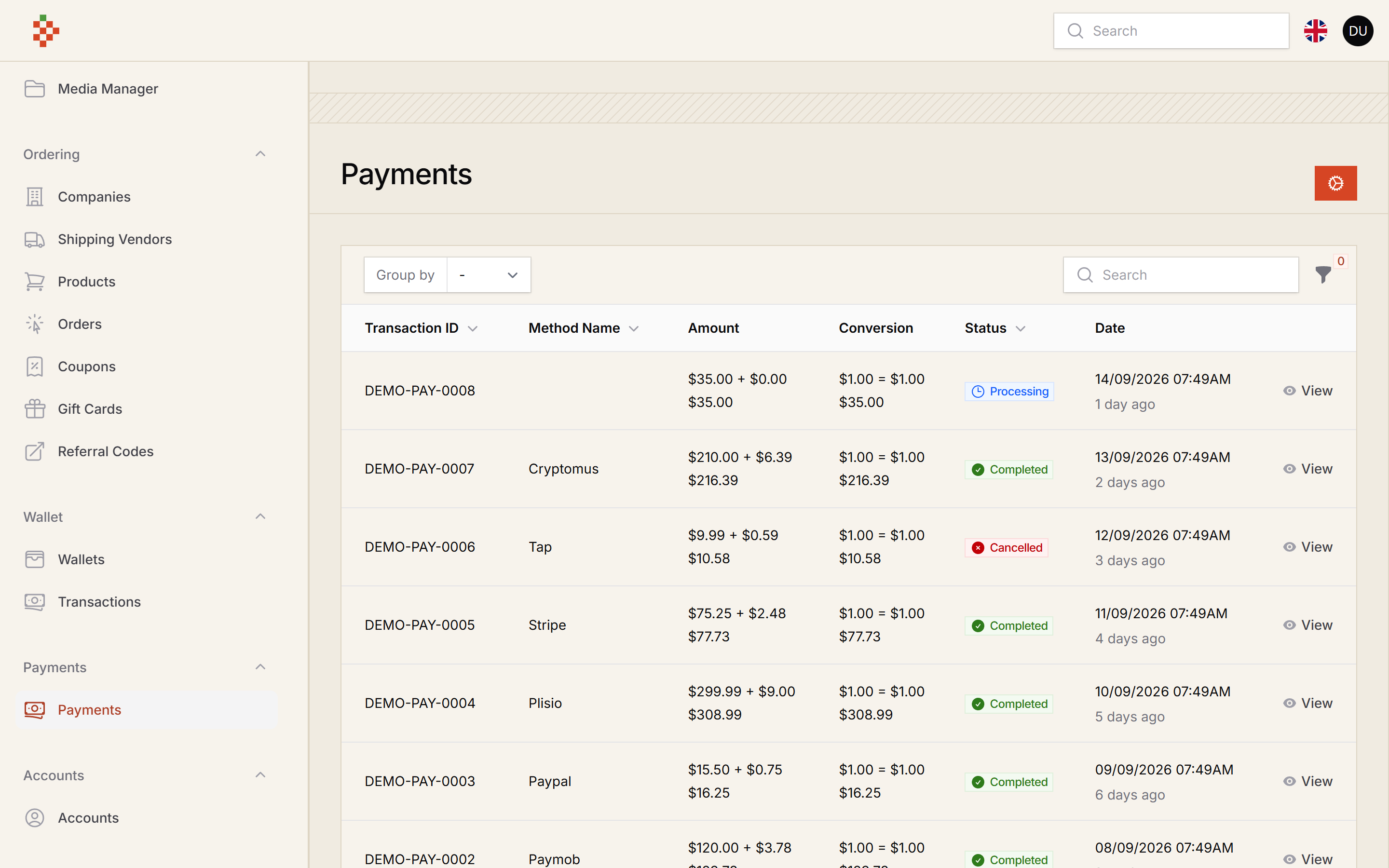
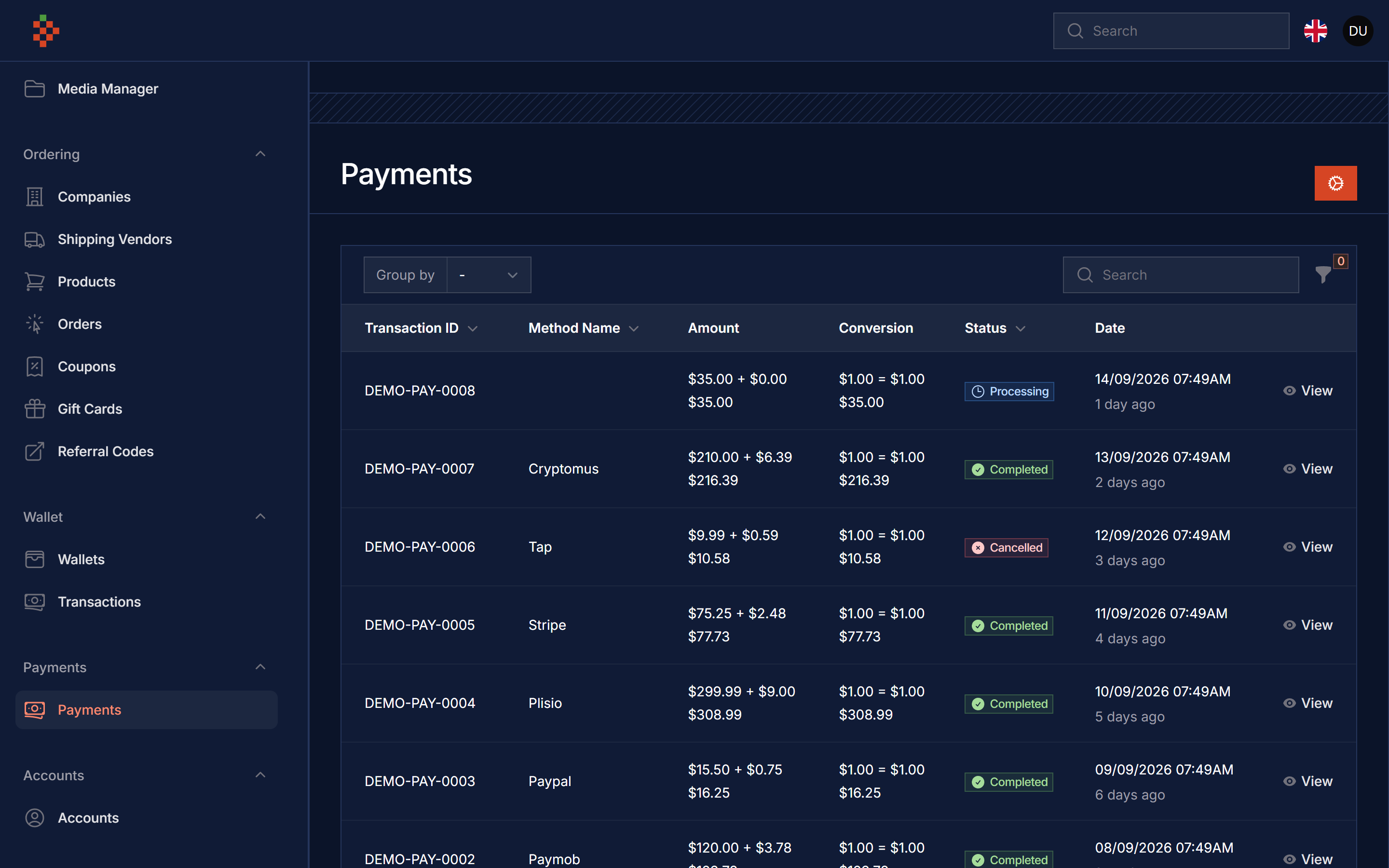
- Payments List
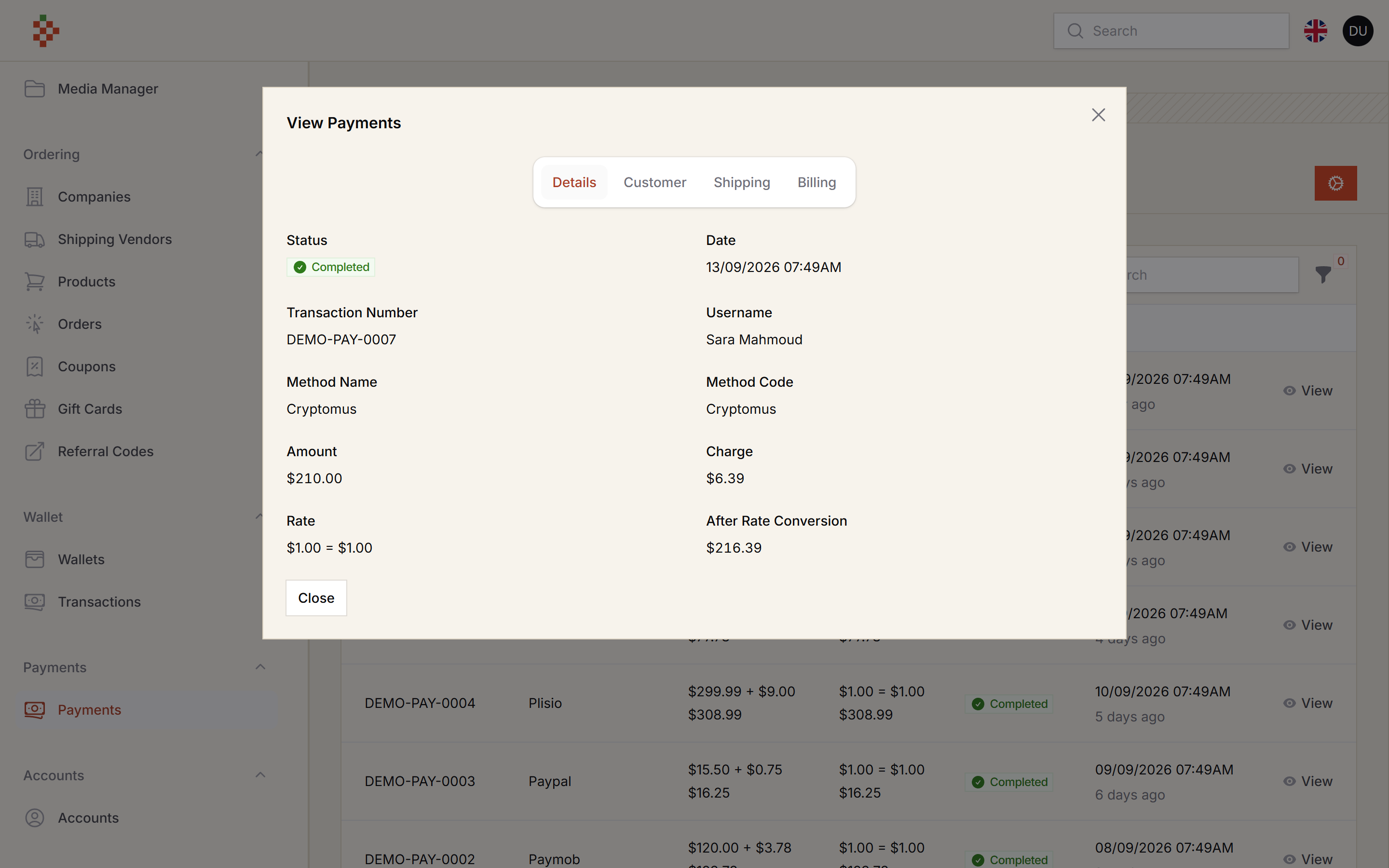
- Payment View
- Payment Filter And Groups by Status
- Payment Gates
- Payment Gate Options
- Payment Action
- Payment Facade Method
- Payment Page
- Payment Drivers
- StripeV3 Integration
- Plisio Integration
- Paypal Integration
- Paymob Integration
- Tap Integration
- Myfatoorah Integration
- Creptomus Integration
- Paddle Integration
- Lemon Squeezy Integration
- Binance Integration
- PayTabs Integration
- Moyaser Integration
- Payfort Integration
- Fawery Integration
Compatibility
| Package version | Filament | Laravel | PHP |
|---|---|---|---|
| 5.x | 5.x | 12 / 13 | 8.2+ |
1.x (v3 branch) |
3.x | 10 / 11 | 8.1+ |
Installation
composer require tomatophp/filament-payments
we need the Media Library plugin to be installed and migrated you can use this command to publish the migration
php artisan vendor:publish --provider="Spatie\MediaLibrary\MediaLibraryServiceProvider" --tag="medialibrary-migrations"
after install your package please run this command
php artisan filament-payments:install
finally register the plugin on /app/Providers/Filament/AdminPanelProvider.php
->plugin(\TomatoPHP\FilamentPayments\FilamentPaymentsPlugin::make())
Using
you can use payment with the very easy way just use Facade FilamentPayments like this
use TomatoPHP\FilamentPayments\Facades\FilamentPayments;
use TomatoPHP\FilamentPayments\Services\Contracts\PaymentBillingInfo;
use TomatoPHP\FilamentPayments\Services\Contracts\PaymentCustomer;
use TomatoPHP\FilamentPayments\Services\Contracts\PaymentRequest;
use TomatoPHP\FilamentPayments\Services\Contracts\PaymentShippingInfo;
use TomatoPHP\FilamentSubscriptions\Facades\FilamentSubscriptions;

return redirect()->to(
        FilamentPayments::pay(
            data: PaymentRequest::make(Plan::class)
                ->model_id($data['new']->id)
                ->currency('USD')
                ->amount($data['new']->price)
                ->details('Subscription Payment')
                ->success_url(url('/success'))
                ->cancel_url(url('/cancel'))
                ->customer(
                    PaymentCustomer::make('John Doe')
                        ->email('john@gmail.com')
                        ->mobile('+201207860084')
                )
                ->billing_info(
                    PaymentBillingInfo::make('123 Main St')
                        ->area('Downtown')
                        ->city('Cairo')
                        ->state('Cairo')
                        ->postcode('12345')
                        ->country('EG')
                )
                ->shipping_info(
                    PaymentShippingInfo::make('123 Main St')
                        ->area('Downtown')
                        ->city('Cairo')
                        ->state('Cairo')
                        ->postcode('12345')
                        ->country('EG'
                        )
                )),
    );
if you want to return it as json you can just make json: true, this method return a URL for you with the payment, you can share this signed link with the customer to make the payment done (see Payment Links).
Use Payment Action
you can use a Table Action to make it easy to link Payment with your table like this
use TomatoPHP\FilamentPayments\Filament\Actions\PaymentAction;

public function table(Table $table): $table
{
    return $table
        ->actions([
             PaymentAction::make('payment')
                ->request(function ($record){
                    return PaymentRequest::make(Order::class)
                        ->model_id($record->id)
                        ->currency('USD')
                        ->amount($record->total)
                        ->details($record->ordersItems()->pluck('product_id')->implode(', '))
                        ->success_url(url('/success'))
                        ->cancel_url(url('/cancel'))
                        ->customer(
                            PaymentCustomer::make($record->name)
                                ->email($record->account->email)
                                ->mobile($record->phone)
                        )
                        ->billing_info(
                            PaymentBillingInfo::make($record->address)
                                ->area($record->area->name)
                                ->city($record->city->name)
                                ->state($record->city->name)
                                ->postcode('12345')
                                ->country($record->country->iso3)
                        )
                        ->shipping_info(
                            PaymentShippingInfo::make($record->address)
                                ->area($record->area->name)
                                ->city($record->city->name)
                                ->state($record->city->name)
                                ->postcode('12345')
                                ->country($record->country->iso3)
                        );
                })
                ->pay(),
        ]);
}
Integrate With Filament Subscription
if you like to use this package with Filament Subscription you can use this code
use TomatoPHP\FilamentPayments\Facades\FilamentPayments;
use TomatoPHP\FilamentPayments\Services\Contracts\PaymentBillingInfo;
use TomatoPHP\FilamentPayments\Services\Contracts\PaymentCustomer;
use TomatoPHP\FilamentPayments\Services\Contracts\PaymentRequest;
use TomatoPHP\FilamentPayments\Services\Contracts\PaymentShippingInfo;
use TomatoPHP\FilamentSubscriptions\Facades\FilamentSubscriptions;

public function boot(): void
    {
        FilamentSubscriptions::afterSubscription(function ($data) {
            //Payment Here
            return redirect()->to(FilamentPayments::pay(
                data: PaymentRequest::make(Plan::class)
                    ->model_id($data['new']->id)
                    ->currency('USD')
                    ->amount($data['new']->price)
                    ->details('Subscription Payment')
                    ->success_url(url('/success'))
                    ->cancel_url(url('/cancel'))
                    ->customer(
                        PaymentCustomer::make('John Doe')
                            ->email('john@gmail.com')
                            ->mobile('+201207860084')
                    )
                    ->billing_info(
                        PaymentBillingInfo::make('123 Main St')
                            ->area('Downtown')
                            ->city('Cairo')
                            ->state('Cairo')
                            ->postcode('12345')
                            ->country('EG')
                    )
                    ->shipping_info(
                        PaymentShippingInfo::make('123 Main St')
                            ->area('Downtown')
                            ->city('Cairo')
                            ->state('Cairo')
                            ->postcode('12345')
                            ->country('EG')
                    )
            ));
        });
    }
it will redirect you to payment after the hook is called.
Payment Page Guard
The payment page (/pay/{trx}) requires an authenticated user. Since v5 it uses config('filament-payments.guard'), which defaults to your app's default guard (before v5 it was hard-coded to auth:accounts). To use another guard, or to get the old behaviour back, publish the config and set:
// config/filament-payments.php
'guard' => 'accounts',
Payment Links
The payment page (/pay/{trx}) and the gateway cancel return (GET /pay/{trx}/cancel) are protected by Laravel signed URLs, and only the payment owner can open or cancel a payment. Route names are unchanged, but links must now come from the package: FilamentPayments::pay(), the PaymentAction and the pay/initiate API already return signed links; if you build one yourself use the payment model:
$payment->payUrl();       // signed link to the payment page
$payment->cancelUrl();    // signed link a gateway can redirect the customer back to
A plain route('payment.index', $trx) (or a hand-written /pay/{trx} link) is rejected with a 403. Breaking changes:
- Payment page links expire (default 24 hours) and cancel return links expire (default 3 days). Change it, or pass
nullto never expire, in the published config:
// config/filament-payments.php
'links' => [
    'pay_expires' => 60 * 24,      // minutes
    'cancel_expires' => 60 * 24 * 3,
],
- Cancelling from the payment page is now a CSRF protected
POST /pay/{trx}/cancel(routepayment.cancel.submit). The signedGETcancel route is only meant for gateway redirects; custom drivers must use$payment->cancelUrl()for their cancel/return URL (extra query parameters go incancelUrl(['session' => $payment->trx])so they are part of the signature). - The signed-in user must own the payment: the payment
modelis the user, the user can access the paymentmodelas a team/tenant (canAccessTenant()/belongsToTeam()), or the paymentcustomer.emailmatches the user's email. Anyone else gets a 403. If your payment links are meant to be paid by a different account, set'enforce_owner' => falsein the config (the signed link is then the only check).
Gateway Secrets
Gateway parameters are stored encrypted with your APP_KEY, and secret parameters are never sent to the browser: in the gateway edit modal they are empty password inputs, and leaving one blank keeps the current value. Each driver declares its secret keys; a custom driver opts in like this:
public static function secretKeys(): array
{
    return ['secret_key'];
}
If you rotate APP_KEY, re-enter your gateway keys.
Publish Assets
you can publish config file by use this command
php artisan vendor:publish --tag="filament-payments-config"
you can publish views file by use this command
php artisan vendor:publish --tag="filament-payments-views"
you can publish languages file by use this command
php artisan vendor:publish --tag="filament-payments-lang"
you can publish migrations file by use this command
php artisan vendor:publish --tag="filament-payments-migrations"
Other Filament Packages
Checkout our Awesome TomatoPHP