
tomatophp / filament-menus

Menu Database builder to use it as a navigation on Filament Panel or as a Livewire Component
Fund package maintenance!
Requires
- php: ^8.2
- filament/filament: ^5.0
- lara-zeus/spatie-translatable: ^2.0
- tomatophp/console-helpers: ^1.1
- tomatophp/filament-icons: ^5.0
- tomatophp/filament-translation-component: ^5.0
Requires (Dev)
- larastan/larastan: ^3.0
- laravel/pint: ^1.24
- orchestra/testbench: ^10.0|^11.0
- pestphp/pest: ^4.0|^5.0
- pestphp/pest-plugin-laravel: ^4.0|^5.0
- pestphp/pest-plugin-livewire: ^4.0|^5.0
- phpstan/extension-installer: ^1.4
- phpstan/phpstan-deprecation-rules: ^2.0
- phpstan/phpstan-phpunit: ^2.0
Suggests
None
Provides
None
Conflicts
None
Replaces
None
README
Filament Menus


Menu Database builder to use it as a navigation on Filament Panel or as a Livewire Component
Requirements
| Package version | Filament | Laravel | PHP |
|---|---|---|---|
| 5.x | 5.x | 12.x, 13.x | 8.2+ |
| 2.x | 3.x | 10.x, 11.x | 8.2+ |
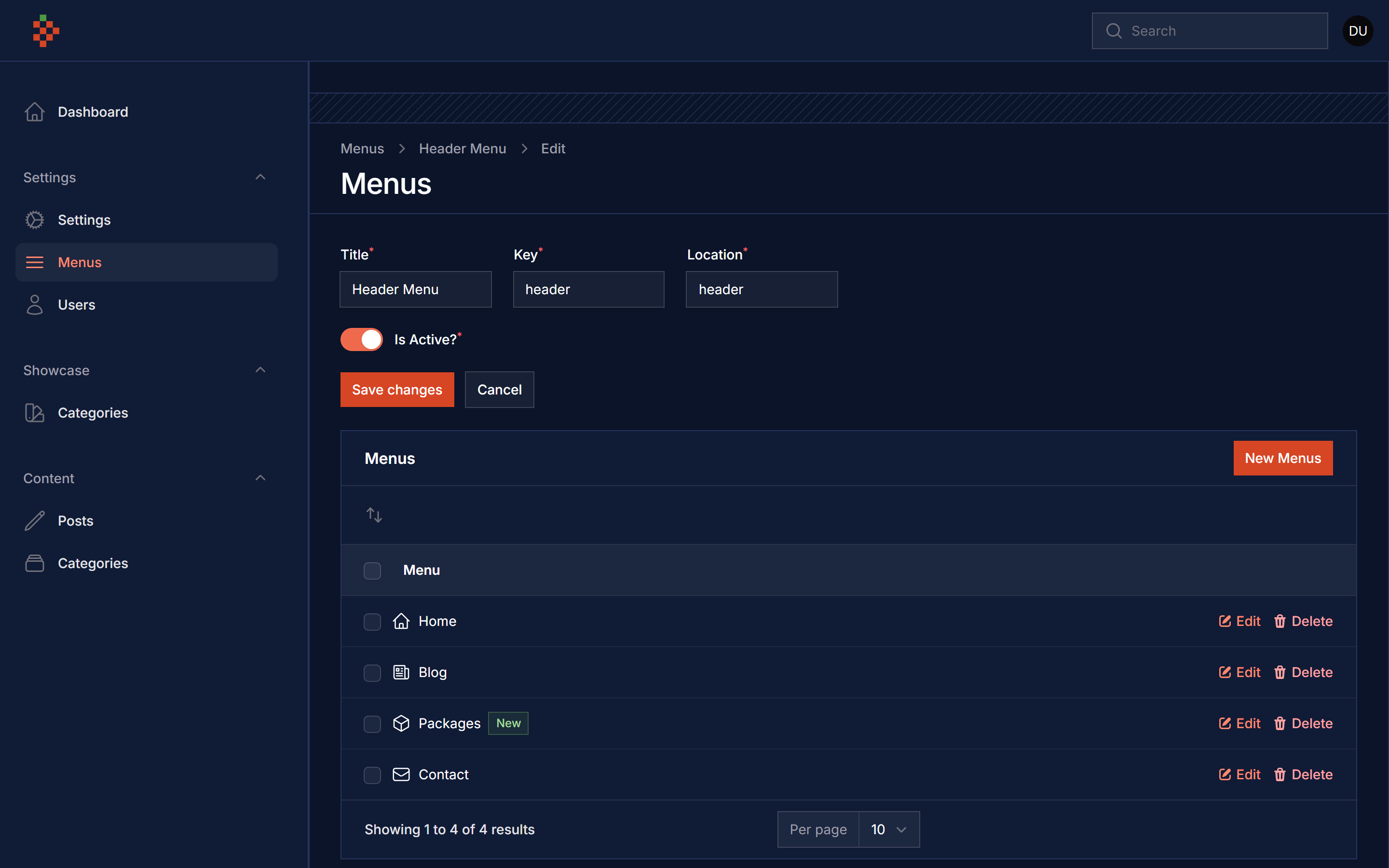
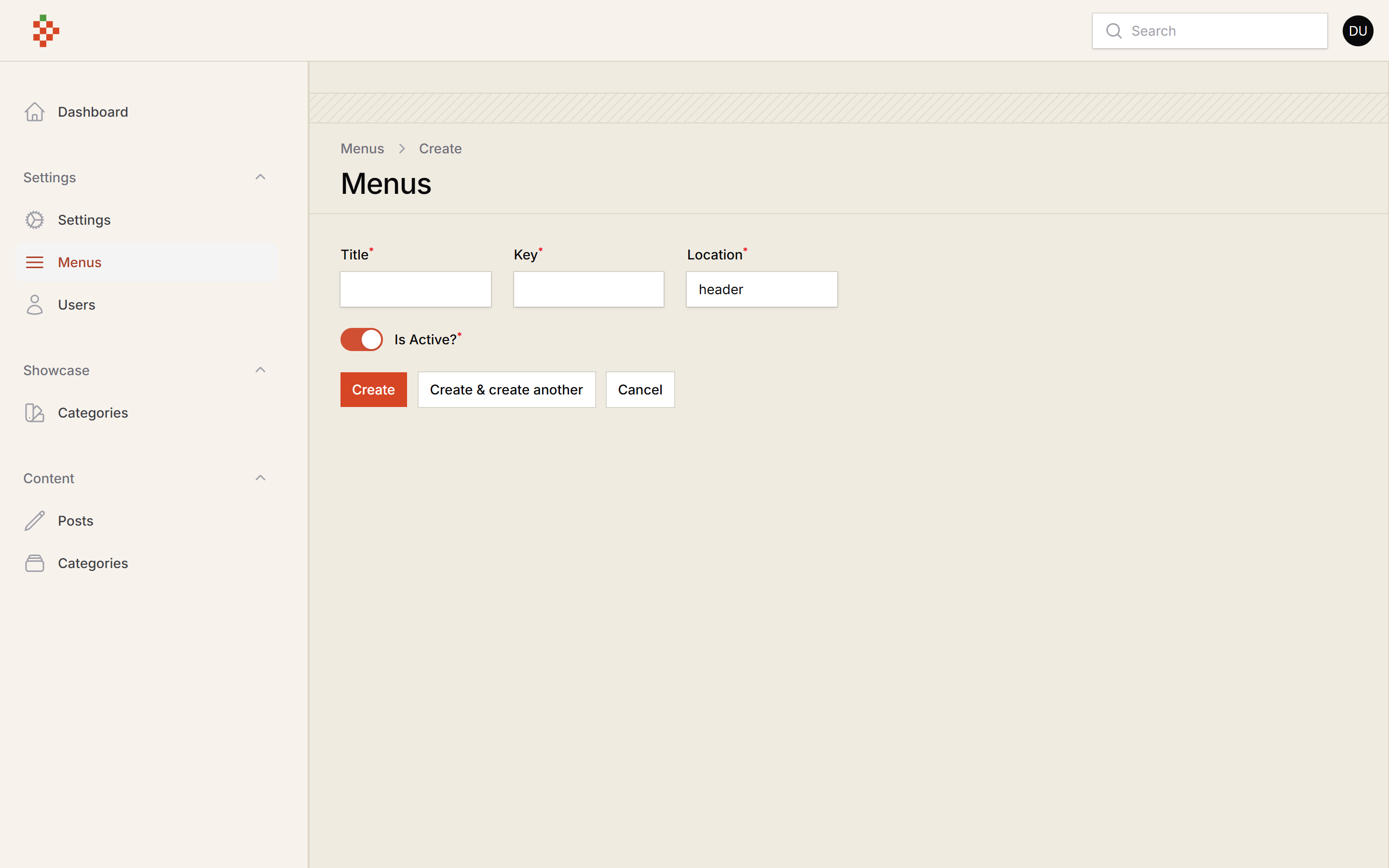
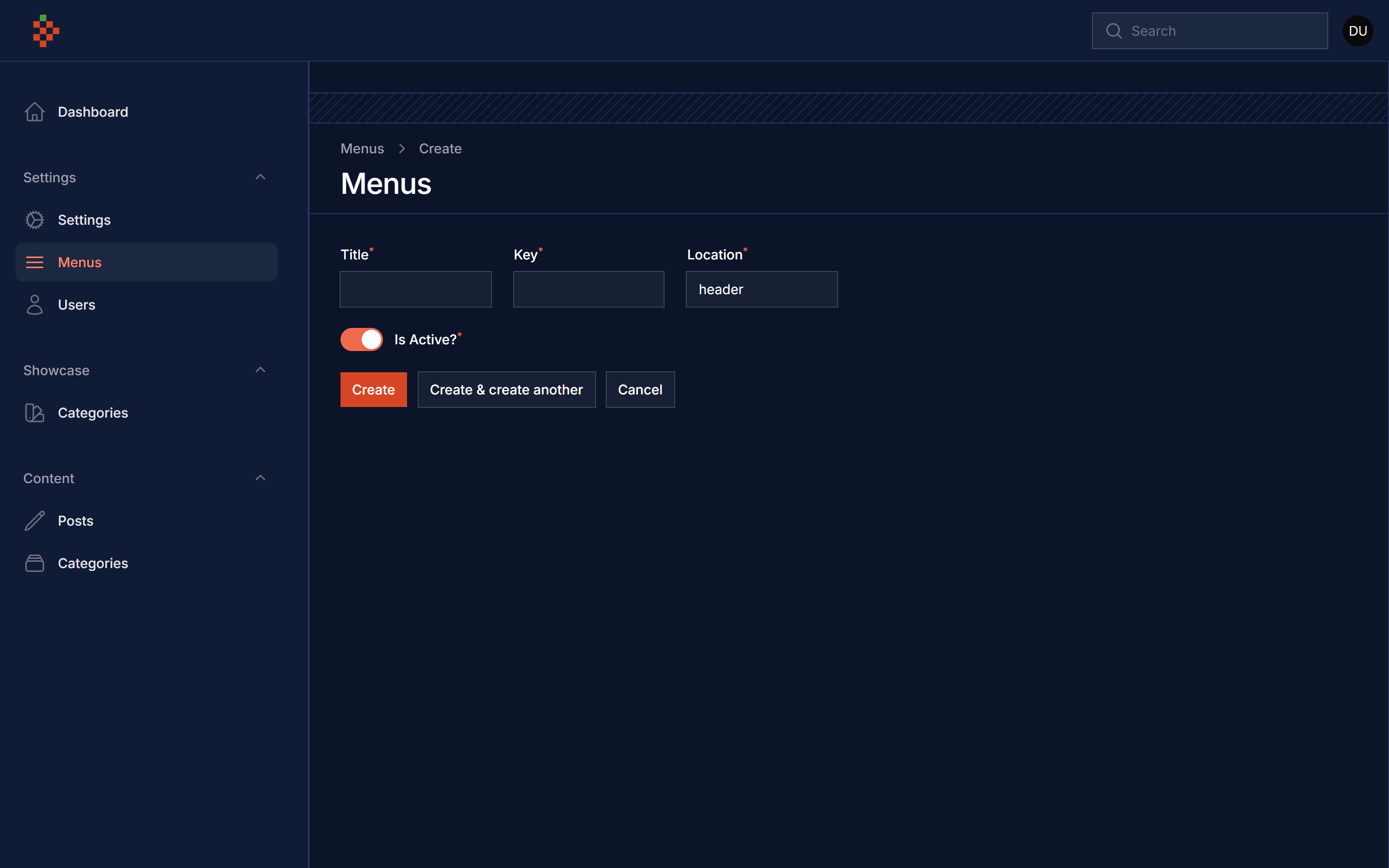
Screenshots
Installation
composer require tomatophp/filament-menus
after install your package please run this command
php artisan filament-menus:install
finally register the plugins on /app/Providers/Filament/AdminPanelProvider.php
->plugins([
    \LaraZeus\SpatieTranslatable\SpatieTranslatablePlugin::make()->defaultLocales(['en', 'ar']),
    \TomatoPHP\FilamentMenus\FilamentMenusPlugin::make(),
])
Use as Filament Navigation
you can use this package as a navigation on Filament Admin Panel
use Filament\Navigation\NavigationBuilder;
use Filament\Navigation\NavigationGroup;
use TomatoPHP\FilamentMenus\Services\FilamentMenuLoader;

$panel->navigation(function (NavigationBuilder $builder){
    return $builder
        // Use Inside Group
        ->groups([
            NavigationGroup::make()
                ->label('Dashboard')
                ->items(FilamentMenuLoader::make('dashboard')),
        ])
        // Use Directly
        ->items(FilamentMenuLoader::make('dashboard'));
})
where dashboard is a key of menu.
Use as a Livewire Component
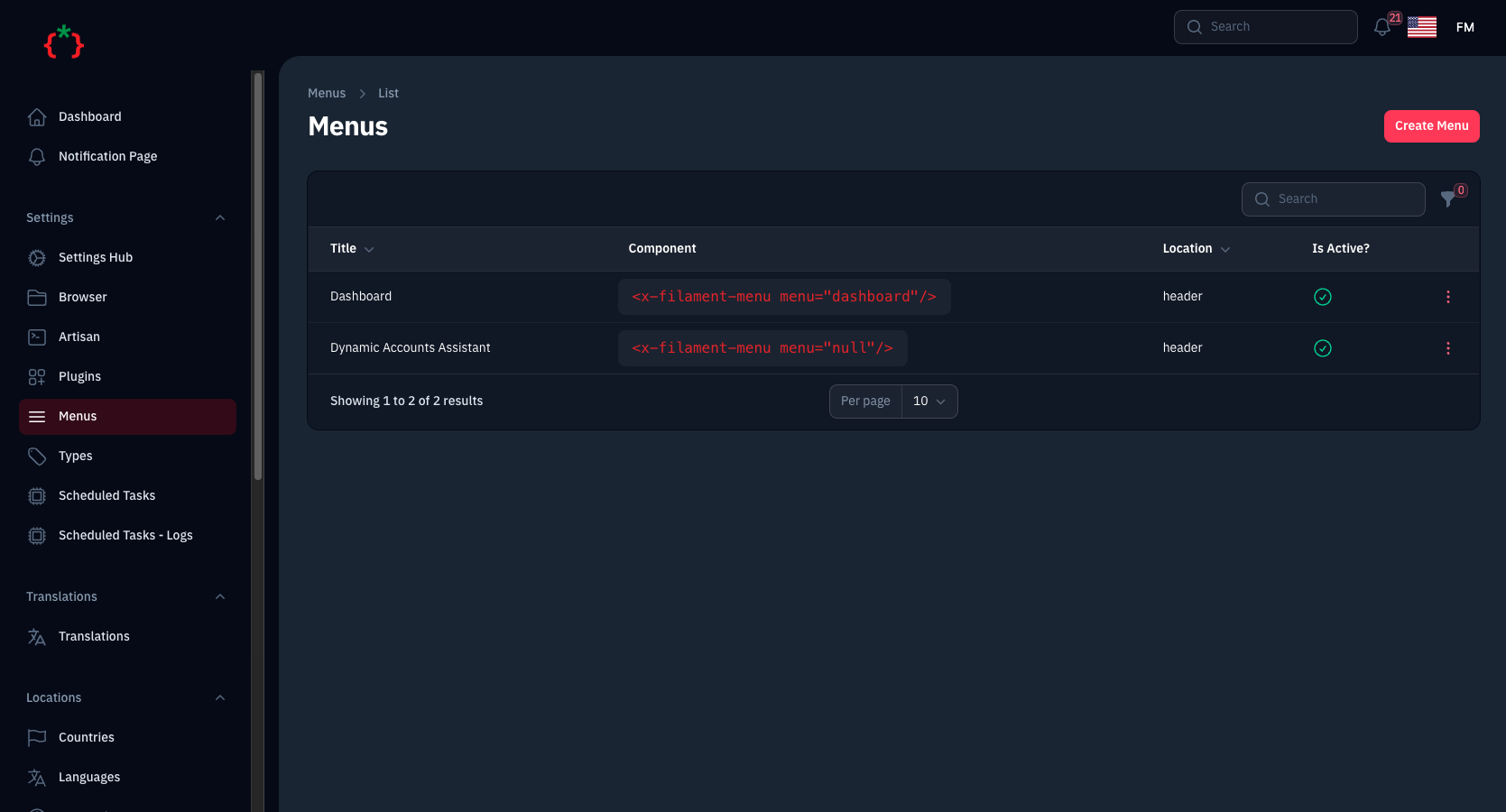
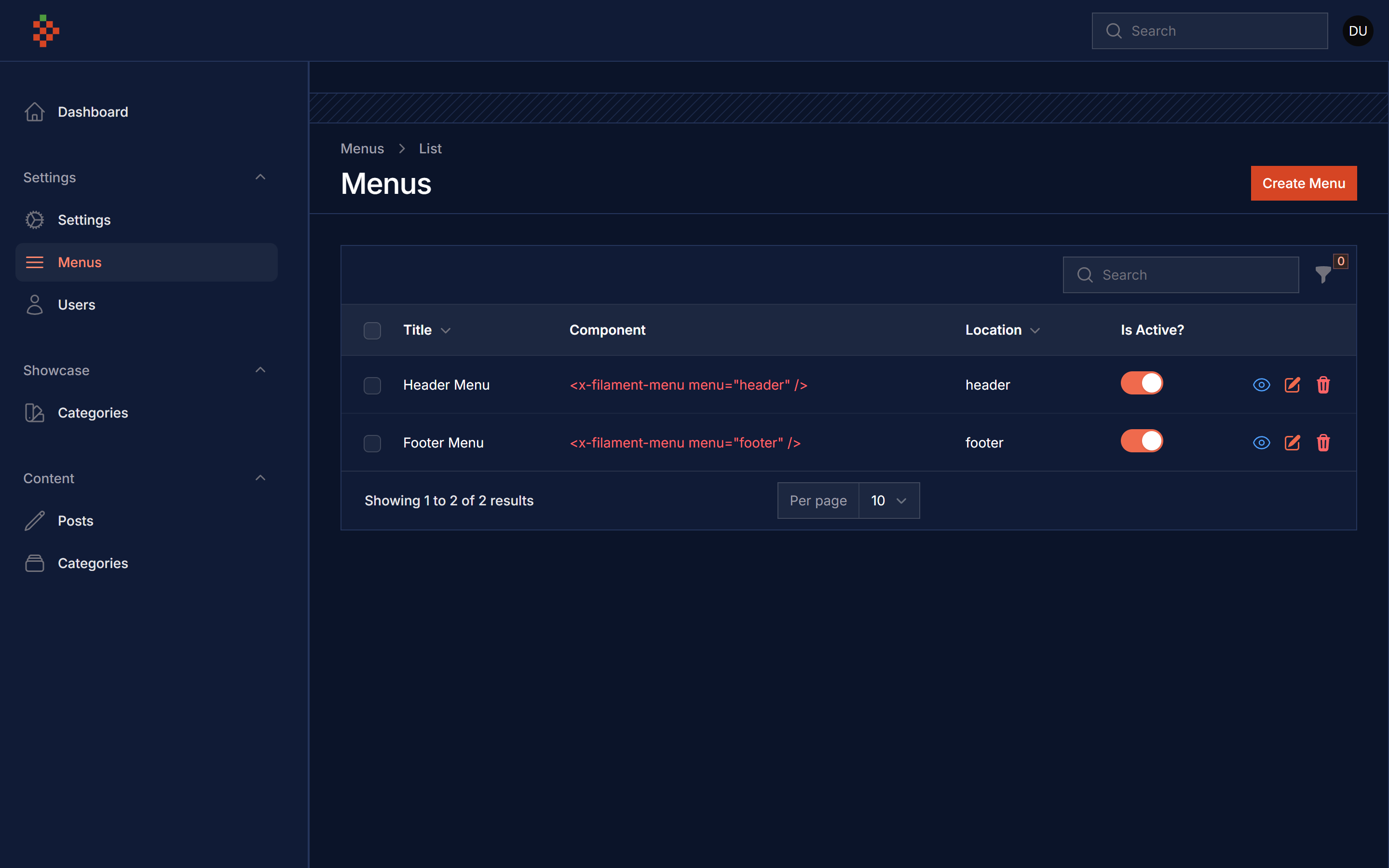
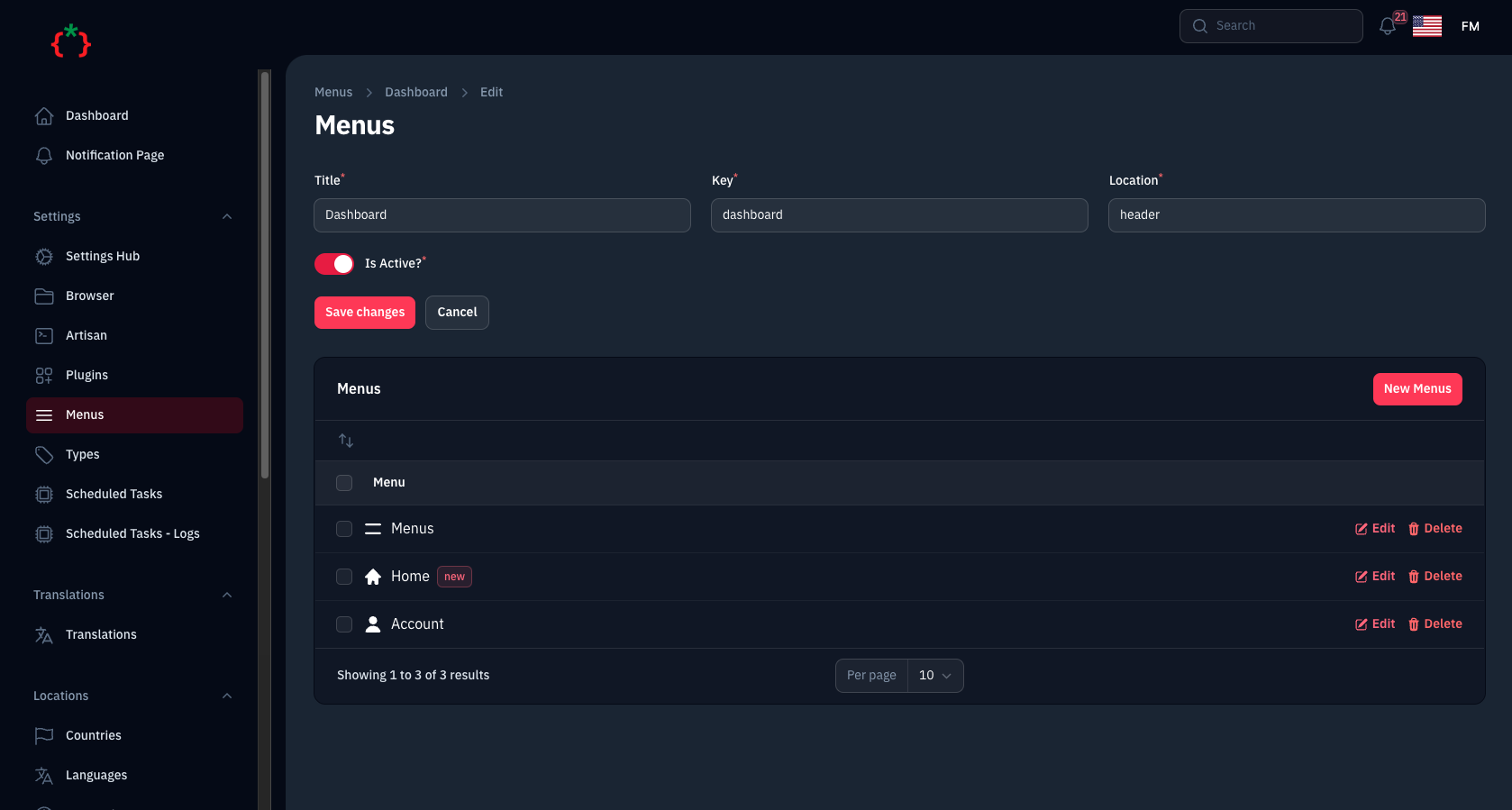
go to route admin/menus and create a new menu and you will get the code of livewire component
you can build a menu just by using this command as a livewire component
<x-filament-menu menu="header" />
where header is a key of menu and you will get the code ready on the Table list of menus
you can use custom view ex:
<x-filament-menu menu="header" view="menu-item" />
by default we use Tailwind as a main view with this code
@foreach ($menuItems as $item)
<a class="text-gray-500" href="{{ $item['url'] }}" @if($item['blank']) target="_blank" @endif>
    <span class="flex justify-between">
        @if(isset($item['icon']) && !empty($item['icon']))
        <x-icon class="w-4 h-4 mx-2" name="{{ $item['icon'] }}"></x-icon>
        @endif
        {{ $item['title'] }}
    </span>
</a>
@endforeach
or you can use direct helper menu($key) to get the menu items
@foreach (menu('header') as $item)
<a class="text-gray-500" href="{{ $item['url'] }}" @if($item['blank']) target="_blank" @endif>
    <span class="flex justify-between">
        @if(isset($item['icon']) && !empty($item['icon']))
        <x-icon class="w-4 h-4 mx-2" name="{{ $item['icon'] }}"></x-icon>
        @endif
        {{ $item['title'] }}
    </span>
</a>
@endforeach
Publish Assets
you can publish config file by use this command
php artisan vendor:publish --tag="filament-menus-config"
you can publish views file by use this command
php artisan vendor:publish --tag="filament-menus-views"
you can publish languages file by use this command
php artisan vendor:publish --tag="filament-menus-lang"
you can publish migrations file by use this command
php artisan vendor:publish --tag="filament-menus-migrations"
Other Filament Packages
Checkout our Awesome TomatoPHP