
tomatophp / filament-ecommerce

Build your own ecommerce store with FilamentPHP with the Power of Tomato CMS Builder
Fund package maintenance!
Requires
- php: ^8.2
- filament/filament: ^5.0
- filament/spatie-laravel-media-library-plugin: ^5.0
- filament/spatie-laravel-settings-plugin: ^5.0
- flowframe/laravel-trend: ^0.4.0|^0.5.0
- lara-zeus/spatie-translatable: ^2.0
- milon/barcode: ^12.0|^13.0
- tomatophp/console-helpers: ^1.1
- tomatophp/filament-accounts: ^5.0
- tomatophp/filament-cms: ^5.0
- tomatophp/filament-locations: ^5.0
- tomatophp/filament-settings-hub: ^5.0
- tomatophp/filament-types: ^5.0
Requires (Dev)
- larastan/larastan: ^3.0
- laravel/pint: ^1.24
- nunomaduro/collision: ^8.6
- orchestra/testbench: ^10.0|^11.0
- pestphp/pest: ^4.0|^5.0
- pestphp/pest-plugin-arch: ^4.0|^5.0
- pestphp/pest-plugin-laravel: ^4.0|^5.0
- pestphp/pest-plugin-livewire: ^4.0|^5.0
- pestphp/pest-plugin-type-coverage: ^4.0|^5.0
- phpstan/extension-installer: ^1.4
- phpstan/phpstan-deprecation-rules: ^2.0
- phpstan/phpstan-phpunit: ^2.0
Suggests
None
Provides
None
Conflicts
None
Replaces
None
This package is auto-updated.
Last update: 2026-10-15 17:13:21 UTC
README
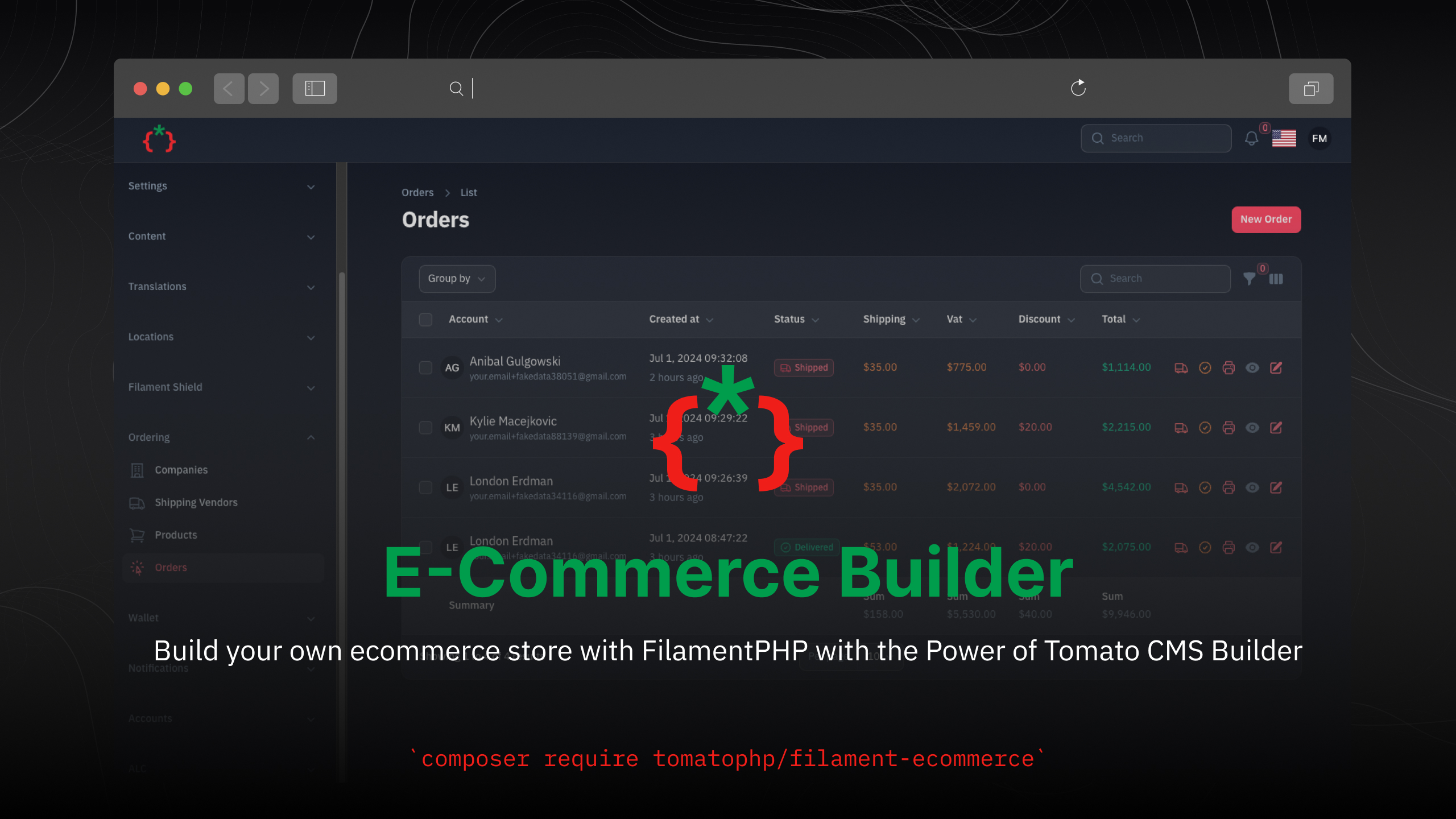
Filament Ecommerce Builder
Build your own ecommerce store with FilamentPHP with the Power of Tomato CMS Builder
Compatibility
| Package | Filament | Laravel | PHP |
|---|---|---|---|
| 5.x | 5.x | 12.x / 13.x | 8.3+ |
| 1.x | 3.x | 10.x / 11.x | 8.1+ |
The Filament v3 line is kept on the v3 branch.
Installation
composer require tomatophp/filament-ecommerce
we need the Media Library plugin to be installed and migrated you can use this command to publish the migration
php artisan vendor:publish --provider="Spatie\MediaLibrary\MediaLibraryServiceProvider" --tag="medialibrary-migrations"
now you need to install the settings hub use these commands
php artisan vendor:publish --provider="Spatie\LaravelSettings\LaravelSettingsServiceProvider" --tag="migrations"
php artisan filament-settings-hub:install
the package uses Filament Accounts, Filament Types, Filament CMS and Filament Locations; their migrations run with the install command below.
Filament Locations v5 reads countries, cities and areas from JSON by default, so the
country_id,city_idandarea_idcolumns only get foreign keys when those tables exist (FILAMENT_LOCATIONS_DRIVER=database).
after installing your package please run this command
php artisan filament-ecommerce:install
finally register the plugin on /app/Providers/Filament/AdminPanelProvider.php
->plugin(
    \TomatoPHP\FilamentEcommerce\FilamentEcommercePlugin::make()
        ->useCoupon()
        ->useGiftCard()
        ->useReferralCode()
        ->allowOrderExport()
        ->allowOrderImport()
        ->useWidgets()
)
there is some feature you can disable it
->plugin(
    \TomatoPHP\FilamentEcommerce\FilamentEcommercePlugin::make()
        ->useAccounts(false)
        ->useOrderSettings(false)
        ->useSettings(false)
        ->showOrderAccount(false)
        ->allowOrderCreate(false)
)
Features
- Multi Company / Branches Management
- Product Management
- Product Table Group By Type
- Product Multi Variants
- Product Multi Images
- Product Multi Languages Content
- Shipping Vendor Management
- Order Management
- Order Logs
- Order Shipping Action
- Order Change Status Action
- Order Table Group By Status
- Order Receipt Print
- Order Table Summary
- Order Settings
- Order Export
- Order Import
- Order Charts Widgets
- Coupon Management
- Gift Card Management
- Refferal Management
- Coupons Service Class
- Add Discount To Order Using Coupon
- Product Variants On Order
- Gitf Card Services
- Gift Card Apply To Account Wallet
- Pay Order With Wallet
- Pay Order With Gift Card
- Refferal Code Services
- Refferal Code Middleware Counter
- Order PDF Export
- Order Facade Methods
- Order Tracking Page
- Product Import
- Product Export
- Product Clone
- Cart Manager
- Comparison Between Products
- Wishlist Manager
- Product Download for Digital Products
- Search History Manager
- Filament CMS Page Builder Integration
- Filament CMS Themes Integration
- Product Service Class
- Ecommerce Service Class
- Ecommerce APIs
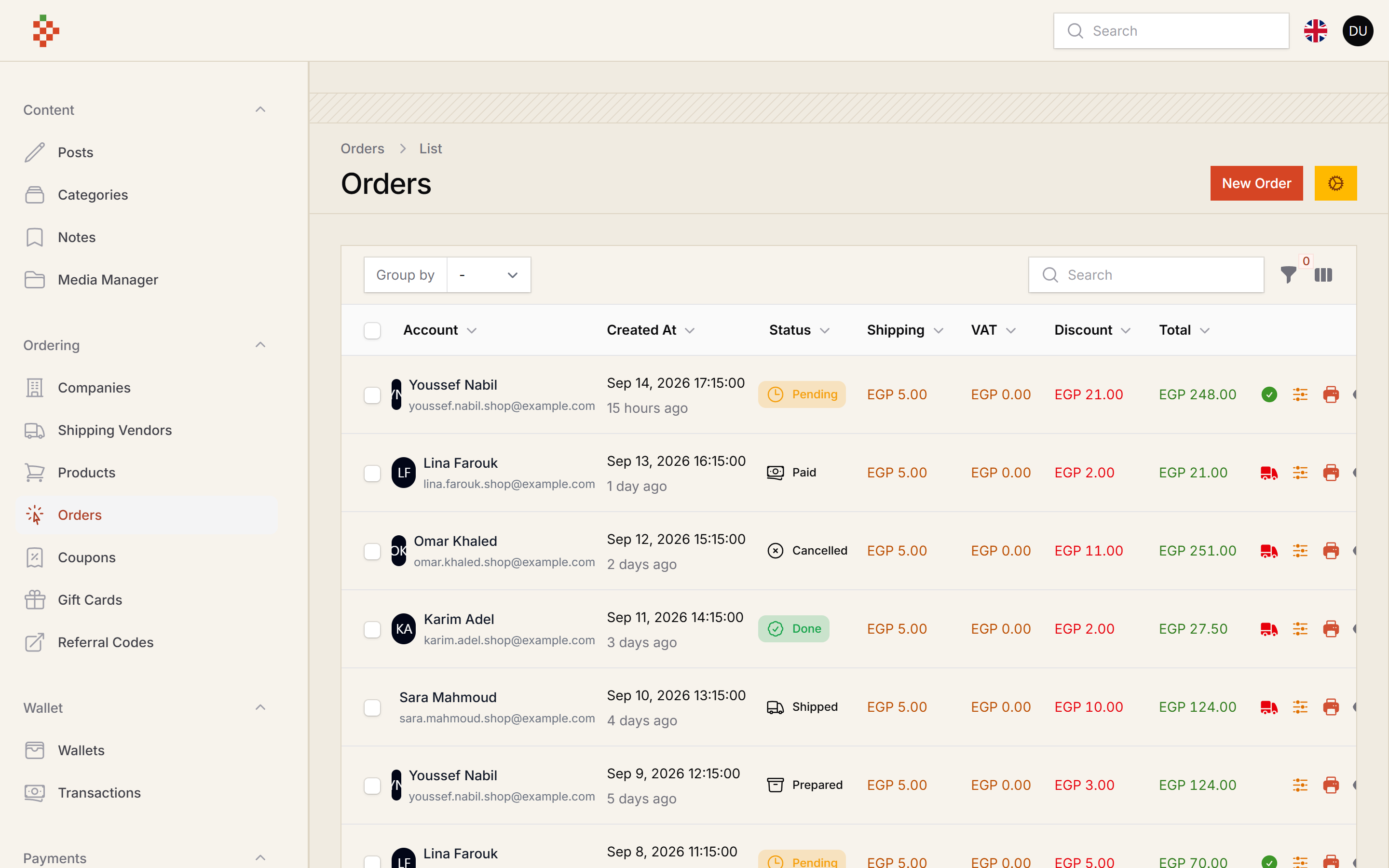
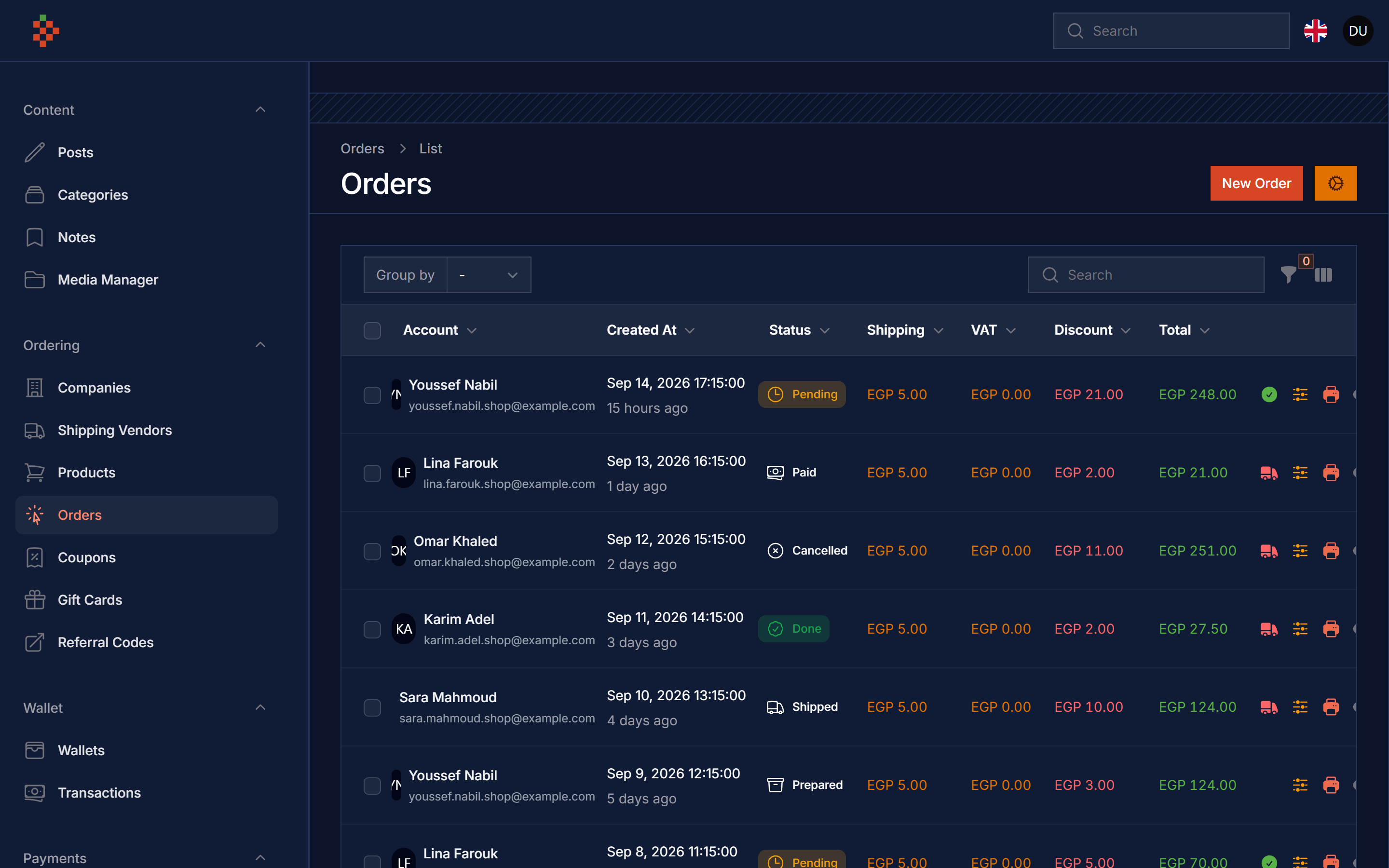
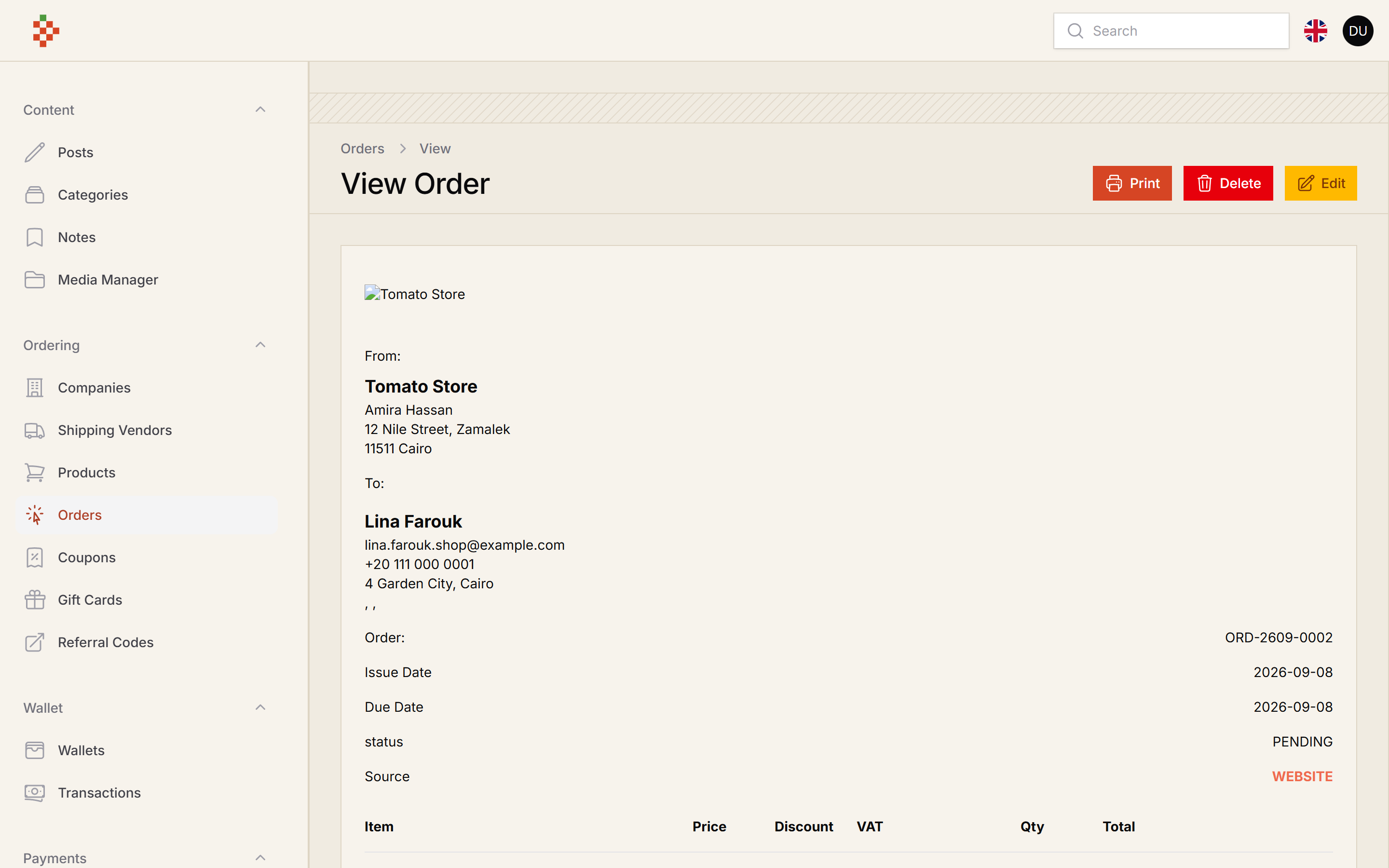
Screenshots
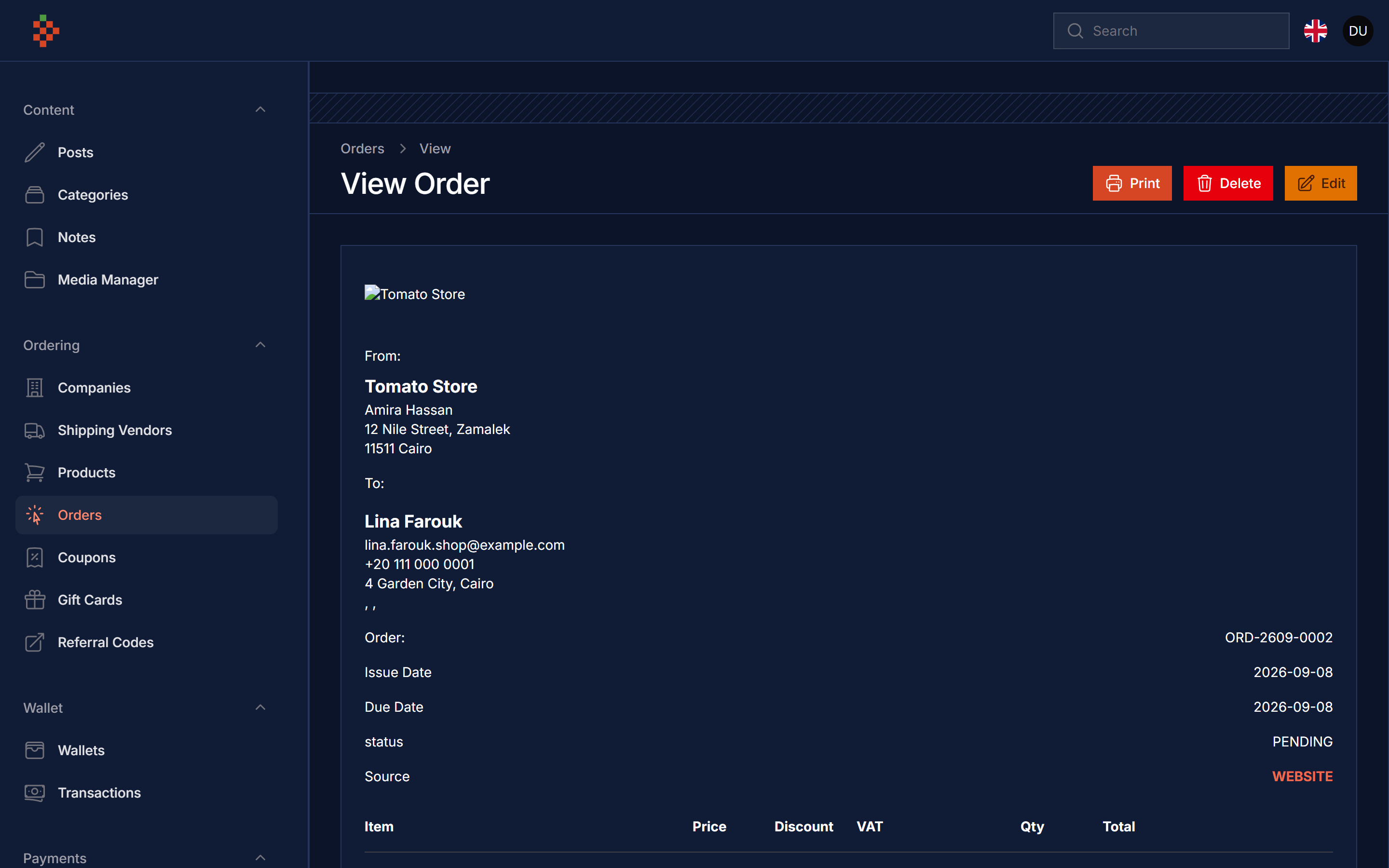
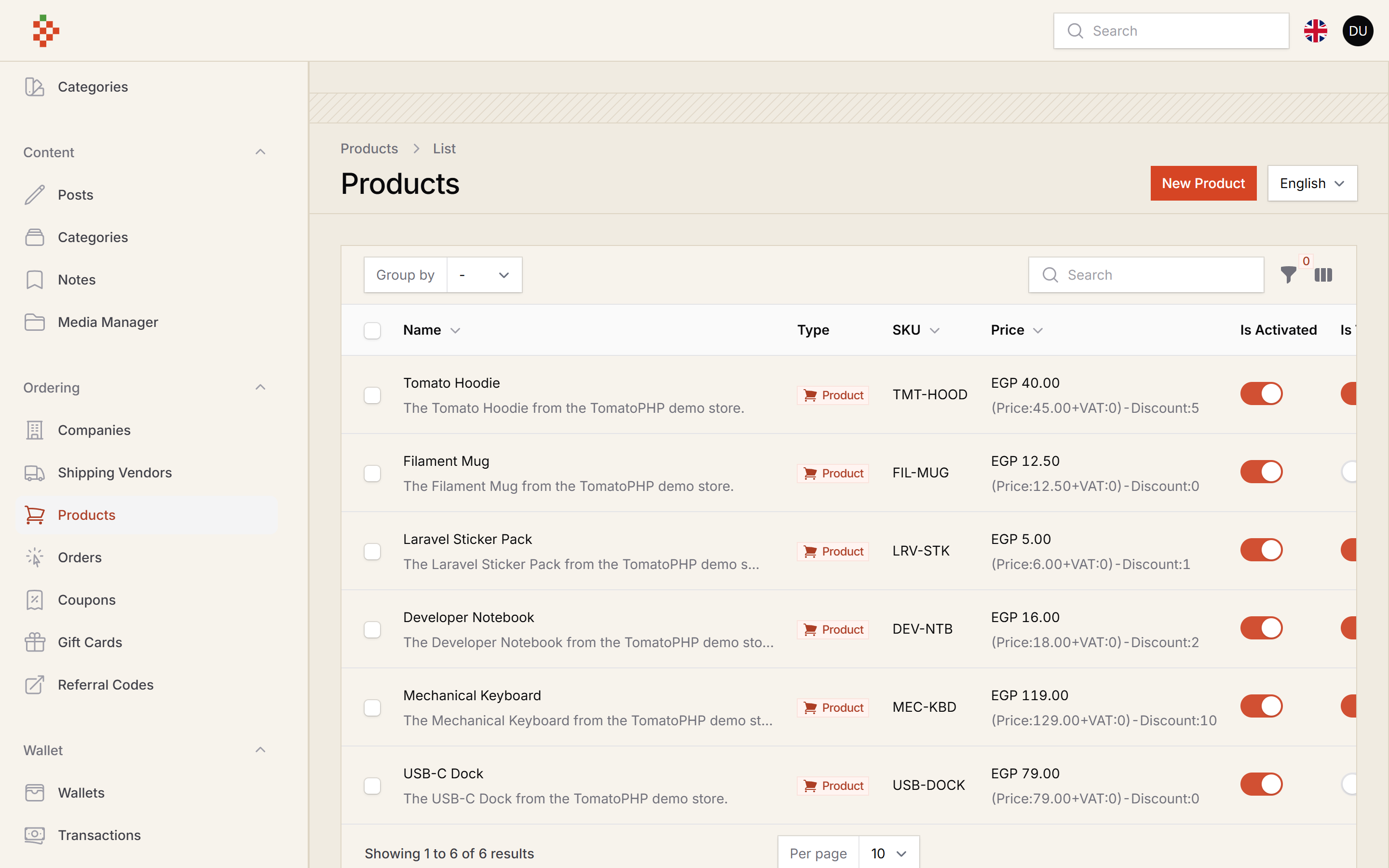
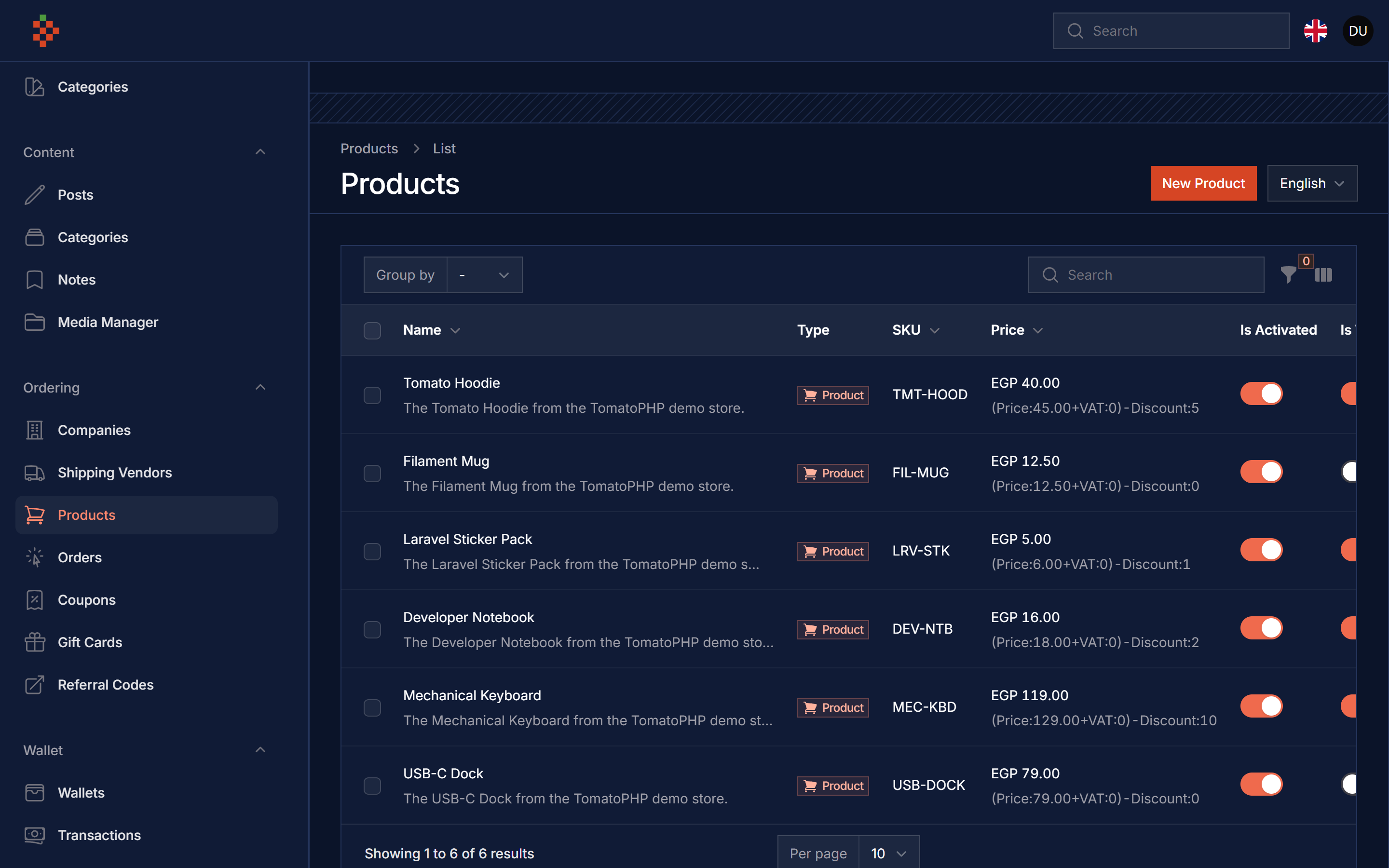
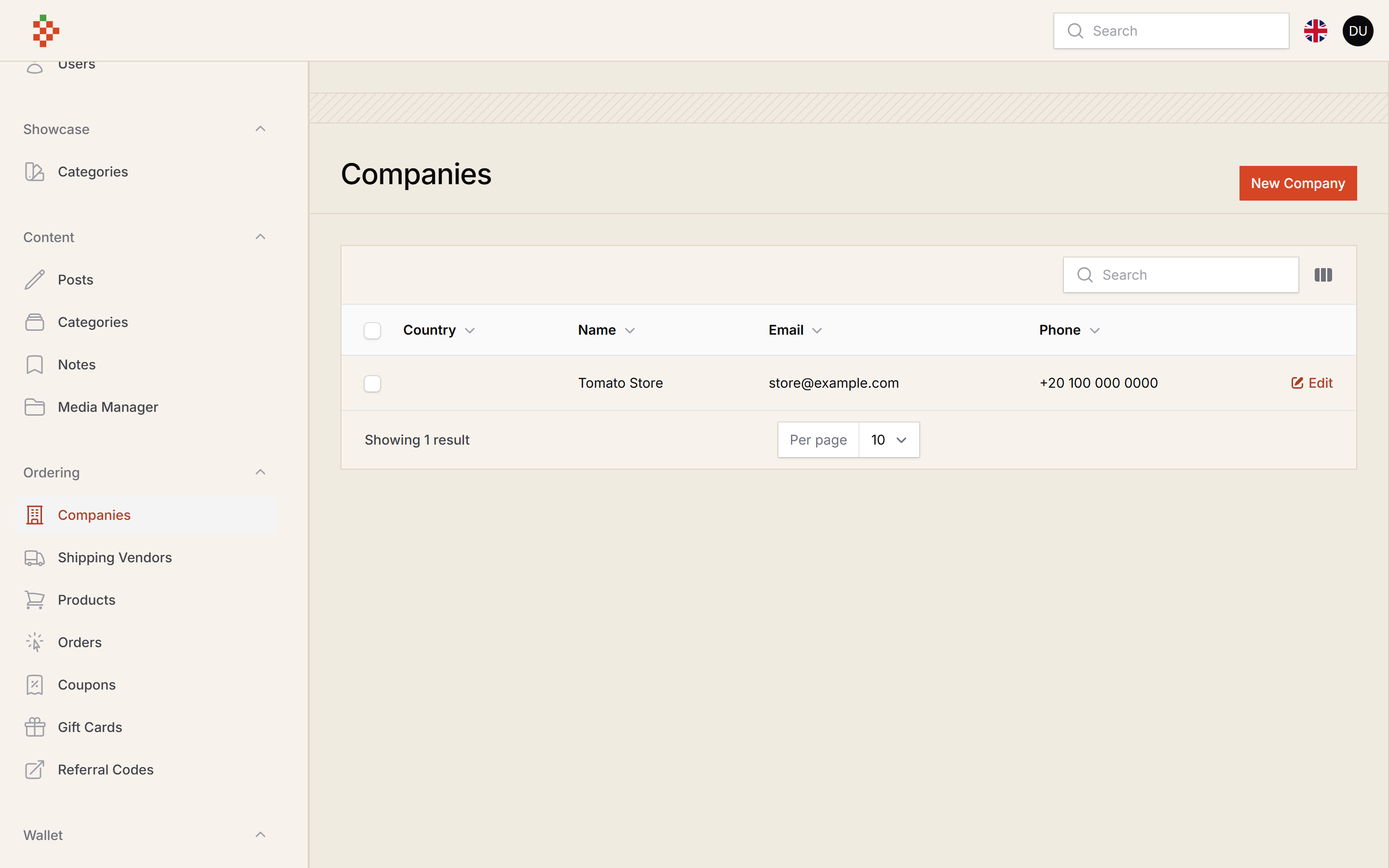
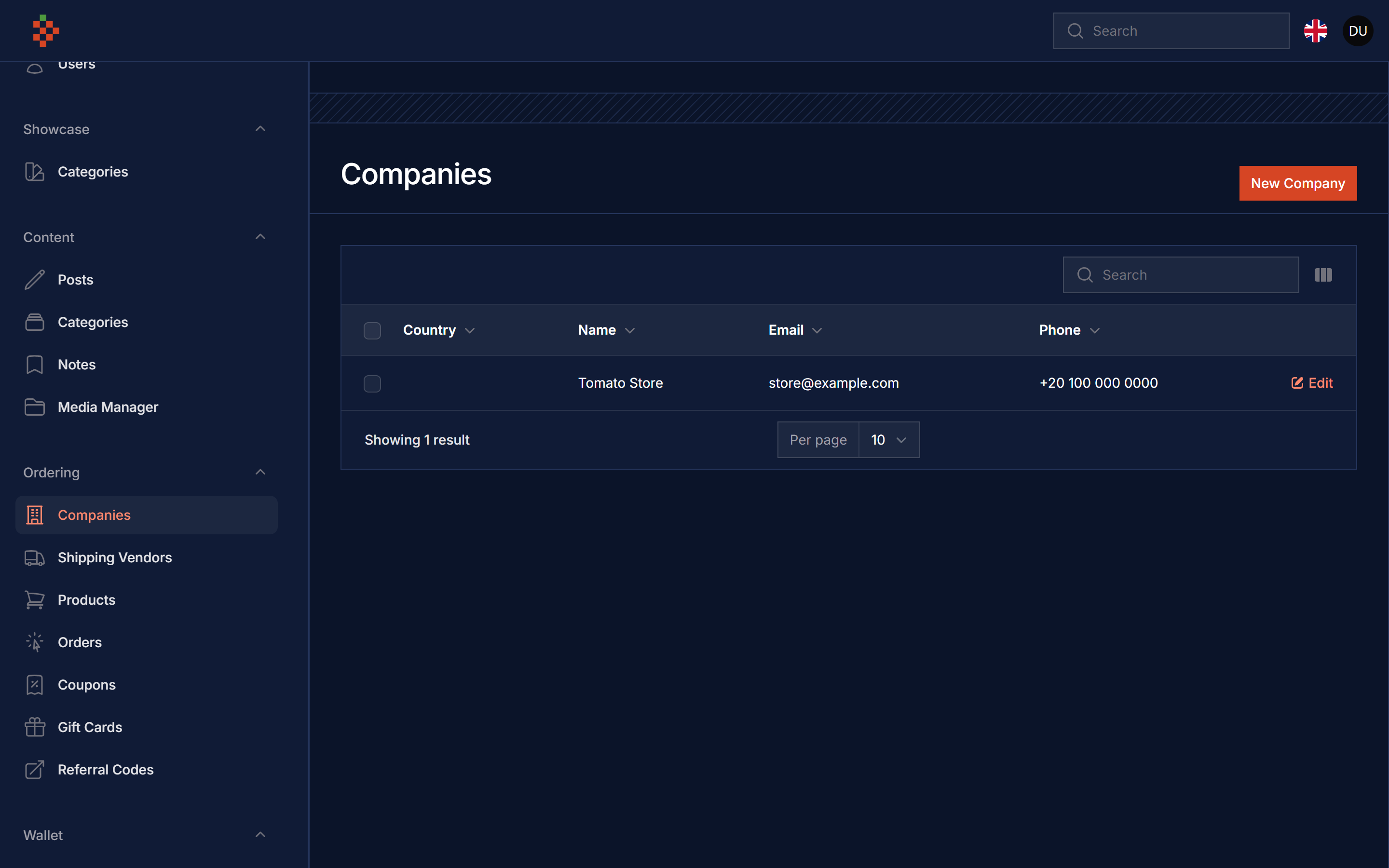
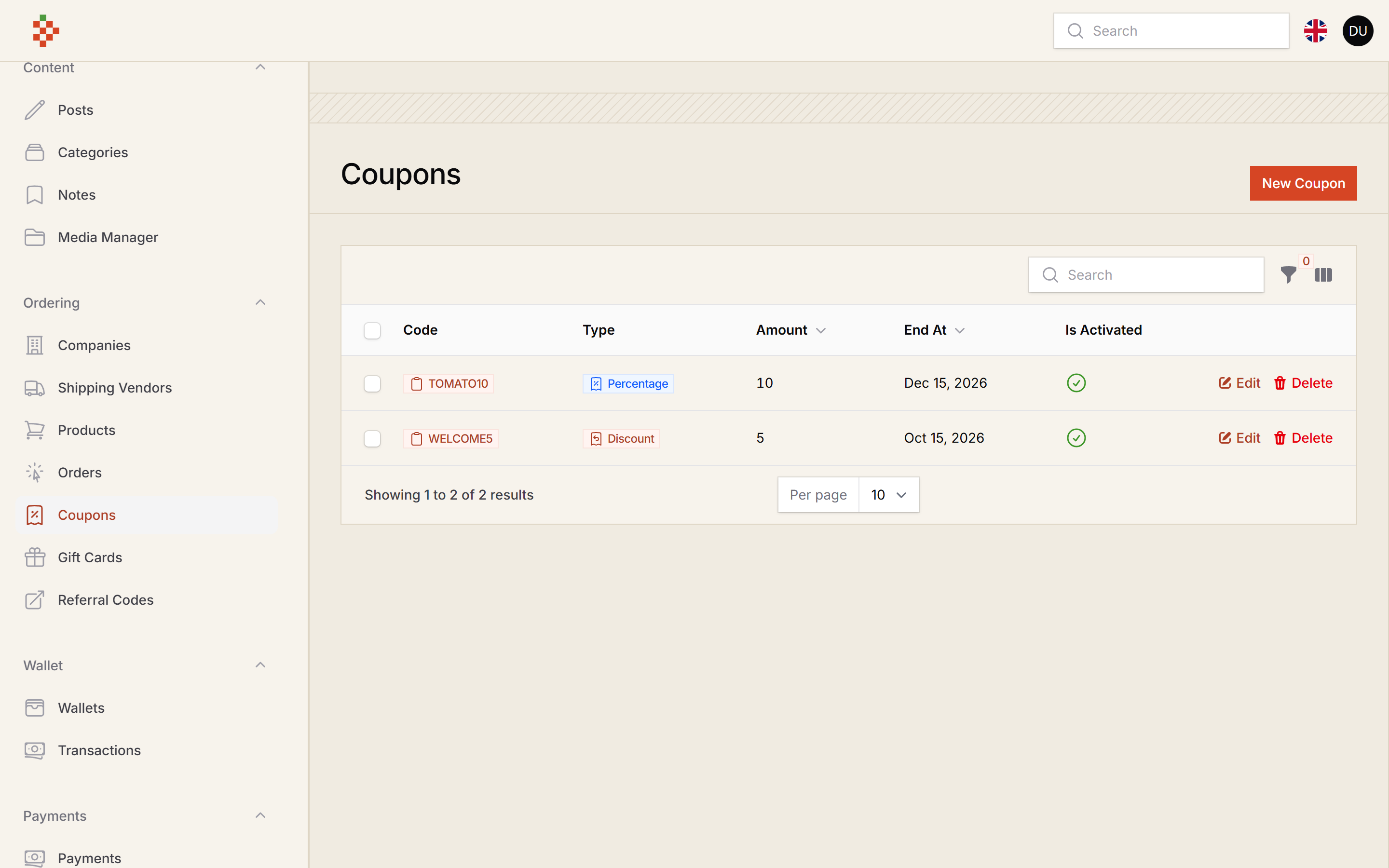
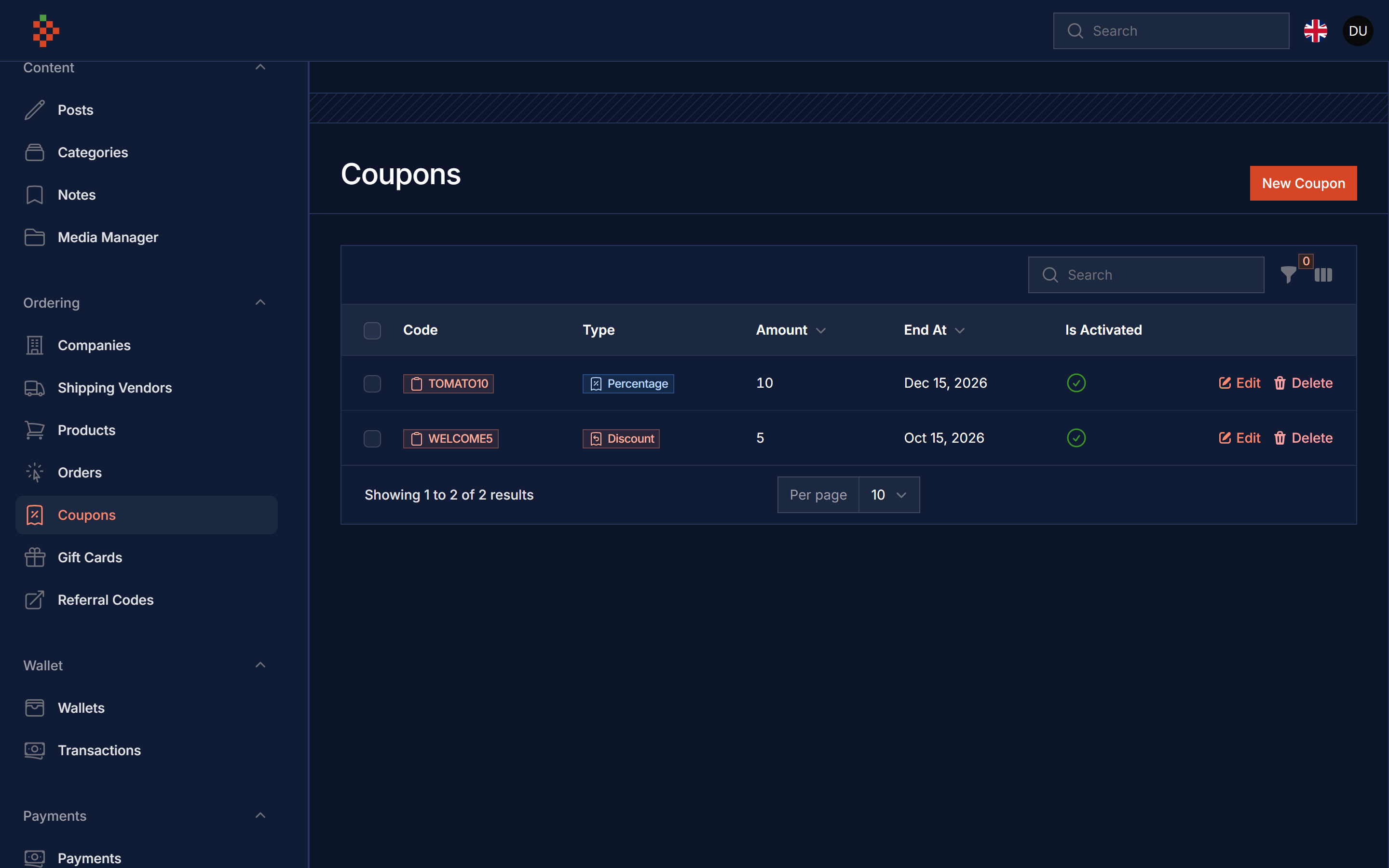
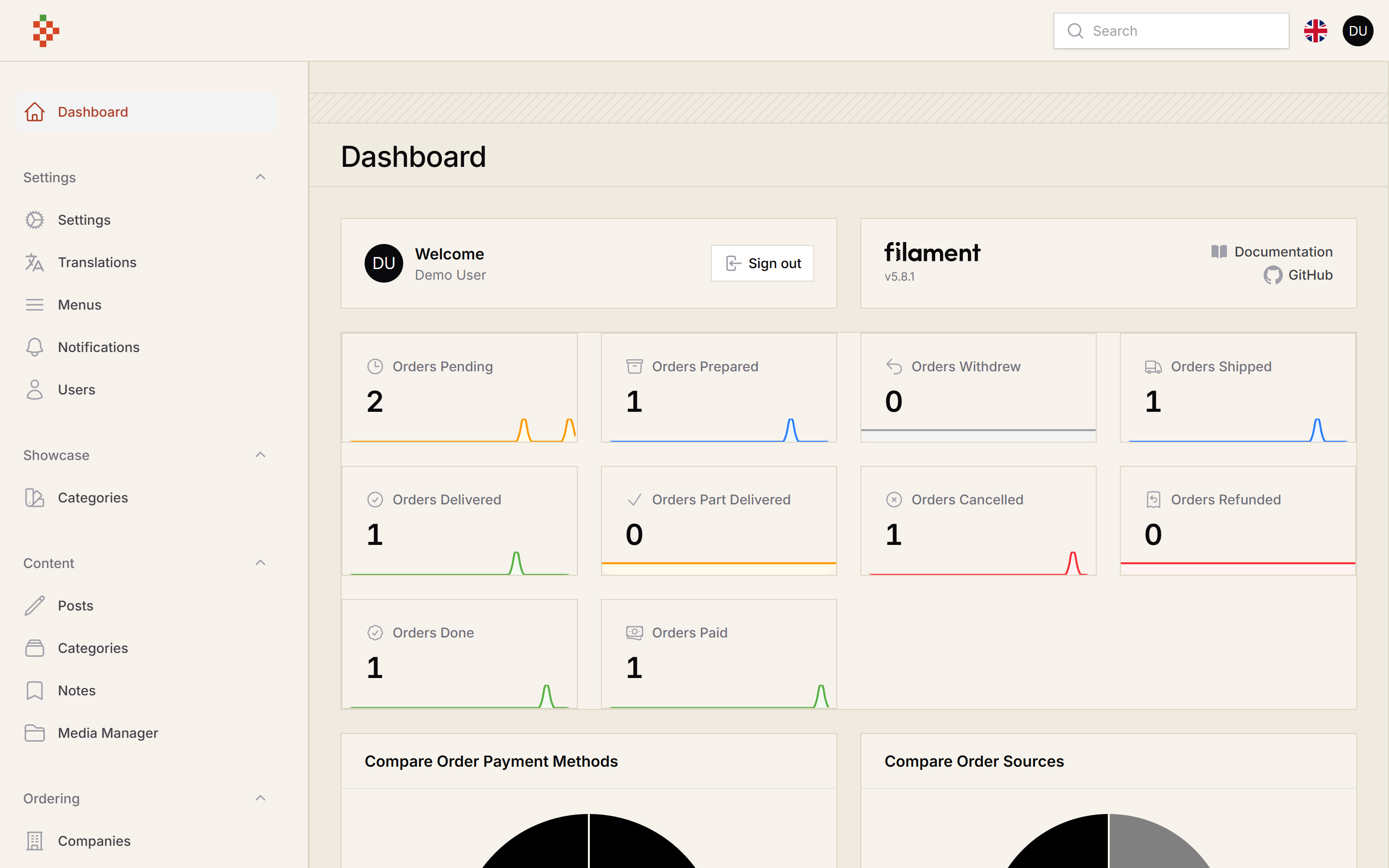
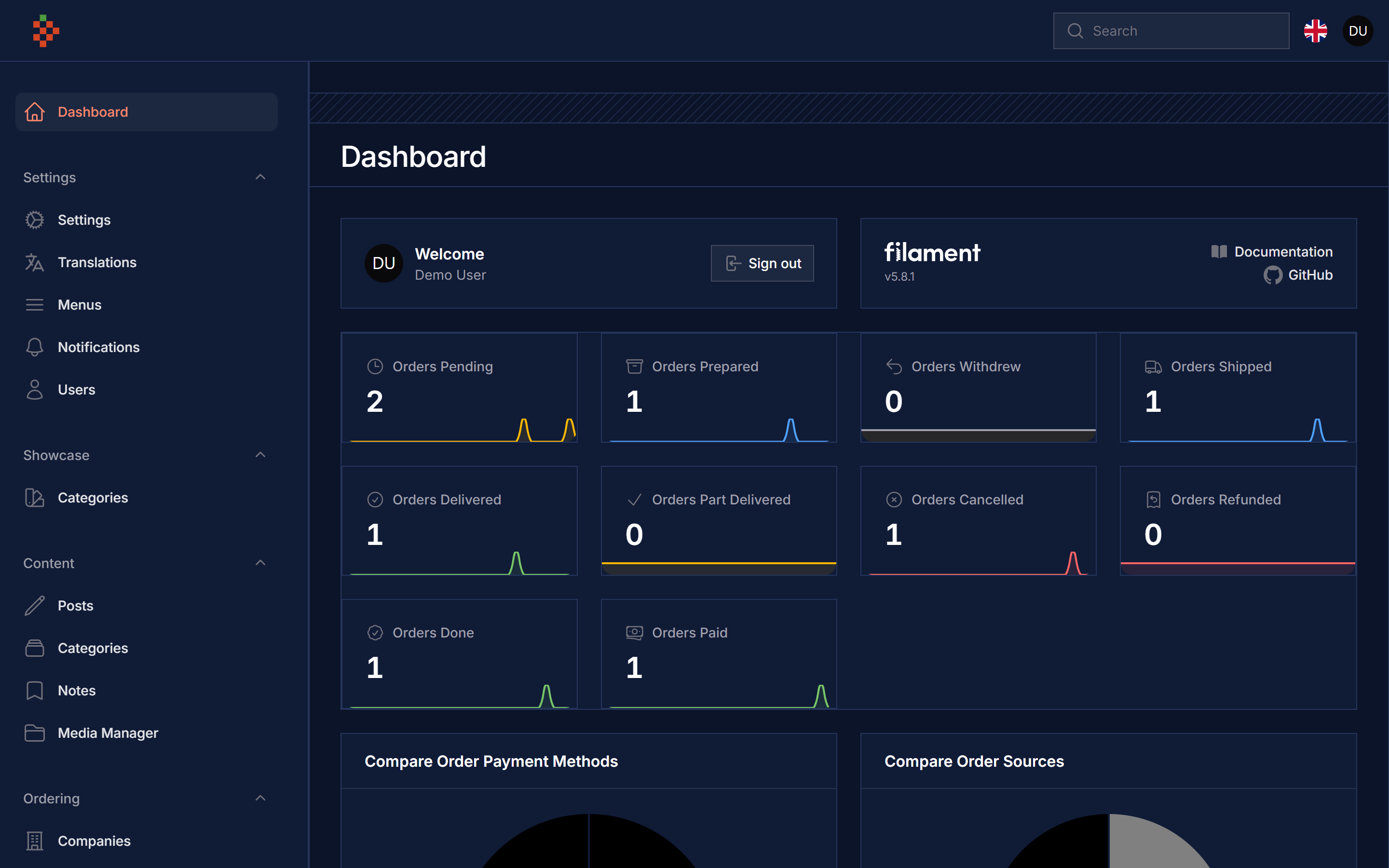
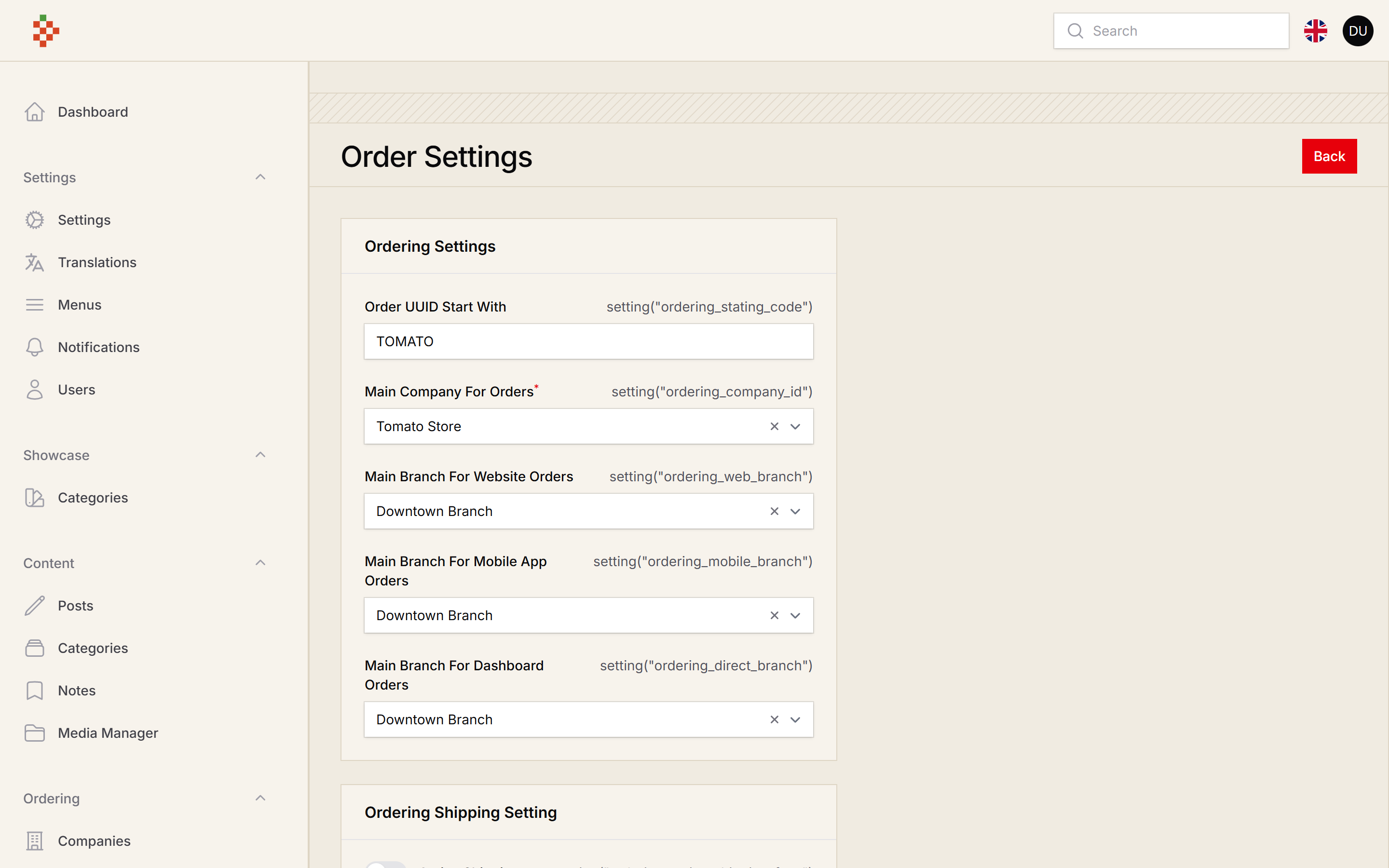
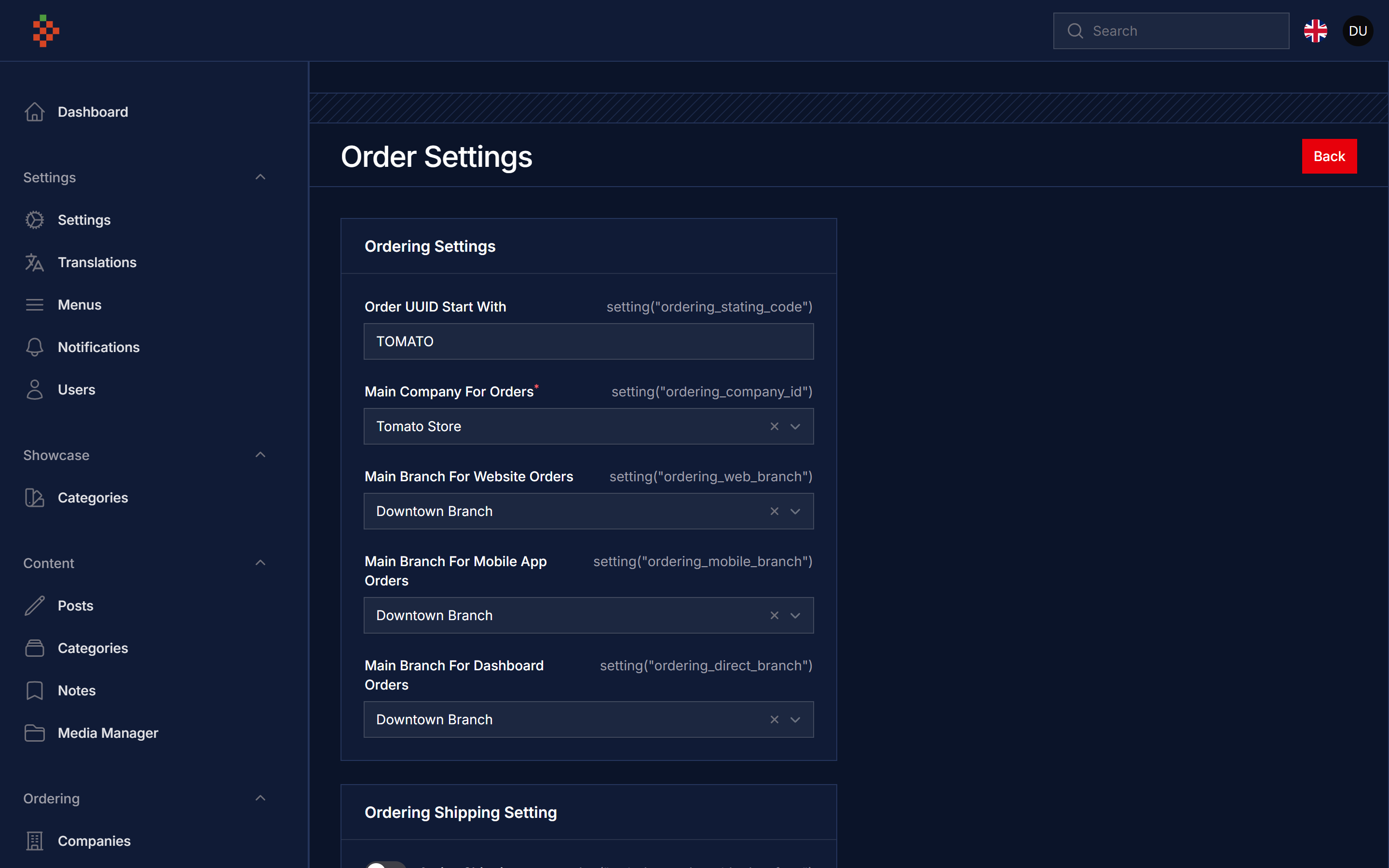
Use Coupon Service
you can use coupon service to check if coupon is valid or not
you can use this method to check for selected Order
use \TomatoPHP\FilamentEcommerce\Facades\FilamentEcommerce;

FilamentEcommerce::coupon()->check('coupon_code', \TomatoPHP\FilamentEcommerce\Models\Order::find(1));
or you can check the code for selected products
use \TomatoPHP\FilamentEcommerce\Facades\FilamentEcommerce;

FilamentEcommerce::coupon()->products([1,2,4])->check('coupon_code');
or you can get the direct discount amount of the code
use \TomatoPHP\FilamentEcommerce\Facades\FilamentEcommerce;

FilamentEcommerce::coupon()->products([1,2,4])->discount('coupon_code');
and it's the same as check you can apply to selected order or selected products.
Use Filament Shield
you can use the shield to protect your resource and allow user roles by install it first
composer require bezhansalleh/filament-shield
Add the Spatie\Permission\Traits\HasRoles trait to your User model(s):
use Illuminate\Foundation\Auth\User as Authenticatable;
use Spatie\Permission\Traits\HasRoles;

class User extends Authenticatable
{
    use HasRoles;

    // ...
}
Publish the config file then setup your configuration:
->plugin(\BezhanSalleh\FilamentShield\FilamentShieldPlugin::make())
Now run the following command to install shield:
php artisan shield:install
Now we can publish the package assets.
php artisan vendor:publish --tag="filament-users-config"
now you need to allow it on the plugin options
->plugin(\TomatoPHP\FilamentEcommerce\FilamentEcommercePlugin::make()->allowShield())
for more information check the Filament Shield
Order Print Page
The print action on orders opens a printable receipt through a temporary signed link. The page uses your app's Order policy: register a policy with a view method for TomatoPHP\FilamentEcommerce\Models\Order (Filament Shield generates one), otherwise printing is denied. On panels with tenancy, an order can only be printed from the tenant that owns it.
You can change the link lifetime, the middleware, or turn the route off in the published config:
// config/filament-ecommerce.php
'print' => [
    'enabled' => env('FILAMENT_ECOMMERCE_PRINT_ROUTE', true),
    'middleware' => ['web', 'auth:web'],
    'expires' => 30, // minutes
],
Publish Assets
you can publish config file by use this command
php artisan vendor:publish --tag="filament-ecommerce-config"
you can publish views file by use this command
php artisan vendor:publish --tag="filament-ecommerce-views"
you can publish languages file by use this command
php artisan vendor:publish --tag="filament-ecommerce-lang"
you can publish migrations file by use this command
php artisan vendor:publish --tag="filament-ecommerce-migrations"
Other Filament Packages
Checkout our Awesome TomatoPHP