
tomatophp / filament-accounts

Manage your multi accounts inside your app using 1 table with multi auth and a lot of integrations
Fund package maintenance!
Requires
- php: ^8.2
- filament/filament: ^5.0
- filament/spatie-laravel-media-library-plugin: ^5.0
- lab404/laravel-impersonate: ^1.7
- maatwebsite/excel: ^3.1.64|^4.0
- tomatophp/console-helpers: ^1.1
- tomatophp/filament-types: ^5.0.1
Requires (Dev)
- larastan/larastan: ^3.0
- laravel/pint: ^1.24
- nunomaduro/collision: ^8.6
- orchestra/testbench: ^10.0|^11.0
- pestphp/pest: ^4.0|^5.0
- pestphp/pest-plugin-arch: ^4.0|^5.0
- pestphp/pest-plugin-laravel: ^4.0|^5.0
- pestphp/pest-plugin-livewire: ^4.0|^5.0
- pestphp/pest-plugin-type-coverage: ^4.0|^5.0
- phpstan/extension-installer: ^1.4
- phpstan/phpstan-deprecation-rules: ^2.0
- phpstan/phpstan-phpunit: ^2.0
Suggests
None
Provides
None
Conflicts
None
Replaces
None
- dev-master
- 5.0.0
- v4.x-dev
- 4.0.0
- v2.x-dev
- 2.3.3
- 2.3.0
- v2.1.5
- v2.1.4
- v2.1.3
- v2.1.2
- v2.1.1
- v2.1.0
- v2.0.11
- v2.0.10
- v2.0.9
- v2.0.8
- v2.0.7
- v2.0.6
- v2.0.5
- v2.0.4
- v2.0.3
- v2.0.2
- v2.0.1
- v2.0.0
- v1.1.1
- v1.1.0
- v1.0.5
- v1.0.4
- v1.0.3
- v1.0.2
- v1.0.1
- v1.0.0
- dev-chore/open-collective-funding
- dev-docs/readme-star-crosslinks
This package is auto-updated.
Last update: 2026-10-15 16:59:45 UTC
README
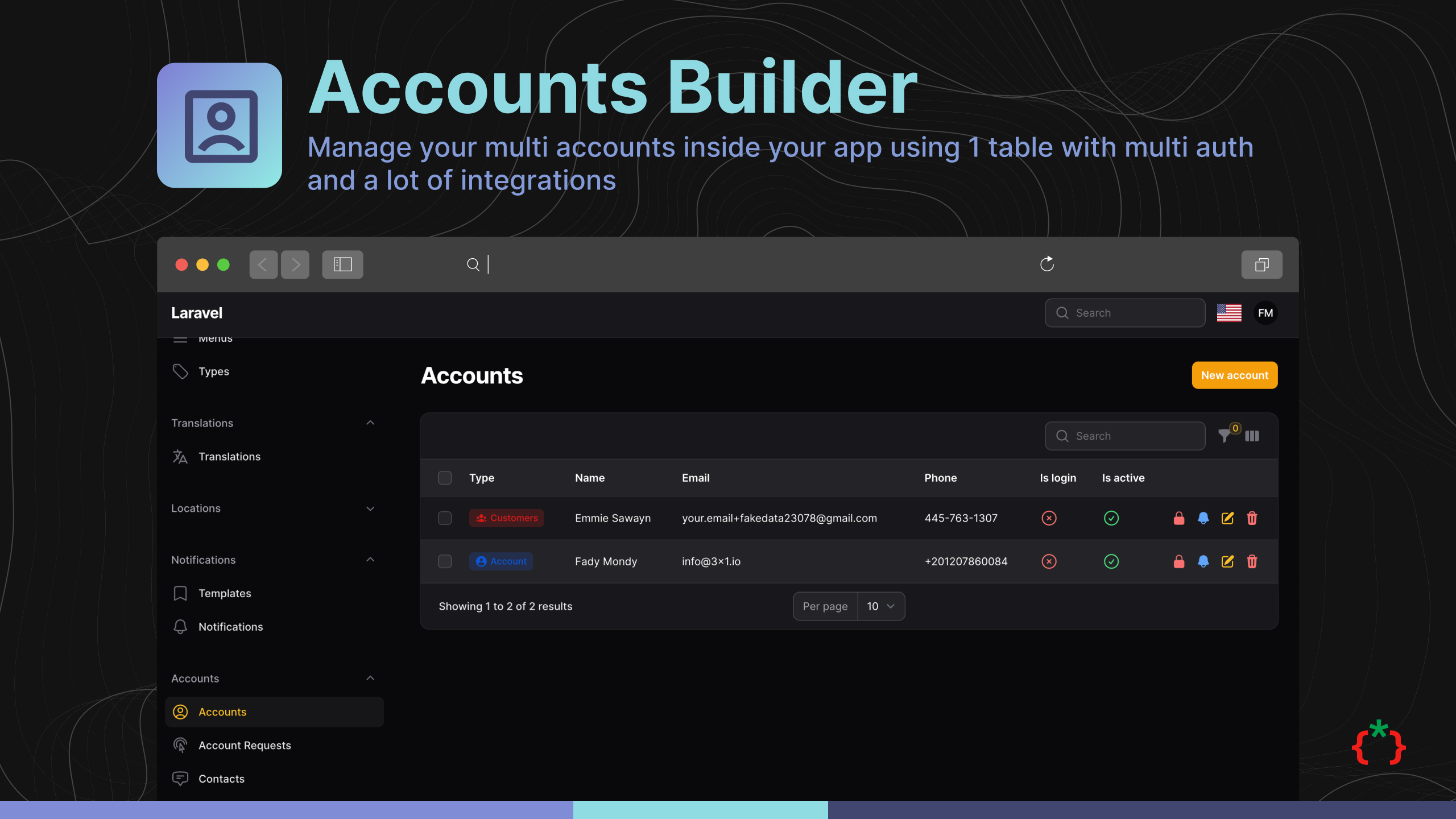
Filament Accounts Builder


Manage your multi accounts inside your app using 1 table with multi auth and a lot of integrations
Caution
Don't update to v2.3 if you are using v2.2 or less because you will lose some features but you can update and use this features from integrated packages.
⭐ If this package saves you time, star it and browse 60+ more Filament plugins at tomatophp.com/en/plugins.
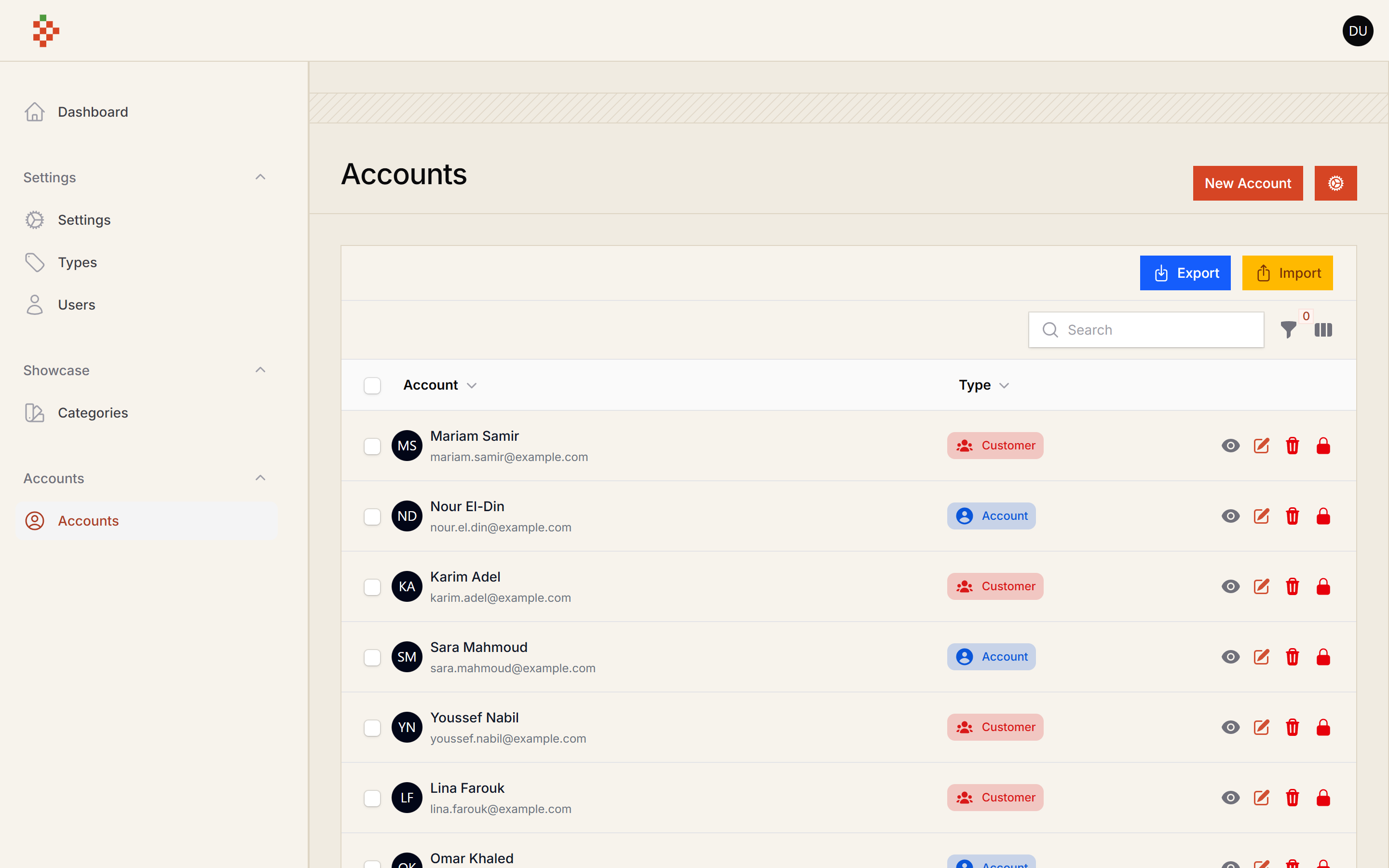
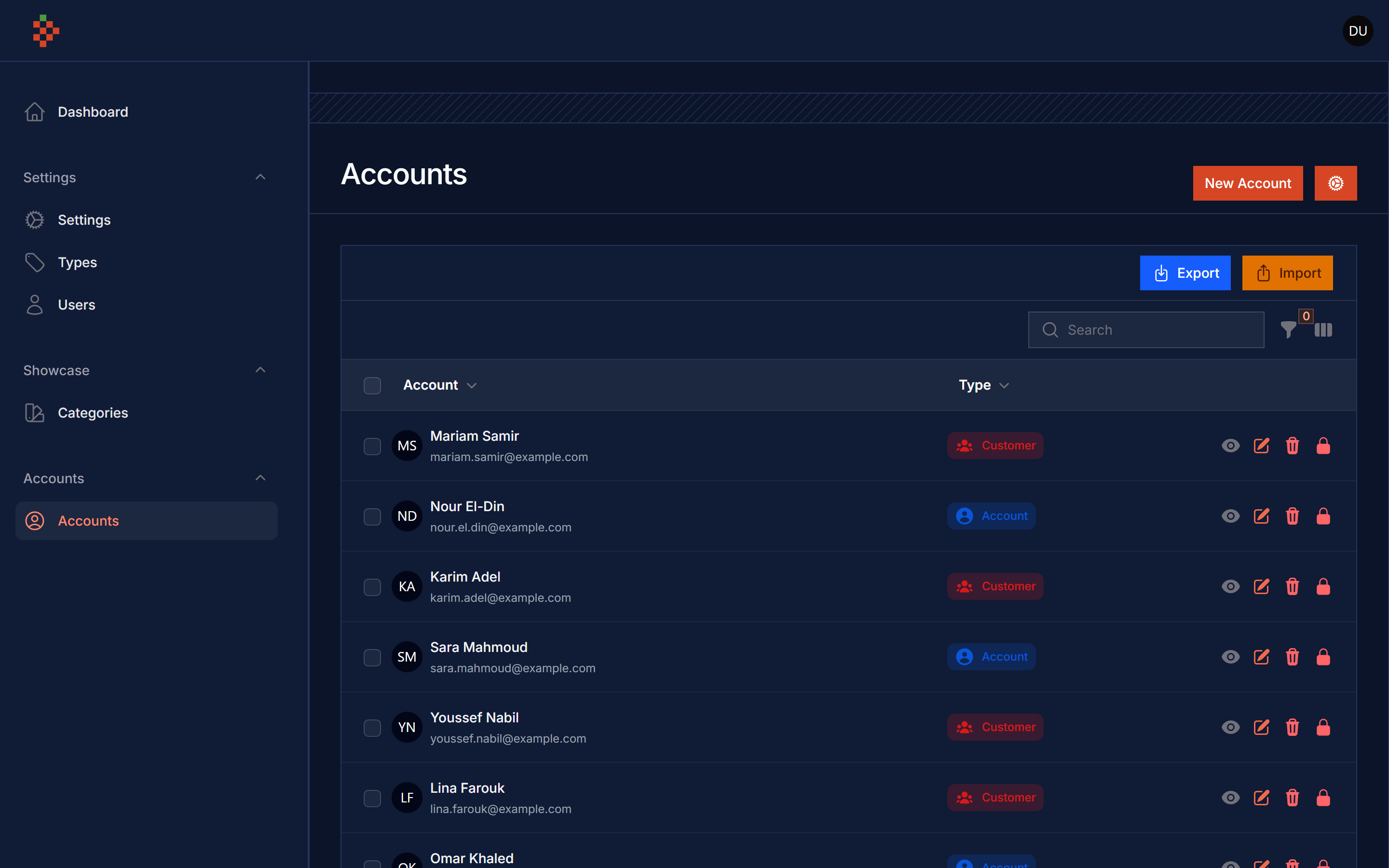
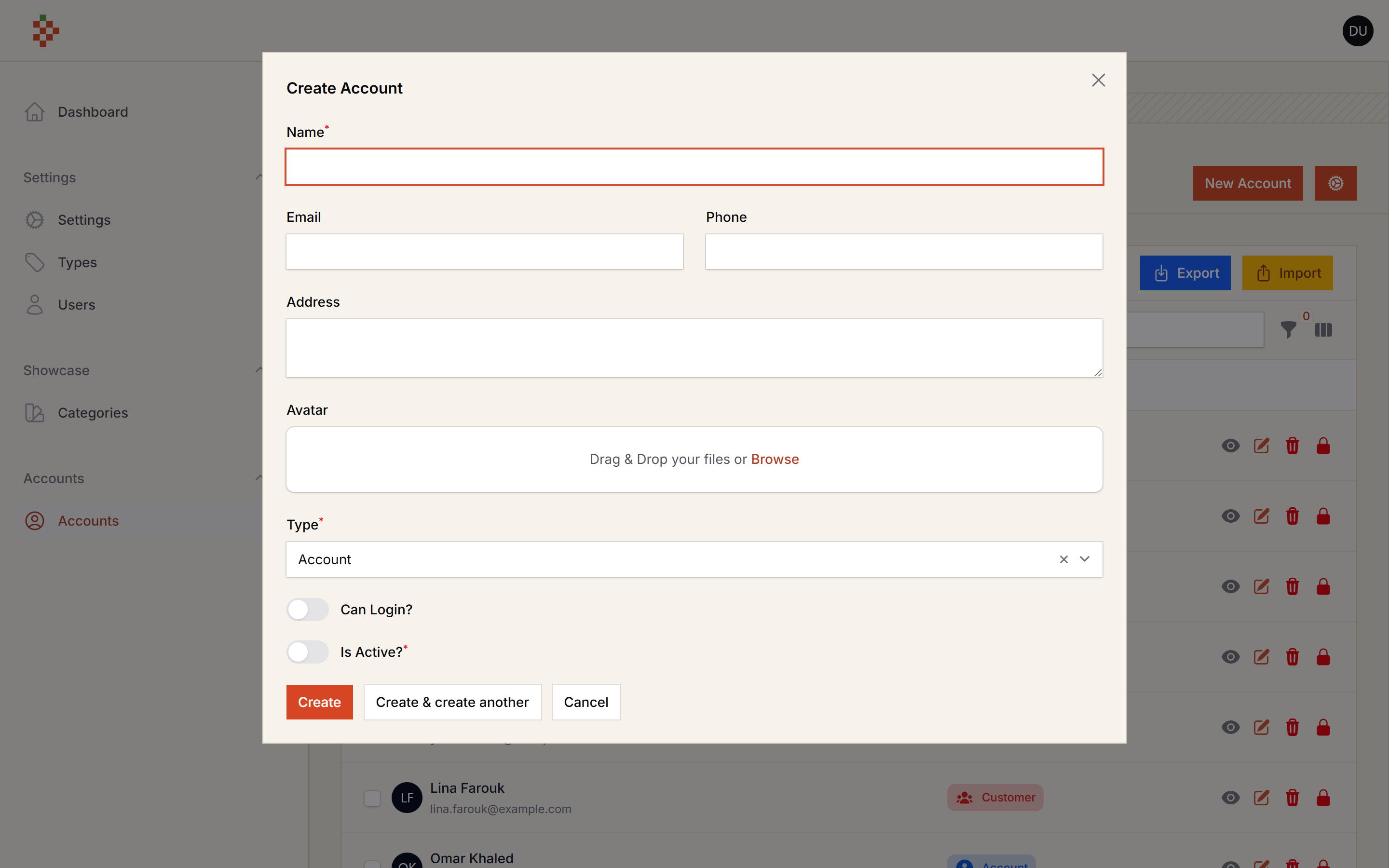
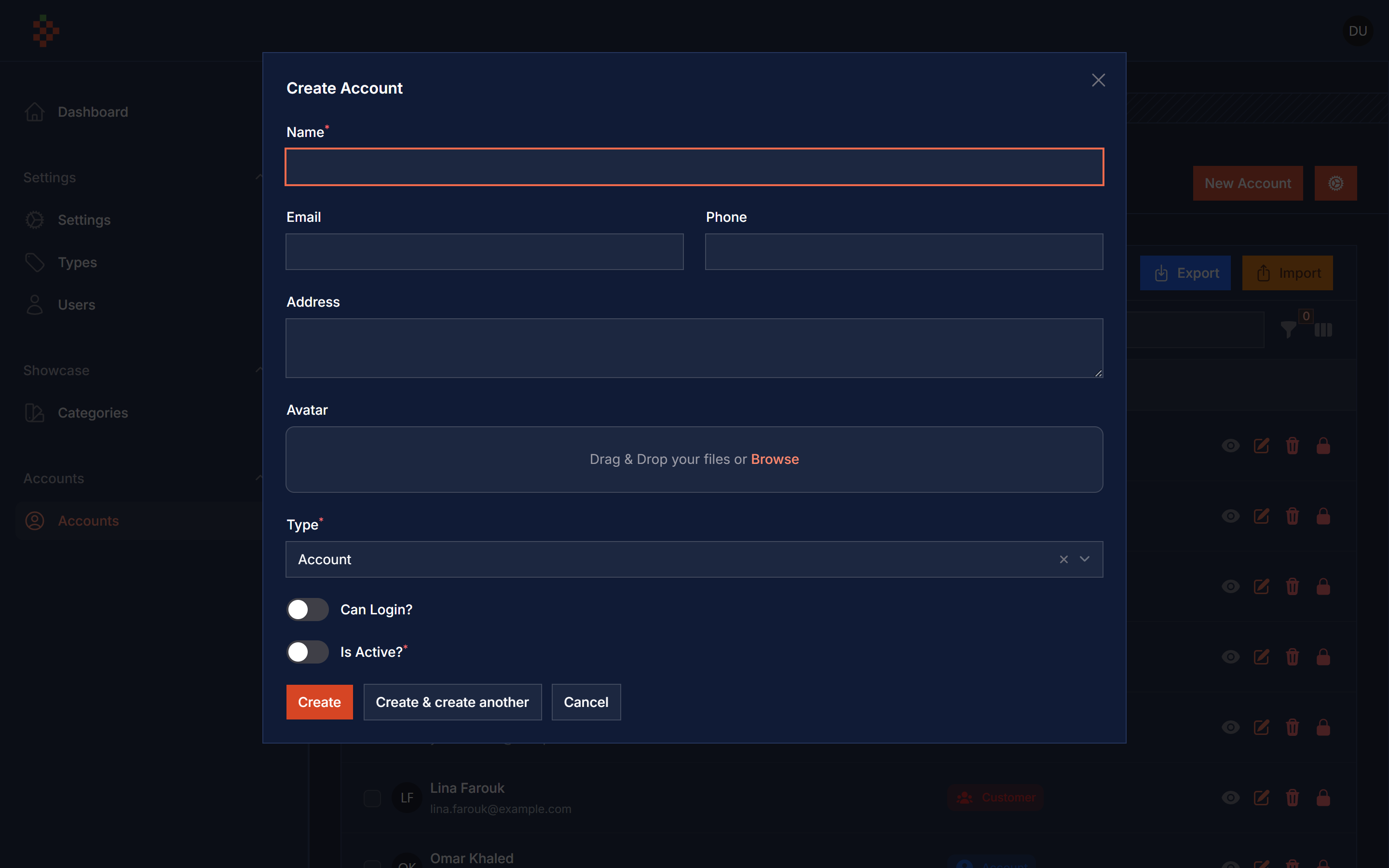
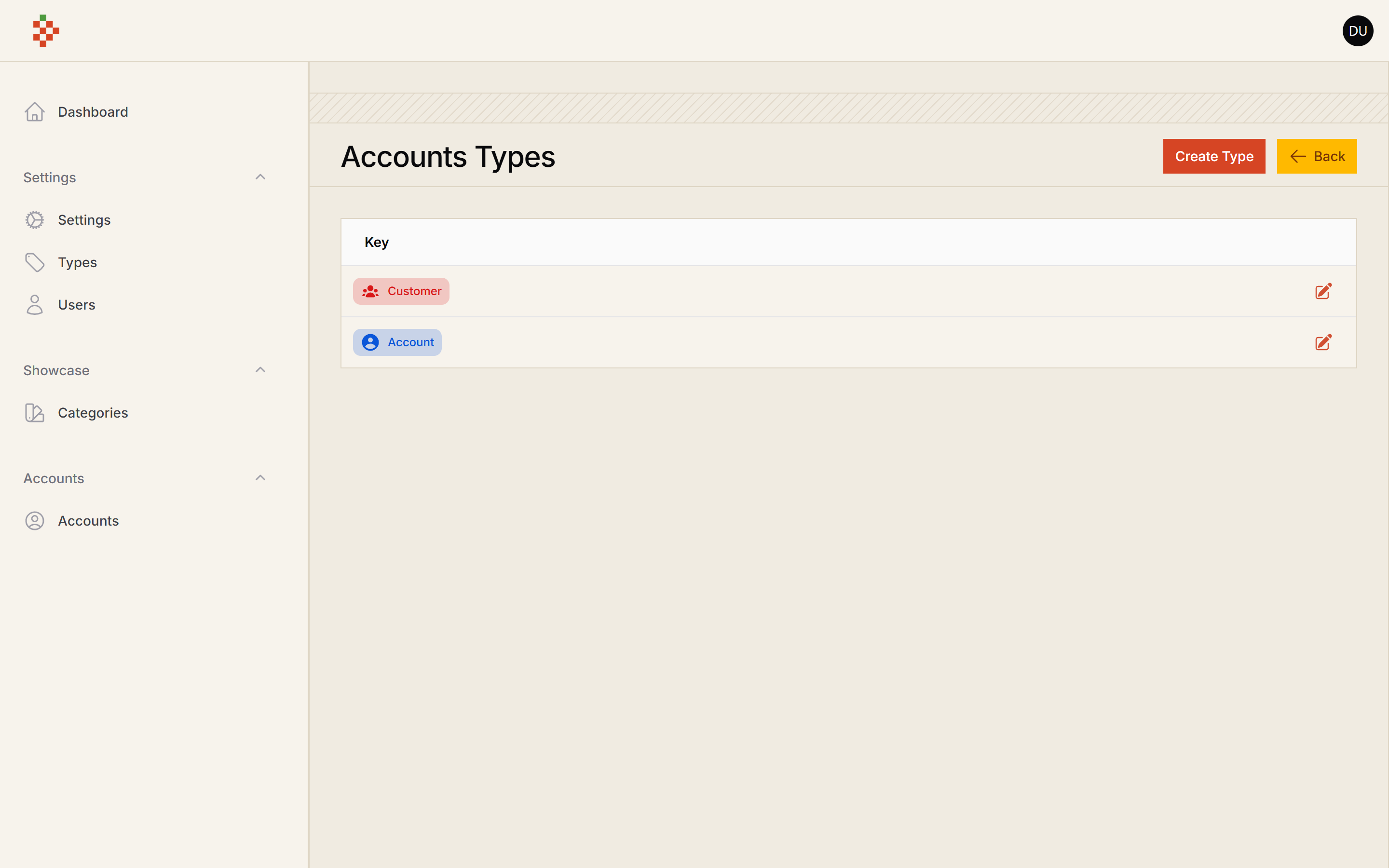
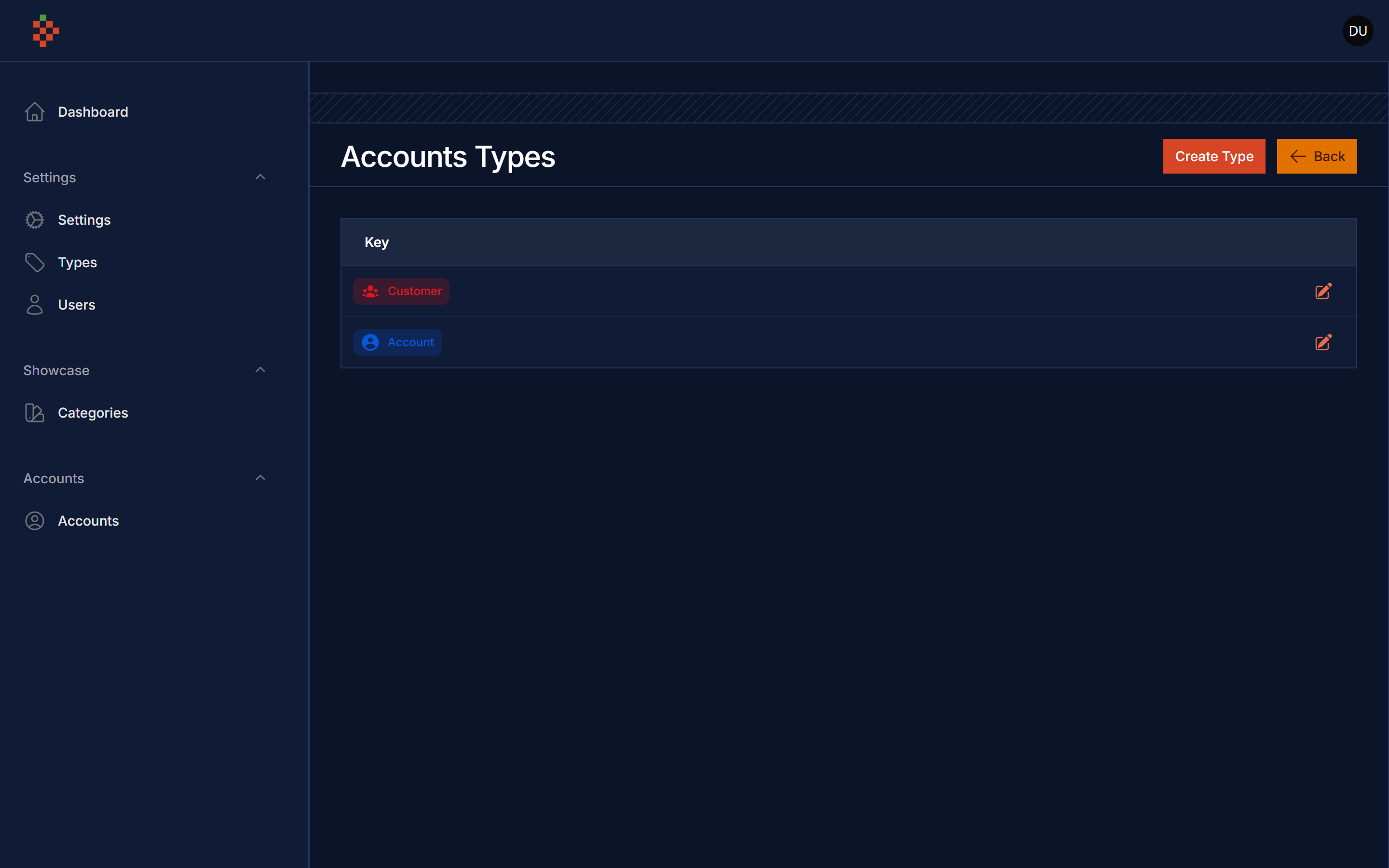
Screenshots
Features
- Accounts Manager
- Account Types
- Account Login By
- Account Active/Block
- Account Avatar
- Account Impersonate Integration
- Account Table Column
- Export
- Import
- Account Filament Alerts Integration
- Account Teams
- Google Contacts Integrations
Use Case
you can use this package if you like to build a CRM or a multi-accounts app
Compatibility
| Package version | Filament | Laravel | PHP |
|---|---|---|---|
| 5.x | 5.x | 12.x, 13.x | 8.2+ |
| 4.x | 4.x | 11.x, 12.x | 8.2+ |
Installation
composer require tomatophp/filament-accounts:^5.0
after install your package please run this command
php artisan filament-accounts:install
if you are not using this package as a plugin please register the plugin on /app/Providers/Filament/AdminPanelProvider.php
->plugin(\TomatoPHP\FilamentAccounts\FilamentAccountsPlugin::make())
Publish Account Model
you can publish your account model to add other relations or implement some interfaces by using this command
php artisan vendor:publish --tag="filament-accounts-model"
now go to your filament-accounts.php config file and change the model value to the new one.
if you don't find it you can publish it
php artisan vendor:publish --tag="filament-accounts-config"
Add Accounts Guard
now you need to add a new guard to your config/auth.php like this (the impersonate action signs in with the accounts guard)
'guards' => [
    // ...
    'accounts' => [
        'driver' => 'session',
        'provider' => 'accounts',
    ],
],

'providers' => [
    // ...
    'accounts' => [
        'driver' => 'eloquent',
        'model' => \TomatoPHP\FilamentAccounts\Models\Account::class,
    ],
],
Usage
this plugin makes it easy to make a starting point for your app if this app has customers to manage
but here is the problem, every app has a different way of managing customers, so we built a Facade service to control the way you want to manage your customers
Use Avatar
add this method to your plugin in AdminPanelProvider.php
->plugin(
    \TomatoPHP\FilamentAccounts\FilamentAccountsPlugin::make()
        ->useAvatar()
)
Hide Resource
just allow useResource->() on the plugin
->plugin(\TomatoPHP\FilamentAccounts\FilamentAccountsPlugin::make()
    ->useResource(false)
)
Use Filament Types
just allow ->useTypes() on the plugin, it adds a type field, column and filter to the resource and an "Accounts Types" page to manage them (powered by tomatophp/filament-types)
->plugin(\TomatoPHP\FilamentAccounts\FilamentAccountsPlugin::make()
    ->useTypes()
)
Show Address Field
you can show or hide address field on the create or edit form by using this code
->plugin(\TomatoPHP\FilamentAccounts\FilamentAccountsPlugin::make()
    ->showAddressField()
)
Show Type Field
you can show or hide type field on the create or edit form by using this code
->plugin(\TomatoPHP\FilamentAccounts\FilamentAccountsPlugin::make()
    ->showTypeField()
)
Attach Relation To Accounts
you can attach a new relation to the accounts relations manager by just passing the relation class to the facade service method
use TomatoPHP\FilamentAccounts\Facades\FilamentAccounts;

public function boot()
{
    FilamentAccounts::register([
        AccountOrdersRelationManager::make()
    ]);
}
Use Export & Import Actions
now on your main panel provider add ->useExport() , ->useImport() to the plugin
->plugin(\TomatoPHP\FilamentAccounts\FilamentAccountsPlugin::make()
    ...
    ->useExport()
    ->useImport()
)
Use Account Column

you can use the account column in any table by using this code
public static function table(Table $table): Table
{
    return $table
        ->columns([
            AccountColumn::make('account.id'),
        ]);
}
just pass the account id to the column
Use Filament Impersonate
impersonation is powered by lab404/laravel-impersonate (installed with this package) and signs in with the accounts guard from the Add Accounts Guard section.
on your main panel provider add ->useImpersonate() , ->impersonateRedirect('/app') to the plugin
->plugin(\TomatoPHP\FilamentAccounts\FilamentAccountsPlugin::make()
    ...
    ->useImpersonate()
    ->impersonateRedirect('/app')
)
now clear your config
php artisan config:cache
for more information check the Filament Impersonate
Testing
if you like to run PEST testing just use this command
composer test
Code Style
if you like to fix the code style just use this command
composer format
PHPStan
if you like to check the code by PHPStan just use this command
composer analyse
Other Filament Packages
Checkout our Awesome TomatoPHP
More open source from the same author
- TomatoPHP: 60+ open-source FilamentPHP plugins for Laravel
- Laravilt: Laravel admin panels rendered with Inertia on Vue 3 or React 19
- ToGO: the Laravel-style workflow for Go + React apps, with a plugin marketplace
- Zekra: long-term memory for AI agents over MCP
Built by Fady Mondy.