
tomatophp / filament-discord

Send Notification to discord channel Webhook using native FilamentPHP Notification Facade class
Fund package maintenance!
Requires
- php: ^8.2
- filament/filament: ^5.0
- filament/notifications: ^5.0
- tomatophp/console-helpers: ^1.1
Requires (Dev)
- larastan/larastan: ^3.0
- laravel/pint: ^1.24
- orchestra/testbench: ^10.0|^11.0
- pestphp/pest: ^4.0|^5.0
- pestphp/pest-plugin-laravel: ^4.0|^5.0
- pestphp/pest-plugin-livewire: ^4.0|^5.0
Suggests
None
Provides
None
Conflicts
None
Replaces
None
This package is auto-updated.
Last update: 2026-10-15 17:28:44 UTC
README
Filament Discord Notifications
Send Notification to discord channel Webhook using native FilamentPHP Notification Facade class
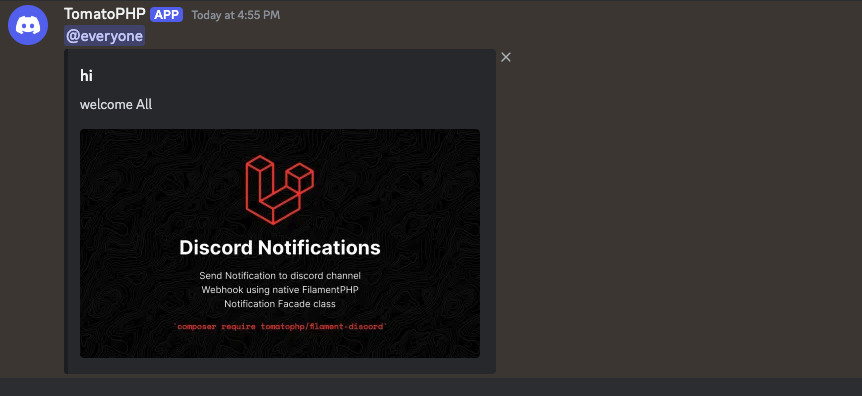
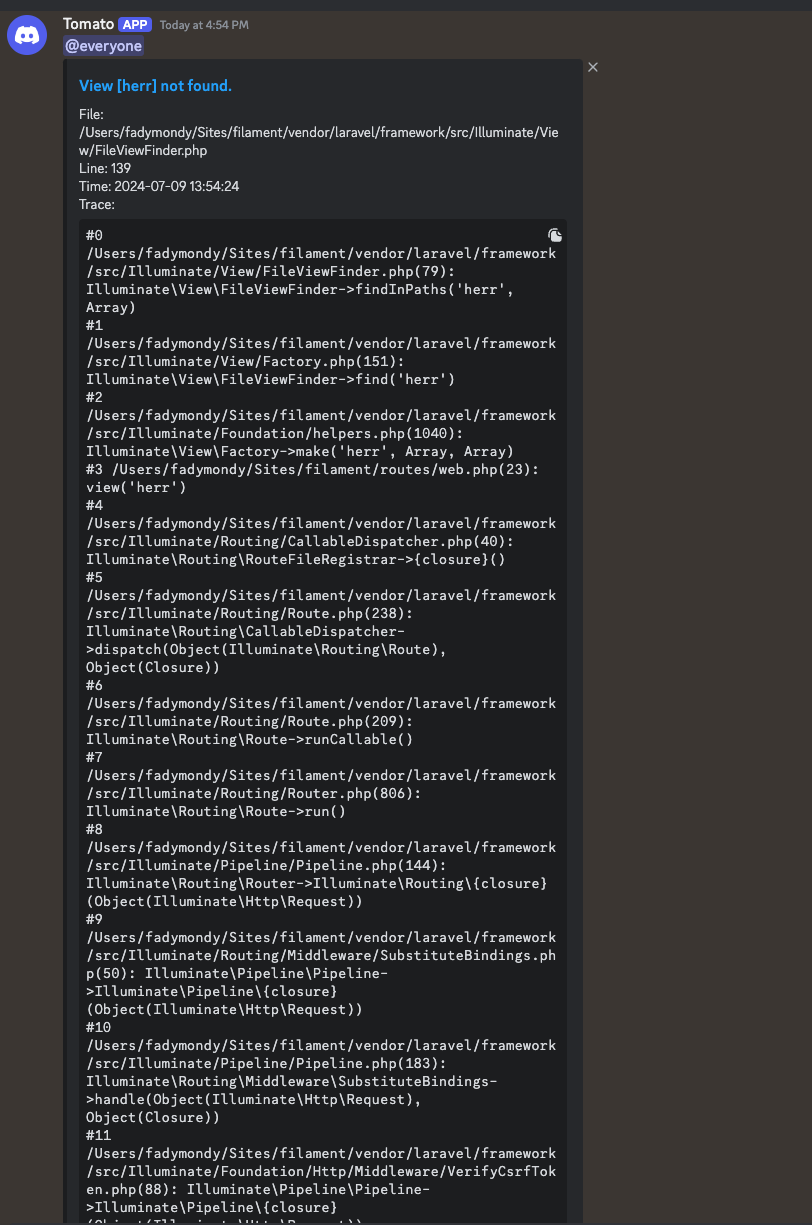
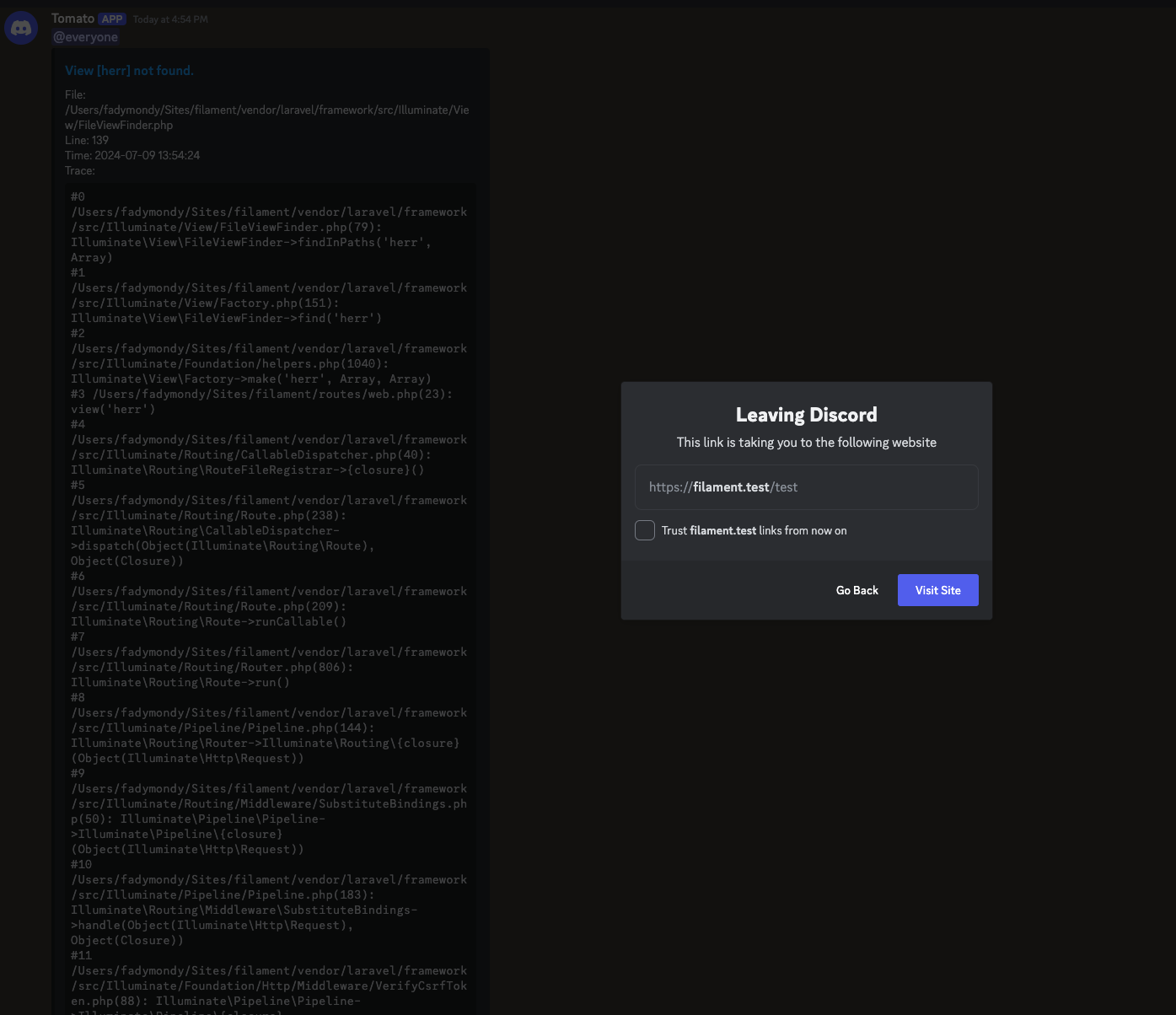
Screenshots
Requirements
| Package version | Filament | Laravel | PHP |
|---|---|---|---|
| 5.x | 5.x | 12.x, 13.x | 8.2+ |
| 1.x | 3.x | 10.x, 11.x | 8.1+ |
The Filament v3 line continues on the v3 branch.
Installation
composer require tomatophp/filament-discord
after install on your .env file set
DISCORD_WEBHOOK=
DISCORD_ERROR_WEBHOOK=
DISCORD_ERROR_WEBHOOK_ACTIVE=
where DISCORD_WEBHOOK the main notification channel webhook and DISCORD_ERROR_WEBHOOK is the error logger channel webhook and DISCORD_ERROR_WEBHOOK_ACTIVE to be true or false to active and stop logger
When no webhook is configured the messages are skipped, so the package is safe to install before you create the Discord webhooks. Messages are sent from a queued job, so keep a queue worker running (or use the sync queue).
Using
you can send notification to discord with multi-way the first of it is using native FilamentPHP Notification::class
use \Filament\Notifications\Notification;

Notification::make()
    ->title('Hi')
    ->body('Welcome On The Moon!')
    ->sendToDiscord()
you can attach image to the message like this
use \Filament\Notifications\Notification;

Notification::make()
    ->title('Hi')
    ->body('Welcome On The Moon!')
    ->sendToDiscord(image: "https://raw.githubusercontent.com/tomatophp/filament-discord/master/arts/3x1io-tomato-discord.jpg")
Send to Selected User
you can send a notification to selected user webhook by add a column on your user table with name webhook and then add this tait to User model
use TomatoPHP\FilamentDiscord\Traits\InteractsWithDiscord;

class User {
    use InteractsWithDiscord;
}
and now you can send notification to the user like this
use \Filament\Notifications\Notification;

Notification::make()
    ->title('Hi')
    ->body('Welcome On The Moon!')
    ->sendToDiscord($user)
Allow Discord Error Logger
you can use Discord channel as an error logger to log and followup your error with a very easy way, on your bootstrap/app.php add this class like this
use Illuminate\Foundation\Application;
use Illuminate\Foundation\Configuration\Exceptions;
use Illuminate\Foundation\Configuration\Middleware;

return Application::configure(basePath: dirname(__DIR__))
    ->withRouting(
        web: __DIR__.'/../routes/web.php',
        api: __DIR__.'/../routes/api.php',
        commands: __DIR__.'/../routes/console.php',
        channels: __DIR__.'/../routes/channels.php',
        health: '/up',
    )
    ->withMiddleware(function (Middleware $middleware) {
    })
    ->withExceptions(function (Exceptions $exceptions) {
        \TomatoPHP\FilamentDiscord\Helpers\DiscordErrorReporter::make($exceptions);
    })->create();
Publish Assets
you can publish config file by use this command
php artisan vendor:publish --tag="filament-discord-config"
Testing
composer test
Other Filament Packages
Checkout our Awesome TomatoPHP