
tomatophp / filament-bookmarks-menu

Add bookmarks and tags to your resources records and access theme form your sidebar
Package info
github.com/tomatophp/filament-bookmarks-menu
pkg:composer/tomatophp/filament-bookmarks-menu
Fund package maintenance!
Requires
- php: ^8.2
- filament/filament: ^5.0
- tomatophp/console-helpers: ^1.1
- tomatophp/filament-icons: ^5.0
Requires (Dev)
- larastan/larastan: ^3.0
- laravel/pint: ^1.24
- orchestra/testbench: ^10.0|^11.0
- pestphp/pest: ^4.0|^5.0
- pestphp/pest-plugin-laravel: ^4.0|^5.0
- pestphp/pest-plugin-livewire: ^4.0|^5.0
Suggests
None
Provides
None
Conflicts
None
Replaces
None
This package is auto-updated.
Last update: 2026-10-15 17:28:50 UTC
README
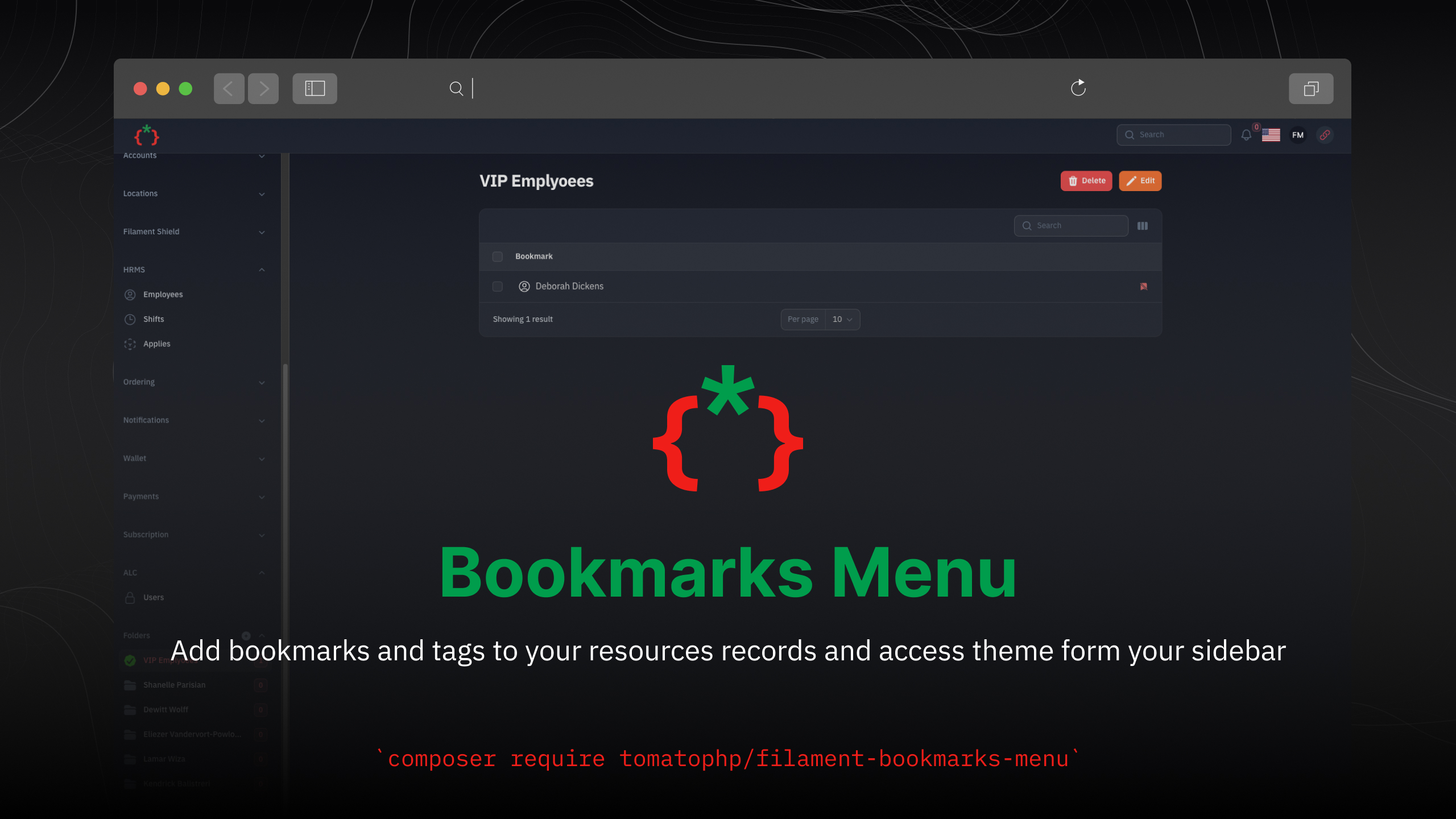
Filament Bookmarks Menu

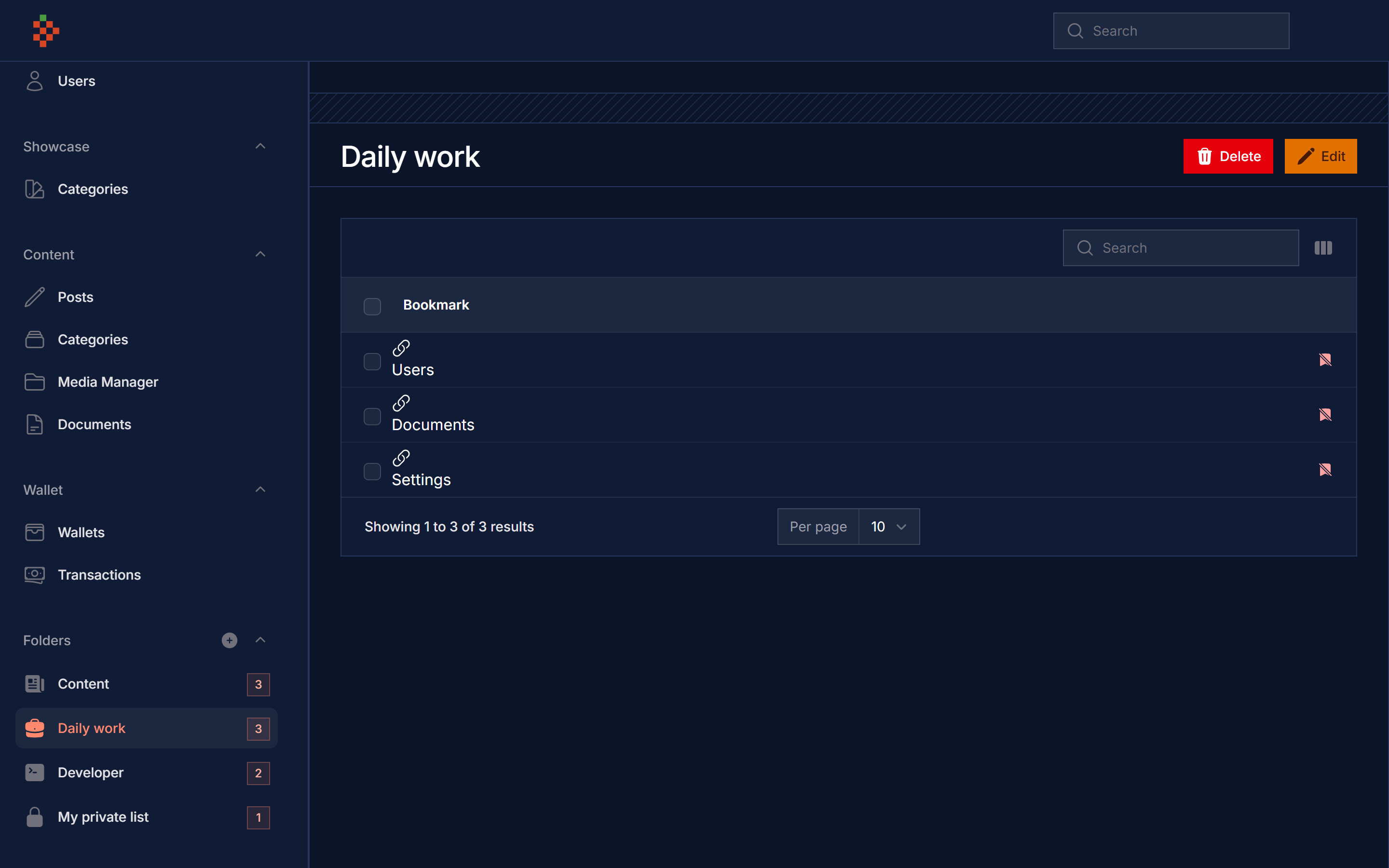
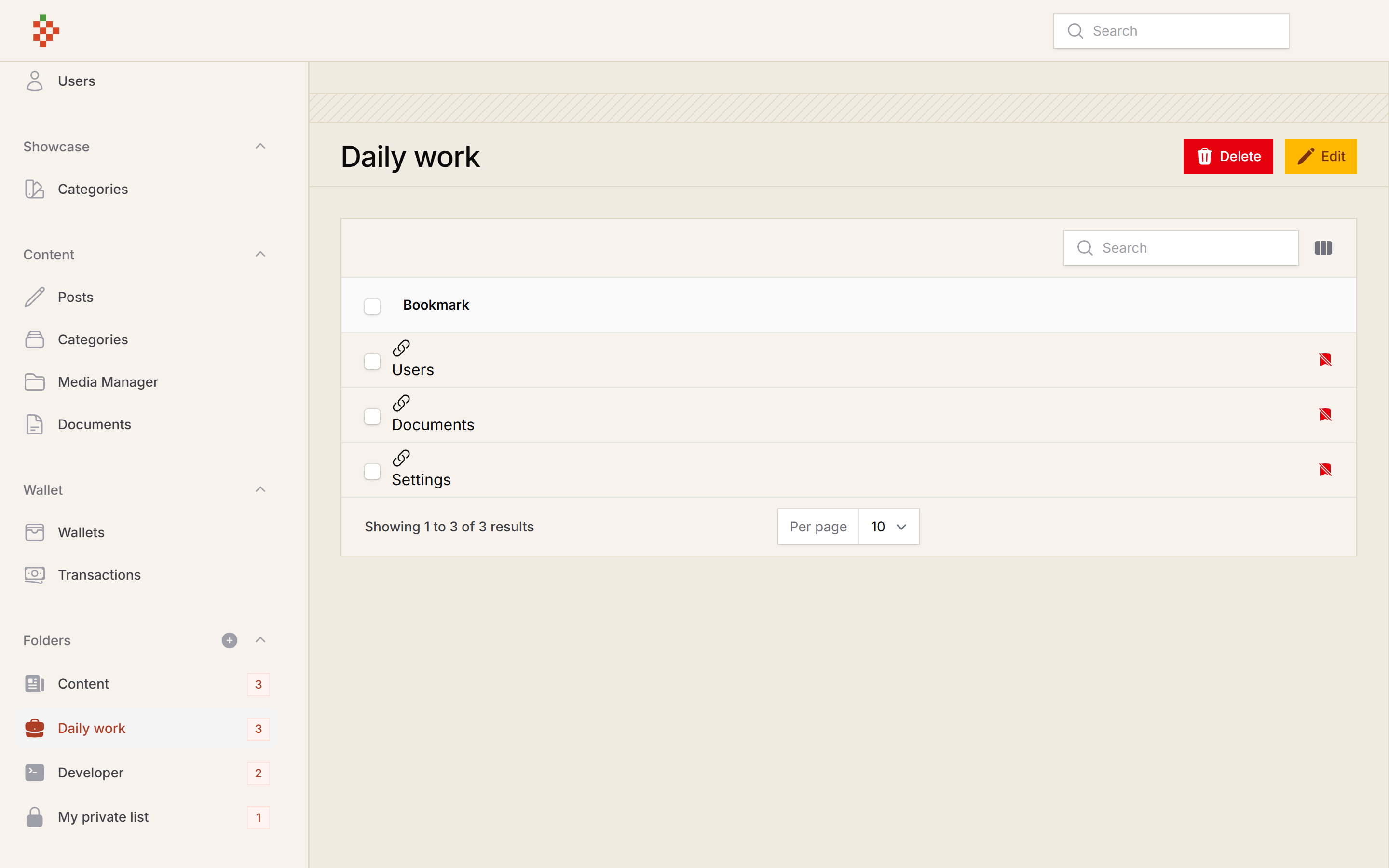
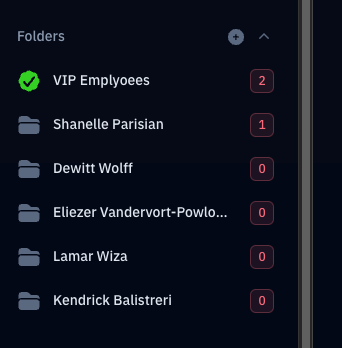
Add bookmarks to your resource records and pages, group them in collections and open them from your panel sidebar.
Screenshots
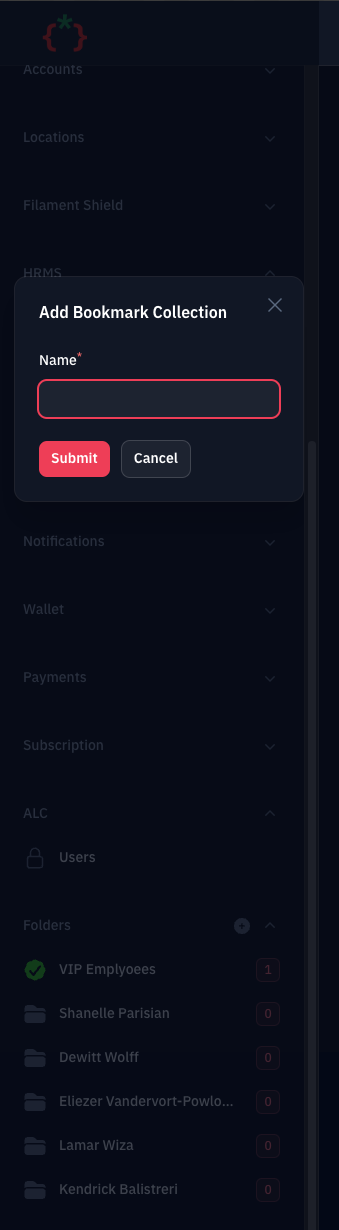
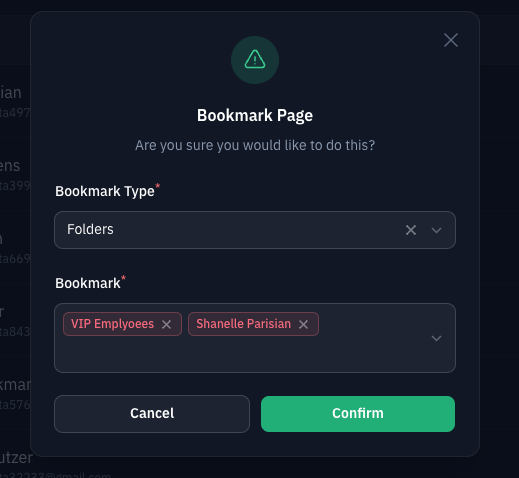
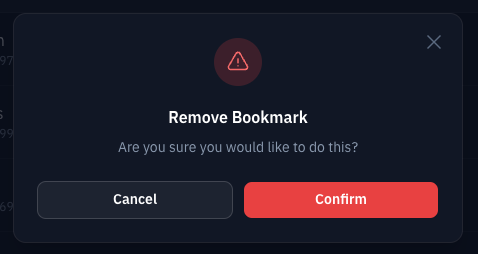
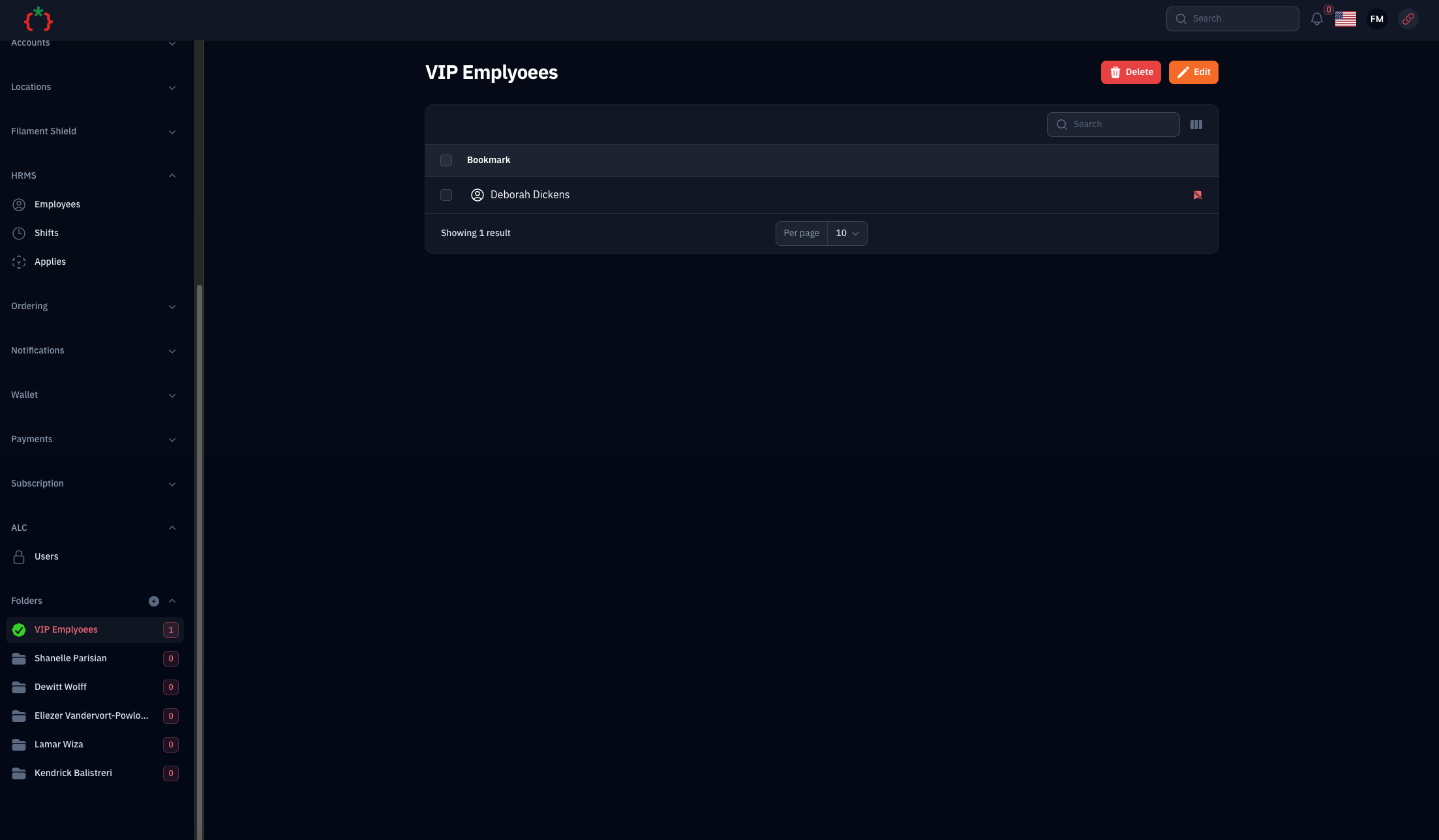
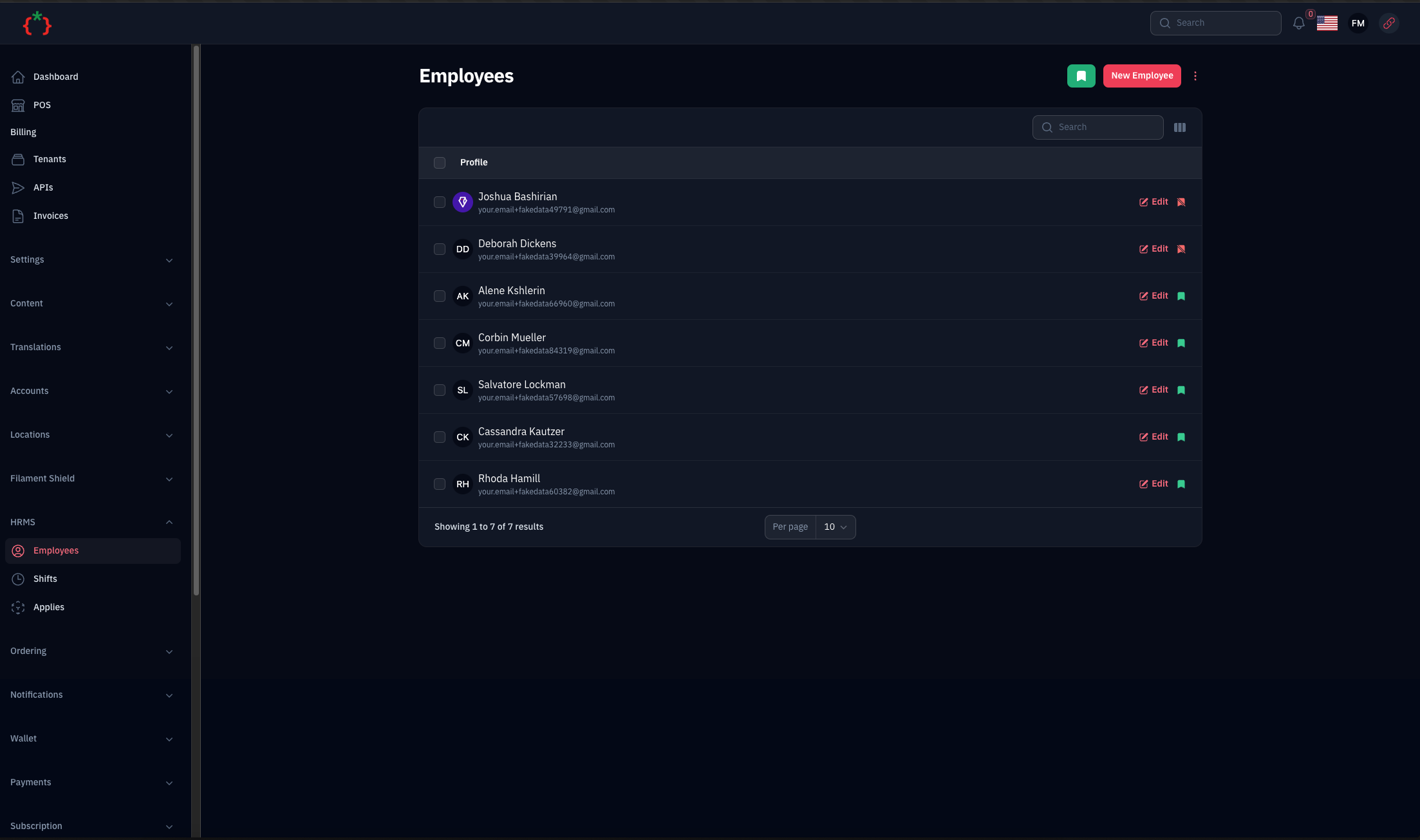
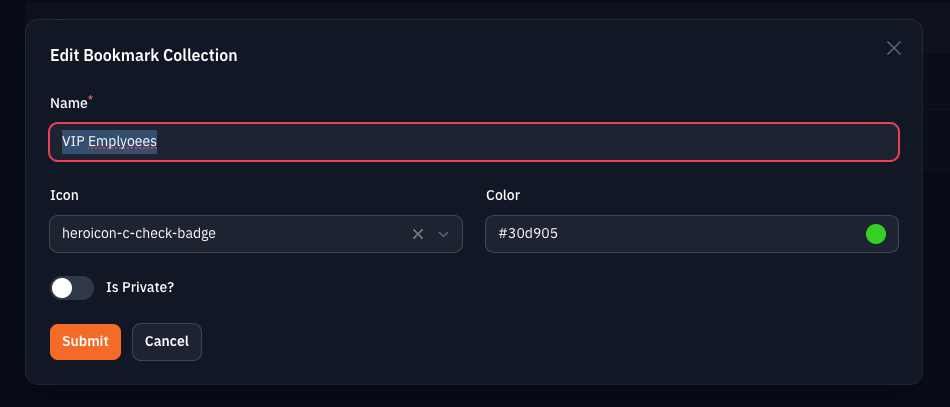
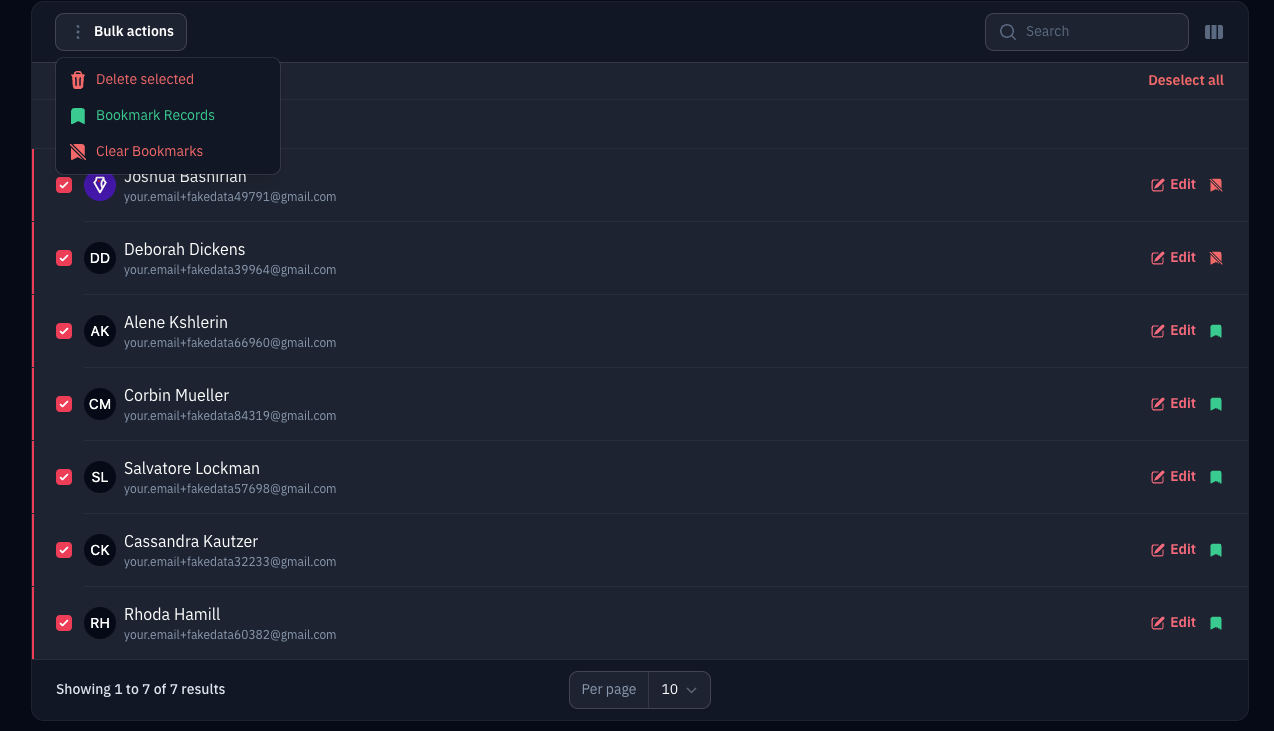
Compatibility
| Version | Filament | Laravel | PHP |
|---|---|---|---|
| 5.x | 5.x | 12.x, 13.x | 8.2+ |
| 1.x (v3 branch) | 3.x | 10.x, 11.x | 8.1+ |
Installation
composer require tomatophp/filament-bookmarks-menu
after install your package please run this command (it runs the package migrations)
php artisan filament-bookmarks-menu:install
finally register the plugin on /app/Providers/Filament/AdminPanelProvider.php
->plugin(\TomatoPHP\FilamentBookmarksMenu\FilamentBookmarksMenuPlugin::make())
The plugin adds the bookmark collections to the end of the panel sidebar (PanelsRenderHook::SIDEBAR_NAV_END) and registers
a hidden bookmarks page (/admin/bookmarks?id={bookmark}) that lists the links saved in a collection.
Usage
you can add bookmark action to your page like this
use TomatoPHP\FilamentBookmarksMenu\Filament\Actions\BookmarkAction;

protected function getHeaderActions(): array
{
    return [
        BookmarkAction::make(),
    ];
}
or to your table record actions like this
use TomatoPHP\FilamentBookmarksMenu\Filament\Tables\BookmarkAction;

public static function table(Table $table): Table
{
    return $table->recordActions([
        BookmarkAction::make(), // links to the "edit" page, use ->page('view') to bookmark the view page
    ]);
}
or to your table bulk actions like this
use Filament\Actions\BulkActionGroup;
use TomatoPHP\FilamentBookmarksMenu\Filament\Tables\BookmarkBulkAction;
use TomatoPHP\FilamentBookmarksMenu\Filament\Tables\BookmarkBulkClearAction;

public static function table(Table $table): Table
{
    return $table->toolbarActions([
        BulkActionGroup::make([
            BookmarkBulkAction::make(),
            BookmarkBulkClearAction::make(),
        ]),
    ]);
}
Private Bookmarks
A bookmark collection marked as private is only visible to the user who marked it: it is hidden from other users' sidebars, its page returns 404 for them, and they cannot add links to it or remove links from it.
Create Custom Bookmark Type
you can create custom bookmark type by use our Facade TomatoPHP\FilamentBookmarksMenu\Facades\FilamentBookmarksMenu register method like this
use TomatoPHP\FilamentBookmarksMenu\Facades\FilamentBookmarksMenu;
use TomatoPHP\FilamentBookmarksMenu\Services\Contracts\BookmarkType;

public function boot(): void
{
    FilamentBookmarksMenu::register([
        BookmarkType::make('hashtags')->label('Hashtags')->panel('employee'),
        BookmarkType::make('folder')->label('Folders'),
    ]);
}
to make label translatable you can use your path direct on label like this ->label('filament.bookmarks-menu::labels.hashtags')
Publish Assets
you can publish config file by use this command
php artisan vendor:publish --tag="filament-bookmarks-menu-config"
you can publish views file by use this command
php artisan vendor:publish --tag="filament-bookmarks-menu-views"
you can publish languages file by use this command
php artisan vendor:publish --tag="filament-bookmarks-menu-lang"
you can publish migrations file by use this command
php artisan vendor:publish --tag="filament-bookmarks-menu-migrations"
Testing
composer test
Other Filament Packages
Checkout our Awesome TomatoPHP