
tomatophp / filament-artisan

Simple but yet powerful library for running some artisan commands for FilamentPHP
Fund package maintenance!
Requires
- php: ^8.2
- calebporzio/sushi: ^2.5
- filament/filament: ^5.0
- tomatophp/console-helpers: ^1.1
- tomatophp/filament-developer-gate: ^5.0
Requires (Dev)
- larastan/larastan: ^3.0
- laravel/pint: ^1.24
- orchestra/testbench: ^10.0|^11.0
- pestphp/pest: ^4.0|^5.0
- pestphp/pest-plugin-laravel: ^4.0|^5.0
- pestphp/pest-plugin-livewire: ^4.0|^5.0
Suggests
None
Provides
None
Conflicts
None
Replaces
None
This package is auto-updated.
Last update: 2026-10-15 17:04:54 UTC
README

Filament Artisan Command Runner
Simple but yet powerful library for running some artisan commands for FilamentPHP
⭐ If this package saves you time, star it and browse 60+ more Filament plugins at tomatophp.com/en/plugins.
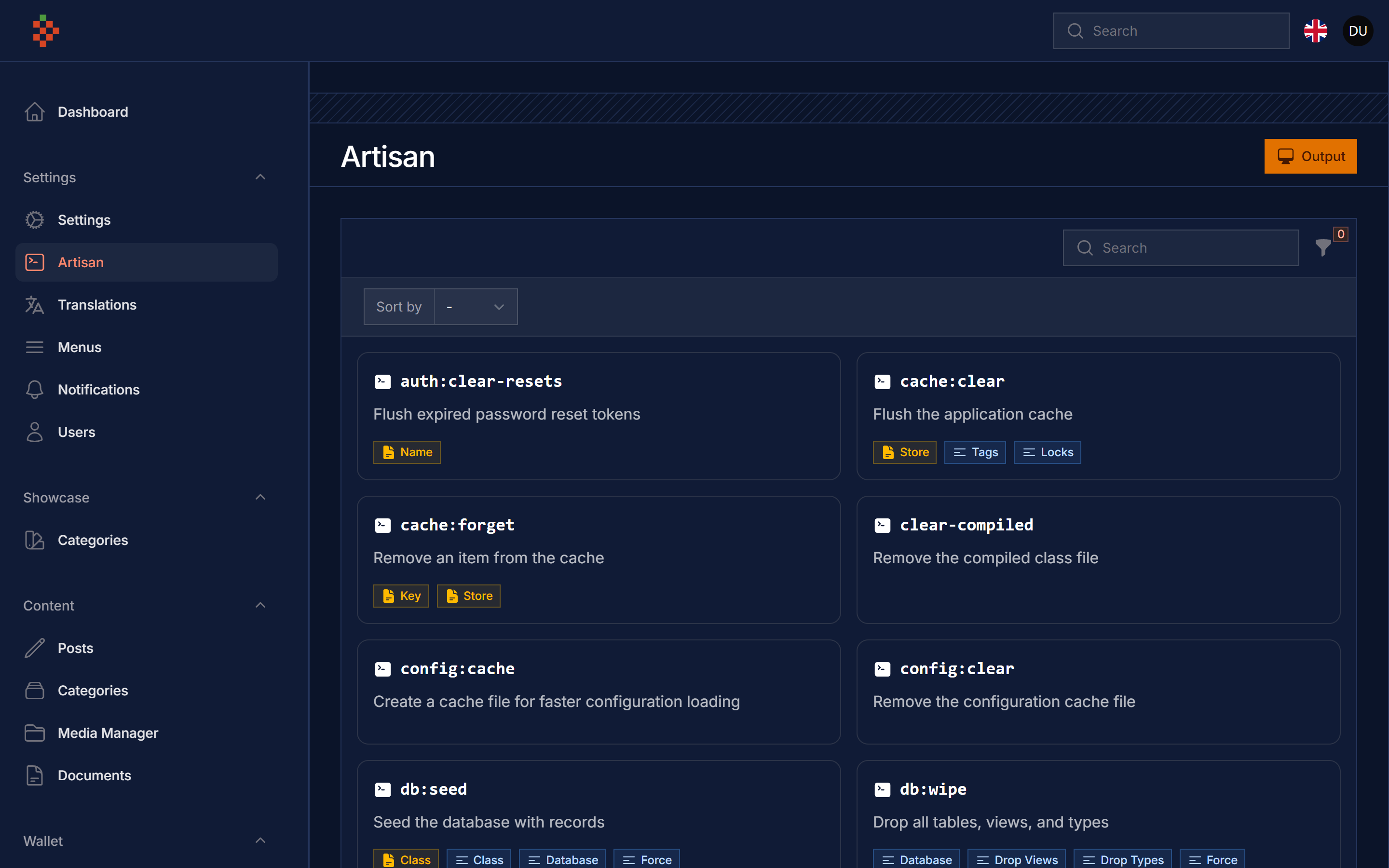
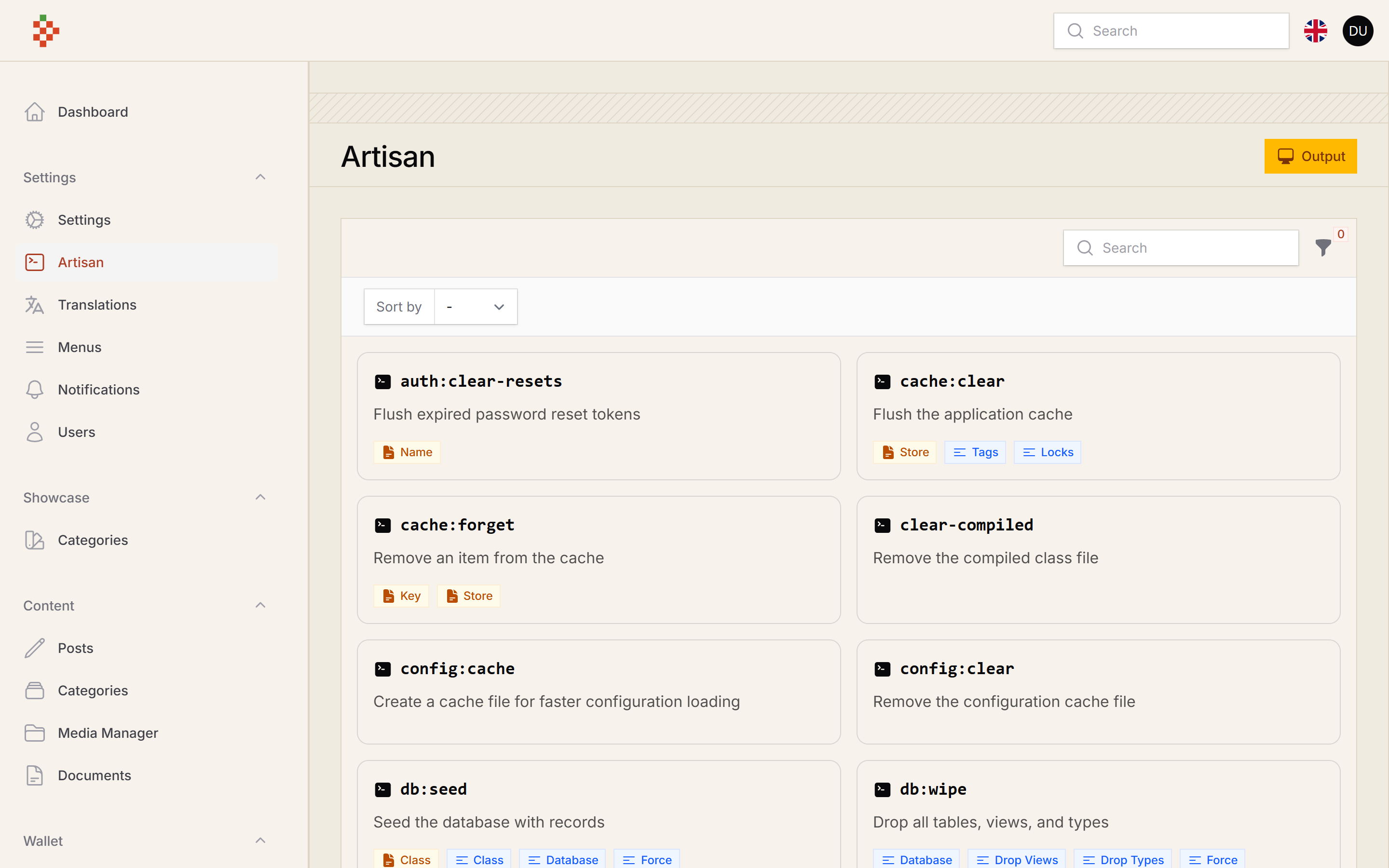
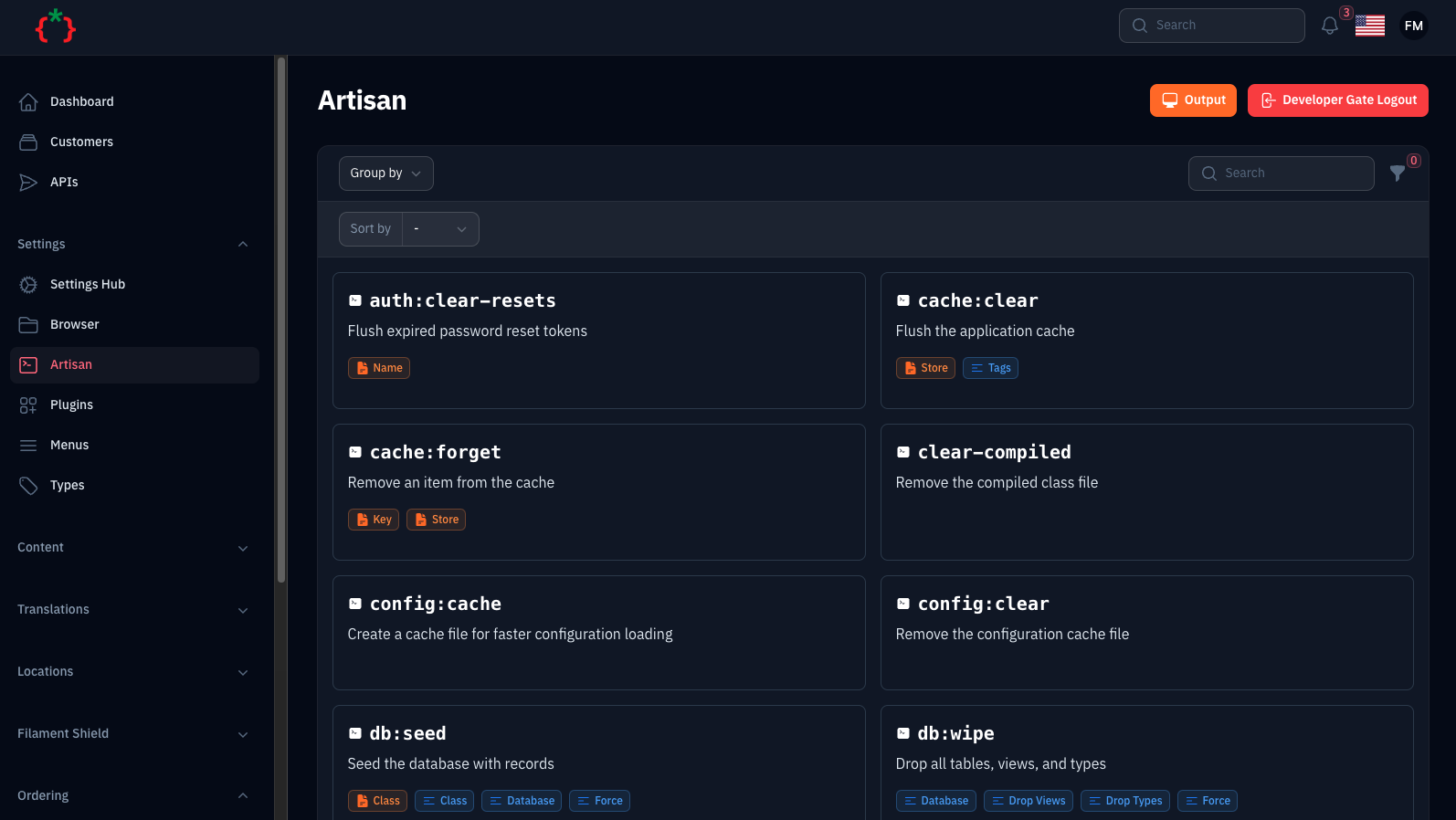
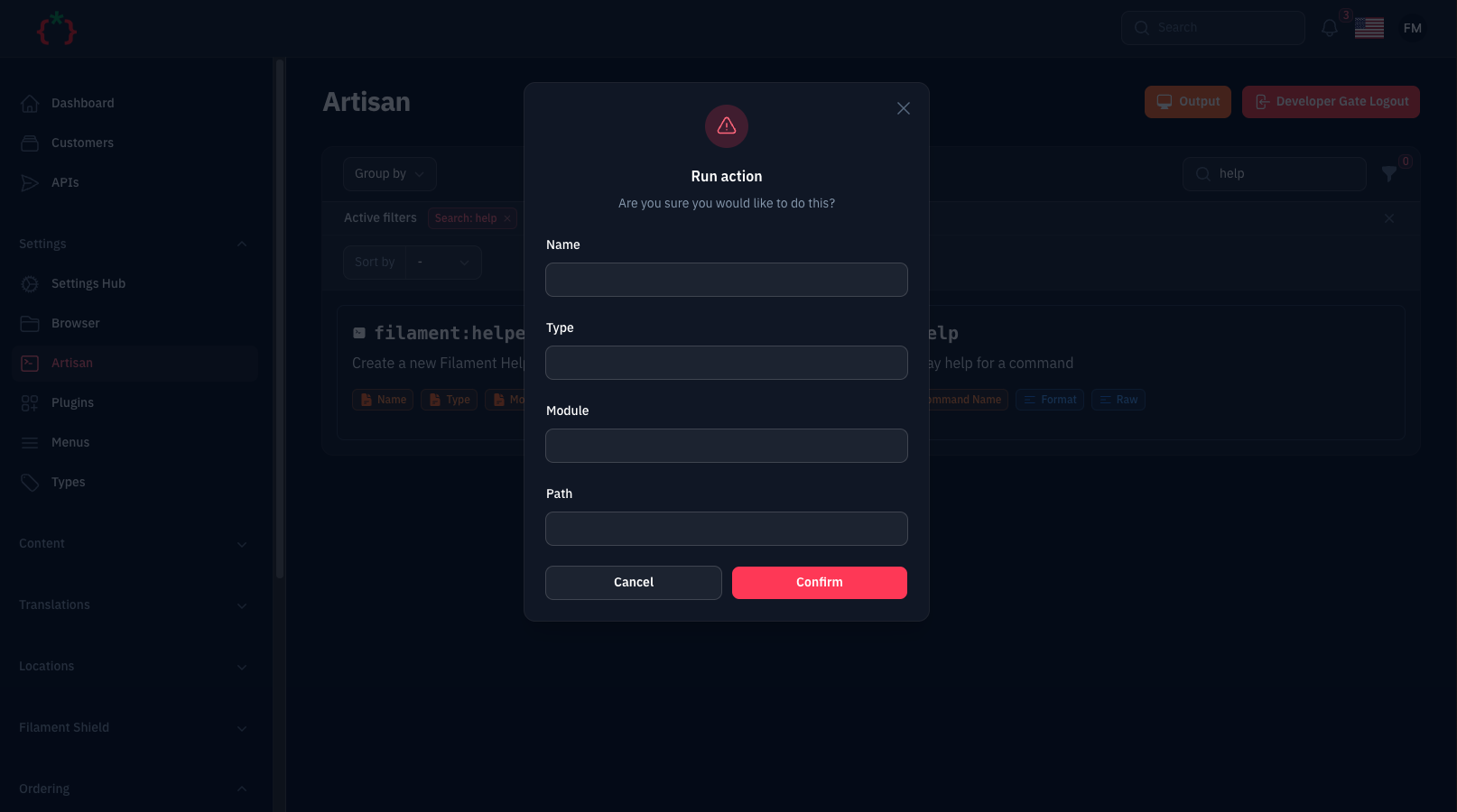
Screenshots
Compatibility
| Package version | Filament | Laravel | PHP |
|---|---|---|---|
| 5.x | 5.x | 12.x, 13.x | 8.2+ |
| 1.x | 3.x | 10.x, 11.x | 8.1+ |
Installation
composer require tomatophp/filament-artisan
finally register the plugin on /app/Providers/Filament/AdminPanelProvider.php
->plugin(\TomatoPHP\FilamentArtisan\FilamentArtisanPlugin::make())
The plugin also registers the Developer Gate page on the panel,
so set a strong gate password in your .env:
DEVELOPER_GATE_PASSWORD=change-me
Running command
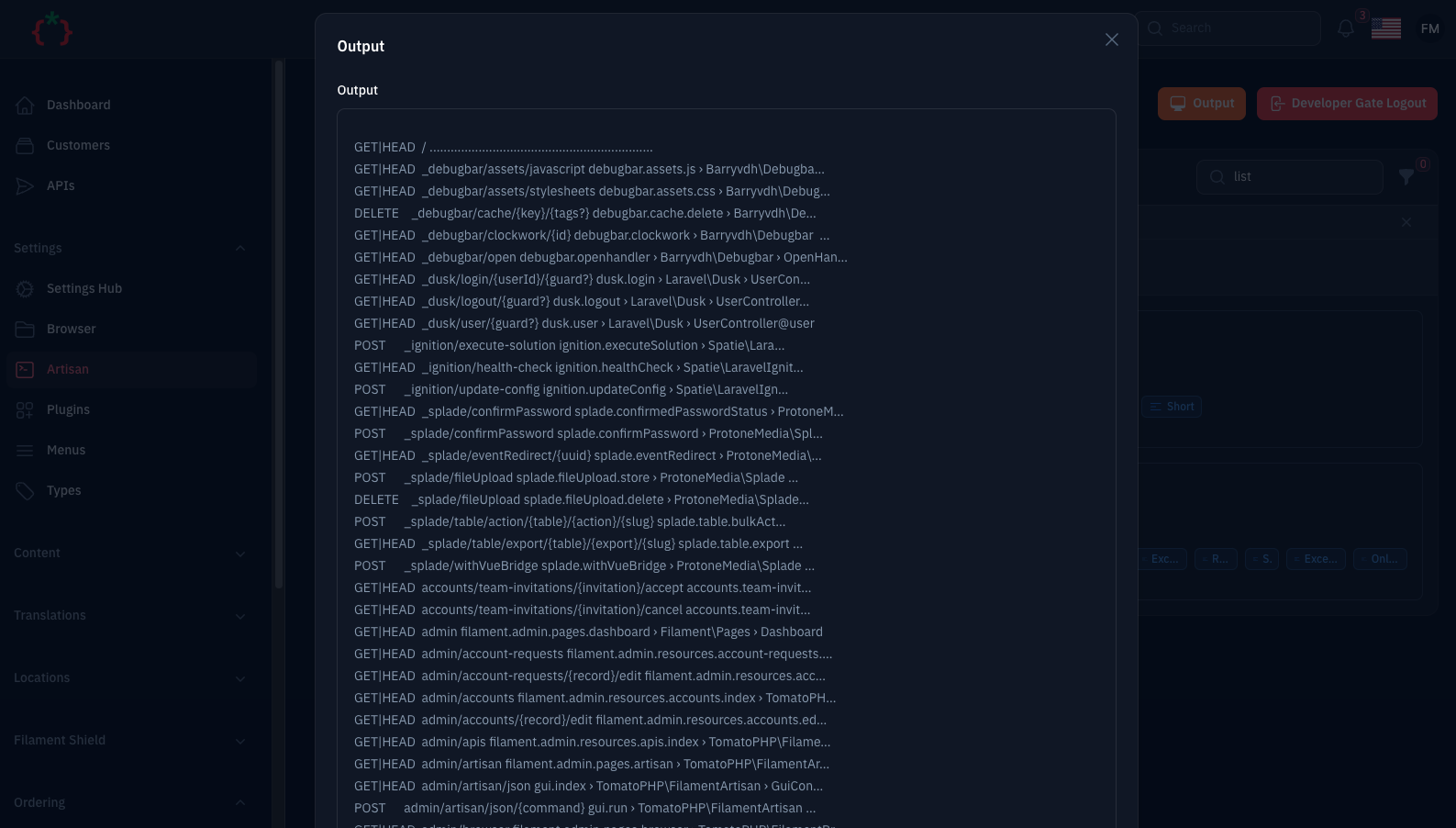
Go to https://your-domain.com/PANEL/artisan, select the needed command from the list, fill the arguments and
options/flags and hit run. The output is shown in a modal once the command finished.
Security
This page runs artisan commands on your server, so it is locked down by default:
- Local only: with
'local' => true(the default) the page is only accessible, and only shown in the navigation, whenAPP_ENV=local. Set'local' => falsein the published config (or use->onlyLocal(false)) to use it on other environments. - Developer gate: with
'developer_gate' => true(the default) the page asks forDEVELOPER_GATE_PASSWORDfirst. - Whitelist: only the commands listed in the
commandsconfig key can be run. Any other registered command is refused with a 403. - Permissions: the
permissionsconfig key maps a command to a Gate ability, e.g.'migrate:fresh' => 'run-destructive-commands'. - Route middleware: the
middlewaresconfig key is applied to the page route (add'verified'if your users verify their email).
You can restrict or disable the page per panel from the plugin:
->plugin(
    \TomatoPHP\FilamentArtisan\FilamentArtisanPlugin::make()
        // only super admins may open the page (pass false to disable it entirely)
        ->authorize(fn (): bool => auth()->user()?->hasRole('super_admin') ?? false)
        // override the `developer_gate` config for this panel
        ->developerGate(true)
        // override the `local` config for this panel
        ->onlyLocal(false)
)
The default command list contains destructive commands (migrate:fresh, db:wipe, down, ...). On anything that is not
your own machine, publish the config and trim the commands list to what you really need.
Configuration
Publish the config file to change the defaults:
php artisan vendor:publish --tag="filament-artisan-config"
return [
    // route middleware applied to the page, the developer gate is appended when enabled
    'middlewares' => ['web', 'auth'],

    // only allow the page when APP_ENV=local
    'local' => true,

    // protect the page with the developer gate password
    'developer_gate' => true,

    // command => Gate ability(ies)
    'permissions' => [],

    // group => [commands], the whitelist of commands the page can run
    'commands' => [
        // ...
    ],

    'navigation' => [
        // hide the navigation item when the page is not accessible
        'show-only-commands-showing' => true,
        'group' => 'Settings',
        'icon' => 'heroicon-o-command-line',
    ],

    // defer the table filters and the column manager
    'defer' => [
        'filters' => false,
        'columns' => false,
    ],
];
and now clear cache
php artisan optimize:clear
Publish Assets
you can publish config file by use this command
php artisan vendor:publish --tag="filament-artisan-config"
you can publish views file by use this command
php artisan vendor:publish --tag="filament-artisan-views"
you can publish languages file by use this command
php artisan vendor:publish --tag="filament-artisan-lang"
Testing
composer test
Other Filament Packages
Checkout our Awesome TomatoPHP
More open source from the same author
- TomatoPHP: 60+ open-source FilamentPHP plugins for Laravel
- Laravilt: Laravel admin panels rendered with Inertia on Vue 3 or React 19
- ToGO: the Laravel-style workflow for Go + React apps, with a plugin marketplace
- Zekra: long-term memory for AI agents over MCP
Built by Fady Mondy.