kajalpandya / generate_laravel_crud

Laravel 13 admin panel you publish into your app and own: users, blog, FAQs, testimonials, pages, inquiries and site settings.
Package info
github.com/kajal98/generate_crud
Language:Blade
pkg:composer/kajalpandya/generate_laravel_crud
Requires
- php: ^8.3
- anahkiasen/former: ^5.2
- cviebrock/eloquent-sluggable: ^13.0
- illuminate/console: ^13.0
- illuminate/database: ^13.0
- illuminate/http: ^13.0
- illuminate/routing: ^13.0
- illuminate/support: ^13.0
- intervention/image: ^4.0
- laravel/ui: ^4.6.3
Requires (Dev)
- orchestra/testbench: ^11.0
Suggests
None
Provides
None
Conflicts
None
Replaces
None
This package is auto-updated.
Last update: 2026-10-24 06:54:13 UTC
README
A ready-made admin panel for Laravel 13. One command copies the controllers, models, views, migrations and seeders into your app, so the code is yours to read and change. There's no runtime layer to work around.
You get: admin login, users, blog with categories and slugs, FAQs, testimonials, extra pages, feedback, inquiries, site settings, and profile and password management.
composer require kajalpandya/generate_laravel_crud
php artisan vendor:publish --tag=crud
echo "require __DIR__.'/crud.php';" >> routes/web.php
php artisan migrate && php artisan db:seed --class=CrudSeeder
Open /admin/login and sign in with admin@gmail.com / admin2018.

Requires: PHP 8.3+ and Laravel 13.
Install
Start from a fresh Laravel 13 app with your database configured in .env:
composer require kajalpandya/generate_laravel_crud
The service provider and the admin middleware are registered automatically.
Publish the panel
php artisan vendor:publish --tag=crud
This copies:
| Tag | What | Where |
|---|---|---|
crud-app |
controllers, models, routes | app/Http/Controllers, app/Models, routes/crud.php |
crud-views |
Blade views | resources/views |
crud-database |
migrations, seeders | database/migrations, database/seeders |
crud-assets |
CSS, JS, fonts, images | public |
Existing files are never overwritten. Your app already has app/Models/User.php, so either publish with --force or add the panel's extra fields (last_name, role, active, phone, mobile, address, city, state, country, pincode) to your User model's $fillable.
Wire up the routes
Add this line to the end of routes/web.php:
require __DIR__.'/crud.php';
Migrate and seed
The panel's migrations add columns to Laravel's default users table, so keep the default migrations.
php artisan migrate
php artisan db:seed --class=CrudSeeder
Then visit /admin/login and sign in with admin@gmail.com / admin2018. Change this password straight away.
Create a public/tmp folder if you use image uploads.
Optional settings
.env key |
Used for |
|---|---|
MSG91_AUTH_KEY, MSG91_SENDER |
SMS on user activation (send_message()) |
AWS_STATUS, AWS_S3_BUCKET, AWS_S3_HOST |
Store uploads on S3 (needs aws/aws-sdk-php-laravel) |
Generate views for an entity
php artisan generate:crud Product --views
Upgrading from v2 (Laravel 10)
- Models now live in
App\Models(wasApp\). - Seeders live in
database/seedersunderDatabase\Seeders.DatabaseSeederis nowCrudSeeder. - The users migration now alters the default
userstable instead of replacing it. Thepassword_resetsmigration is gone, because Laravel 13 shipspassword_reset_tokens. - The
adminmiddleware comes from the package. RemoveApp\Http\Middleware\AdminOnlyif you published it before. helpers.phpis autoloaded by the package. Remove theapp/helpers.phpentry from yourcomposer.json.laravelcollective/htmlandspatie/laravel-newsletterare no longer installed.
Screenshots
Register

Login

Dashboard
User Listing

Change Profile

Change Password

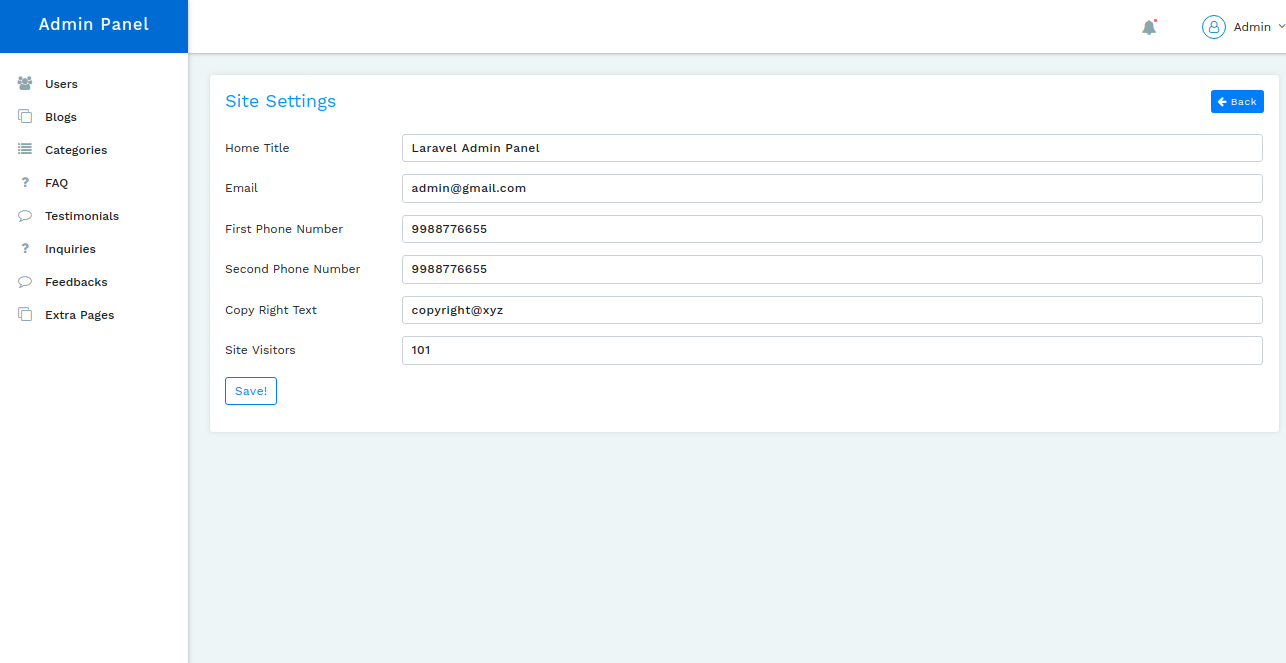
Site Settings
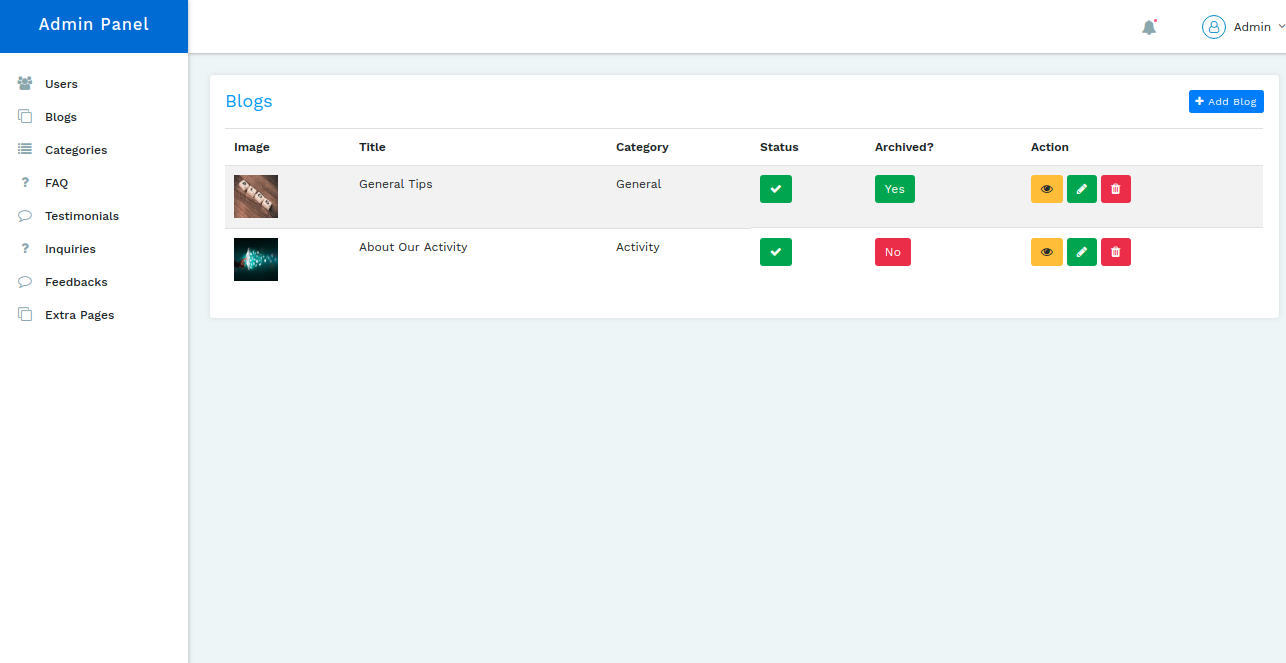
Blog Listing
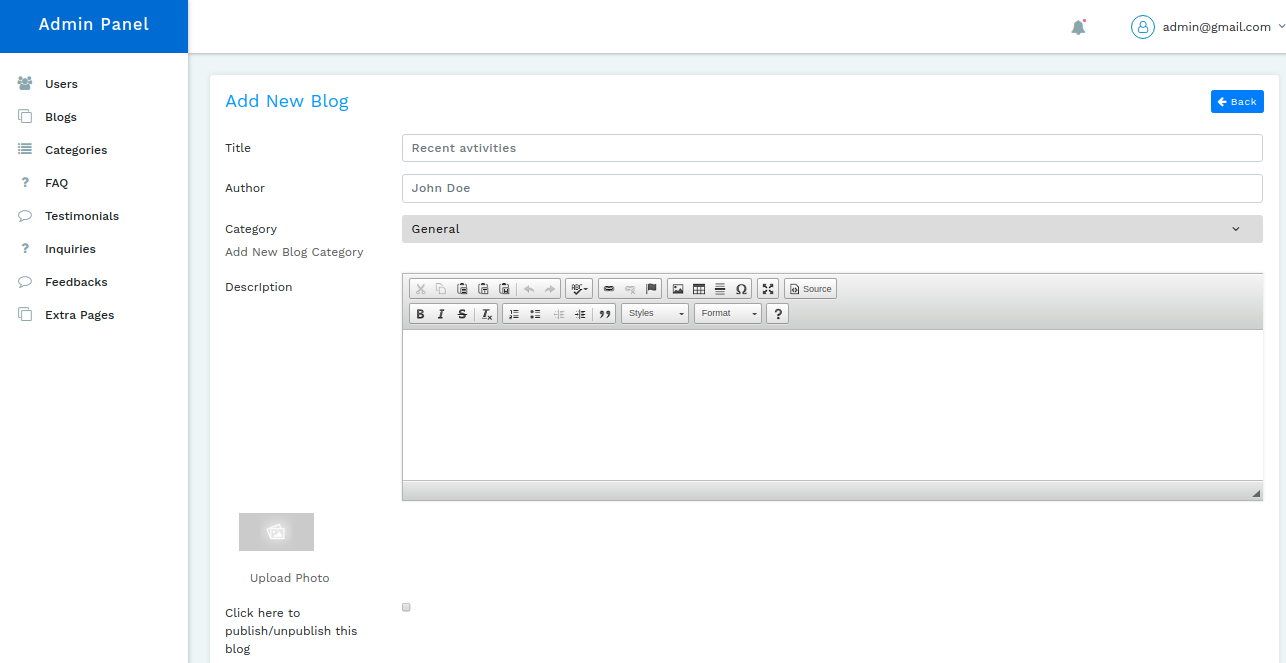
Add new blog
Edit Blog

Show Blog
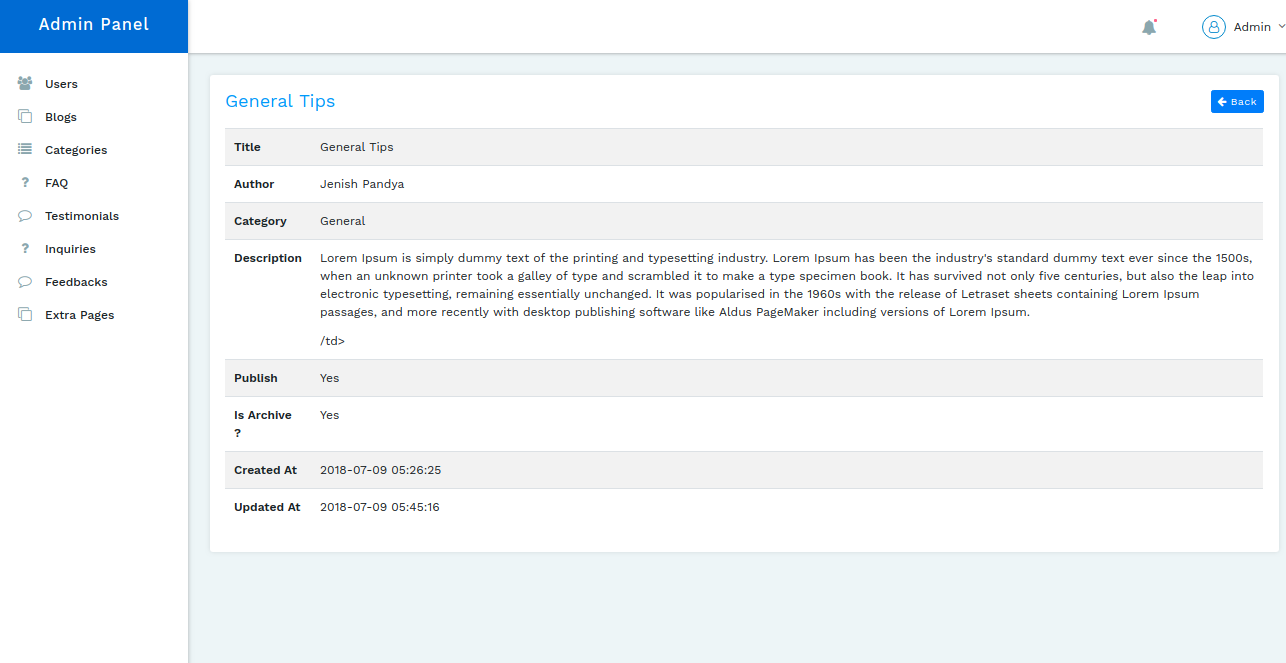
Inquiries Listing

Extra Pages
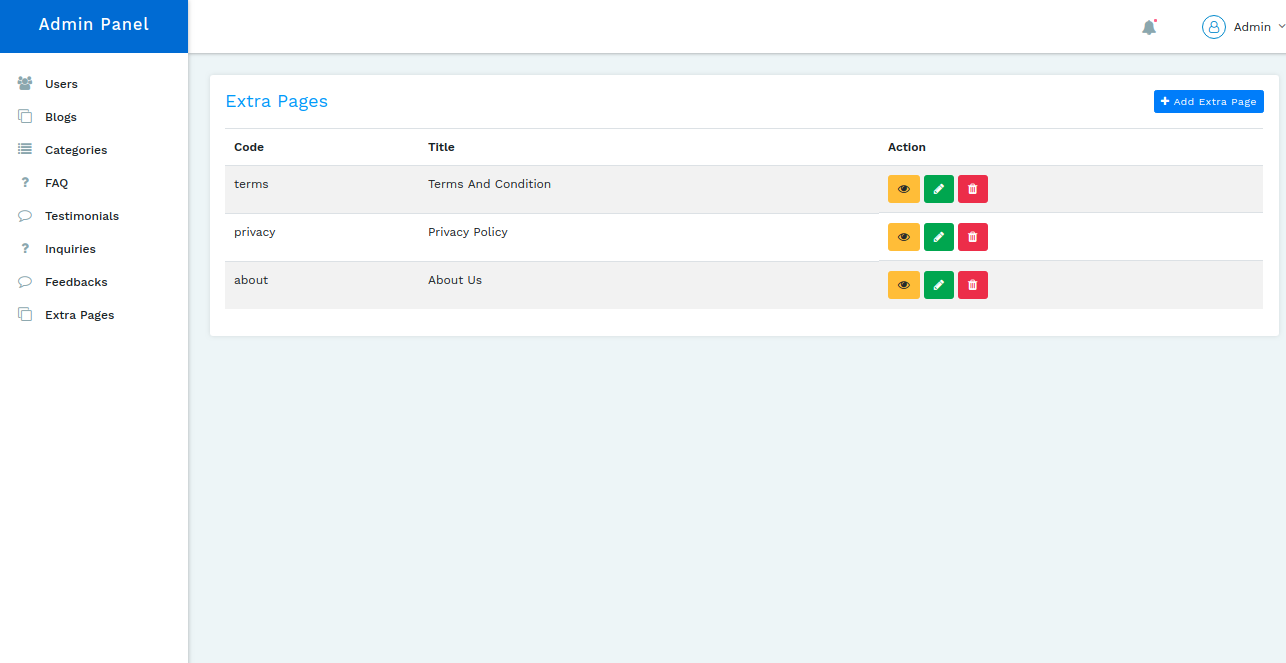
Edit Extra Pages

FAQs

Testimonials

Forgot Password

Reset Password