
jeffersongoncalves / laravel-security-headers

This Laravel package stamps a configurable set of baseline security headers (X-Content-Type-Options, X-Frame-Options, Referrer-Policy, Permissions-Policy, Content-Security-Policy, Cross-Origin-Opener-Policy, X-Permitted-Cross-Domain-Policies and HSTS) onto your HTTP responses via a single middleware
Package info
github.com/jeffersongoncalves/laravel-security-headers
pkg:composer/jeffersongoncalves/laravel-security-headers
Requires
- php: ^8.2
- illuminate/support: ^11.0|^12.0|^13.0
- spatie/laravel-package-tools: ^1.14.0
Requires (Dev)
- larastan/larastan: ^3.0
- laravel/pint: ^1.0
- orchestra/testbench: ^9.0|^10.0|^11.0
- pestphp/pest: ^3.7.4|^4.0
- pestphp/pest-plugin-laravel: ^3.0|^4.0
Suggests
None
Provides
None
Conflicts
None
Replaces
None
README
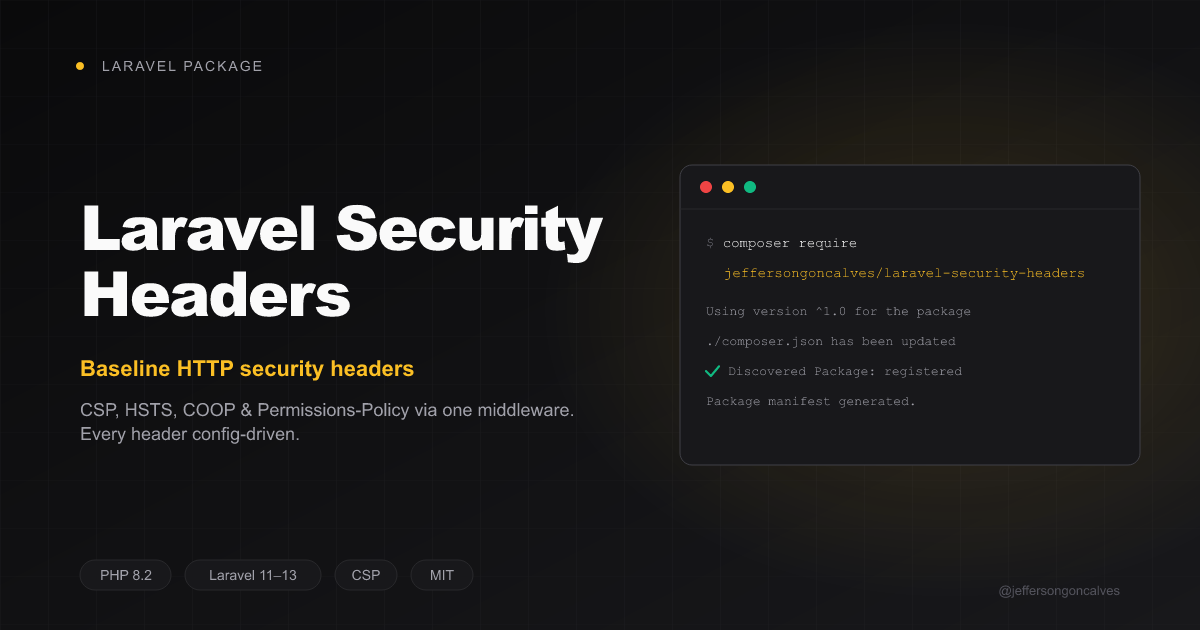
Laravel Security Headers
This Laravel package stamps a configurable set of baseline security headers onto your HTTP responses via a single middleware. Every header value and the full Content-Security-Policy directive map are driven by config/security-headers.php, so you can tune or disable each one without touching code.
The headers it manages:
X-Content-Type-OptionsX-Frame-OptionsReferrer-PolicyPermissions-PolicyContent-Security-PolicyCross-Origin-Opener-PolicyX-Permitted-Cross-Domain-PoliciesStrict-Transport-Security(HSTS) — only over real HTTPS and never in thelocalenvironment
Installation
You can install the package via composer:
composer require jeffersongoncalves/laravel-security-headers
You can publish the config file with:
php artisan vendor:publish --tag="security-headers-config"
Usage
The package ships a single middleware: JeffersonGoncalves\SecurityHeaders\Middleware\SecurityHeaders. The service provider auto-registers a security-headers route-middleware alias for you, but it does not apply the middleware globally — you must still attach it to a route or group. Place it as the outermost middleware of the group you want protected so it also stamps cached (HIT) responses produced further down the stack.
Attach it via the registered alias
The alias security-headers is wired up automatically, so you can use it directly on a route or group:
Route::middleware('security-headers')->group(function () {
    // ...
});
Or apply it to the whole web group (Laravel 11+)
In bootstrap/app.php:
use Illuminate\Foundation\Configuration\Middleware;
use JeffersonGoncalves\SecurityHeaders\Middleware\SecurityHeaders;

->withMiddleware(function (Middleware $middleware) {
    $middleware->web(prepend: [
        SecurityHeaders::class,
    ]);
})
Legacy kernel (Laravel 10 style)
Add the middleware to a group in app/Http/Kernel.php:
protected $middlewareGroups = [
    'web' => [
        \JeffersonGoncalves\SecurityHeaders\Middleware\SecurityHeaders::class,
        // ...
    ],
];
Configuration
After publishing, config/security-headers.php exposes three blocks.
Static headers
Each entry is stamped onto every response. Set any value to null to skip that header:
'headers' => [
    'X-Content-Type-Options' => 'nosniff',
    'X-Frame-Options' => 'SAMEORIGIN',
    'Referrer-Policy' => 'strict-origin-when-cross-origin',
    'Permissions-Policy' => 'camera=(), microphone=(), geolocation=(), payment=(), usb=(), browsing-topics=()',
    'Cross-Origin-Opener-Policy' => 'same-origin-allow-popups',
    // Disable a header by setting it to null:
    'X-Permitted-Cross-Domain-Policies' => null,
],
Customizing the Content-Security-Policy
The CSP header is assembled from the associative directives map, preserving order. A value may be a string or an array of source expressions. A directive whose value is null (or an empty string) is emitted as a valueless directive (e.g. upgrade-insecure-requests). Set csp.enabled to false to drop the header entirely.
The shipped default is a strict, first-party-only policy — no 'unsafe-*', no third-party origins — so it is a genuine XSS backstop:
'csp' => [
    'enabled' => true,
    'directives' => [
        'default-src' => "'self'",
        'script-src' => "'self'",
        'style-src' => "'self'",
        'img-src' => "'self' data:",
        'object-src' => "'none'",
        'base-uri' => "'self'",
        'form-action' => "'self'",
        'frame-ancestors' => "'self'",
    ],
],
Nonces for inline scripts
Rather than reaching for 'unsafe-inline', allow specific inline scripts with a per-request nonce. Put the {nonce} placeholder in a directive — the middleware substitutes it with a fresh, random per-request value:
'script-src' => "'self' 'nonce-{nonce}'",
Then emit the matching nonce in your Blade markup with the @cspNonce directive (or the csp_nonce() helper):
<script nonce="@cspNonce">
    // your trusted inline script
</script>
Both the header and the view receive the same value for that request, so the script validates while injected markup (which cannot guess the nonce) is blocked.
The nonce is Laravel's Vite nonce (Vite::cspNonce()): the middleware sets a fresh one at the start of every request, so the tags @vite, Vite's prefetching and Livewire render get it automatically — no @cspNonce needed there. The header reads it after the response is built, so a full-page cache that restores the nonce of its cached markup (as laravel-page-cache does) keeps the header and the HTML in sync.
Third-party snippets that read the same nonce: laravel-gtm 3.1+ (also forwards it to gtm.js), laravel-gtag 3.1+, and the other jeffersongoncalves injectors since their 2026-10-09 minor (amplitude, clarity, cloudflare-web-analytics, cookie-consent, crisp, fathom, goatcounter, hotjar, matomo, mixpanel, pirsch, pixel, plausible, simple-analytics, tawk-to, umami, whatsapp-widget). Scripts they load afterwards from a vendor CDN still need that host in script-src. Snippets that don't carry the nonce need 'unsafe-inline' or a 'sha256-…' hash.
Alpine.js / Livewire without 'unsafe-eval'
Standard Alpine evaluates expressions with new Function, which needs 'unsafe-eval'. Livewire ships a CSP build of Alpine that parses expressions instead:
- Livewire's own script: set
'csp_safe' => trueinconfig/livewire.php. - Bundling Livewire yourself (
inject_assets => false): importvendor/livewire/livewire/dist/livewire.csp.esminstead oflivewire.esm.
The CSP build understands property access, calls, assignments, comparisons, ternaries and object/array literals — but no arrow functions, optional chaining (?.), multiple statements or globals such as document/window. Move that logic into Alpine.data() components and keep inline expressions to toggle(), open = !open, tab === 'a'. Keep the build only on pages whose markup you control: Filament panels use full Alpine expressions, so leave 'unsafe-eval' (or no CSP) on panel routes.
A strict policy for an Alpine/Livewire site then reads:
'script-src' => "'self' 'nonce-{nonce}' https://www.googletagmanager.com",
Report-only mode and violation reporting
Set report-only to emit Content-Security-Policy-Report-Only instead of the enforcing header (useful for rolling out a policy without breaking pages). report-uri / report-to are appended as CSP directives when non-null:
'csp' => [
    'enabled' => true,
    'report-only' => true,
    'report-uri' => 'https://example.com/csp-report', // legacy endpoint
    'report-to' => 'csp-endpoint',                    // Reporting-API group name
    // ...
],
Opt-in: GTM / gtag / Alpine.js (permissive)
If you rely on inline Google Tag Manager / gtag and Alpine.js (which evaluates expressions via new Function, requiring 'unsafe-eval') and cannot adopt nonces and the Alpine CSP build (above), you can loosen the policy. This removes the CSP's XSS protection — pair it with output sanitization (e.g. symfony/html-sanitizer) for any untrusted markup you render:
'directives' => [
    'default-src' => "'self'",
    'script-src' => "'self' 'unsafe-inline' 'unsafe-eval' https://www.googletagmanager.com https://www.google-analytics.com https://static.cloudflareinsights.com",
    'style-src' => "'self' 'unsafe-inline'",
    'img-src' => "'self' data: https:",
    'font-src' => "'self' data:",
    'connect-src' => "'self' https://www.google-analytics.com https://*.google-analytics.com https://*.analytics.google.com https://www.googletagmanager.com https://cloudflareinsights.com",
    'frame-src' => "'self' https://www.googletagmanager.com",
    'frame-ancestors' => "'self'",
    'base-uri' => "'self'",
    'form-action' => "'self'",
    'object-src' => "'none'",
    'upgrade-insecure-requests' => null,
],
HSTS
Strict-Transport-Security is only stamped over real HTTPS and never while the app is in an excluded environment (['local'] by default — a cached max-age on a *.test domain is a pain to undo):
'hsts' => [
    'enabled' => true,
    'max-age' => 31536000,
    'include-subdomains' => true,
    'preload' => false,

    // Environments in which HSTS is never stamped (even over HTTPS).
    // Set to [] to stamp HSTS in every environment.
    'exclude_environments' => ['local'],
],
preloadis a near-irreversible commitment. Enabling it and submitting your domain to hstspreload.org hard-codes HTTPS-only for the apex domain and every subdomain into browsers shipped worldwide. Removal is slow (months) and painful. Leave itfalseunless you are certain every current and future subdomain serves valid TLS. It defaults tofalse.
HSTS depends on a correct $request->secure()
HSTS is only emitted when Laravel considers the request secure ($request->secure()). Behind a TLS-terminating proxy or load balancer (the app receives plain HTTP on the back end), secure() returns false and HSTS will be silently skipped unless you configure trusted proxies. Make sure your TrustProxies middleware / bootstrap/app.php trustProxies(...) config is set so the X-Forwarded-Proto header is honoured — otherwise the proxy must add HSTS itself.
Testing
composer test
Changelog
Please see CHANGELOG for more information on what has changed recently.
Contributing
Please see CONTRIBUTING for details.
Security Vulnerabilities
Please review our security policy on how to report security vulnerabilities.
Credits
License
The MIT License (MIT). Please see License File for more information.