
jeffersongoncalves / laravel-crisp

Crisp for Laravel: render the live chat widget in your Blade layouts, with the settings stored in the database via spatie/laravel-settings.
Package info
github.com/jeffersongoncalves/laravel-crisp
pkg:composer/jeffersongoncalves/laravel-crisp
Fund package maintenance!
Requires
- php: ^8.2|^8.3|^8.4
- laravel/framework: ^12.61.1|^13.12.0
- spatie/laravel-package-tools: ^1.14.0
- spatie/laravel-settings: ^3.0
Requires (Dev)
- jeffersongoncalves/laravel-open-hours: ^1.0
- larastan/larastan: ^3.0
- laravel/pint: ^1.27
- orchestra/testbench: ^10.0|^11.0
- pestphp/pest: ^3.7.4|^4.0
- pestphp/pest-plugin-laravel: ^3.0|^4.0
Suggests
- jeffersongoncalves/laravel-open-hours: Show the chat only during opening hours (only_when_open)
Provides
None
Conflicts
None
Replaces
None
This package is auto-updated.
Last update: 2026-10-29 13:36:49 UTC
README
Laravel Crisp
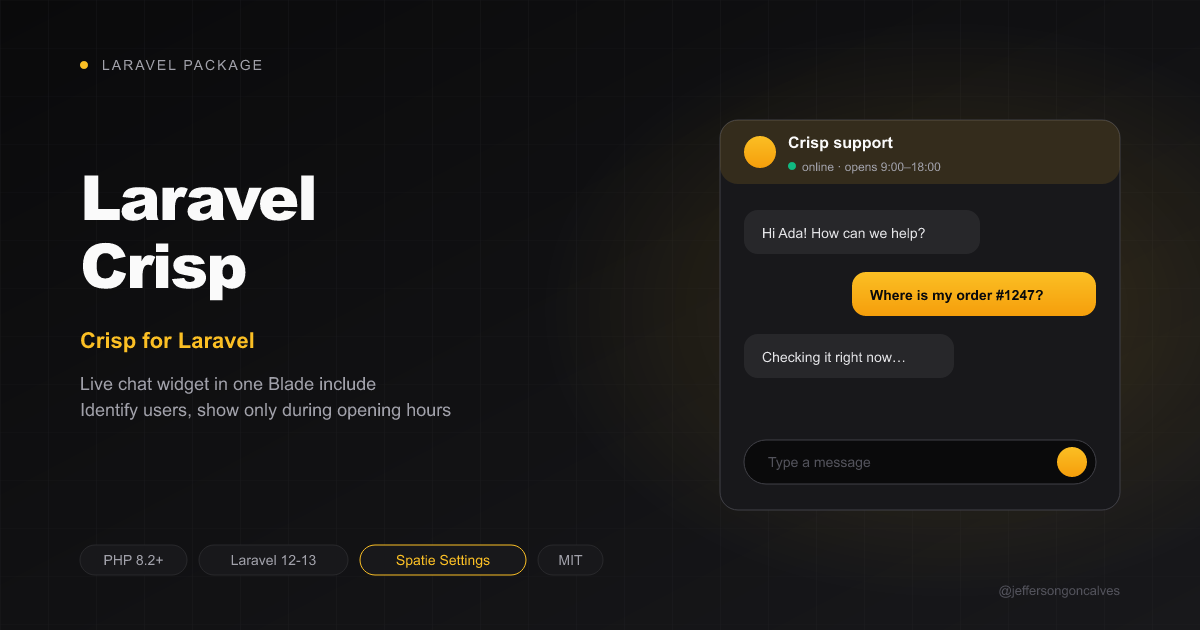
Add Crisp — live chat widget for customer support — to your Laravel app. The settings are stored in the database with spatie/laravel-settings, so you can change them at runtime (e.g. from an admin panel) instead of in .env.
For a Filament settings page, use jeffersongoncalves/filament-crisp.
Installation
composer require jeffersongoncalves/laravel-crisp
Publish and run the settings migration:
php artisan vendor:publish --tag=crisp-settings-migrations
php artisan migrate
Configuration
$settings = crisp_settings();
$settings->website_id = '3f2b8c1e-7a4d-4e5f-9b6a-1c2d3e4f5a6b';
$settings->save();
Or through the settings class or the Facade:
use JeffersonGoncalves\Crisp\Facades\Crisp;
use JeffersonGoncalves\Crisp\Settings\CrispSettings;

$settings = app(CrispSettings::class);
$value = Crisp::getFacadeRoot()->website_id;
Available settings
| Setting | Type | Default | Description |
|---|---|---|---|
website_id |
?string |
null |
Your Crisp website id. The script only renders when it is valid. |
identify_users |
bool |
false |
Send the signed-in user's name and email to the chat. |
only_when_open |
bool |
false |
Hide the chat while laravel-open-hours says you're closed (ignored when it isn't installed). |
Identify users and opening hours
identify_users: sends the signed-in user's name and email to Crisp, so your agents see who they're talking to. Leave it off on pages served from a shared full-page cache.only_when_open: with jeffersongoncalves/laravel-open-hours installed, the widget is only rendered while you're open.
composer require jeffersongoncalves/laravel-open-hours
Usage
Add the script to your Blade layout, right before </body>:
@include('crisp::script')
Nothing is rendered until the settings are complete, so you can ship the include everywhere and turn Crisp on later.
Content Security Policy
When your app sets a CSP nonce through Laravel's Vite (Vite::useCspNonce(), as laravel-security-headers does), every <script> this package renders carries it, so a script-src 'self' 'nonce-{nonce}' policy works without 'unsafe-inline'. Scripts loaded afterwards from the vendor's own CDN still need that host in script-src (and its API in connect-src).
Testing
composer test
Changelog
Please see CHANGELOG for more information on what has changed recently.
Contributing
Please see CONTRIBUTING for details.
Security Vulnerabilities
Please review our security policy on how to report security vulnerabilities.
Credits
License
The MIT License (MIT). Please see License File for more information.