
jeffersongoncalves / laravel-cookie-consent

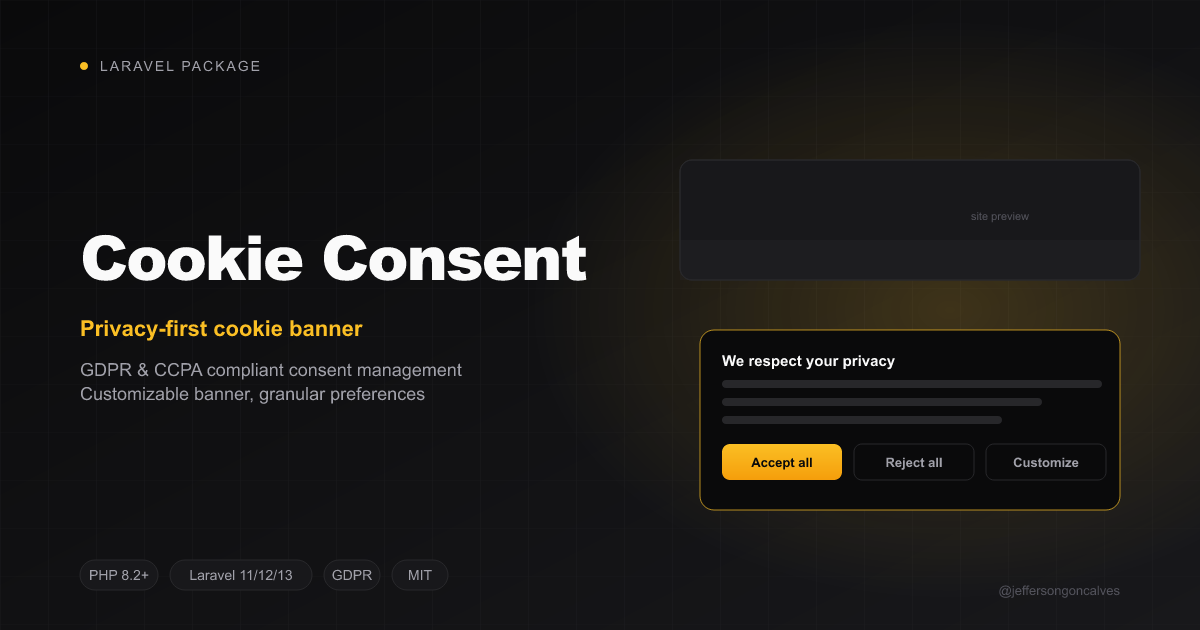
This Laravel package provides a simple and elegant way to implement cookie consent on your website, ensuring compliance with privacy regulations like GDPR and CCPA. It offers a clean and customizable interface, allowing you to easily manage and display cookie consent banners and preferences.
Package info
github.com/jeffersongoncalves/laravel-cookie-consent
pkg:composer/jeffersongoncalves/laravel-cookie-consent
Requires
- php: ^8.2|^8.3|^8.4
- laravel/framework: ^12.61.1|^13.12.0
- spatie/laravel-package-tools: ^1.14.0
- spatie/laravel-settings: ^3.0
Requires (Dev)
- larastan/larastan: ^3.0
- laravel/pint: ^1.21
- orchestra/testbench: ^10.0|^11.0
- pestphp/pest: ^3.7.4|^4.0
- pestphp/pest-plugin-laravel: ^3.0|^4.0
Suggests
None
Provides
None
Conflicts
None
Replaces
None
README
Laravel Cookie Consent
This Laravel package provides a simple and elegant way to implement cookie consent on your website, ensuring compliance with privacy regulations like GDPR and CCPA. It offers a clean and customizable interface, allowing you to easily manage and display cookie consent banners and preferences.
Installation
You can install the package via composer:
composer require jeffersongoncalves/laravel-cookie-consent
Run the migrations to create the settings in the database:
php artisan migrate
Usage
Add head template.
@include('cookie-consent::cookie-consent-head')
Add body template.
@include('cookie-consent::cookie-consent-body')
Publish views (optional).
php artisan vendor:publish --tag=cookie-consent-views
Publish settings migrations (optional).
php artisan vendor:publish --tag=cookie-consent-settings-migrations
Configuration
All settings are stored in the database using spatie/laravel-settings. You can access and modify them at runtime using the CookieConsentSettings class or the cookie_consent_settings() helper.
Accessing settings
use JeffersonGoncalves\CookieConsent\Settings\CookieConsentSettings;

// Via helper
$settings = cookie_consent_settings();

// Via container
$settings = app(CookieConsentSettings::class);

// Read a value
$position = $settings->position;
Updating settings
$settings = cookie_consent_settings();
$settings->position = 'top-right';
$settings->popup_background = '#000000';
$settings->save();
Available settings
| Property | Type | Default |
|---|---|---|
css_url |
string |
https://cdn.jsdelivr.net/npm/cookieconsent@3/build/cookieconsent.min.css |
js_url |
string |
https://cdn.jsdelivr.net/npm/cookieconsent@3/build/cookieconsent.min.js |
content_header |
?string |
null (translated) |
content_message |
?string |
null (translated) |
content_dismiss |
?string |
null (translated) |
content_allow |
?string |
null (translated) |
content_deny |
?string |
null (translated) |
content_link |
?string |
null (translated) |
content_href |
?string |
null (hides the "learn more" link) |
content_close |
string |
❌ |
content_target |
string |
_blank |
content_policy |
?string |
null (translated) |
popup_background |
string |
#696969 |
popup_text |
string |
#FFFFFF |
popup_link |
string |
#FFFFFF |
button_background |
string |
transparent |
button_border |
string |
#f8e71c |
button_text |
string |
#f8e71c |
highlight_background |
string |
#f8e71c |
highlight_border |
string |
#f8e71c |
highlight_text |
string |
#000000 |
position |
string |
bottom-left |
theme |
string |
block |
type |
string |
info (info, opt-in or opt-out) |
consent_mode |
bool |
false |
mode |
string |
banner (banner or categories) |
block_scripts |
bool |
false |
script_categories |
array |
[] (script id => category, "" never blocks) |
honor_gpc |
bool |
false |
preferences_css_url |
string |
https://cdn.jsdelivr.net/npm/vanilla-cookieconsent@3.1.0/dist/cookieconsent.css |
preferences_js_url |
string |
https://cdn.jsdelivr.net/npm/vanilla-cookieconsent@3.1.0/dist/cookieconsent.umd.js |
Translations
The banner text is translated into the app locale. A content_* text setting left at null renders __('cookie-consent::banner.<key>'); a string value overrides it in every locale.
Shipped locales: ar az cs de en es fa fr he hi id it ja nl pl pt pt_BR pt_PT ru sk tr uk uz zh_CN.
Override or add a locale by publishing the files:
php artisan vendor:publish --tag=cookie-consent-translations
Upgrading: the make_cookie_consent_content_translatable settings migration sets the text settings that still hold the old English defaults to null. Text you customised is kept.
Position
| Top Left | Top Right |
|---|---|
 |
 |
| Bottom Left | Bottom Right |
 |
 |
Google Consent Mode v2
Google requires Consent Mode v2 for ads and analytics measurement of EEA/UK visitors. Turn it on and pick a compliance type:
$settings = cookie_consent_settings();
$settings->type = 'opt-in';      // banner shows Allow / Decline
$settings->consent_mode = true;
$settings->save();
The head view then pushes gtag('consent', 'default', ...) for ad_storage, ad_user_data, ad_personalization and analytics_storage, restoring a previous choice from the cookieconsent_status cookie, and the banner pushes gtag('consent', 'update', ...) when the visitor chooses.
type |
Before a choice | Allow | Decline |
|---|---|---|---|
opt-in |
denied | granted | denied |
opt-out |
granted | granted | denied |
info |
granted | — | — |
Include the head view before the Google Tag Manager or gtag snippet, so their tags start with the consent state already set:
<head>
    @include('cookie-consent::cookie-consent-head')
    @include('gtm::head') {{-- or @include('gtag::script') --}}
</head>
Works with laravel-gtm and laravel-gtag, or any Google tag on the page. type defaults to info and consent_mode to false, so upgrading changes nothing until you opt in; run php artisan migrate after updating to add the two settings.
Privacy ledgers (LGPD, GDPR, Quebec Law 25, CCPA, US state laws)
Install one of the privacy packages below and enable its endpoint. From then on, the banner records every allow and deny there. A dismiss is not a choice, so nothing is recorded for it. You don't change any code in this package.
| Package | Enable | What the banner records |
|---|---|---|
| laravel-lgpd-consent | lgpd-consent.route.enabled => true |
consent under the purpose cookies, as proof of consent (LGPD art. 8) |
| laravel-gdpr-consent | gdpr-consent.route.enabled => true |
consent under the purpose cookies, as proof of consent (GDPR Art. 7(1)) |
| laravel-quebec-consent | quebec-consent.route.enabled => true |
consent under the purpose cookies, for the tracking technologies that must stay off until the person agrees (Law 25, s. 8.1) |
| laravel-ccpa-opt-out | ccpa-opt-out.route.enabled => true |
deny opts out of the sale or sharing of personal information (sale_sharing), allow opts back in |
| laravel-us-privacy-opt-out | us-privacy-opt-out.route.enabled => true |
deny opts out of the sale of personal data (sale) and of targeted advertising (targeted_advertising), allow opts back in |
If you configure lgpd-consent.purposes, gdpr-consent.purposes or quebec-consent.purposes, add cookies to that list (in categories mode: cookies_analytics, cookies_marketing and cookies_functionality, one consent per category; for the CCPA and the US state laws, refusing marketing is the opt-out). With several of them installed, each choice goes to all of them.
The request sends the XSRF-TOKEN cookie, so it keeps working on cached pages. If that cookie is missing, it falls back to the page's CSRF token. The request uses keepalive, so it completes even when the visitor leaves the page right away.
The latest choice stays pending in localStorage until the server confirms it, one slot per package. Only one request per package is in flight at a time, so the latest choice is always the last one recorded. When a request fails, it is retried twice, and if it still fails it is sent again on the next page load. A request the server rejects for good (a 4xx other than 419 or 429) is dropped.
Blocking scripts until consent
Under the LGPD and the GDPR, analytics and marketing cookies need consent before they are set. Run php artisan migrate after updating (every new setting is off), turn on block_scripts, and the scripts of these packages wait for the visitor to allow their category:
$settings = cookie_consent_settings();
$settings->type = 'opt-in';
$settings->block_scripts = true;
$settings->save();
| Category | Packages |
|---|---|
analytics |
gtag, clarity, hotjar, mixpanel, amplitude, matomo |
marketing |
gtm, pixel |
functionality |
crisp, tawk-to |
| never blocked (no cookies) | plausible, fathom, simple-analytics, pirsch, cloudflare-web-analytics, goatcounter, umami |
Each package renders its <script> with type="text/plain" data-category="…", and this package runs it, with its CSP nonce, once the category is allowed: on opt-in after allow, on opt-out right away unless the visitor declines. Google tags are left to Consent Mode when consent_mode is on. Change a category with script_categories (['plausible' => 'analytics', 'pixel' => '']; "" never blocks). Your own scripts work the same way:
<script type="text/plain" data-category="marketing">/* runs once marketing is allowed */</script>
A refusal after a script ran takes effect on the next page load. The packages ask for their attributes through cookie_consent_script_attributes('<id>') behind function_exists(), so none of them requires this package.
With honor_gpc on, a Global Privacy Control signal refuses the marketing category (and the ad signals of Consent Mode), as the CCPA and several US state laws require.
A choice per category
Set mode to categories for a banner with Accept all, Reject all and Manage preferences, where the visitor turns each category on or off, as the European data protection authorities and the ANPD expect. It uses vanilla-cookieconsent 3 and shows the categories of the packages installed (analytics and marketing when none is). The texts come from cookie-consent::preferences and the content_* settings; position places the box. Consent Mode then follows each category: analytics_storage the analytics one, the ad signals the marketing one.
Any element with data-cc="show-preferencesModal" reopens the preferences.
Cookie policy
@include('cookie-consent::policy')
renders the cookie table of your cookie policy, grouped by category and translated: the session, XSRF and consent cookies, the cookies of the privacy ledgers installed, and those of the packages above that are installed. Add your own rows:
@include('cookie-consent::policy', ['cookies' => [
    ['theme', 'This website', 'Remembers the dark mode.', '1 year', 'functionality'],
]])
Lifetimes are written like 1 year or 30 minutes (or session) and shown in the app locale. In categories mode the table ends with a button that reopens the preferences.
Content Security Policy
When your app sets a CSP nonce through Laravel's Vite (Vite::useCspNonce(), as laravel-security-headers does), every <script> this package renders carries it, so a script-src 'self' 'nonce-{nonce}' policy works without 'unsafe-inline'. Scripts loaded afterwards from the vendor's own CDN still need that host in script-src (and its API in connect-src).
Testing
composer test
Changelog
Please see CHANGELOG for more information on what has changed recently.
Contributing
Please see CONTRIBUTING for details.
Security Vulnerabilities
Please review our security policy on how to report security vulnerabilities.
Credits
This package uses the Osano CookieConsent plugin.
License
The MIT License (MIT). Please see License File for more information.