
jeffersongoncalves / filament-kanban

Add kanban boards to your Filament pages
Package info
github.com/jeffersongoncalves/filament-kanban
pkg:composer/jeffersongoncalves/filament-kanban
Requires
- php: ^8.2
- filament/filament: ^5.0
- spatie/laravel-package-tools: ^1.14.0
Requires (Dev)
- larastan/larastan: ^3.0
- laravel/pint: ^1.21
- orchestra/testbench: ^10.0|^11.0
- pestphp/pest: ^4.0
- pestphp/pest-plugin-laravel: ^4.0
Suggests
None
Provides
None
Conflicts
None
Replaces
None
README
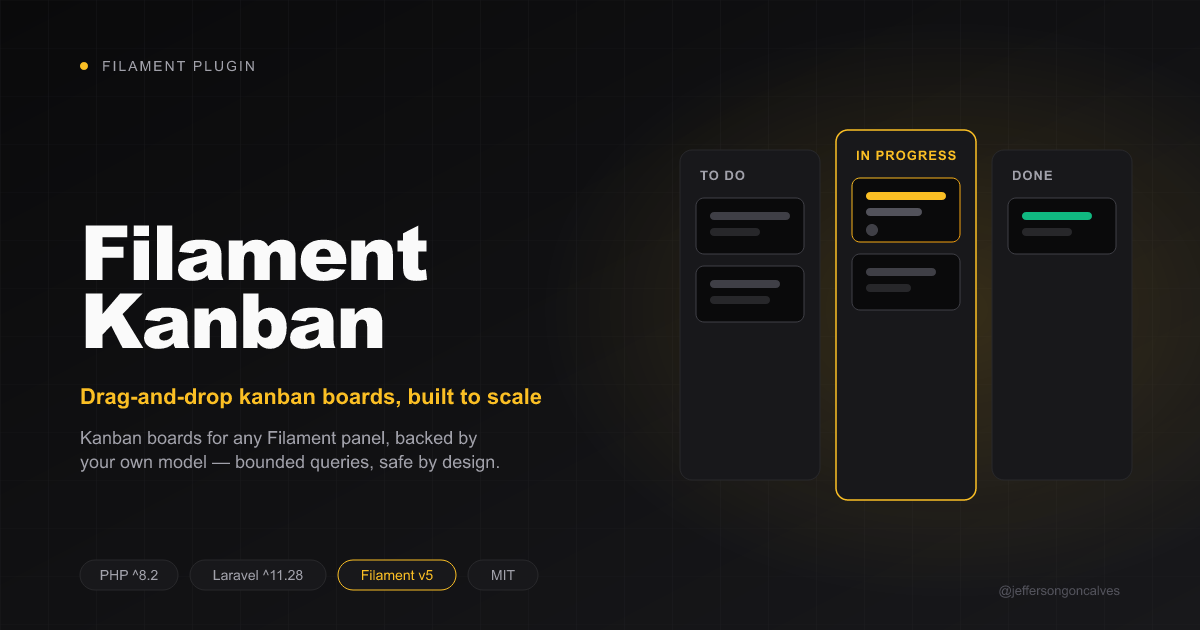
Filament Kanban
Add a drag-and-drop kanban board to a Filament panel, backed by your own Eloquent model — bounded per-column queries, batched reorder writes, and server-side status-transition validation by design (see ADR-0001).
Compatibility
| Plugin Version | Filament Version |
|---|---|
| 1.x | 3.x |
| 2.x | 4.x |
| 3.x | 5.x |
Installation
You can install the package via composer:
composer require jeffersongoncalves/filament-kanban:"^3.0"
No Tailwind config changes needed — the board's layout ships as a plain stylesheet
registered via FilamentAsset, not Tailwind utility classes, so it renders correctly
even though your app's Tailwind build never scans this package's vendor views.
Usage
This package ships a base Pages\KanbanBoard class. You extend it for whatever
model you want to put on a board, and register your subclass on a panel like
any other Filament page.
1. Your status enum
The board groups records into columns by a backed enum. Implement statuses()
to describe the columns, and — if you have one — canTransitionTo() to let
the board reject illegal drags server-side instead of trusting the client:
enum TicketStatus: string
{
    case Open = 'open';
    case InProgress = 'in_progress';
    case Resolved = 'resolved';

    public static function statuses(): \Illuminate\Support\Collection
    {
        return collect([
            ['id' => self::Open->value, 'label' => 'Open'],
            ['id' => self::InProgress->value, 'label' => 'In Progress'],
            ['id' => self::Resolved->value, 'label' => 'Resolved'],
        ]);
    }

    // Optional. If your enum has this method, the board calls it before
    // persisting any drag and rejects the move (dispatching
    // `kanban-move-rejected`) when it returns false.
    public function canTransitionTo(self $status): bool
    {
        return match ($this) {
            self::Open => in_array($status, [self::InProgress, self::Resolved]),
            self::InProgress => in_array($status, [self::Open, self::Resolved]),
            self::Resolved => false,
        };
    }
}
2. Your model
Needs the status column cast to your enum, and an order_column (or your own
name for it — see below) that persists card position within a column:
class Ticket extends Model
{
    protected $casts = [
        'status' => TicketStatus::class,
    ];
}
If your model already has a scopeOrdered() local scope (e.g. from
spatie/eloquent-sortable), the board uses it. Otherwise it orders by
whatever column you set $orderColumn to.
3. Your board page
use JeffersonGoncalves\Filament\Kanban\Pages\KanbanBoard;

class TicketsBoard extends KanbanBoard
{
    protected static string $model = Ticket::class;
    protected static string $statusEnum = TicketStatus::class;
    protected static string $recordTitleAttribute = 'title'; // default
    protected static string $recordStatusAttribute = 'status'; // default
    protected static string $orderColumn = 'order_column'; // default
    protected int $perPage = 50; // per-column page size, default 50
}
4. Register it
// AdminPanelProvider.php
public function panel(Panel $panel): Panel
{
    return $panel
        ->pages([
            TicketsBoard::class,
        ]);
}
There's no Plugin class to register for basic usage — KanbanPlugin exists
for parity with other Filament plugins but has nothing to configure yet.
What the board takes care of for you
- Each column loads a bounded page of records with a "load more" affordance, not the whole table.
- Cards never embed the full record — clicking one fetches it server-side.
- Reordering a column persists in a single
UPDATE ... CASE WHENquery. - An illegal status transition (per your enum's
canTransitionTo(), if it has one) is rejected server-side; the card snaps back on the next render.
Testing
composer test
composer analyse
composer format
Changelog
Please see CHANGELOG for more information on what has changed recently.
Contributing
Please see CONTRIBUTING for details.
Security Vulnerabilities
Please review our security policy on how to report security vulnerabilities.
Credits
License
The MIT License (MIT). Please see License File for more information.