
ivanfuhr / std-components
Std Components — powerful components for Laravel Blade.
Maintainers

Package info
github.com/ivanfuhr/std-components
Language:JavaScript
pkg:composer/ivanfuhr/std-components
Fund package maintenance!
Requires
- php: ^8.3
- illuminate/http: ^12.0||^13.0
- illuminate/support: ^12.0||^13.0
Requires (Dev)
- larastan/larastan: ^3.9
- laravel/pao: ^1.0
- laravel/pint: ^1.29
- orchestra/testbench: ^10.0||^11.0
- pestphp/pest: ^4.6
- pestphp/pest-plugin-laravel: ^4.1
- pestphp/pest-plugin-type-coverage: ^4.0
- phpstan/extension-installer: ^1.4
This package is auto-updated.
Last update: 2026-08-12 01:54:50 UTC
README
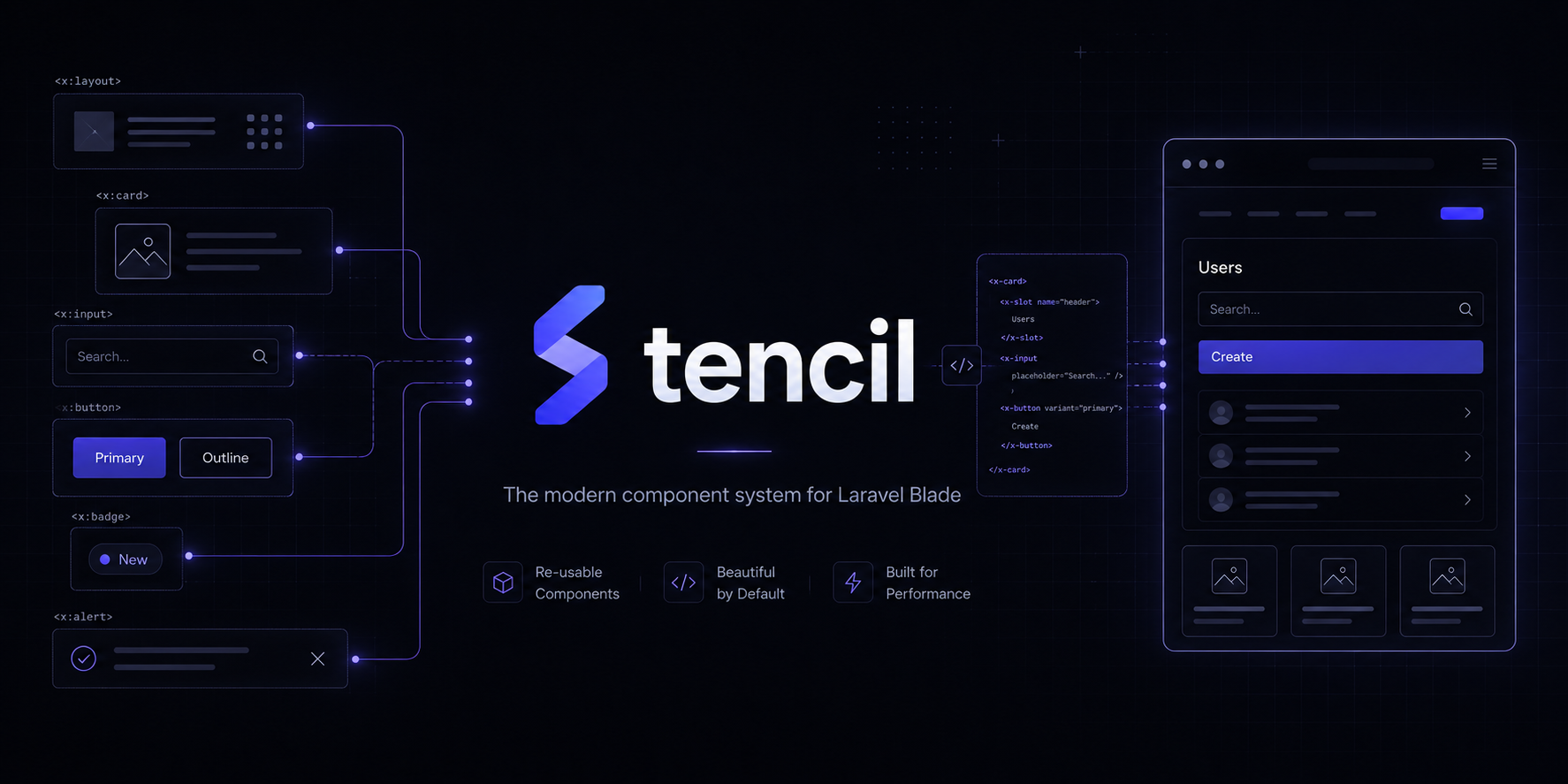
Composable Blade primitives for Laravel — class components, x-std::*, and Tailwind v4.
Table of contents
| Start here | Installation · Usage · Documentation |
| Project | Changelog · Contributing · Security · License |
Install the package, add the layout directives, import Tailwind entry CSS, and use x-std::* components directly from the package.
Installation
composer require ivanfuhr/std-components
Optional config publish:
php artisan vendor:publish --tag=std-components-config
Usage
Add Std Components assets to your layout:
<!DOCTYPE html>
<x-std::html appearance="system">
    <head>
        @stdStyles
        @fonts
        @vite(['resources/css/app.css', 'resources/js/app.js'])
    </head>
    <x-std::body>
        <x-std::input name="email" />
        @stdScripts
    </x-std::body>
</x-std::html>
<x-std::html> applies FOUC-safe light/dark/system appearance (class + scheme-* on the document root). Toggle with data-appearance-set, data-appearance-toggle, or data-appearance-switch (requires @stdScripts). Defaults live under config('std-components.appearance').
Load fonts with Laravel’s @fonts directive (Laravel 13+). Configure matching aliases in vite.config.js:
import { google } from 'laravel-vite-plugin/fonts';

laravel({
    // ...
    fonts: [
        google('Inter', {
            alias: 'sans',
            weights: [400, 500, 600, 700],
            fallbacks: ['ui-sans-serif', 'system-ui', 'sans-serif'],
        }),
    ],
});
Components resolve type via --font-{alias} — map roles in config/std-components.php (typography.roles) to those aliases.
@stdScripts and @stdStyles serve the bundled runtime from /std-components/std-components.js and /std-components/std-components.css (no publish required). Override with ['url' => asset('vendor/std-components/std-components.js')] when using published assets.
Assets
| Directive | Description |
|---|---|
@stdStyles |
Base Std Components CSS (tokens, component layers) |
@stdScripts |
Vanilla JS runtime for interactive components |
Publish static assets (optional):
php artisan vendor:publish --tag=std-components-assets
Import extra Lucide icons:
php artisan std:icon search grip-vertical
Tailwind CSS
Import the package Tailwind entry in your app CSS (class-based dark mode via .dark on <html>):
@import "tailwindcss";
@import "../../vendor/ivanfuhr/std-components/resources/css/std-components.css";
Documentation
Component guides, live playgrounds, and copy-ready Blade snippets live in the Std Components Docs workbench:
composer playbook # opens http://127.0.0.1:8000/playbook/getting-started
From there you can browse Getting started, search the full catalog (⌘K), and open any component page for usage examples, interactive controls, and generated code.
Component catalog
| Category | Components |
|---|---|
| Forms | Button, Button Group, Toggle, Toggle Group, Input, Input Currency, Select, Combobox, File Upload, Repeater, Pillbox, Rating, Color Picker, Input OTP, Slider, Label, Field, Textarea, Checkbox, Radio, Switch |
| Typography | Text, Heading |
| Overlays | Dialog, Command, Dropdown Menu, Popover, Tooltip |
| Feedback | Toast, Alert, Progress, Skeleton, Empty, Badge |
| Navigation | Breadcrumb, Tabs, Stepper, Pagination, Accordion, Collapsible, Brand, Sidebar |
| Layout | Html, Body, Header, Main |
| Display | Avatar, Card, Grid, Stat, Chart, Table, Scroll Area, Separator, Icons |
| Date & time | Calendar, Date Picker, Time Picker, Datetime Picker |
Interactive components work with @stdScripts in your layout — no per-component JavaScript install step.
Development
composer playbook              # /playbook — interactive documentation
composer workbench:build
composer serve
Package registry rebuild (contributors):
composer registry:build
To refresh README screenshots, run the workbench on port 8001, then:
composer build
php vendor/bin/testbench serve --port=8001   # separate terminal
./scripts/capture-readme-images.sh
Guide content is maintained in workbench/resources/docs/components/*.md and extracted from this README via php scripts/extract-readme-guides.php when needed.