
mikepagedev / portfolio-frontend

Public portfolio and case-study pages for Laravel, with or without Filament.
Requires
- php: ^8.5
- laravel/framework: ^13.0
- spatie/laravel-package-tools: ^1.9
Requires (Dev)
- larastan/larastan: ^3.0
- laravel/pint: ^1.27
- orchestra/testbench: ^11.0
- phpunit/phpunit: ^12.5
Suggests
None
Provides
None
Conflicts
None
Replaces
None
README

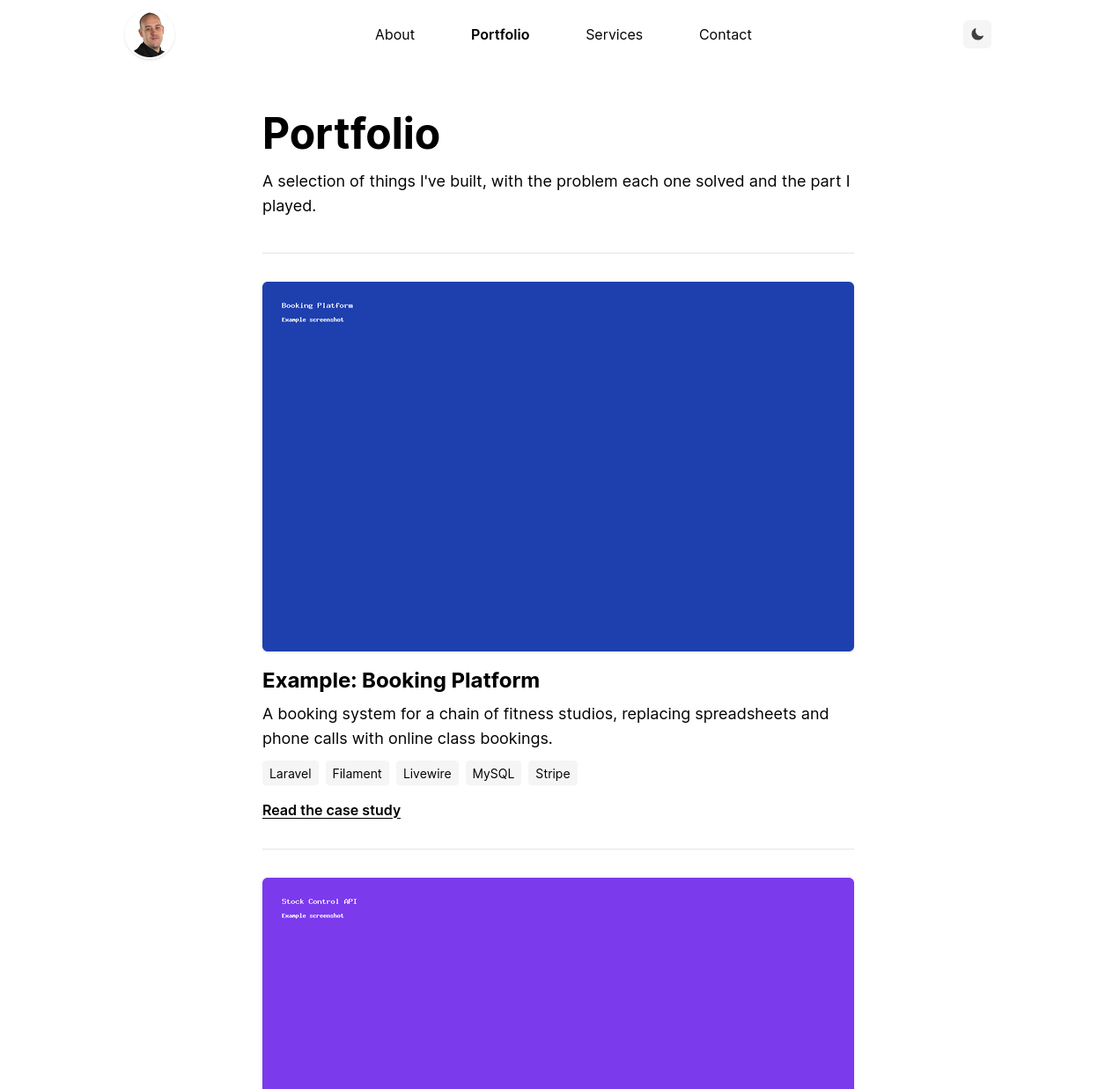
Public portfolio and case-study pages for Laravel. The pages render inside your own site layout.
It works on its own, or alongside filament-portfolio if you want a Filament admin for your projects. You choose which packages to install; neither needs the other.
Requirements
- PHP 8.5
- Laravel 13
- Tailwind CSS v4 on your site, because the pages are styled with Tailwind classes
Installation
Install the package:
composer require mikepagedev/portfolio-frontend
Publish the config file:
php artisan vendor:publish --tag=portfolio-frontend-config
Then follow whichever of the next two sections fits you, and finish with Set up your styles.
With filament-portfolio
Install and set up filament-portfolio, including its migration. There's nothing else to do: the pages find its Project model by themselves and show the projects you manage in your panel.
If you've changed its screenshot disk, set the same one here using PORTFOLIO_DISK or the disk config key.
Without Filament
Publish the model and the migration into your app, then run the migration:
php artisan vendor:publish --tag=portfolio-frontend-model
php artisan migrate
This creates app/Models/PortfolioProject.php and the portfolio_projects table. The pages use that model automatically, so there's nothing to configure.
The model is now yours. Add projects with a seeder, Tinker or your own admin:
use App\Models\PortfolioProject;

PortfolioProject::create([
    'title' => 'Booking Platform',
    'slug' => 'booking-platform',
    'summary' => 'Online class bookings for a chain of fitness studios.',
    'problem' => 'Bookings were taken by phone and on paper.',
    'role' => 'Sole developer.',
    'tech' => ['Laravel', 'MySQL'],
    'case_study' => [
        ['heading' => 'Approach', 'body' => 'Built the booking flow first.'],
    ],
    'images' => [
        ['path' => 'portfolio/booking.png', 'alt' => 'Class timetable'],
    ],
    'live_url' => 'https://example.com',
    'source_url' => null,
    'is_published' => true,
    'sort_order' => 1,
]);
Only title and slug are needed for a page to work, and only projects with is_published set to true are shown. Image paths are relative to the disk in the disk config key, and the disk has to be publicly reachable. For the default public disk, run php artisan storage:link.
To use different fields or another table, edit the published model. The pages expect these attributes: title, slug, summary, problem, role, tech, case_study, images, live_url, source_url, is_published and sort_order.
Adding Filament later
If you install filament-portfolio after doing this, skip its migration, because the table already exists. Your published model stays in use, so the pages keep working. It takes priority over the Filament model; delete it if you'd rather use Filament's.
If neither model exists, the pages fail with an error telling you what to install or publish.
Set up your styles
Your site's styles won't reach the pages until both of these steps are done.
1. Use your own layout
Set layout in config/portfolio-frontend.php to a Blade component from your site:
'layout' => 'layout', // resources/views/components/layout.blade.php
The component needs a $slot, and it receives two props: title and a nullable description.
@props(['title' => null, 'description' => null])
<!DOCTYPE html>
<html>
<head>
    <title>{{ $title }}</title>
    @if ($description)
        <meta name="description" content="{{ $description }}">
    @endif
    @vite('resources/css/app.css')
</head>
<body>
    {{ $slot }}
</body>
</html>
The default, portfolio-frontend::layout, is a bare page with no styles. It's only a fallback so the package works straight after installing.
2. Tell Tailwind about the package's views
Tailwind doesn't scan vendor/, so add this to resources/css/app.css and rebuild your assets:
@source '../../vendor/mikepagedev/portfolio-frontend/resources/views';
The pages use dark: variants, so they follow your site's dark mode.
Pages
| URL | Route name | Shows |
|---|---|---|
/portfolio |
portfolio.index |
Published projects, in the order set in the panel. |
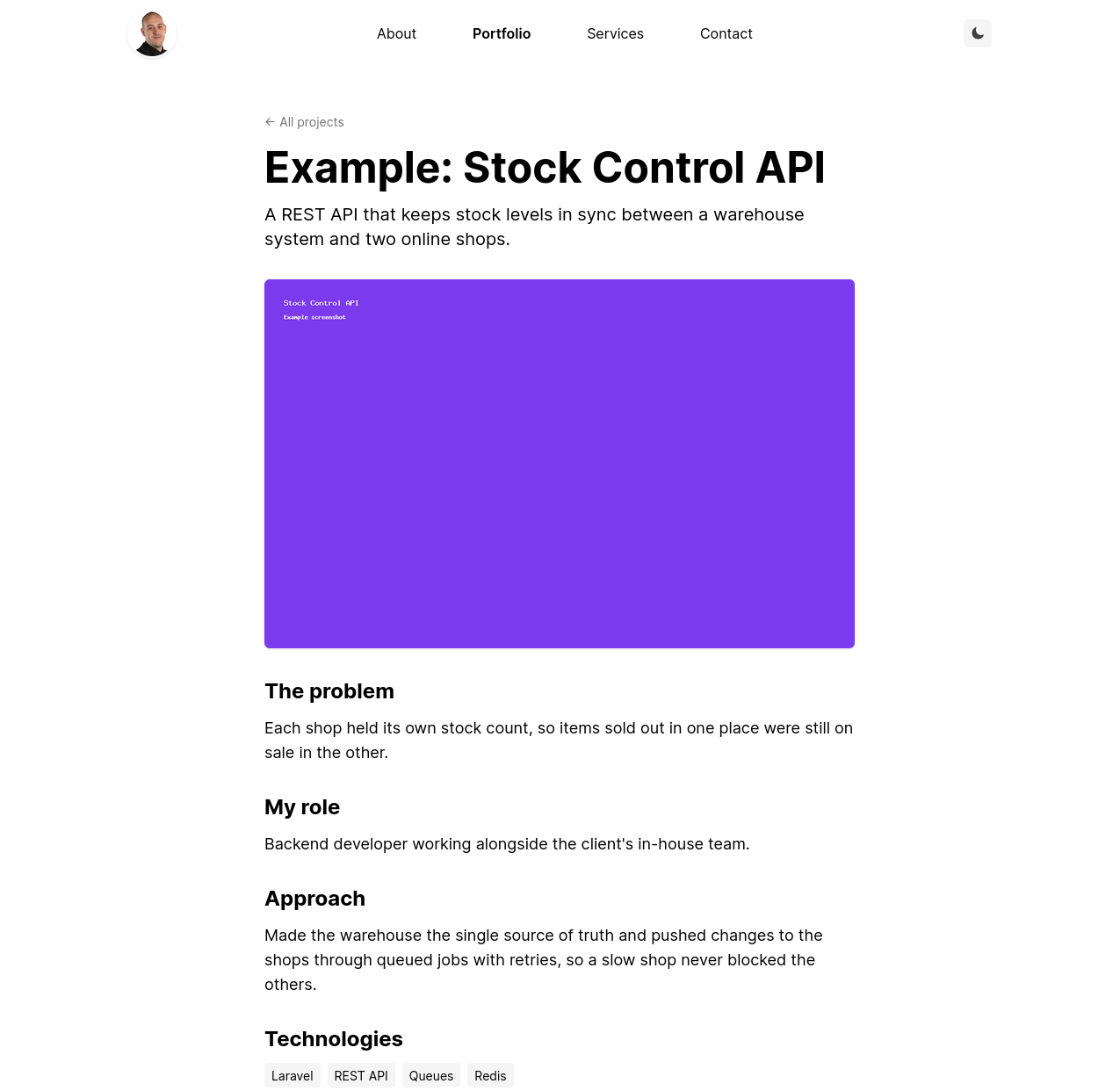
/portfolio/{slug} |
portfolio.show |
One case study. Drafts and unknown slugs return a 404. |
Slugs can contain lowercase letters, numbers and hyphens.
Configuration
| Key | Default | Description |
|---|---|---|
enabled |
true |
Set to false to turn the routes off without uninstalling the package. |
prefix |
portfolio |
URL prefix for both pages. |
middleware |
['web'] |
Middleware for both pages. |
layout |
portfolio-frontend::layout |
Blade component the pages render inside. |
disk |
public |
Disk the screenshots are on. Set it with the PORTFOLIO_DISK env var. |
title |
Portfolio |
Index page title and heading. |
description |
null |
Index page meta description. Left out when null. |
intro |
null |
Paragraph under the index heading. Left out when null. |
empty_message |
No projects yet. |
Shown on the index page when there are no published projects. |
role_heading |
Role |
Heading above a project's role on the case-study page. |
contact_route |
contact |
Route the contact prompts link to. |
index_contact_prompt |
null |
Prompt after the empty message on the index page. Left out when null. |
case_study_contact_prompt |
Interested in something similar? [Get in touch]. |
Prompt at the end of a case study. Left out when null. |
Contact prompts
Prompts are plain text. Put square brackets around the words that should link to your contact page:
'case_study_contact_prompt' => 'Want one of these? [Talk to us] today.',
Only the first pair of brackets becomes a link. HTML in the text is escaped, not rendered.
If contact_route is null, or names a route your site doesn't have, the prompts are hidden completely.
Customising the pages
The config covers the page wording. To change anything else, publish the views and edit your own copies:
php artisan vendor:publish --tag=portfolio-frontend-views
They are copied to resources/views/vendor/portfolio-frontend. If you edit them, Tailwind needs to see those files too; resources/views is scanned by default.
Testing
composer check
This runs the tests (composer test), static analysis (composer stan) and the code style check (composer lint).
Changelog
See CHANGELOG.md.
Credits
Built by Mike Page. Part of a family of independent packages that includes filament-portfolio.
License
MIT. See LICENSE.md.