
lavitto / typo3-form-to-database


Extends the TYPO3 form with a database finisher, to save every form-result in the database.
Package info
gitlab.com/lavitto/typo3-form-to-database
Type:typo3-cms-extension
pkg:composer/lavitto/typo3-form-to-database
Requires
- php: ^8.2 || ^8.3 || ^8.4
- ext-json: *
- typo3/cms-backend: ^13.4.20
- typo3/cms-core: ^13.4.20
- typo3/cms-extbase: ^13.4.20
- typo3/cms-fluid: ^13.4.20
- typo3/cms-form: ^13.4.20
- typo3/cms-frontend: ^13.4.20
Requires (Dev)
- friendsofphp/php-cs-fixer: ^3.64
- helhum/typo3-console: ^8.2
- helmich/typo3-typoscript-lint: ^3.2
- mpdf/mpdf: ^8.2
- nikic/php-parser: ^5.3
- saschaegerer/phpstan-typo3: ^1.10
- typo3/cms-install: ^13.4
- typo3/cms-tstemplate: ^13.4
- typo3/testing-framework: ^9.0
Suggests
- mpdf/mpdf: Allows downloading form results as a PDF
Provides
None
Conflicts
None
Replaces
None
This package is auto-updated.
Last update: 2026-01-26 16:19:25 UTC
README
[!important] This package has been moved to Github under the Liquid Light namespace
TYPO3 Extension Form to Database



This extension adds an additional finisher to the TYPO3 Form (tx_form) to save the results into the database
- Gitlab Repository: gitlab.com/lavitto/typo3-form-to-database
- TYPO3 Extension Repository: extensions.typo3.org/extension/form_to_database
- Found an issue?: gitlab.com/lavitto/typo3-form-to-database/issues
Compatibility
| Form to Database | TYPO3 Version |
|---|---|
| 5.x | 13.4 |
| 4.x | 12.4 |
| 3.x | 11.5 |
| 2.x | 9.5 - 10.4 |
Introduction
Features
- No configuration needed
- No database-changes per form required
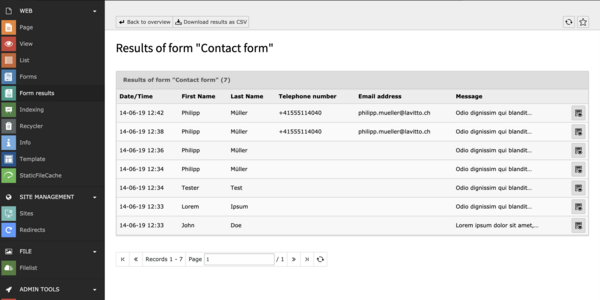
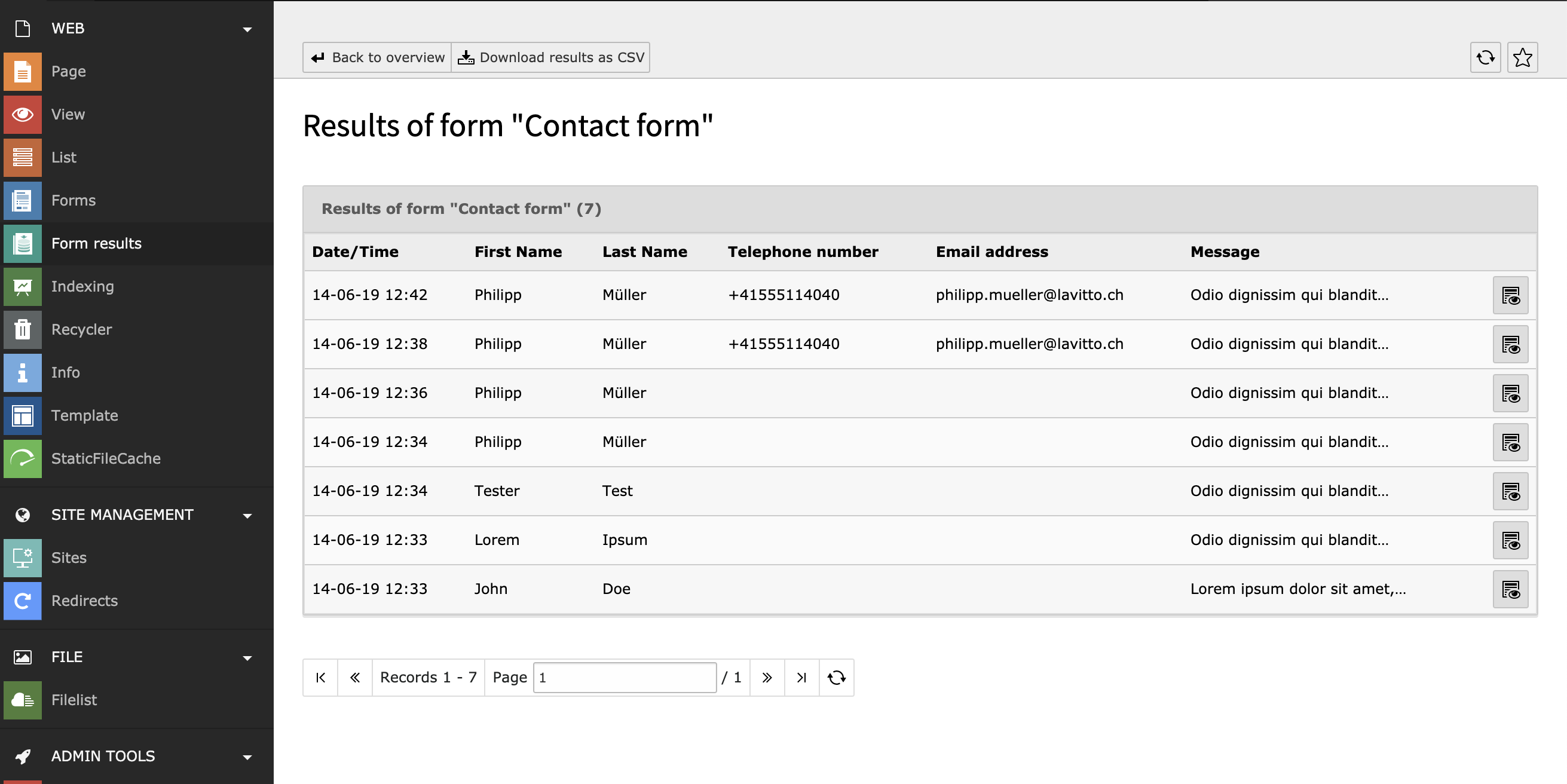
- Shows all results per form in a separate backend module
- Provides a CSV-download of all results
- Preview & PDF download of individual form results
- Automatic deletion of results after a specified number of days (GDPR)
Screenshots
Backend Overview
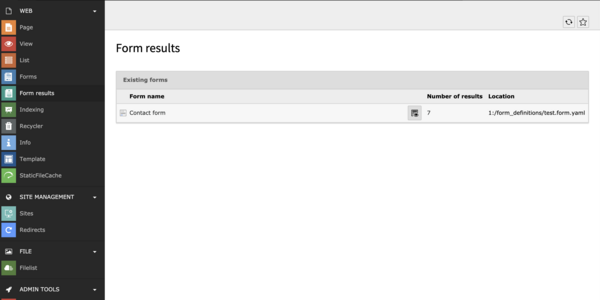
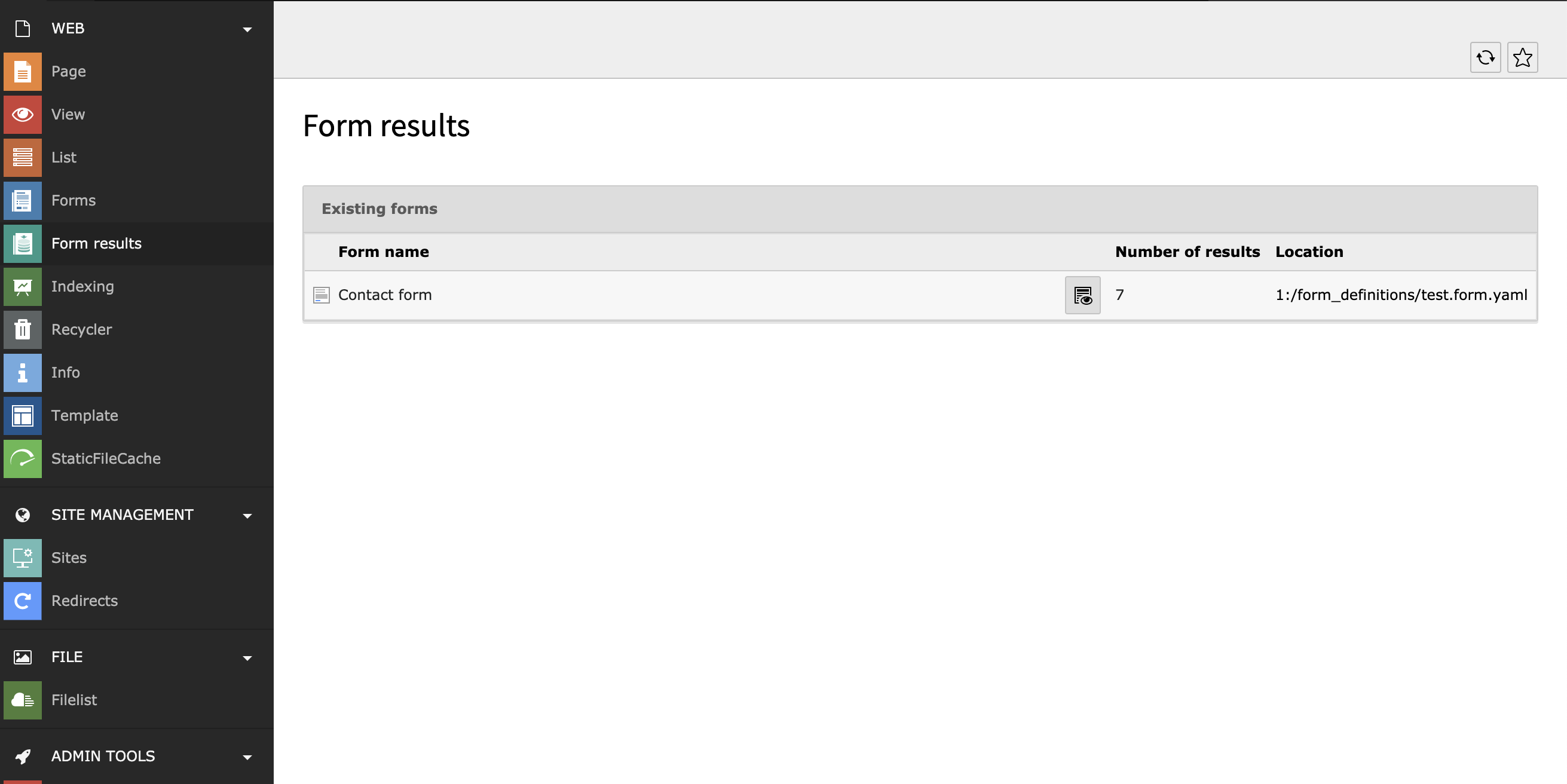
Backend Results
Installation & setup
[!important] This package has been moved to Github under the Liquid Light namespace
composer req liquidlight/typo3-form-to-database(or download from the TYPO3 Extension Repository)- Add the extension as a dependency in your site as a site set
- Edit the form you wish to store results for
- Add the finisher ("Save the mail to the Database") to your form - it is recommended you place this finisher first
Usage
Command / Scheduler
It's possible to delete the form results by the command line or scheduler (Execute console commands).
Usage:
  form_to_database:deleteFormResults [<maxAge>]

Arguments:
  maxAge                Maximum age of form results in days [default: 90]
Options
There are several options available for customisation. To change these, go to Settings -> Configure Extensions -> form_to_database
- General
hideLocationInList- Should the location of the form be hidden on the Form results overview module? (Default: No)displayActiveFieldsOnly- If true will only output active renderables in backendModule and CSV (will not display deleted renderables stored in the formDefinition) (Default: false)
- CSV Settings
csvDelimiter- What character should separate fields in the CSV export (Default:,)csvOnlyFilenameOfUploadFields- Should the CSV list the whole path or just the file name?csvHtmlSpecialChars- If true will encode special chars ('=>",<=><) (Default: true)
Additional Feature configuration
PDF download of a single result
Details
Each form response can be downloaded as a PDF which can be customised in TypoScript if [mPDF](https://mpdf.github.io/) is installed. TO utilise this feature, install mPDF as an additional dependency ``` composer req mpdf/mpdf ``` Settings can be directly passed in to mPDF by using ``` module.tx_formtodatabase_web_formtodatabaseformresults.settings.pdf.config ``` The defaults are the following, however they can be overwritten: ``` 'default_font_size' => '12', 'format' => 'A4', 'orientation' => 'P', 'margin_left' => '15', 'margin_right' => '15', 'margin_bottom' => '15', 'margin_top' => '15', 'tempDir' => Environment::getVarPath() . '/form_to_database' ``` ##### Stylesheets If you wish to pass in a custom CSS stylesheet, you can do so with the following: ``` module.tx_formtodatabase_web_formtodatabaseformresults.settings.pdf.stylesheet { link = EXT:your_extension/Resources/Public/Css/print-form-to-database.css media = all } ``` ##### Letterheads Letterheads can add information to the top and bottom of each page, it uses [SetHTMLHeader](https://mpdf.github.io/reference/mpdf-functions/sethtmlheader.html) and [SetHTMLFooter](https://mpdf.github.io/reference/mpdf-functions/sethtmlfooter.html) directly. This means all the mPDF variables are accessible. These can be added via TypoScript (`letterheads.header` and `letterheads.footer`). For example: ``` module.tx_formtodatabase_web_formtodatabaseformresults.settings.pdf.letterheads.footer (| Form to Database - {PAGENO}/{nbpg} |
Contribute
We welcome issues and merge/pull requests. Please don't let conventions or failing tests put you off - we can always fix them once a request is submitted.
Please follow the TYPO3 Commit conventions if you can when committing.
Please use GitLab only for bug-reporting or feature-requests. For support use the TYPO3 community channels
To run tests & linting
The extension uses a modified version of runTests.sh from the TYPO3 core.
You need Podman installed and running to run the tests.
- Install dependencies with TYPO3 13 and php 8.2:
Build/Scripts/runTests.sh -t 13 -p 8.2 -s composer install(-t is currently obsolete, as only v13 is supported and set as default)
- Run linter:
Build/Scripts/runTests.sh -p 8.2 -s lintPhpBuild/Scripts/runTests.sh -t 13 -p 8.2 -s lintTypoScript
- Execute functional tests:
Build/Scripts/runTests.sh -p 8.2 -s functional
See help menu for all options: Build/Scripts/runTests.sh --help
Commits should follow TYPO3 Commit Guidelines.
Releasing
The package is released automatically to Packagist when tagged, however TER requires a manual upload
git archive -o "form_to_database_[tag].zip" [tag]where[tag]is the version just created- Upload the zip file created to the TER - use the changelog for the entry
Support
If you need private or personal support, try the TYPO3 Slack channel - #ext-form-to-database or reach out to Mike directly