
jeffersongoncalves / peek-cli

Read-only inspection of remote servers over SSH (ls, cat, tail, grep, ps, df, free, uptime, tree, systemctl status) with named profiles and table/json output, built for pairing with an LLM.
Package info
github.com/jeffersongoncalves/peek-cli
Type:project
pkg:composer/jeffersongoncalves/peek-cli
Requires
- php: ^8.3
Requires (Dev)
- jeffersongoncalves/laravel-zero-json-config: ^1.0
- jeffersongoncalves/laravel-zero-self-update: ^1.1
- laravel-zero/framework: ^13.0
- laravel/pint: ^1.25
- mockery/mockery: ^1.6
- pestphp/pest: ^3.8|^4.7
- phpstan/phpstan: ^2.1
- symfony/process: ^8.1
Suggests
None
Provides
None
Conflicts
None
Replaces
None
README
Peek CLI

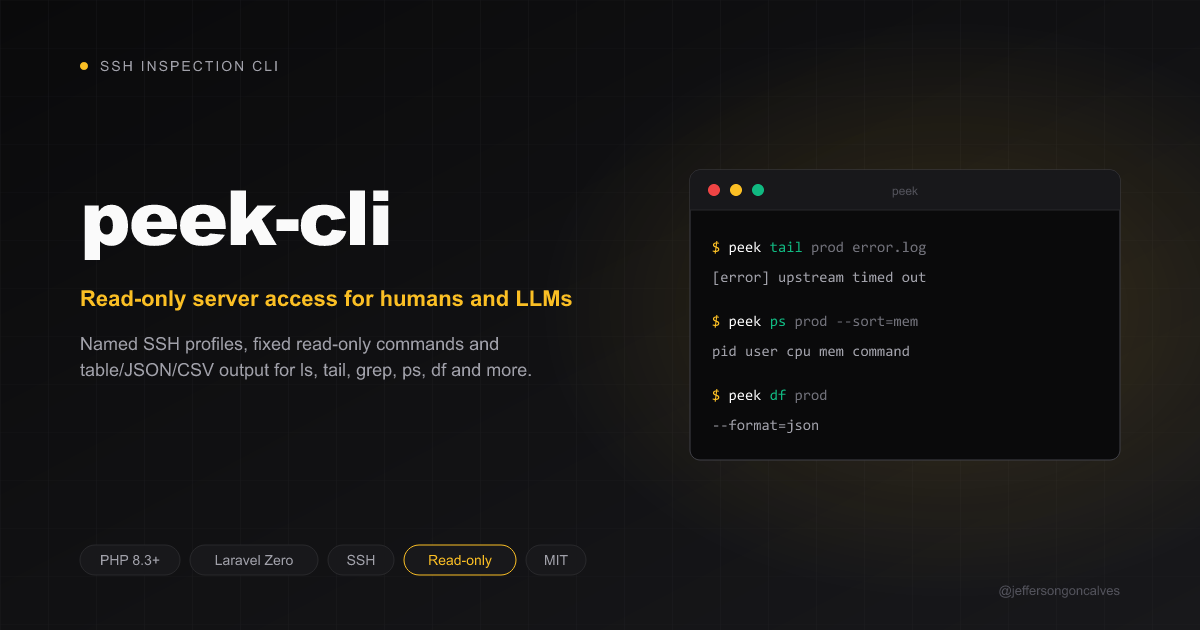
Read-only inspection of remote servers over SSH through named profiles, with table/json/csv output. Built to pair with an LLM investigating a server — list a directory, tail a log, grep for an error, check processes, disk and memory — without handing it a shell.
peek is the SSH sibling of db-cli:
db gives an agent read-only SQL, peek gives it read-only server access.
Why not just ssh host "<command>"?
Because a free-form shell can't be made read-only: find -delete, sed -i,
sort -o, tee, awk 'BEGIN{system(...)}', ;, |, $( ) and > all
slip past any filter. peek has no exec command at all. Each subcommand
runs one fixed remote program with fixed flags:
- every argument you pass (path, pattern, unit) is single-quoted for the remote shell, so it can never become a new command, pipe or redirect;
- paths starting with
-are refused, so a path can't turn into an option (e.g.-deleteforfind); sshruns withBatchMode=yes, so it never stops to ask for a password.
Requirements
- PHP
^8.3 - An
sshclient onPATH(your~/.ssh/config, agent and keys apply as usual) - Linux targets with GNU coreutils/findutils/procps (
find -printf,ps --sort,df -x,free)
Install
composer global require jeffersongoncalves/peek-cli
Or grab the standalone PHAR from the latest release.
Usage
Update
peek self-update
peek self-update --check
Connection profiles
Profiles are saved to ~/.peek-cli/config.json.
peek connections:add                     # interactive
peek connections:add prod --host=example.com --port=22 --username=deploy --private-key=~/.ssh/id_ed25519
peek connections:add prod --host=prod-alias --port= --username= --private-key=   # everything from ~/.ssh/config
peek connections:list
peek connections:remove prod
--host may be a Host alias from ~/.ssh/config; leave port, username and
key empty to let the SSH config decide. Keys with a passphrase need to be
loaded in ssh-agent first, since peek never prompts.
Files
peek ls prod /var/www/app
peek tree prod /etc/nginx --depth=2       # skips .git, node_modules, vendor unless --all
peek cat prod /etc/nginx/nginx.conf       # capped at --max-bytes=100000
peek head prod /var/www/app/.env.example --lines=50
peek tail prod /var/log/nginx/error.log --lines=200
peek grep prod "SQLSTATE" /var/www/app/storage/logs --recursive
peek grep prod "timeout|refused" /var/log/syslog --regex --ignore-case --max=50
Relative paths start at the SSH user's home directory.
System
peek uptime prod                           # also a quick connection check
peek ps prod --sort=mem --limit=10
peek df prod
peek free prod
peek systemctl prod nginx                  # status only, never start/stop/restart
Output formats
ls, ps, df, free and connections:list accept
--format=table|json|csv (default table); tree and grep accept
--format=text|json|csv (default text). json is the format to reach for
when piping results to an LLM or another program.
Development
composer install
composer test       # Pest tests + Pint lint
composer lint       # Auto-fix style
composer phpstan    # Static analysis
composer build      # Build the PHAR into builds/peek
Releasing
Run the Release workflow from the Actions tab. It stamps version.txt,
regenerates CHANGELOG.md with git-cliff, builds the PHAR, commits it to
main, then creates the tag and release pinned to that exact commit — so a
published tag never moves.
gh workflow run release.yml --ref main
Changelog
Please see CHANGELOG for more information on what has changed recently.
Security
If you discover any security related issues, please see SECURITY.
License
The MIT License (MIT). Please see License File for more information.