
jeffersongoncalves / db-cli

CLI to inspect and query relational databases (MySQL, PostgreSQL, SQLite) with named connection profiles and table/json/csv output, built for pairing with an LLM doing schema exploration.
Package info
github.com/jeffersongoncalves/db-cli
Type:project
pkg:composer/jeffersongoncalves/db-cli
Requires
- php: ^8.3
- ext-pdo: *
Requires (Dev)
- jeffersongoncalves/laravel-zero-console: ^1.0
- jeffersongoncalves/laravel-zero-json-config: ^1.0
- jeffersongoncalves/laravel-zero-self-update: ^1.0
- laravel-zero/framework: ^13.0
- laravel/pint: ^1.25
- mockery/mockery: ^1.6
- mrpunyapal/peststan: ^0.2.12
- pestphp/pest: ^4.1
- phpstan/phpstan: ^2.1
- symfony/process: ^7.0|^8.0
Suggests
None
Provides
None
Conflicts
None
Replaces
None
README
db-cli
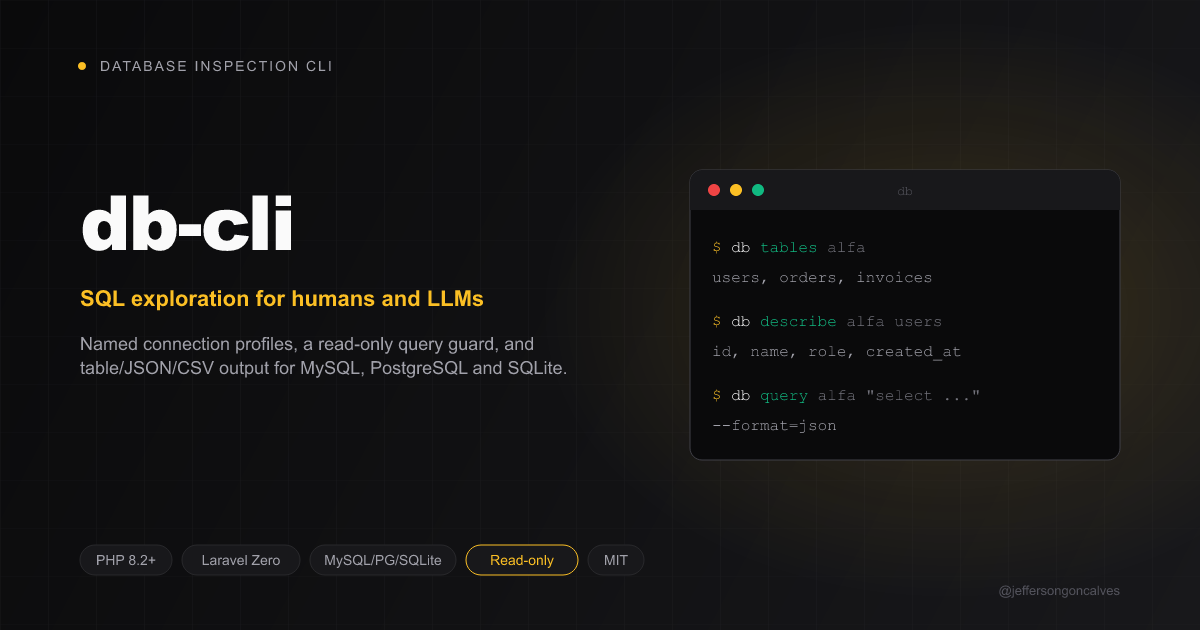
CLI to inspect and query relational databases (MySQL, PostgreSQL, SQLite) through named connection profiles, with table/json/csv output. Built to pair with an LLM doing schema exploration — describe a table, sample rows, run a read-only query — without hand-rolling a PHP script per database each time.
Built with Laravel Zero and modeled on the other CLIs in this monorepo.

Requirements
- PHP
^8.3withext-pdo(plus the driver you need:pdo_mysql,pdo_pgsql,pdo_sqlite)
Install
Global (recommended)
composer global require jeffersongoncalves/db-cli
The binary db will be on your PATH as long as Composer's global
vendor/bin is in it.
From source
git clone https://github.com/jeffersongoncalves/db-cli.git
cd db-cli
composer install
Usage
Update
db self-update
Connection profiles
Profiles are saved to ~/.db-cli/config.json (mode 0600).
db connections:add            # interactive: name, driver, host, port, database, user, password
db connections:list
db connections:remove alfa
To import a profile from a connection URL (e.g. TablePlus "Copy as URL"),
run connections:import without arguments and paste the URL at the masked
prompt, which keeps the password out of your shell history and process list.
You can also pass the URL as an argument, wrapped in single quotes: inside
double quotes the shell expands $... in the password (pass_$Abc1 becomes
pass_). The profile name comes from the URL's ?name= parameter unless you
pass one; other parameters are ignored. Raw #, @, / and $ in the
password are fine, but a raw ? after a raw @ (e.g. a@b?c) is not:
percent-encode it as %3F.
db connections:import            # paste the URL at the prompt (recommended)
db connections:import 'mysql://user:pa$$@host:3306/app?name=BANCO%20-%20Nuvem'
db connections:import 'postgresql://app:secret@10.0.0.5:5432/app' prod --force
To connect through an SSH bastion (mysql/pgsql only), answer yes to
"Connect through an SSH tunnel?" during connections:add, or pass the
--ssh-host/--ssh-port/--ssh-username/--ssh-private-key options.
host/port stay the database's real address as seen from the bastion;
the CLI opens a local port forward through the system ssh client (so your
~/.ssh/config, agent and keys apply as usual) and tears it down when the
command exits. Requires an ssh client on PATH.
db connections:add prod --driver=pgsql --host=127.0.0.1 --port=5432 \
    --username=app --ssh-host=bastion.example.com --ssh-username=deploy \
    --ssh-private-key=~/.ssh/id_ed25519
If the database runs in a Docker container with no published port (Coolify,
Dokploy, ...), add --docker-container=<name>. On every connect the CLI runs
docker inspect over the same SSH connection to get the container's IP and
forwards to it instead of --host, so the profile keeps working when the
container is recreated. If the container is on several networks, the first IP
is used. The SSH user must be allowed to run docker without sudo (for
example, by being in the docker group).
db connections:add prod --driver=pgsql --port=5432 --username=app \
    --ssh-host=vps.example.com --ssh-username=deploy --docker-container=my-postgres
Explore a database
db tables alfa
db describe alfa users
db sample alfa users
db sample alfa users --column=role --distinct
Run a read-only query
db query alfa "select id, email from users where active = 1"
db query alfa "select * from orders" --limit=50 --format=json
query only accepts SELECT / SHOW / DESCRIBE / EXPLAIN / WITH /
PRAGMA, rejects stacked statements (a; b), and appends a LIMIT when the
query doesn't already have one — this CLI is meant for read-only exploration,
including against production databases.
Benchmark a query
db benchmark alfa "select * from orders where status = 'open'" --runs=20
db benchmark alfa --file=queries.sql --runs=20 --warmup=2 --format=json
Runs the statement --runs times (plus --warmup discarded runs to prime
caches) and reports min/avg/median/max in milliseconds, plus the row count.
--file accepts a .sql file with one or more ;-terminated statements;
a -- label comment on a statement names it in the output, otherwise
statements are labeled q1, q2, ... Same read-only restriction as query.
Output formats
Every read command accepts --format=table|json|csv (default table).
json is the format to reach for when piping results to an LLM or another
program.
Development
composer install
composer test       # Pest tests + Pint lint
composer lint        # Auto-fix style
composer phpstan      # Static analysis
composer build        # Build the PHAR into builds/db
License
MIT © Jefferson Goncalves