Search by 
wpbones / morris-php

WPBones fluent PHP helper classes for morris.js
1.0.16
2026-10-07 11:35 UTC
Requires
- php: >=7.4
Requires (Dev)
None
Suggests
None
Provides
None
Conflicts
None
Replaces
None
README
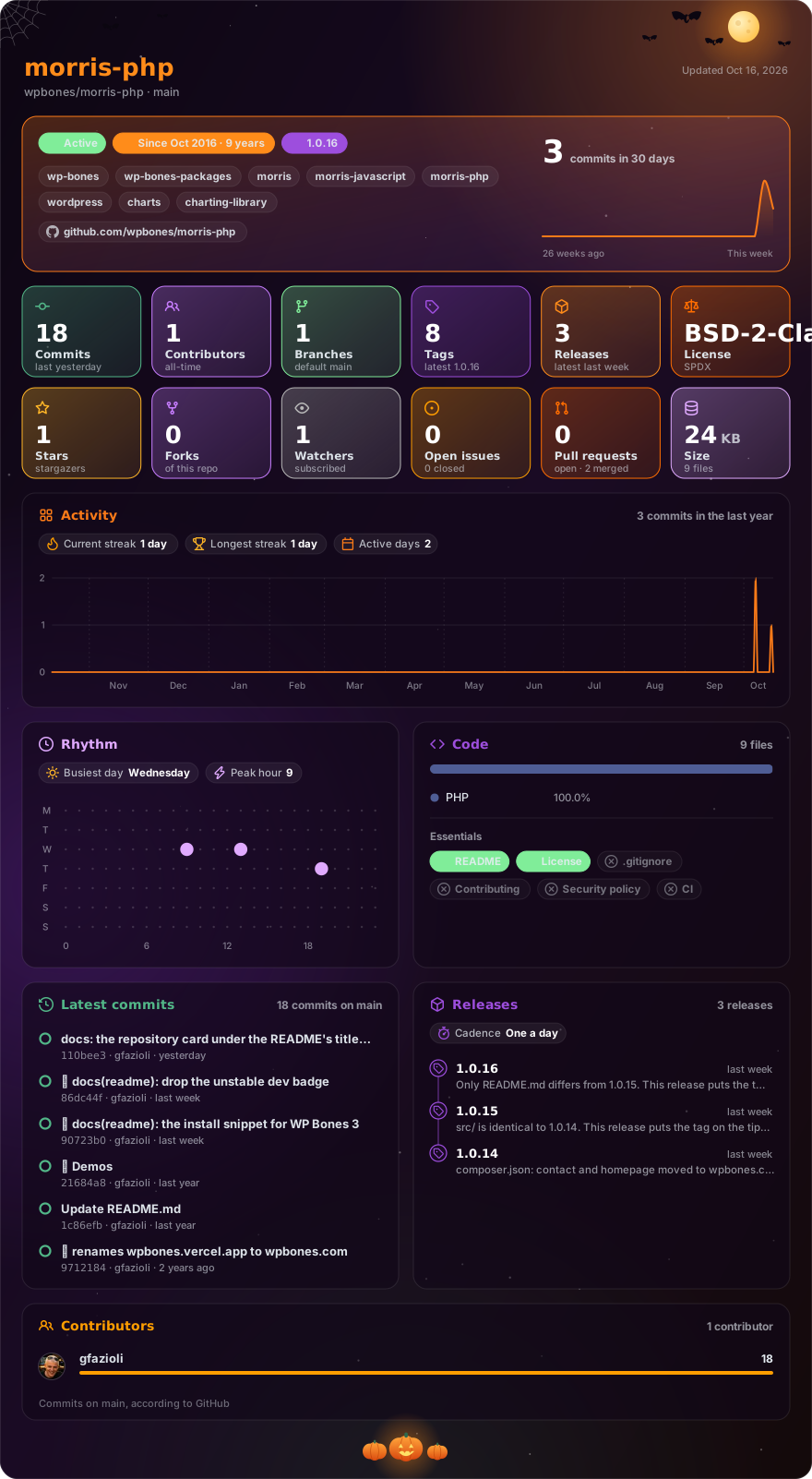
Made with glancecard · refreshed daily
This package provides a simple way to use the MorrisJS library in your WordPress plugin.
Requirements
This package works with a WordPress plugin written with WP Bones framework library.
Installation
You can install third party packages by using:
php bones require wpbones/morris-php
I advise to use this command instead of composer require because doing this an automatic renaming will done.
You can use composer to install this package:
composer require wpbones/morris-php
You may also to add "wpbones/morris-php": "^1.0" in the composer.json file of your plugin:
  "require": {
    "php": ">=8.1",
    "wpbones/wpbones": "^3.0",
    "wpbones/morris-php": "^1.0"
  },
and run
composer install
Enqueue for Controller
You can use the provider to enqueue the styles.
use WPKirk\Http\Controllers\Controller;
use WPKirk\MorrisPHP\Morris;

class MorrisPHPController extends Controller
{
  public function index()
  {

    Morris::enqueue();

    return WPKirk()
      ->view('packages.morris-php.index')
      ->withAdminStyle('prism')
      ->withAdminScript('prism')
      ->withAdminStyle('wp-kirk-common');
  }
}
In your view:
<div id="morris-area"></div>

<?php

echo Morris::area( 'morris-area' )
           ->xkey( [ 'y' ] )
           ->ykeys( [ 'a', 'b' ] )
           ->labels( [ 'Series A', 'Series B' ] )
           ->hoverCallback( 'function(index, options, content){var row = options.data[index];return "sin(" + row.x + ") = " + row.y;}' )
           ->data( [
                     [ "y" => '2006', "a" => 100, "b" => 90 ],
                     [ "y" => '2007', "a" => 75, "b" => 65 ],
                     [ "y" => '2008', "a" => 50, "b" => 40 ],
                     [ "y" => '2009', "a" => 75, "b" => 65 ],
                     [ "y" => '2010', "a" => 50, "b" => 40 ],
                     [ "y" => '2011', "a" => 75, "b" => 65 ],
                     [ "y" => '2012', "a" => 100, "b" => 90 ]
                   ] );