
wpbones / geolocalizer

Geo provider for WP Bones
Requires
None
Requires (Dev)
None
Suggests
None
Provides
None
Conflicts
None
Replaces
None
README
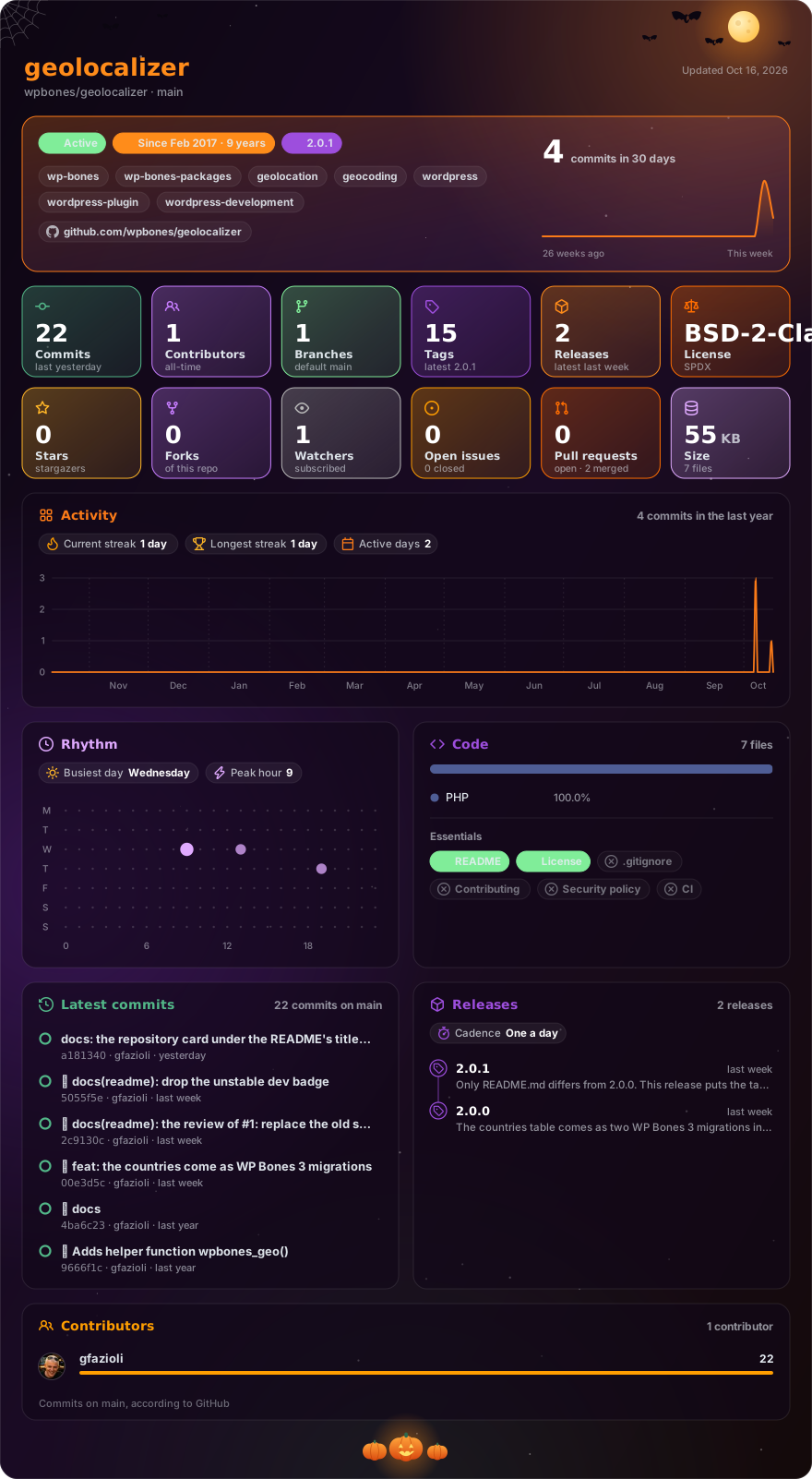
Made with glancecard · refreshed daily
Geo Localizer provides a set of utilities to manage geolocation for WordPress/WP Bones
Requirements
This package works with a WordPress plugin written with WP Bones framework library.
The database templates of geolocalizer 2.x are migrations for WP Bones 3.0 or later. For a plugin still on WP Bones 2.x, use geolocalizer 1.x.
Installation
You can install third party packages by using:
php bones require wpbones/geolocalizer
I advise to use this command instead of composer require because doing this an automatic renaming will done.
You can use composer to install this package:
composer require wpbones/geolocalizer
You may also to add "wpbones/geolocalizer": "^2.0" in the composer.json file of your plugin:
  "require": {
    "php": ">=8.1",
    "wpbones/wpbones": "^3.0",
    "wpbones/geolocalizer": "^2.0"
  },
and run
composer install
Migration
The countries table comes as two migrations in src/database/migrations: one creates the table, the other fills it with the countries. Copy both files into the database/migrations folder of your plugin.
WP Bones runs each migration once per site, in the order of their names, when the plugin is activated or its version changes; during development, php bones migrate runs them at once. The second one fills the table only while it is empty, so the rows a site has edited are kept.
Up to geolocalizer 1.x the data came as a seeder in database/seeders, which WP Bones 3 no longer runs. If your plugin still has that file, delete it and copy 2017_02_03_140001_countries_table_seeder.php instead: php bones migrate:to-v3 would turn it into a migration that keeps its truncate(), and so empties the table, edits included, once on every site. If you already converted it and it ran, keep the converted migration and leave this file out: with both, a new site fills the table twice.
In a plugin whose sites already ran migrations with later names, WP Bones notes in the log that this file runs out of order. It does no harm: it finds the table filled and does nothing.
Geo services
This version is using the IPStack service to get the country code and the rest of the data. You have to create an account in IPStack and get your API key. In your plugin you may use the API key b yusing the filter:
add_filter('wpbones_geolocalizer_ipstack_api_key', function () {
    // get your api key rom your settings
    // for example, MyPlugin::$plugin->options->get('General/ipstack_api_key');
    return $your_api_key;
});
Testing
In order to check if your API key is valid you can use the following command:
$info = MyPlugin\GeoLocalizer\GeoLocalizerProvider::geoIP();
You should receive all information starting from your IP address. Otherwise, you'll receive an error from IPStack service.
Shortcode
Geolocalizer provides a shortcode method. You can define you own shortcode in the your shortcode provider class:
use WPMyPlugin\WPBones\Foundation\WordPressShortcodesServiceProvider as ServiceProvider;
use WPMyPlugin\GeoLocalizer\GeoLocalizerProvider;

class WPMyPluginShortcode extends ServiceProvider
{

  /**
   * List of registred shortcodes. {shortcode}/method
   *
   * @var array
   */
  protected $shortcodes = [
    'my_shortocde_geo' => 'my_shortocde_geo',
  ];


  public function my_shortocde_geo( $atts = [], $content = null )
  {
    return GeoLocalizerProvider::shortcode( $atts, $content );
  }
The you can use:
[my_shortocde_geo city="Rome"]
  Only for Rome
[/my_shortocde_geo]
[my_shortocde_geo city="rome"]
  Only for Rome
[/my_shortocde_geo]
[my_shortocde_geo city="rome,london"]
  Only for Rome and Landon
[/my_shortocde_geo]
[my_shortocde_geo region_name="lazio"]
  Only for region (Italy) Lazio
[/my_shortocde_geo]
[my_shortocde_geo country_code="IT"]
  Italian only
[/my_shortocde_geo]
[my_shortocde_geo country_name="italy"]
  Italian only
[/my_shortocde_geo]
[my_shortocde_geo zip_code="00137"]
  Wow
[/my_shortocde_geo]
[my_shortocde_geo ip="80.182.82.82"]
  Only for me
[/my_shortocde_geo]
[my_shortocde_geo time_zone="europe\rome"]
  Rome/Berlin time zone
[/my_shortocde_geo]