
ultrasimplified / nova5-image-cropper

An advanced image field for Nova with crop and resize.
Package info
github.com/UltraSimplified/nova5-image-cropper
Language:Vue
pkg:composer/ultrasimplified/nova5-image-cropper
Requires
- php: ^8.3
- intervention/image-laravel: ^4.0
- laravel/nova: ^5.0
Requires (Dev)
None
Suggests
None
Provides
None
Conflicts
None
Replaces
None
README
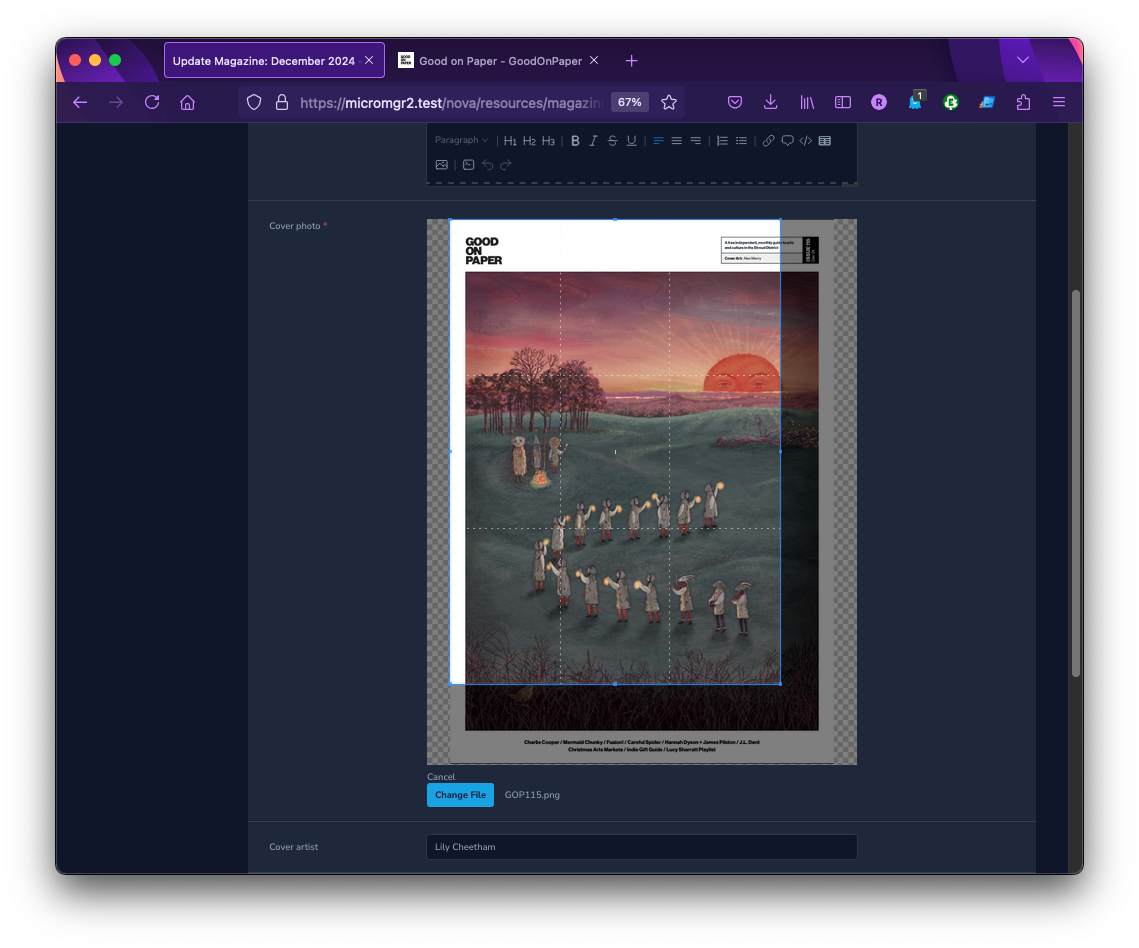
This package provides an advanced image field for Nova 5 resources allowing you to upload, crop and resize any image. It uses Cropper.js with vue-cropperjs in the frontend and Intervention Image in the backend.
Version 3 uses Intervention Image 4 (through intervention/image-laravel 4) and needs PHP 8.3 or later. It works with Laravel 10 to 13 and Laravel Nova 5. If your application is still on Intervention Image 3, stay on version 2 of this package (^2.3).
It has been renamed to Nova5 Image Cropper to make it easier for Nova 5 users to find a tool to meet their image cropping needs.
Requirements
This package requires one of the following libraries:
- GD Library >=2.0 (used by default)
- Imagick PHP extension >=6.5.7
See Intervention requirements for more details.
Installation
Install the package into a Laravel application with Nova using Composer:
composer require ultrasimplified/nova5-image-cropper
If you want to use Imagick as the default image processing library, follow the Intervention documentation for Laravel.
TL;DR: run the following command in the root folder of your site.
php artisan vendor:publish --provider="Intervention\Image\Laravel\ServiceProvider"
This will provide you with a new configuration file (config/intervention-image.php) where you can specify your preferred driver.
Usage
ImageCropper extends from File so you can use any methods that File implements. See the documentation here.
<?php

namespace App\Nova;

// ...
use Ultrasimplified\ImageCropper\ImageCropper;

class Post extends Resource
{
    // ...

    public function fields(Request $request)
    {
        return [
            // ...

            // Simple image upload
            ImageCropper::make('photo'),

            // Show a cropbox with a free ratio
            ImageCropper::make('photo')
                ->croppable(),

            // Show a cropbox with a fixed ratio
            ImageCropper::make('photo')
                ->croppable(16/9),

            // Resize the image to a max width
            ImageCropper::make('photo')
                ->resize(1920),

            // Resize the image to a max height
            ImageCropper::make('photo')
                ->resize(null, 1080),

            // Show a cropbox and resize the image
            ImageCropper::make('photo')
                ->croppable()
                ->resize(400, 300),

            // Override the image processing driver for this field only
            ImageCropper::make('photo')->driver('imagick')->croppable(),

            // Convert the file to a different format
            ImageCropper::make('photo')
                ->convert('webp')

            // Store to AWS S3
            AdvancedImage::make('photo')
                ->disk('s3'),

            // Specify a custom subdirectory
            ImageCropper::make('photo')
                ->disk('s3')
                ->path('image'),
        ];
    }
}
The resize option uses Intervention Image resize() with the upsize and aspect ratio constraints.
Security
If you discover any security related issues, please email robin@ultrasimplified.com instead of using the issue tracker.
Credits
License
The MIT License (MIT). Please see License File for more information.