Search by 
oscarweb / microcli

Simple extension for text output for php on command line.
0.1.1
2021-07-13 18:55 UTC
Requires
- php: ^7.2
Requires (Dev)
None
Suggests
None
Provides
None
Conflicts
None
Replaces
None
README
Simple extension for text output for php on command line.
Install vía Composer
Just add this line to your composer.json file:
"oscarweb/microcli": "0.1.1"
or run
composer require oscarweb/microcli
Example Write
Create a new file: "example.php"
#!/usr/bin/php;
<?php
if(php_sapi_name() !== 'cli'){
	exit();
}
//- enter correct path
require 'vendor/autoload.php';

use Microcli\Microcli;

$app = new Microcli();

$app->color('success')->write('Lorem Ipsum...');
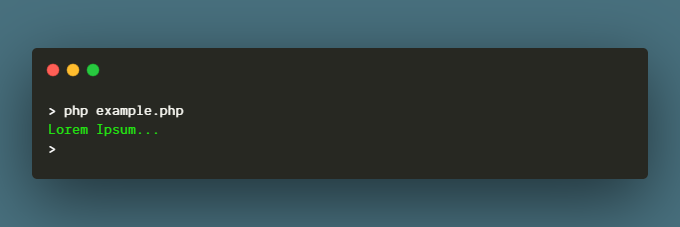
From your terminal run the file: php example.php
Example Command
Create a new file: "command"
#!/usr/bin/php;
<?php
if(php_sapi_name() !== 'cli'){
	exit();
}
//- enter correct path
require 'vendor/autoload.php';

use Microcli\Microcli;

$app = new Microcli();

$app->addCommand('hello', function($argv) use ($app){
	$app->line();
	$app->color('success')->write('Hello World');
	$app->line();
	$app->exit();
});

$app->run($argv);
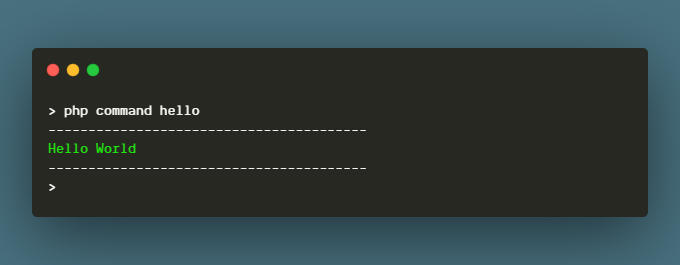
From your terminal run the file: php command hello
You can see more examples here.