
dalefranks / ramasite

A lightweight, self-contained CMS: everything lives in the site's own folder, with no database server to connect to.
Requires
- php: ^8.4.1
- filament/filament: ^5.11
- laravel/framework: ^13.17
- laravel/tinker: ^3.0
Requires (Dev)
- fakerphp/faker: ^1.23
- laravel/boost: ^2.10
- laravel/pail: ^1.2.5
- laravel/pao: ^1.0.6
- laravel/pint: ^1.27
- mockery/mockery: ^1.6
- nunomaduro/collision: ^8.6
- phpunit/phpunit: ^12.5.12
Suggests
None
Provides
None
Conflicts
None
Replaces
None
README
A little world of your own.
The name comes from Arthur C. Clarke's novel Rendezvous with Rama (1973). In the book, Rama is a sealed, cylindrical, self-contained world that carries everything it needs inside it. That matches the product's core design:
- All content lives in a single SQLite database file, and images go in an
uploadsfolder inside the site. - There is no database server, outside service, command line or settings file to edit.
- Installation means uploading one release zip to ordinary shared hosting (Apache with cPanel) and completing the setup screen.
- Backups, database updates after an upgrade, the sitemap, redirects and theming are all handled from inside the admin.
Like Clarke's Rama, which inspired the name, RamaSite is a complete world of its own.
What it does:
- Pages, blogs and posts written in Markdown, with a menu built from the pages
- Cards, modules and sliders to build up pages without writing HTML
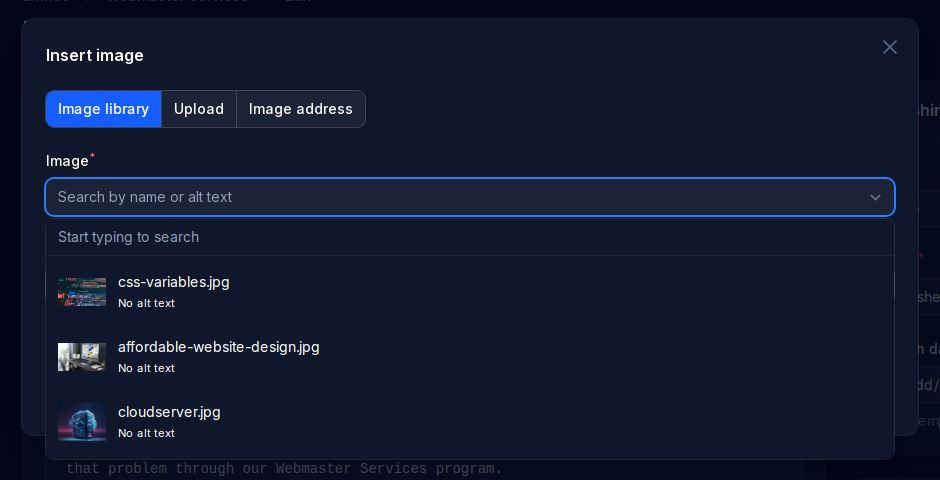
- Image and file libraries where images, PDFs and other files can be replaced without touching the pages that use them, embedded YouTube videos, and forms with stored submissions and email notifications
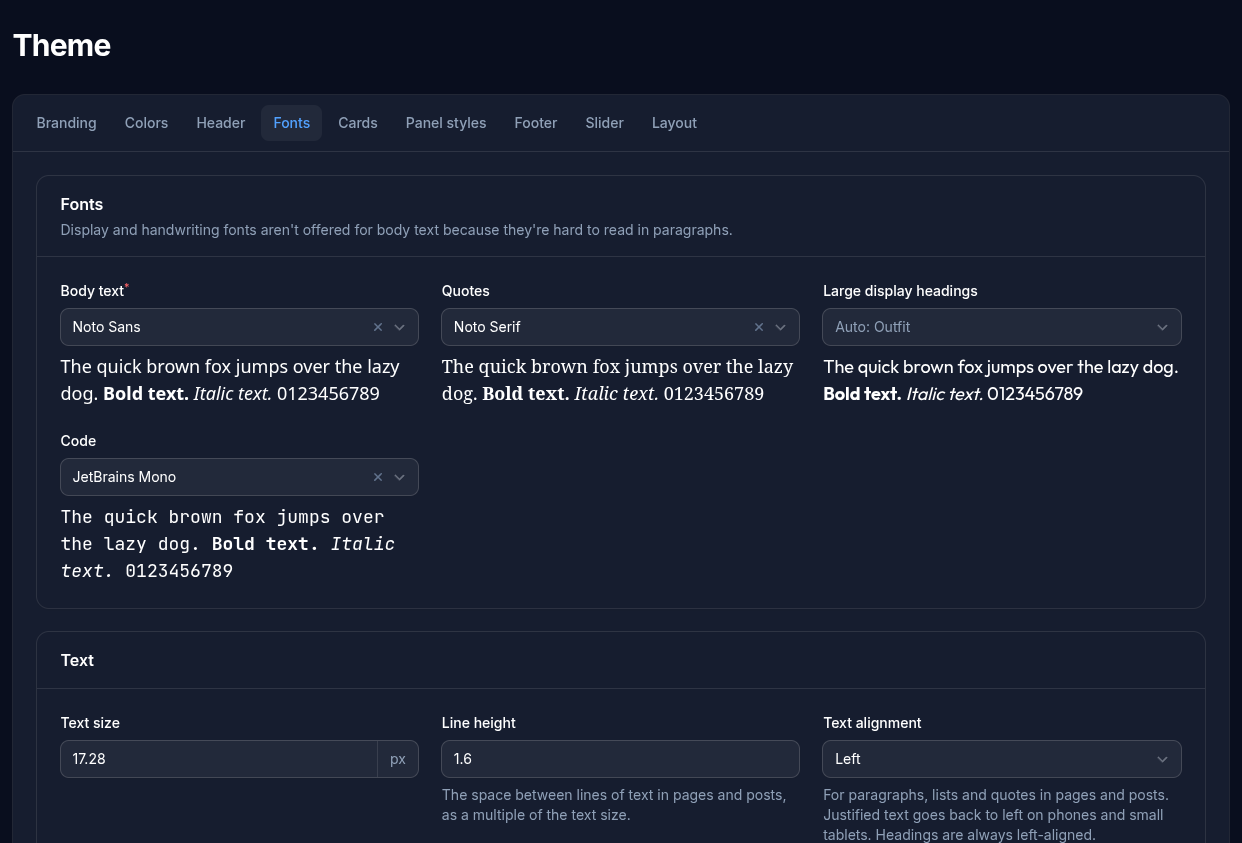
- A Theme screen for the logo, colors, a curated list of Google Fonts, headings, header, footer and an optional top bar, with no template code to edit
- Redirects (added automatically when a page moves), an automatic sitemap,
robots.txtand an RSS feed for each blog - Analytics and search engine verification: Google Analytics, Tag Manager, Meta Pixel, Search Console and Bing from just an ID, or any other service's code, with your own visits left out
- Several admins, optional two-step login, password reset by email, and HTTPS enforced on HTTPS sites
- One-click backups, and the database updates itself after an upgrade
Requirements
- PHP 8.4.1 or newer, with these extensions (most hosts have them all):
pdo_sqlite,mbstring,intl,openssl,fileinfo,tokenizer,ctype,dom,xmlreader,filterandsession. Thezipextension is also needed for the Backup screen. - SQLite 3.26 or newer, the database library PHP uses (3.26 is what Red Hat, AlmaLinux and CloudLinux 8 servers have)
- Apache with
mod_rewrite(standard on cPanel hosting)
If something is missing, the site says what on its first visit, in words you can pass on to your host.
Installing
- Download
ramasite-<version>.zipfrom the Releases page. Use that file, not the "Source code" downloads, which can't run on their own. - Unzip it. Upload everything inside the
ramasitefolder into your site's web folder (usuallypublic_html), or into a subfolder of it. - Open the site in your browser. It moves to
https://by itself if your site has a working certificate, and warns you if it doesn't. - Fill in the setup screen. It first asks for a setup key, which proves the site is yours: open
setup-key.txtin the folder you uploaded to, using your host's file manager or FTP, and paste in what it holds. Then enter the site's name, and your name, email address and password. The key file is deleted when setup finishes.
The admin is at /admin. See Getting started for what to do next.
Installing with Composer
If you have Composer and PHP on the machine that will run the site, you can install from Packagist in place of steps 1 and 2:
composer create-project dalefranks/ramasite mysite --no-dev
That fetches the same files as the release zip, with the vendor folder. As with the zip, the site writes its settings file and creates its database on its first visit. Put the mysite folder where your web server serves it, then carry on from step 3. To upgrade later, upload a newer release zip's files over it, as below.
Upgrading
- On the Backup screen, download a backup.
- Upload the new release's files over the old ones.
- Open the site. On that first visit it updates its database by itself, after saving a copy of it. If that can't be done, the site keeps working as it was and the admin shows why; see Upgrading.
Your pages, images, settings and accounts aren't in the release zip, so uploading a new version never overwrites them.
Documentation
How each part of the admin works: docs.
License
RamaSite is free and open-source software under the MIT License. Copyright (c) 2026 Dale Franks.
For developers
RamaSite is built with Laravel and Filament, using SQLite.
composer install
cp .env.example .env
php artisan key:generate
php artisan migrate
php artisan test
Releases are built by GitHub Actions when a tag starting with v is pushed: the tests and a package security check run, then the zip (with the vendor folder) is published. A tag with a hyphen, such as v0.4.0-alpha, is published as a pre-release.