
axenox / adminneo

Database management in a single PHP file. Optimized for the ExFace no-code platform.
Fund package maintenance!
Requires
- php: 7.1 - 8.5
- ext-json: *
Requires (Dev)
- ext-zlib: *
- vrana/jsshrink: @dev
- vrana/jush: dev-custom
- vrana/phpshrink: @dev
Suggests
- ext-bz2: Allows bzip2 compression of data export
- ext-libxml: Allows processing responses from SimpleDB database
- ext-mongodb: Allows access to MongoDB database
- ext-mysql: Allows access to MySQL database (old driver)
- ext-mysqli: Allows access to MySQL database
- ext-oci8: Allows access to Oracle database
- ext-openssl: Allows secure encryption of login information
- ext-pdo: PDO database interface
- ext-pdo_dblib: PDO driver for MS SQL database and Sybase
- ext-pdo_oci: PDO driver for Oracle database
- ext-pdo_pgsql: PDO driver for PostgreSQL database
- ext-pdo_sqlite: PDO driver for SQLite database
- ext-pgsql: Allows access to PostgreSQL database
- ext-simplexml: Allows access to SimpleDB database
- ext-sqlite3: Allows access to SQLite database
- ext-sqlsrv: Allows access to MS SQ database
- ext-suhosin: Enhace CSRF protection
- ext-zip: Allows ZIP compression of data export
- ext-zlib: Allows gzip compression of data export
Provides
None
Conflicts
None
Replaces
None
This package is auto-updated.
Last update: 2026-10-07 11:29:15 UTC
README
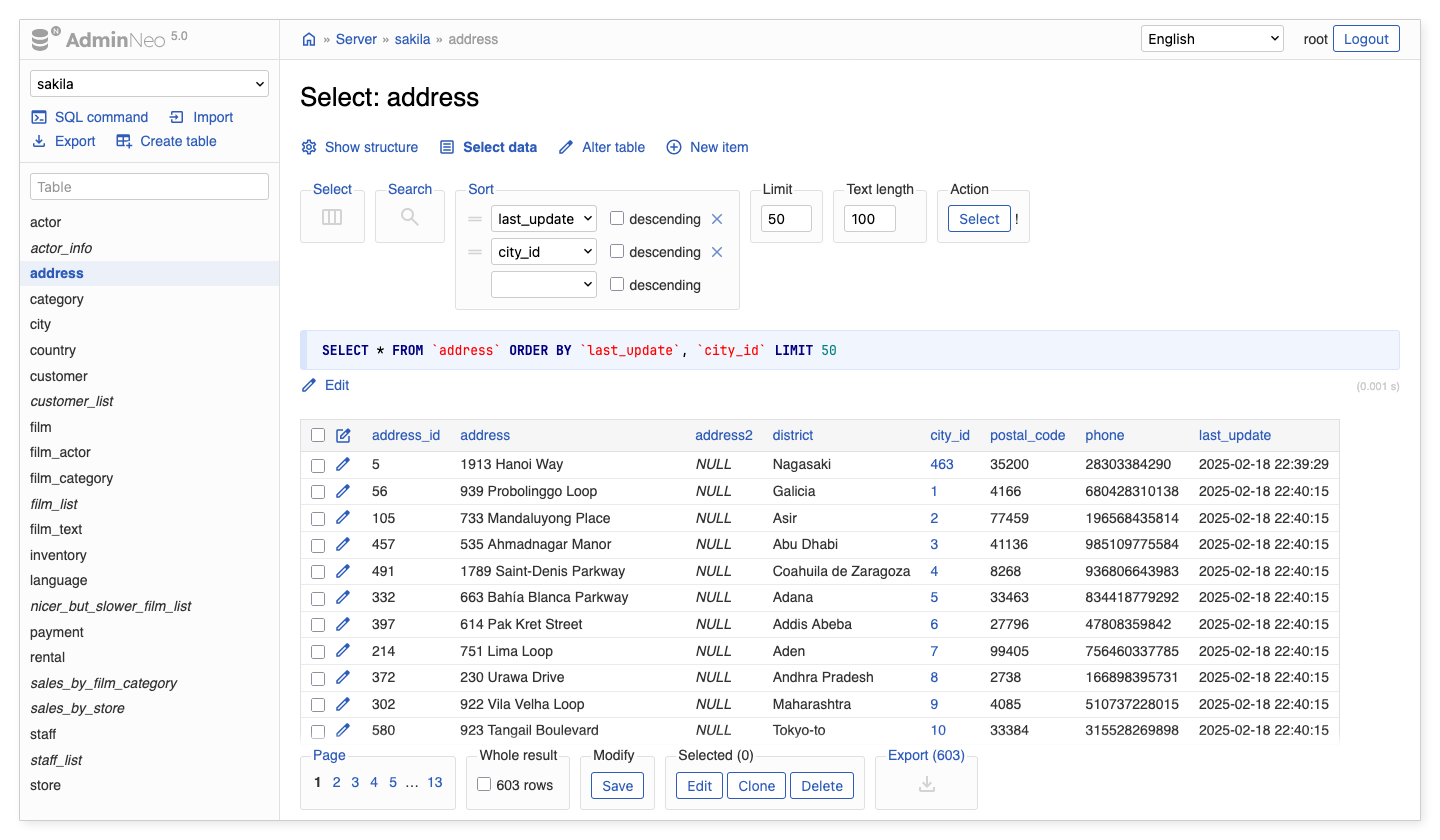
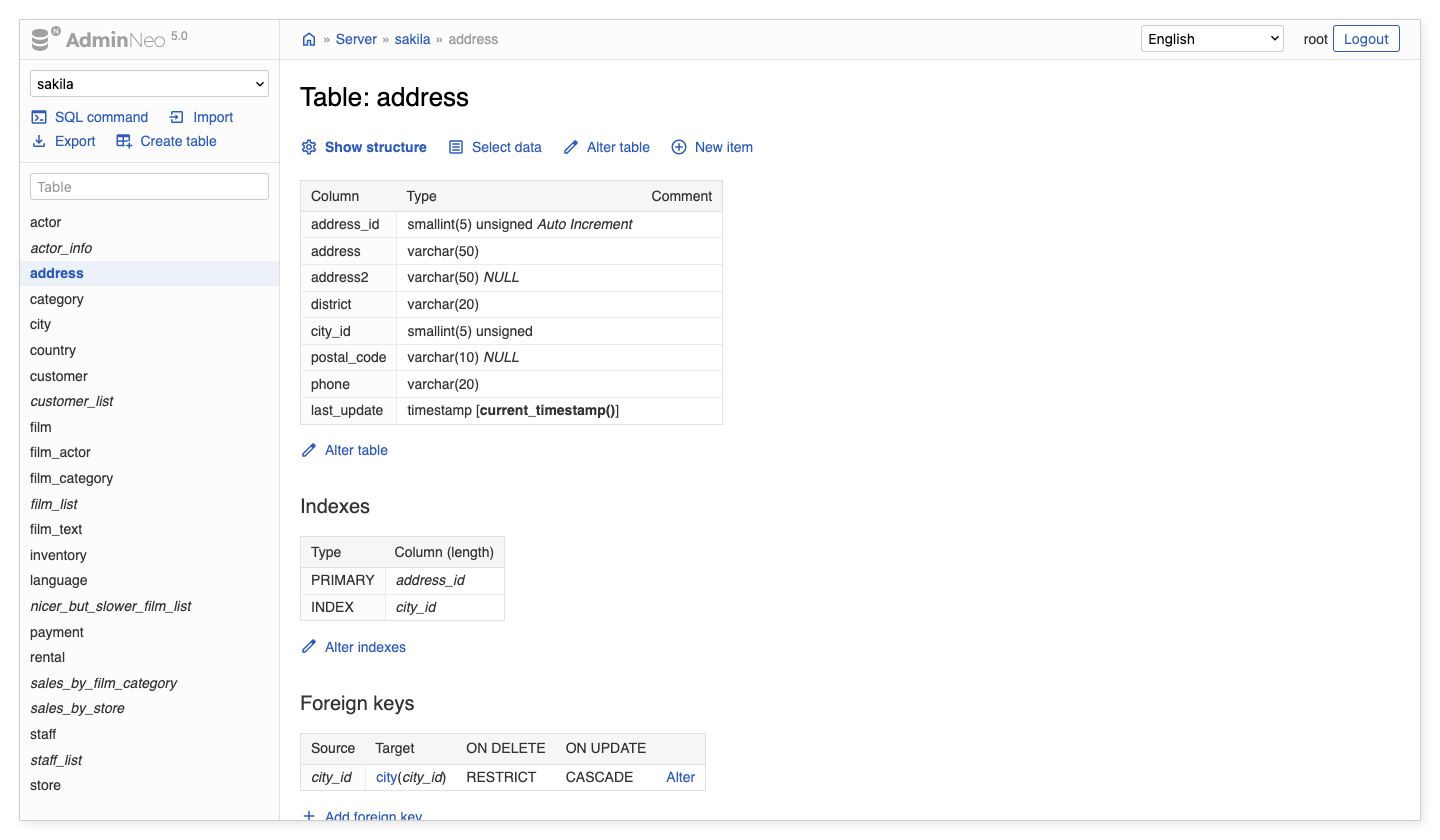
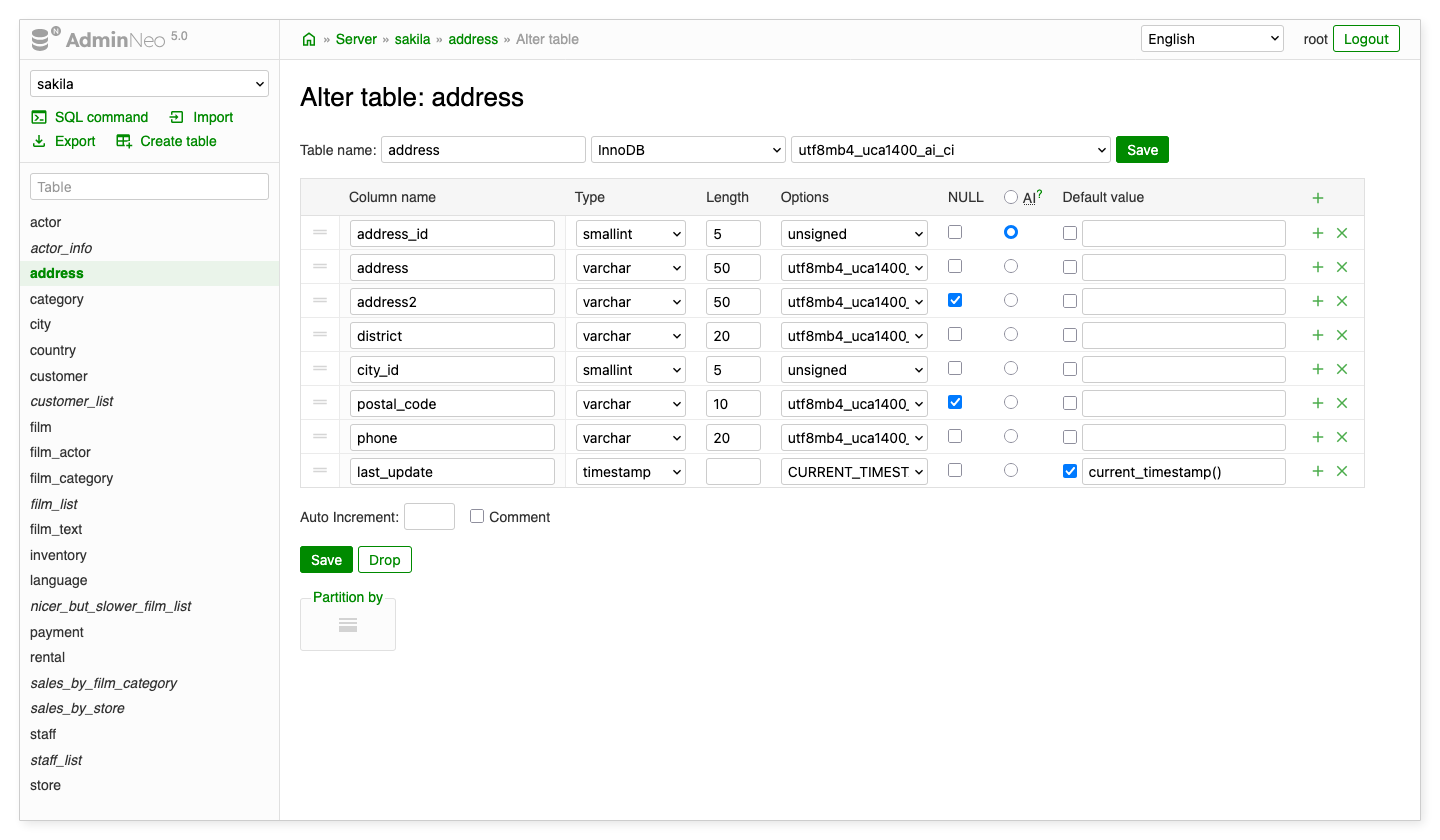
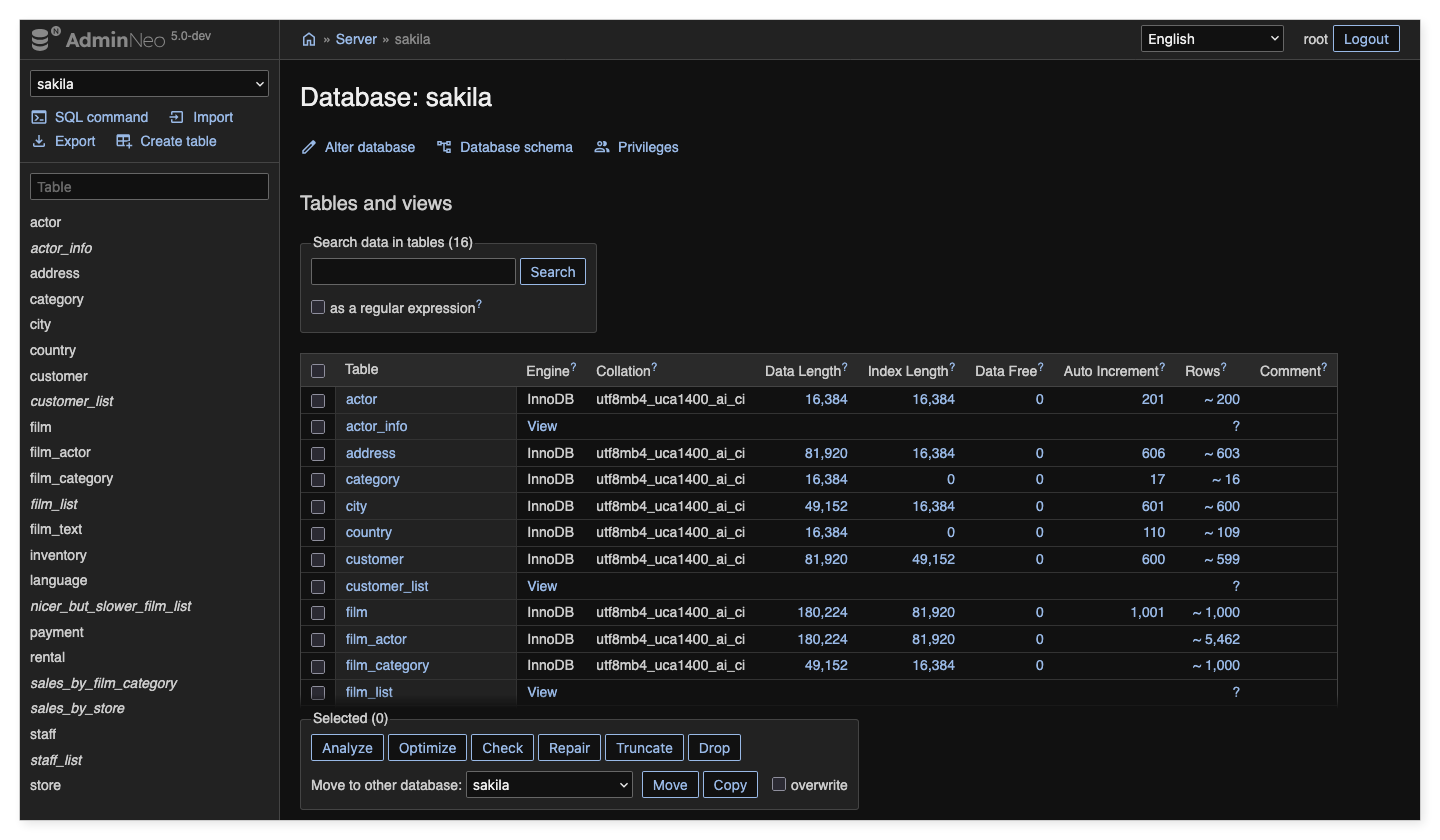
Axenox SQL admin is a fork of AdminNeo, a full-featured database management tool written in PHP. It is designed to be embedded in other PHP applications, particularly the ExFace / Accenture Power UI no-code platform. As a companion, EditorNeo offers data manipulation for end-users.
Full credit goes to the AdminNeo authors and contributors and to Jakub Vrána and the Adminer contributors: AdminNeo is based on the Adminer project. This fork builds on their work and aims to stay compatible with upstream updates.
 |
 |
|---|---|
 |
 |
Key features
- Clean modern user interface
- Managing the structure of databases and tables
- Data manipulation and searching
- Exporting and importing databases and data
- Executing batch SQL commands
- Extendable by plugins
- And much more…
Supported databases
- MySQL, MariaDB, PostgreSQL, MS SQL, SQLite, Oracle
- MongoDB, SimpleDB
- Elasticsearch (beta), ClickHouse (alpha)
Embedded mode
The main difference from upstream AdminNeo is an optional embedded mode. It allows the tool to operate at a sub-URL behind a PHP facade or middleware instead of requiring a standalone PHP endpoint. The host application can route requests, supply database connection settings, and capture the rendered response, including when the UI is displayed in an iframe.
Enable the embeddedMode configuration option for this integration. It prevents progressive output flushing from
interfering with the host's response headers, selects default schemas without an external redirect, and returns
completed exports to the host instead of terminating the PHP request. Embedded mode is disabled by default, so
standalone usage remains available.
In Power UI, the axenox/ide package provides the IDEFacade integration: it resolves the database connection and
configures AdminNeo so users do not need to log in to the database tool separately. Other PHP hosts can provide
their own integration. See architecture and configuration and
plugin hooks for the integration points.
Functional differences
Beyond embedding, this fork focuses on database design and maintenance, especially for MS SQL, MySQL/MariaDB, and PostgreSQL. Highlights include:
- Copy tables and views: PostgreSQL and MS SQL copy implementations, a copy button on the structure page, and an option to copy structure without data.
- More complete MS SQL tooling: list, edit, call, and export functions and stored procedures; read full view definitions; and remove dependent constraints when dropping columns or tables.
- Migration-friendly schema changes: optional explicitly named constraints through
useNamedConstraints. - Query diagnostics: opt-in runtime and I/O statistics for supported MS SQL (SQLSRV), PostgreSQL, MySQL, and MariaDB connections, plus scrollable SQL result tables. Availability and execution overhead depend on the driver and server version; see runtime statistics.
- Integration and visualization extensions: regex-based foreign-key discovery, a tree-viewer plugin, and a replaceable schema renderer.
- Driver improvements: faster alter-table forms for MS SQL and PostgreSQL, MS SQL binary UUID handling, and custom SQLSRV connection options such as Azure managed identity authentication.
See the complete list of fork-specific changes for details and related commi
Documentation
- AdminNeo website and documentation — upstream features, downloads, and guides.
- Upstream configuration and plugins.
- Our docs folder and documentation index — documentation maintained for this fork.
- Architecture and configuration — routing, drivers, and embedded mode.
- Plugin hooks — extension points for integrations.
- Fork-specific changes — the full feature-oriented change log.
- Security — security guidance.
Main project files
- admin/index.php - Development version of AdminNeo.
- editor/index.php - Development version of EditorNeo.
- bin/compile.php - Create a single file version.
- bin/update-translations.php - Update translation files.
- examples - Examples of customizations and plugins usage.
- tests - Katalon Automation Recorder test suites.
Updating translations
- Download the current source code.
- Run
php bin/update-translations.php [language]wherelanguageis the language code (e.g.de). - Translate all missing texts with
nullvalues and/or correct existing translations. - Create a pull request or send your updates by another channel (e.g., in new GitHub issue).