
ashokdubariya / casms
Client Approval & Sign-Off Management System - A focused Laravel application for managing client approvals with version history and audit records.
Maintainers

Package info
github.com/ashokdubariya/laravel-casms
Language:Blade
Type:project
pkg:composer/ashokdubariya/casms
Requires
- php: ^8.2
- barryvdh/laravel-dompdf: ^3.0
- laravel/framework: ^12.0
- laravel/tinker: ^2.9
Requires (Dev)
- fakerphp/faker: ^1.23
- laravel/pint: ^1.13
- laravel/sail: ^1.29
- mockery/mockery: ^1.6
- nunomaduro/collision: ^8.0
- phpunit/phpunit: ^11.0
This package is auto-updated.
Last update: 2026-08-04 12:27:55 UTC
README
A professional, self-hosted Laravel application for managing client approvals and sign-offs with version history, secure token-based access, and comprehensive audit trails.
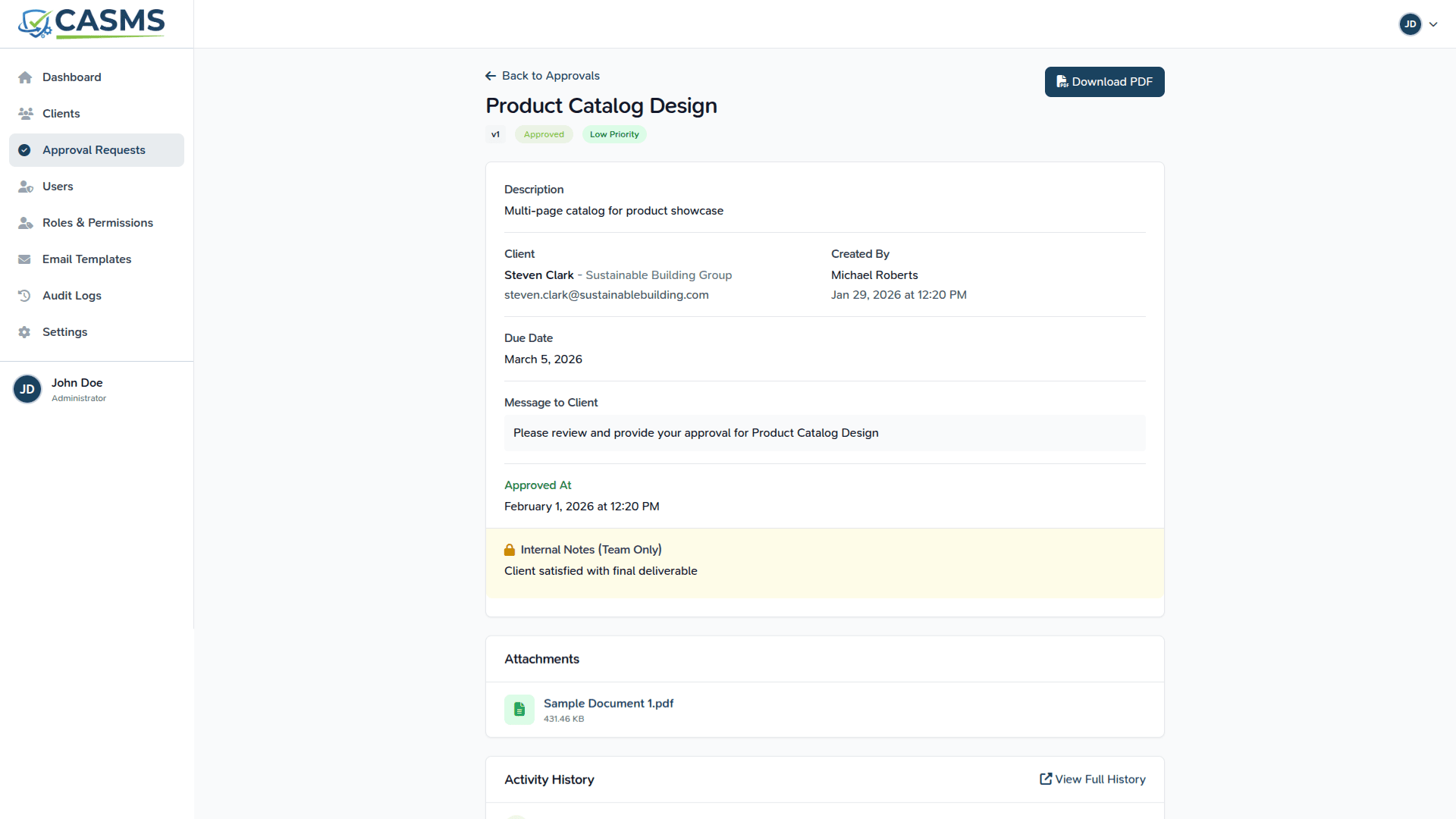
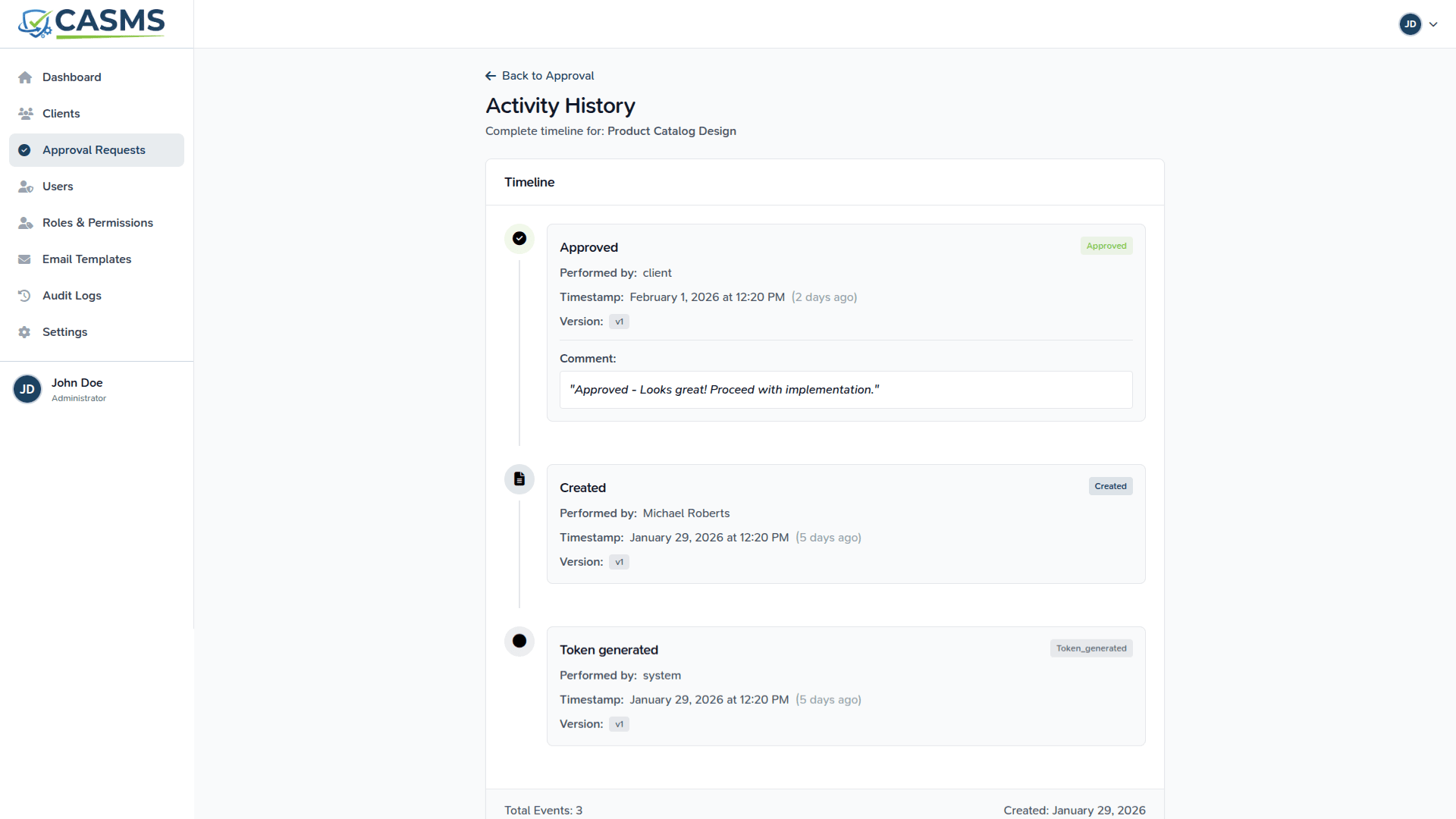
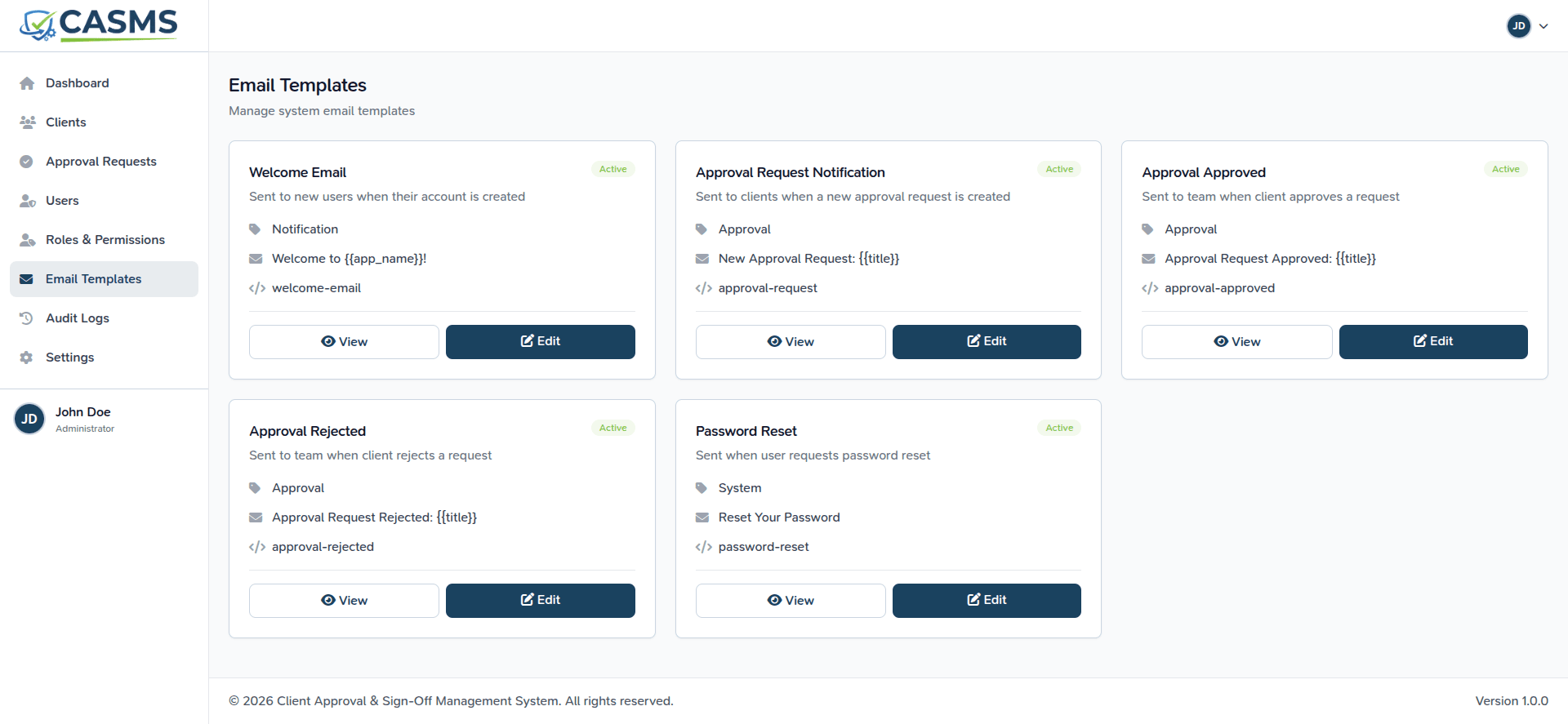
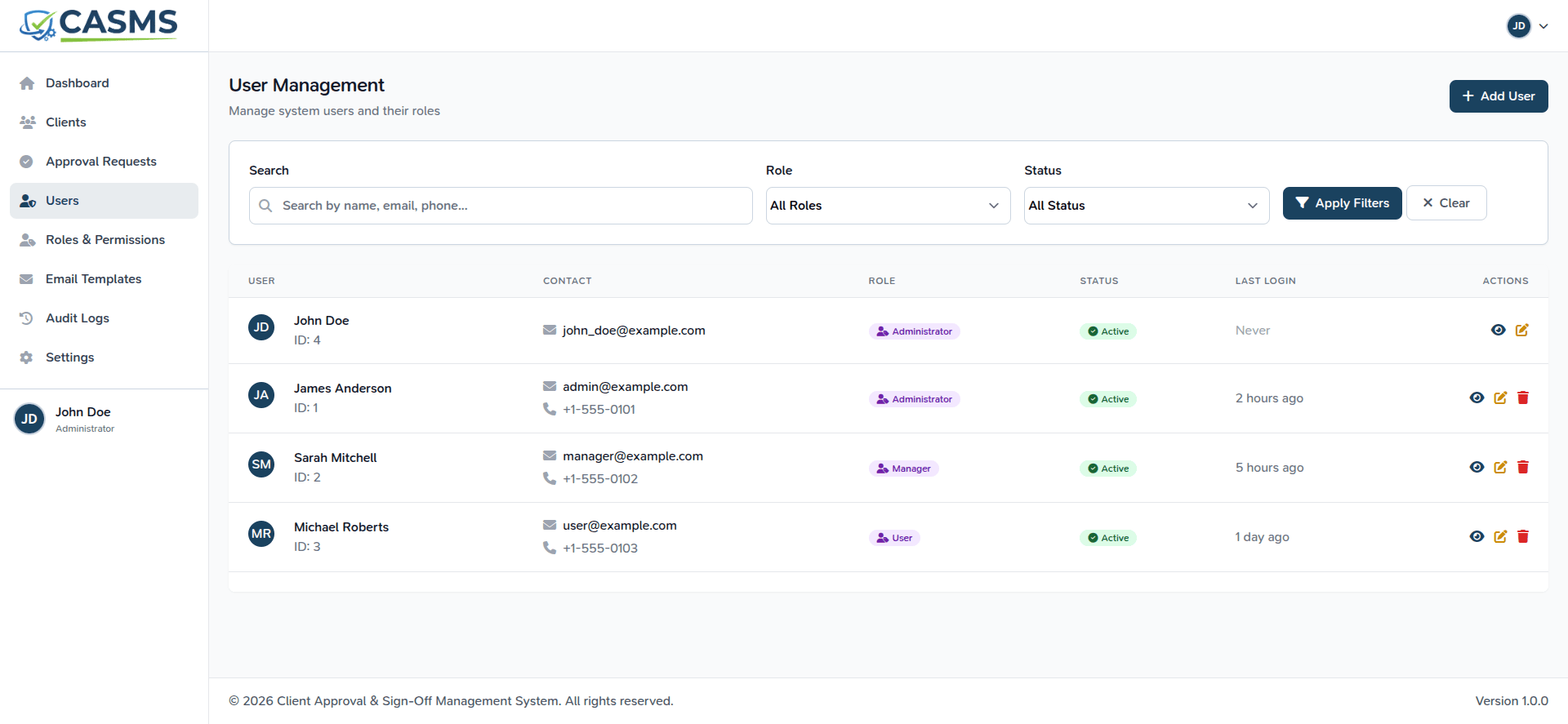
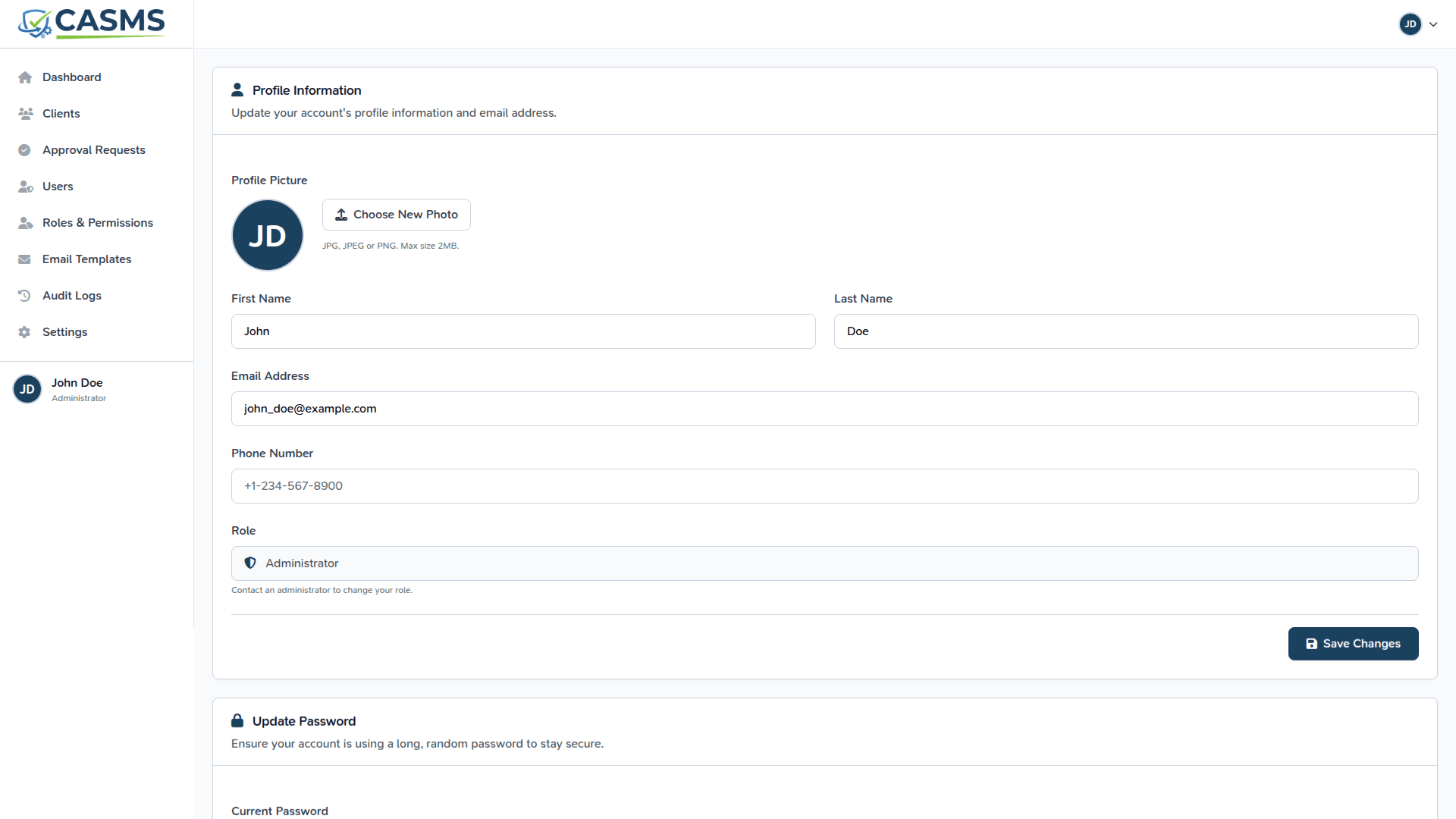
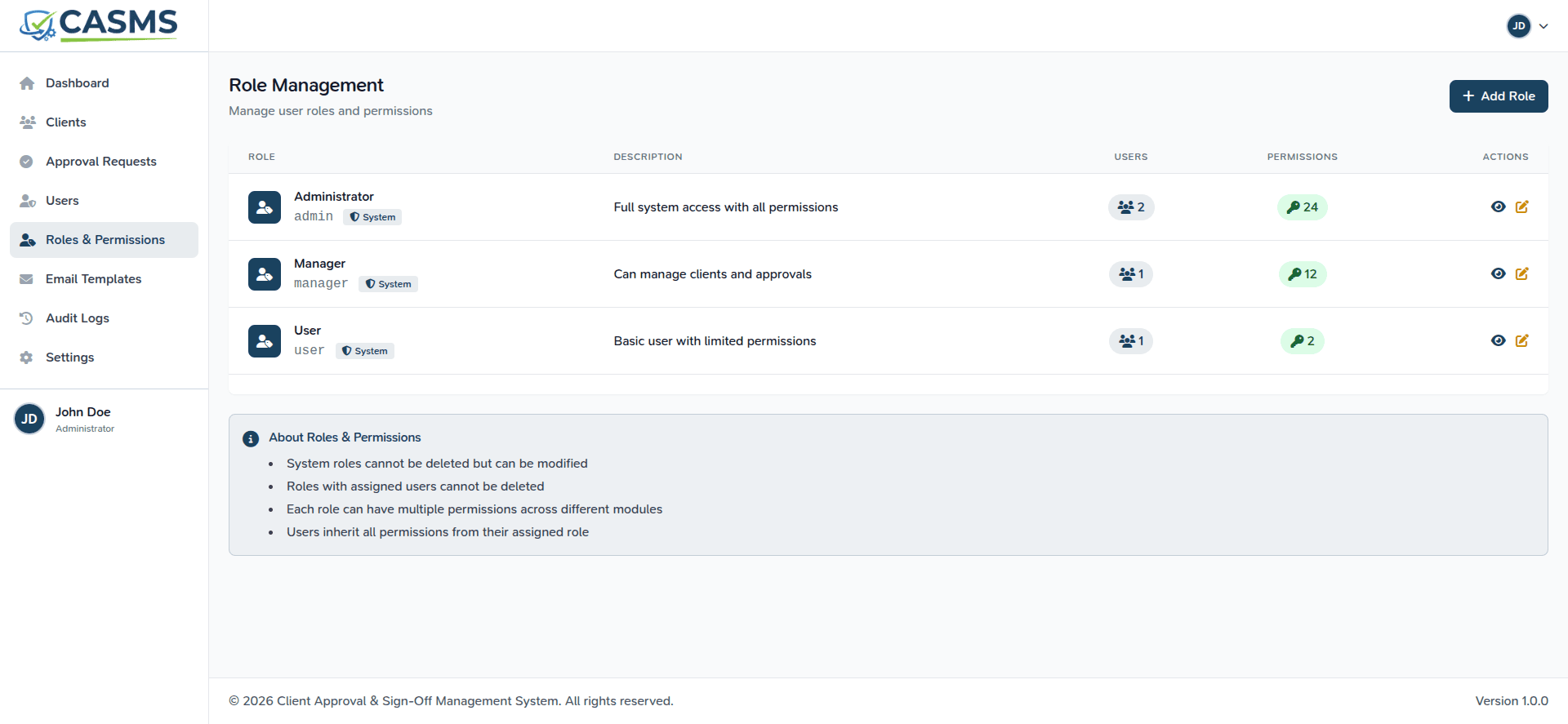
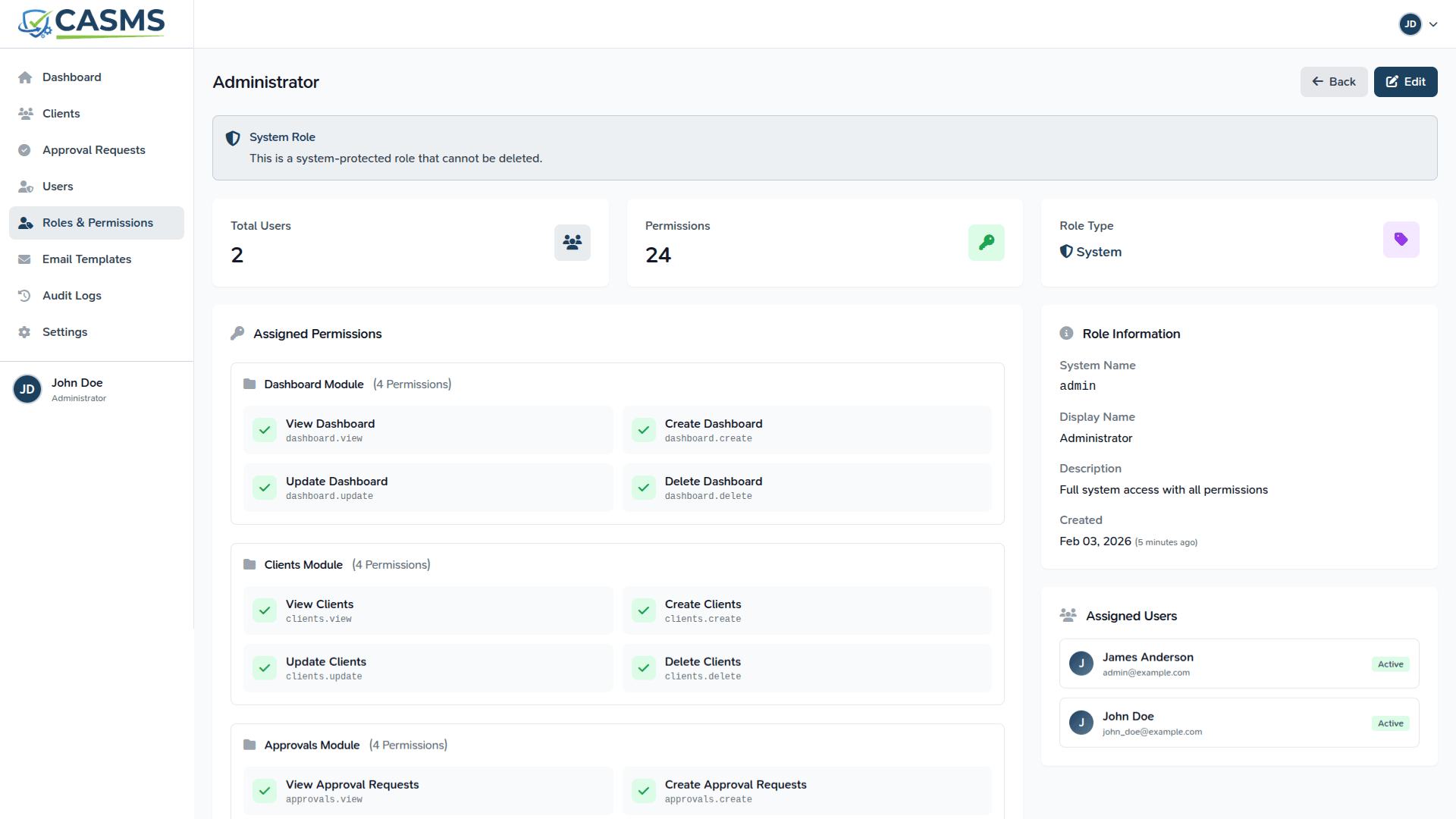
📸 Application Screenshots
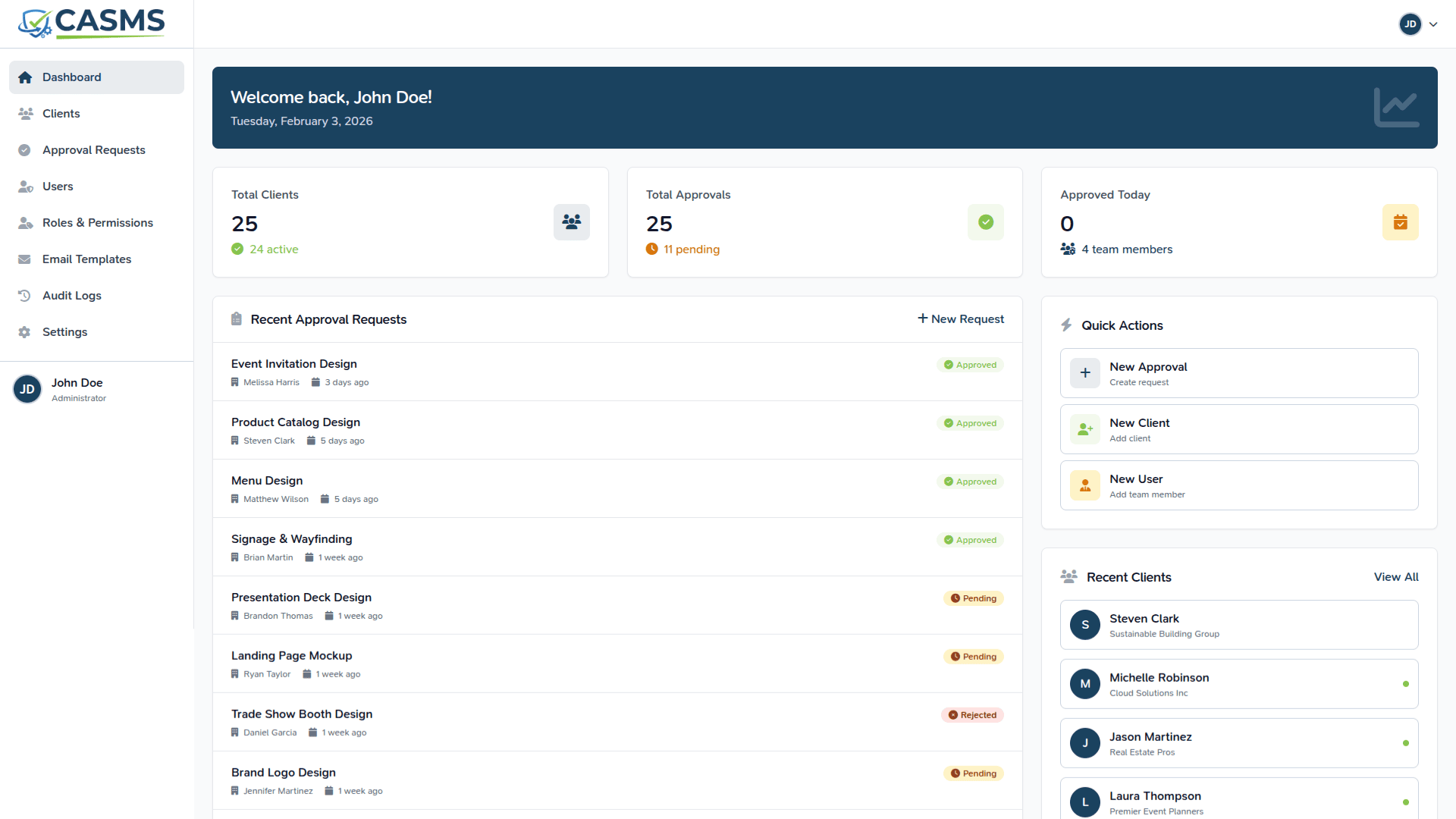 |
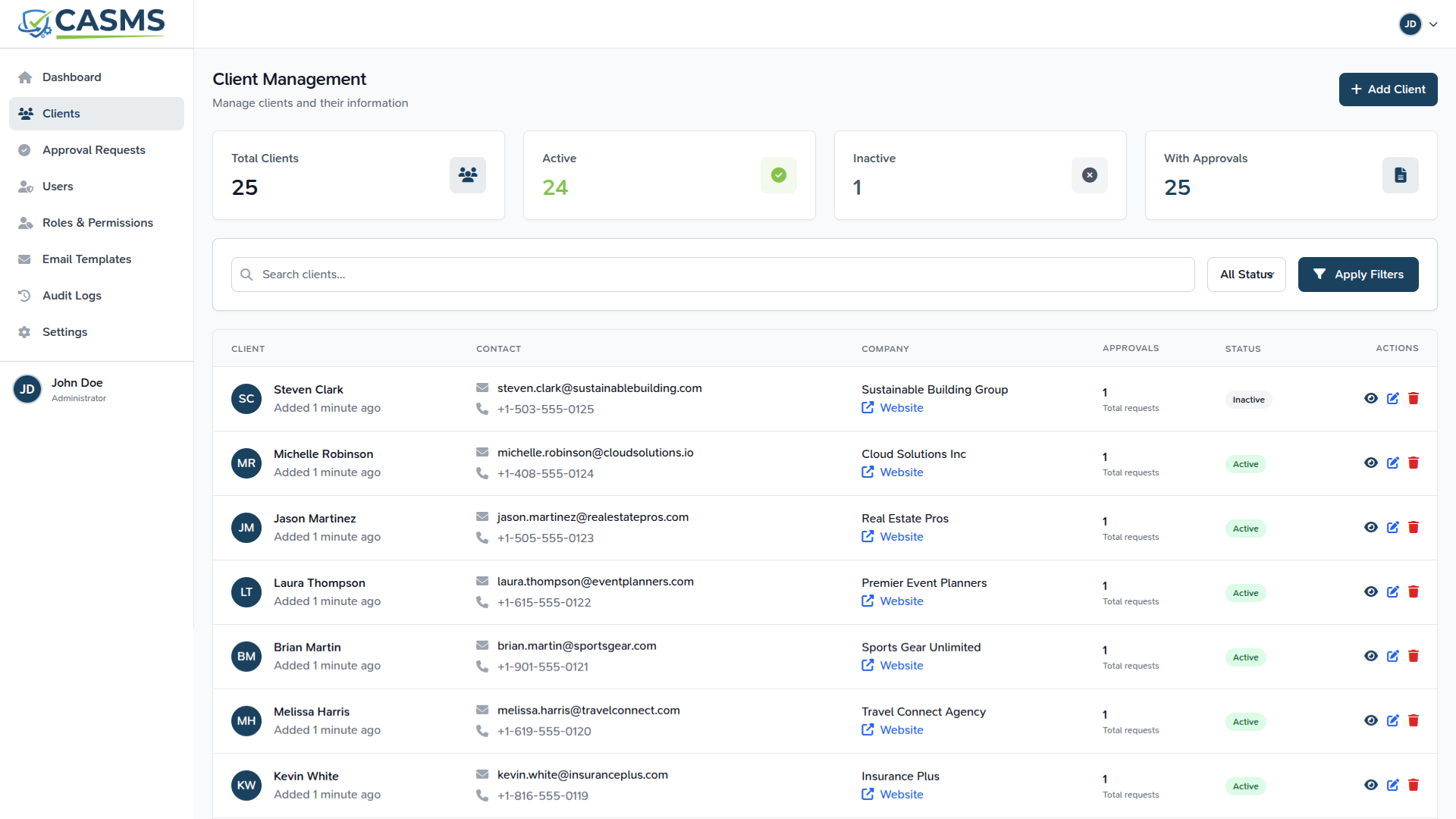 |
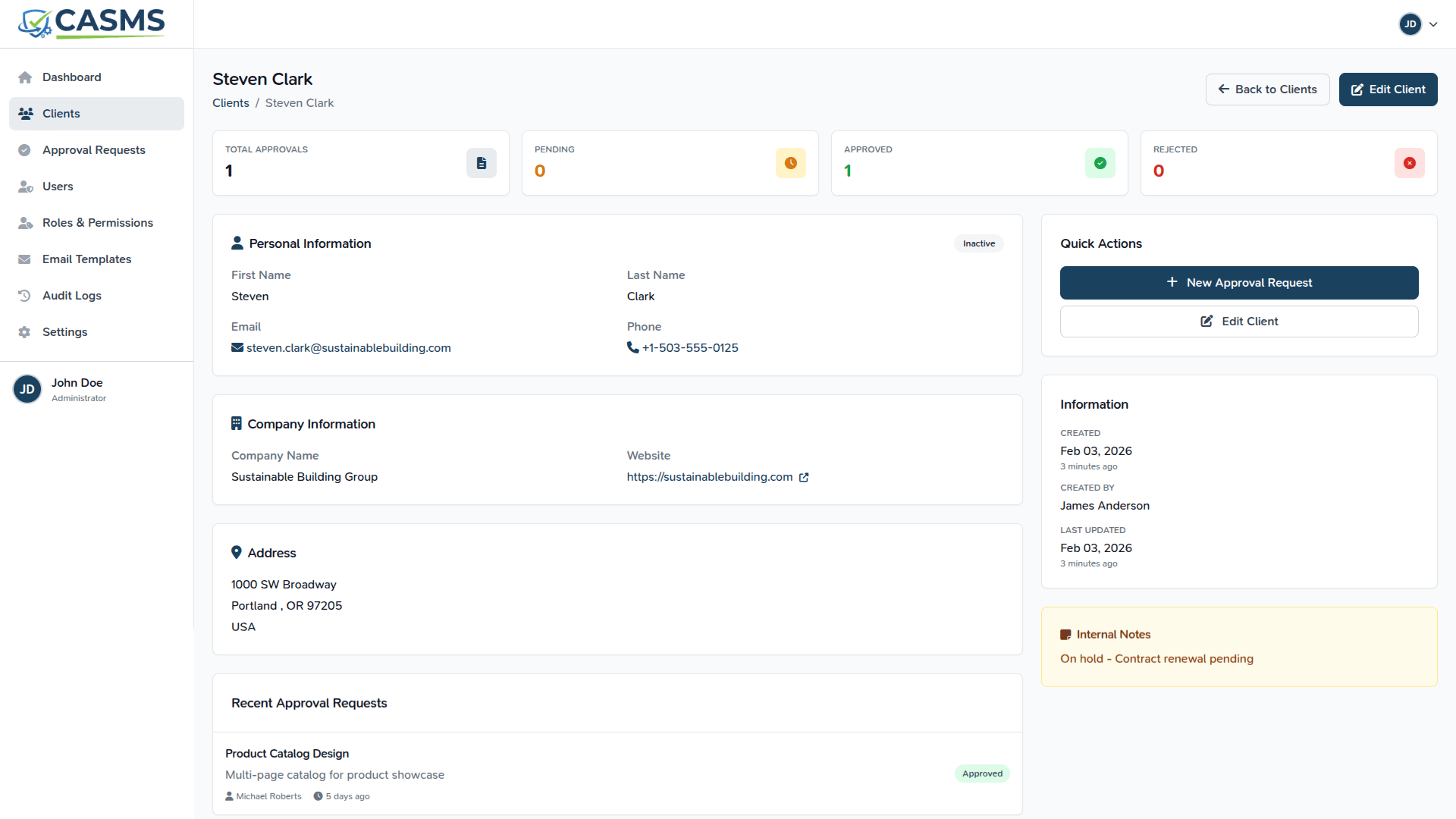 |
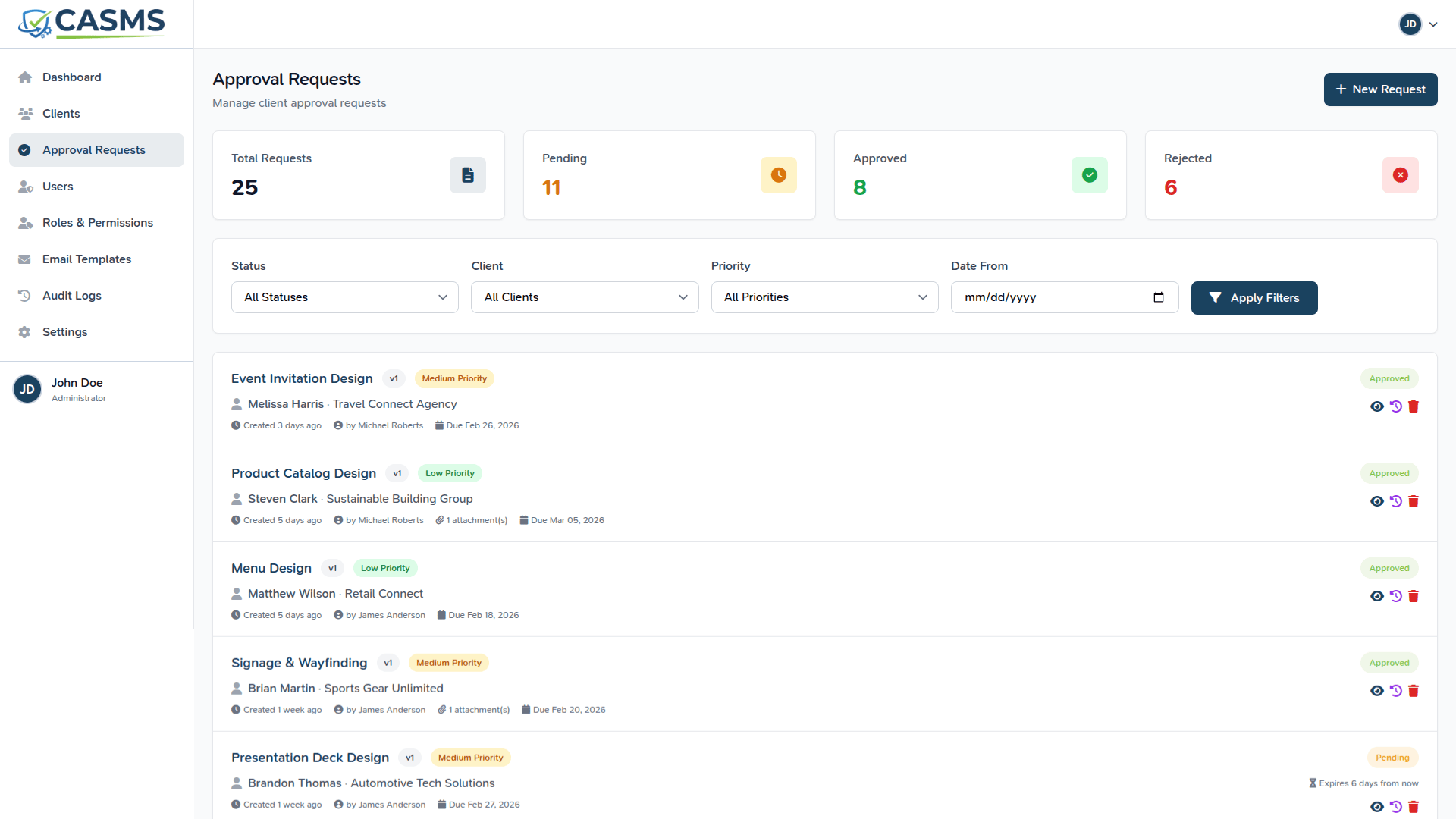 |
 |
 |
 |
 |
 |
 |
 |
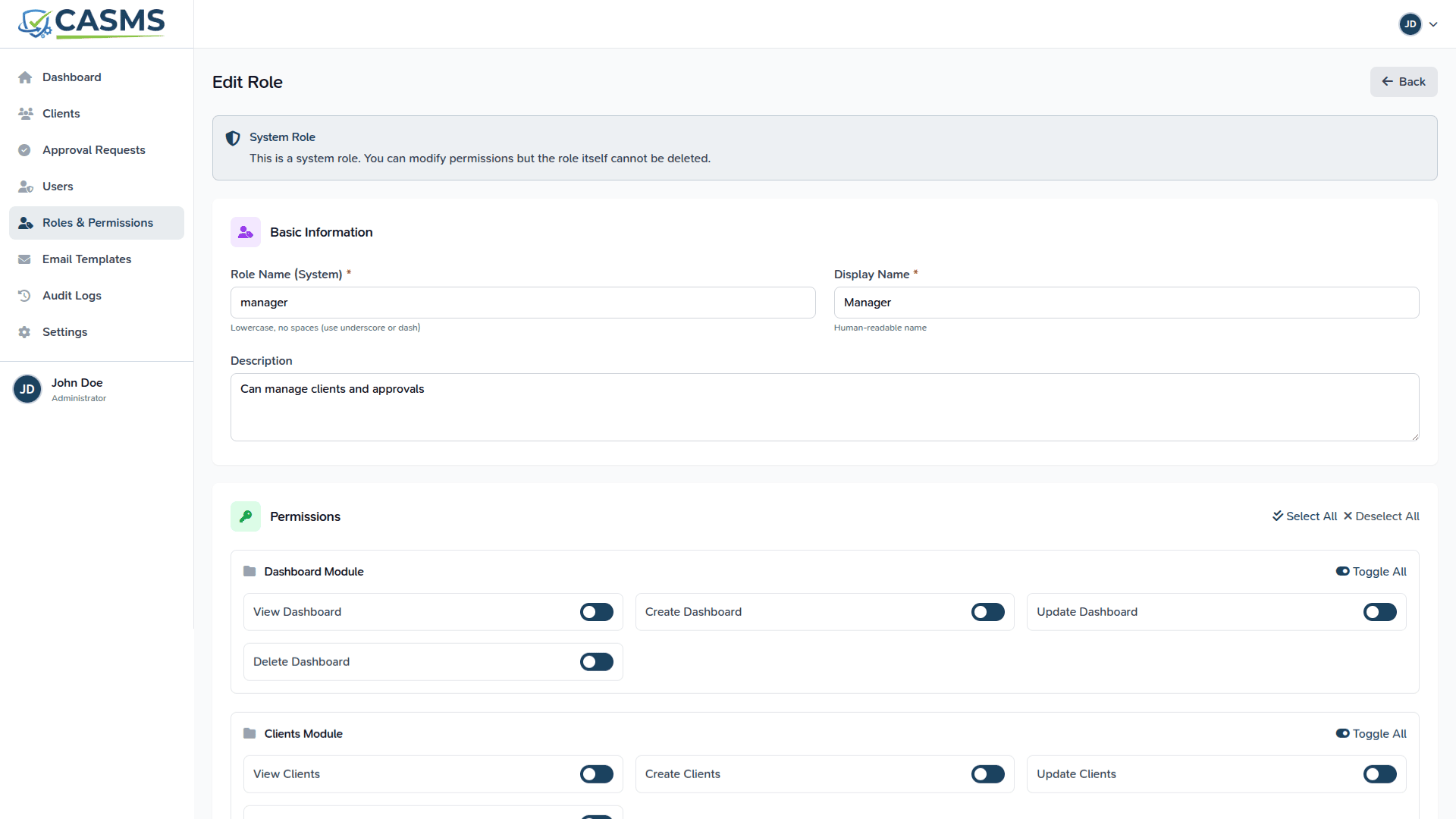 |
Table of Contents
- What This Is
- What This Is Not
- Key Features
- Requirements
- Installation
- Configuration
- Usage Guide
- Testing
- Security
- Support
- License
What This Is
A focused approval tracking system designed for:
- Agencies managing client approvals
- Freelancers tracking project sign-offs
- Consultants requiring verifiable acceptance records
- Service providers needing audit trails
This system centralizes approval workflows, eliminates email-based approvals, and provides legally useful proof of client decisions.
What This Is Not
This is NOT:
- A project management system
- A CRM platform
- An invoicing or payment solution
- A time tracking tool
- A messaging or collaboration suite
- A task management system
If you need those features, this product is not for you. This application is deliberately focused on approval workflows only.
Key Features
Core Approval Management
- Create approval requests with title, description, and version
- Attach files, images, and URLs
- Add internal team notes (never shown to clients)
- Track approval status: Pending, Approved, Rejected
Secure Client Access
- Token-based approval links (no client login required)
- Time-limited expiry (default: 7 days)
- Single-use tokens prevent reuse
- IP address and user agent tracking
Approval Workflow
- Clients approve with one click
- Clients reject with mandatory feedback
- Email notifications to team and clients
- Reminder emails for pending approvals
Audit & History
- Immutable activity timeline
- Complete approval lifecycle tracking
- PDF export of approval proof
- Search and filter approvals
Team Management
- Admin and Team Member roles
- Active/inactive user management
- Permission-based access control
Requirements
Server Requirements
- PHP: 8.2 or higher
- Database: MySQL 5.7+ or MariaDB 10.3+
- Web Server: Apache or Nginx
- Composer: 2.x
- Node.js: 18.x or higher (for asset compilation, optional)
PHP Extensions
- BCMath
- Ctype
- Fileinfo
- JSON
- Mbstring
- OpenSSL
- PDO
- Tokenizer
- XML
- GD or Imagick (for PDF generation)
Installation
Step 1: Upload Files
Extract the ZIP file to your web server directory:
/var/www/html/your-domain/
Step 2: Install Dependencies
cd /var/www/html/your-domain
composer install --no-dev --optimize-autoloader
Step 3: Environment Configuration
Copy the example environment file:
cp .env.example .env
Edit .env and configure:
APP_NAME="Client Approval System"
APP_ENV=production
APP_DEBUG=false
APP_URL=https://your-domain.com

DB_CONNECTION=mysql
DB_HOST=127.0.0.1
DB_PORT=3306
DB_DATABASE=your_database_name
DB_USERNAME=your_database_user
DB_PASSWORD=your_database_password

MAIL_MAILER=smtp
MAIL_HOST=smtp.mailtrap.io
MAIL_PORT=2525
MAIL_USERNAME=your_mail_username
MAIL_PASSWORD=your_mail_password
MAIL_FROM_ADDRESS="noreply@your-domain.com"
MAIL_FROM_NAME="${APP_NAME}"
Step 4: Generate Application Key
php artisan key:generate
Step 5: Run Migrations
php artisan migrate --force
Step 6: Create Storage Symlink
php artisan storage:link
Step 7: Set Permissions
chmod -R 775 storage bootstrap/cache
chown -R www-data:www-data storage bootstrap/cache
Step 8: Create Admin User
php artisan tinker
Then run:
\App\Models\User::create([
    'name' => 'Admin',
    'email' => 'admin@example.com',
    'password' => bcrypt('secure-password'),
    'role' => 'admin',
    'is_active' => true,
]);
Step 9: Configure Web Server
For Apache (.htaccess included):
Ensure mod_rewrite is enabled.
For Nginx:
server {
    listen 80;
    server_name your-domain.com;
    root /var/www/html/your-domain/public;

    add_header X-Frame-Options "SAMEORIGIN";
    add_header X-Content-Type-Options "nosniff";

    index index.php;

    charset utf-8;

    location / {
        try_files $uri $uri/ /index.php?$query_string;
    }

    location = /favicon.ico { access_log off; log_not_found off; }
    location = /robots.txt  { access_log off; log_not_found off; }

    error_page 404 /index.php;

    location ~ \.php$ {
        fastcgi_pass unix:/var/run/php/php8.2-fpm.sock;
        fastcgi_param SCRIPT_FILENAME $realpath_root$fastcgi_script_name;
        include fastcgi_params;
    }

    location ~ /\.(?!well-known).* {
        deny all;
    }
}
Step 10: Access the Application
Navigate to: https://your-domain.com
Login with the admin credentials created in Step 8.
Configuration
Email Configuration
Configure email in .env:
For SMTP:
MAIL_MAILER=smtp
MAIL_HOST=smtp.gmail.com
MAIL_PORT=587
MAIL_USERNAME=your-email@gmail.com
MAIL_PASSWORD=your-app-password
MAIL_ENCRYPTION=tls
For Mailgun, Postmark, SES: See Laravel Mail Documentation
Approval Settings
Edit config/approval.php:
'token' => [
    'expiry_days' => 7, // Token expiry in days
],

'attachments' => [
    'max_count' => 10, // Maximum attachments per approval
    'max_file_size' => 20480, // Max file size in KB (20MB)
],
Or use .env:
APPROVAL_TOKEN_EXPIRY_DAYS=7
APPROVAL_MAX_ATTACHMENTS=10
APPROVAL_MAX_FILE_SIZE=20480
PDF Configuration
PDF generation uses DomPDF. Customize in config/approval.php:
'pdf' => [
    'orientation' => 'portrait',
    'paper_size' => 'a4',
    'company_name' => env('APP_NAME', 'Client Approval System'),
],
Usage Guide
Creating an Approval Request
- Navigate to Dashboard: Click "New Approval Request"
- Fill in Details:
- Title: Brief description (required)
- Description: Detailed context (optional)
- Version: e.g., v1, v2.1 (optional)
- Client Name: Full name (required)
- Client Email: Valid email (required)
- Internal Notes: Team-only notes (optional)
- Add Attachments: Upload images, documents, or add URLs
- Submit: System generates secure approval link
Sending Approval to Client
After creating an approval:
- Copy the secure approval link
- Email it to the client (or use built-in reminder feature)
- Link expires in 7 days by default
- Client can approve or reject (once only)
Client Approval Process
Clients receive a link and can:
- View approval details and attachments
- Approve with one click
- Reject with mandatory feedback
- No login or account required
- Secure, single-use token
Managing Approvals
- Filter: By status, client email, or date range
- Edit: Pending approvals only (completed are immutable)
- Send Reminder: Nudge clients for pending approvals
- Regenerate Link: Create new token if needed
- View History: See complete audit trail
- Download PDF: Export approval proof
Admin Features
Admins can:
- Manage all users (create, deactivate)
- Delete any approval request
- Access all approvals (not just their own)
Testing
Run the complete test suite:
php artisan test
Test Coverage
- Feature Tests: Full workflow testing
- Unit Tests: Model logic and helpers
- Validation Tests: Input sanitization
- Security Tests: Token security, authorization, SQL injection prevention
Security
Token Security
- Cryptographically secure random generation (64 characters)
- SHA-256 hashing with entropy
- Single-use enforcement
- Time-based expiry
- IP and user agent tracking
Authorization
- Laravel Policy-based authorization
- Role-based access control (Admin, Team Member)
- Active user enforcement
- Owner-based approval access
Data Protection
- Immutable audit history
- Internal notes isolation
- SQL injection prevention
- XSS protection via Blade templating
- CSRF token validation
Best Practices
- HTTPS enforcement recommended
- Strong password requirements
- Session security
- Input validation and sanitization
Support
Common Issues
Issue: Emails not sending
- Solution: Check
.envmail configuration - Verify SMTP credentials
- Check firewall/port blocking
Issue: File upload fails
- Solution: Check
upload_max_filesizeinphp.ini - Verify storage permissions:
chmod 775 storage
Issue: Token link shows "expired"
- Solution: Token expired (default 7 days)
- Regenerate new link from approval details page
Issue: 500 error after installation
- Solution: Check storage permissions
- Run
php artisan config:cache - Check error logs:
storage/logs/laravel.log
Version History
v1.0.0 (January 2026)
- Initial release
- Core approval workflow
- Token-based client access
- PDF export
- Audit history
- Email notifications
- Comprehensive test coverage
Credits
Built with:
- Laravel - PHP Framework
- Tailwind CSS - Styling
- Alpine.js - Interactivity
- DomPDF - PDF Generation
Thank you for choosing Client Approval & Sign-Off Management System!